
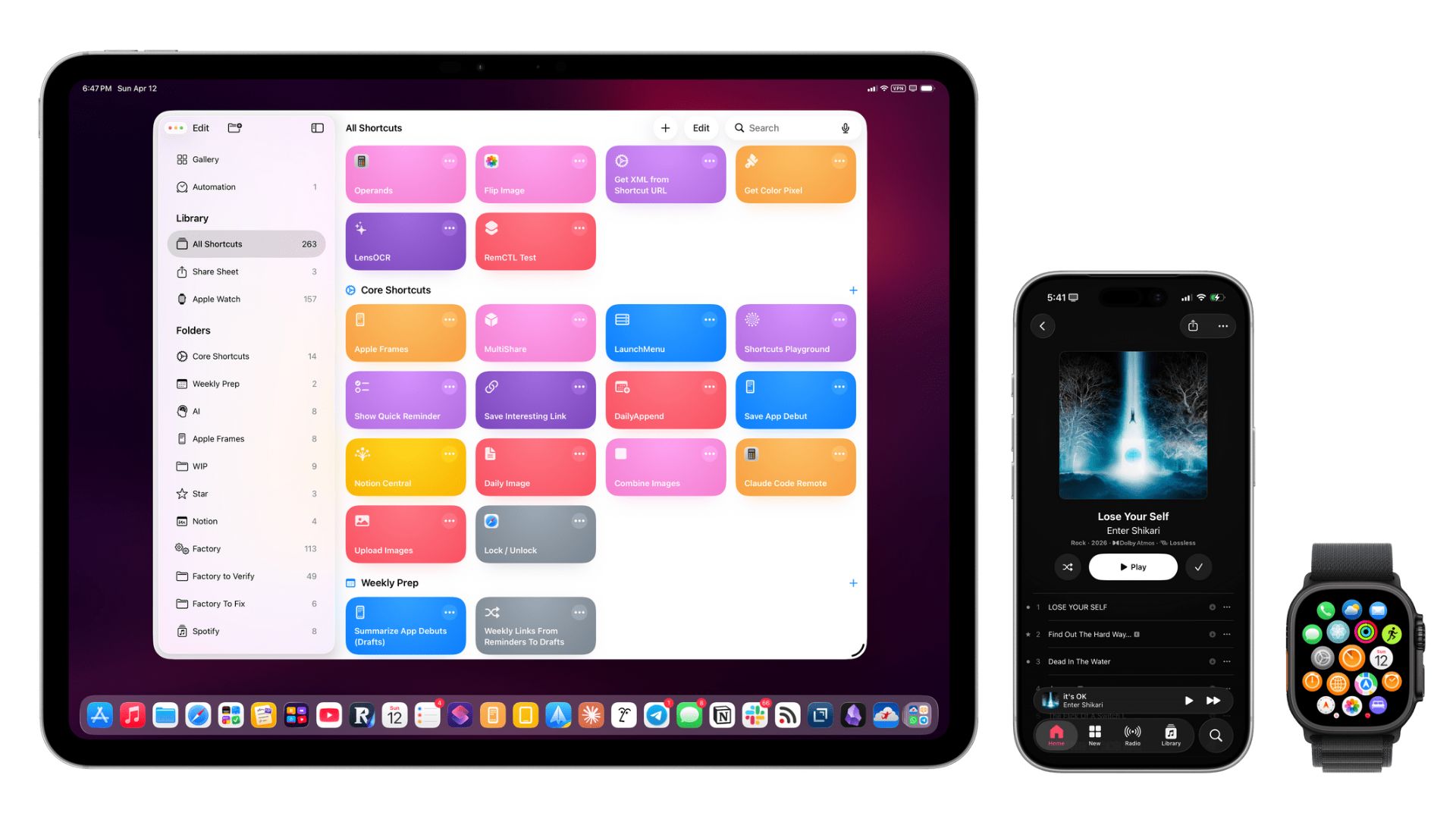
MacStories just released a massive update to its wildly popular screenshot tool. Apple Frames 4 is now available for users globally, bringing several highly requested features to the shortcut. The tool lets anyone easily wrap device frames around standard screenshots. This new version completely rebuilds how the shortcut operates, making it faster and much more reliable for editing images on your phone or computer.
The update adds new frame colors and smarter proportional scaling
For the first time, people around the world can choose different colors for their device frames. If you take a screenshot on a midnight MacBook Air, you can now wrap that specific image in a matching dark frame. The major update also introduces a clever feature called proportional scaling.
Don’t miss the best of The Mac Observer
Set us as a preferred source and our Apple reporting ranks higher in your Google Search results and Discover feed — one tap, no account changes.
This means if you combine multiple screenshots of different devices into one picture, the shortcut automatically resizes them so they look correct next to each other. A small phone will actually look like a real phone sitting next to a large tablet, rather than awkwardly scaling up to the exact same height.
A brand new command-line tool helps developers work faster
The company also created something entirely new for advanced users. MacStories officially launched the Apple Frames CLI, which is a custom command line interface designed specifically for developers. This lets people run the framing tool directly from the terminal on a Mac computer.
It completely strips away the visual menus and just processes the images quietly in the background. Developers building apps or writing software articles can easily batch process hundreds of screenshots in a matter of seconds.
These smart improvements make the popular shortcut much more powerful for everyday tasks and professional work. Users globally will appreciate the added color options and the impressive speed of the new developer tools.


Discussion