
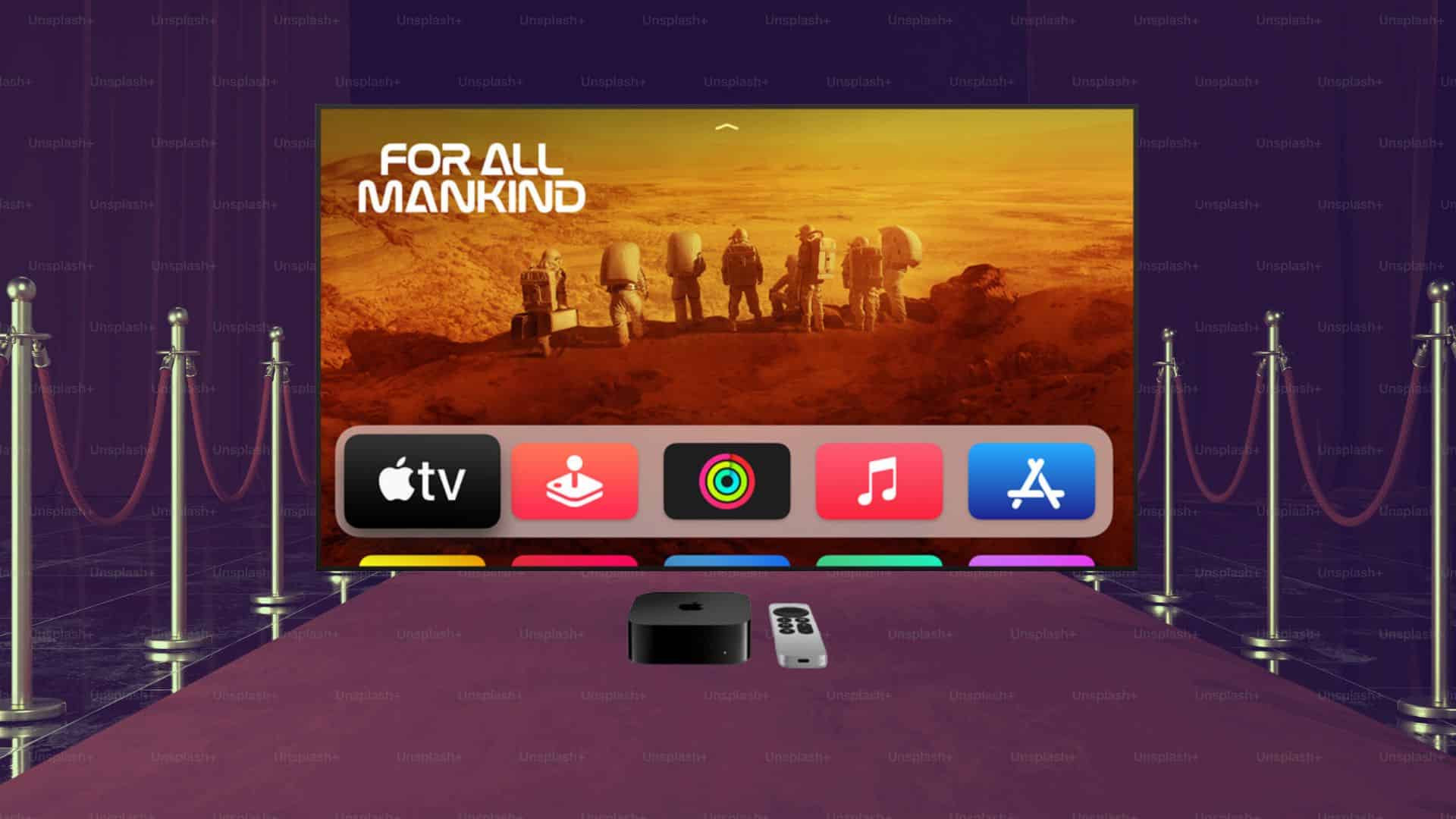
Apple is rolling out a noticeable change to the TV app interface across its entire ecosystem of devices, including the iPhone, iPad, and Mac. The company has quietly expanded the use of autoplaying video previews to more sections within the application. For years, users only encountered this specific moving video behavior at the very top of the screen in the main featured title carousel.
Now, scrolling deeper into the app reveals a much more active browsing environment.
How the new video previews work
The update brings motion to specific rows further down the screen in both the Home tab and the Apple TV tab. These new rows display titles using significantly larger artwork than the standard viewing grids. When you navigate to one of these larger tiles and pause for a moment, a video preview automatically begins playing.
Don’t miss the best of The Mac Observer
Set us as a preferred source and our Apple reporting ranks higher in your Google Search results and Discover feed — one tap, no account changes.
The feature is designed to feel intentional rather than intrusive. If you keep scrolling quickly past the content, the videos remain completely static. The playback only triggers when you stop scrolling to look at a specific show or movie. Do note that Apple is all set to roll out the tvOS 26.4 stable update, which should bring more interface changes.
You can spot the visual changes in the app in these places
You can currently see this updated behavior in a few specific promotional areas. In the Home tab, a new row titled “Perfectly Imperfect” utilizes the larger artwork and the new autoplay mechanic. This row highlights the recent premiere of the show Imperfect Women. You will find a similar setup in the Apple TV tab under the “New Seasons This Spring” section. Shows like the second season of Your Friends and Neighbors will automatically play a short clip when you rest on their promotional image.
Finding something to watch can take time, and streaming services are constantly tweaking their layouts to capture your attention. Adding motion to the broader browsing catalog aligns Apple with common practices seen across most modern entertainment platforms. Viewers are increasingly accustomed to seeing video start playing as they navigate through digital menus.
Apple’s approach remains relatively restrained compared to some competitors. By requiring a pause before initiating playback, the application avoids overwhelming the user with sudden audio and video streams while they are simply trying to navigate to a different tab.




Discussion