
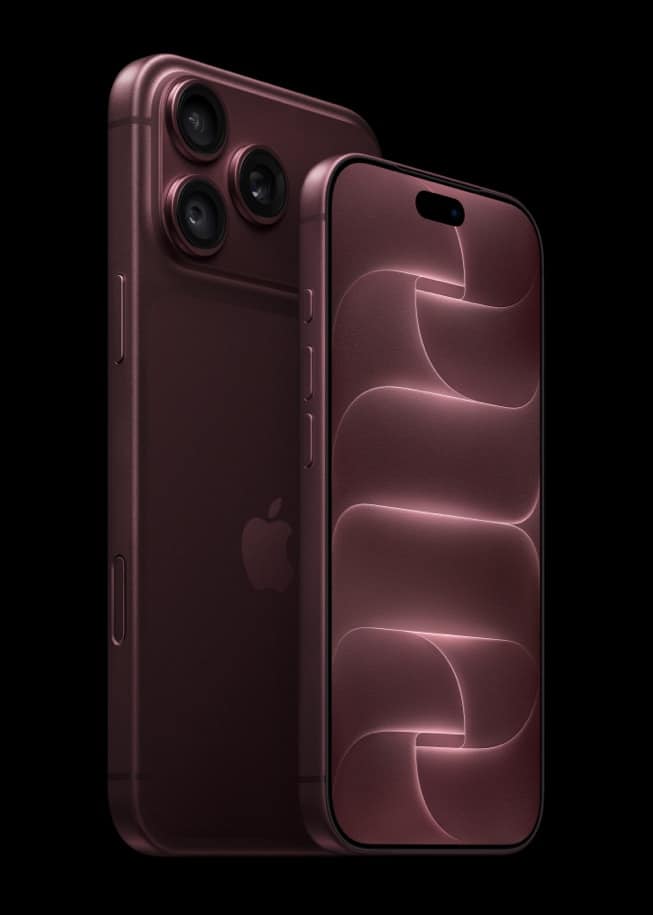
iOS 27 becomes available free on iPhone and iPad this Monday, September 14. Before it does, Apple’s own update instructions put one step ahead of everything else, including opening Settings: back up the device, using iCloud or a computer.
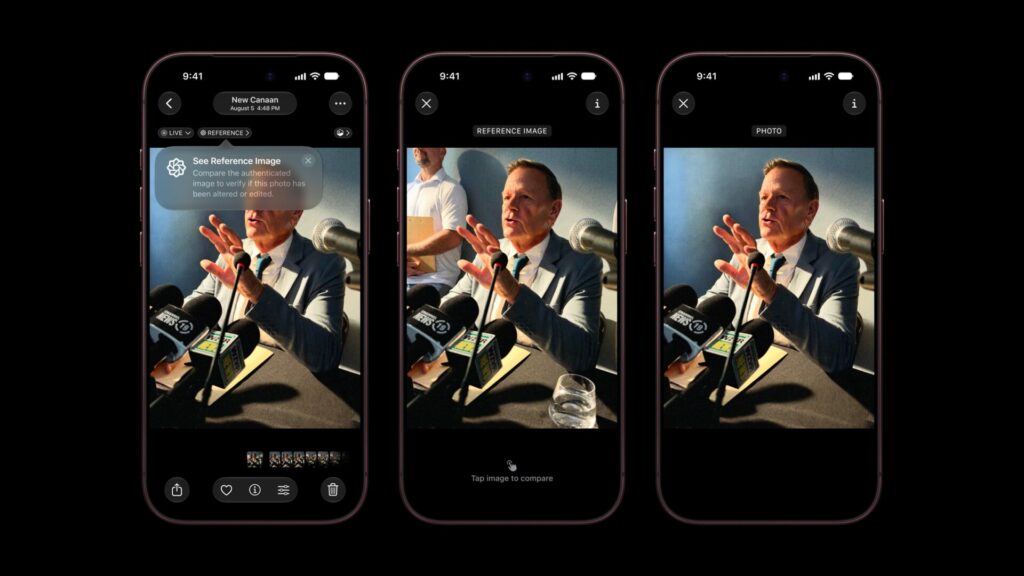
Apple documents two backup routes and does not pick a winner between them, but the two are not identical. One is always encrypted and the other is not, and that single difference decides what actually survives the move to iOS 27.
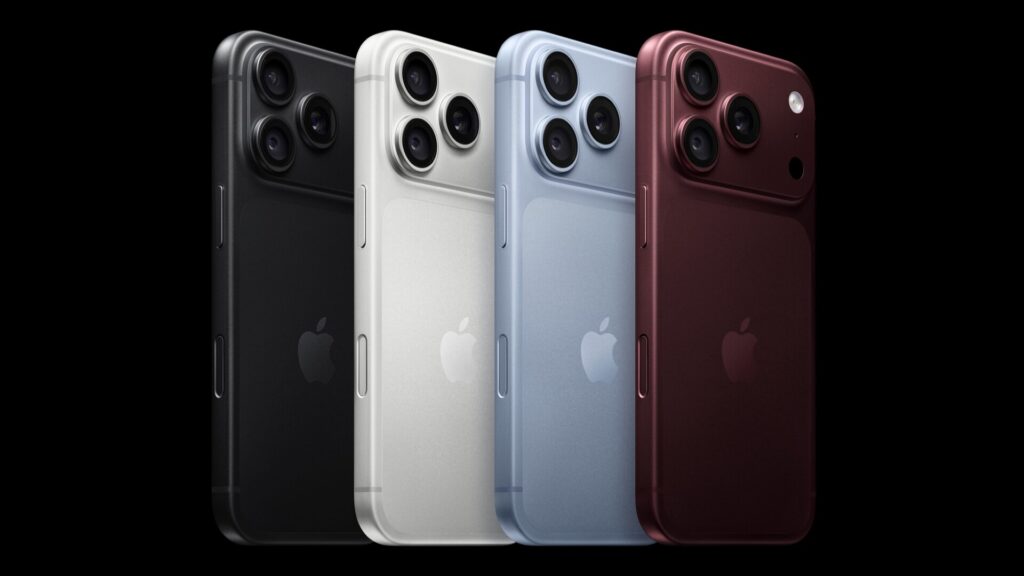
The timing sits four days ahead of iPhone 18 Pro and AirPods 5 reaching stores on September 18, one more reason this weekend, not the night before, is the point to get a backup finished.
Don’t miss the best of The Mac Observer
Set us as a preferred source and our Apple reporting ranks higher in your Google Search results and Discover feed — one tap, no account changes.
Two backup methods, one instruction from Apple
Apple’s core article on updating iOS lists the wireless update sequence in its own order. Step one is to “back up your device using iCloud or your computer.” Step two is plugging into power and connecting to Wi-Fi. Only after that does the article send you to Settings, then General, then Software Update.
Apple’s comparison of the two methods is just as direct: “In case you ever need an alternative backup, you can back up your device using iCloud and also using your computer.” Neither is presented as the preferred route. They read as two tools built for two different situations.
| Item | What Apple publishes |
|---|---|
| iOS 27 release | Monday, September 14, 2026, free |
| Apple’s step one for updating | Back up using iCloud or a computer |
| iCloud backup storage | Up to 12TB, always encrypted |
| Computer backup storage | Limited by the computer’s free space, encryption off by default |
| Backups kept after iCloud Backup is turned off | 180 days, then deleted |
What an iCloud backup actually includes
| Feature | iCloud backup | Computer backup |
|---|---|---|
| Encryption | Always on | Off by default |
| Storage limit | Up to 12TB | Limited by the computer’s free space |
| Works from | Anywhere with Wi-Fi | That specific Mac or PC |
| Health and Activity data | Included | Only if encryption is turned on |
Turning one on is a short, documented path: open Settings, tap your name, tap iCloud, tap iCloud Backup, then tap Back Up Now, and stay connected to Wi-Fi until it finishes.
- Device settings, Home Screen layout and app organization
- Purchased ringtones and the visual voicemail password
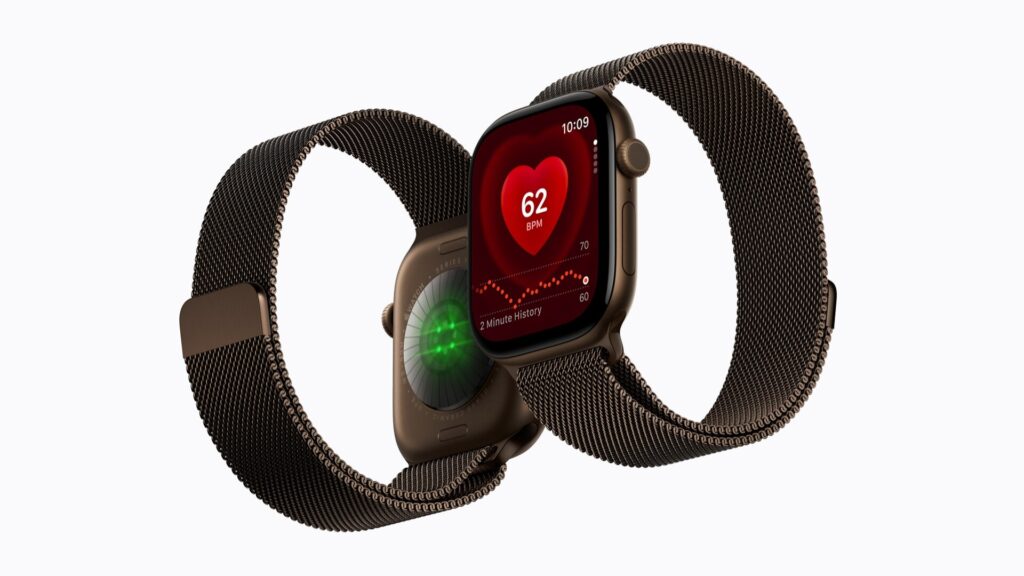
- An Apple Watch’s backup, which Apple folds into the iPhone’s backup rather than storing it on its own
- iMessage, text and MMS messages, when Messages in iCloud is turned off
- Photos and videos, when iCloud Photos is turned off
- App data for the apps you have downloaded
What is missing follows the same logic. Anything already stored through iCloud Photos, iCloud Drive, Notes or Messages in iCloud is not duplicated into the backup, because it already exists in iCloud on its own. Apple states this directly, and it settles the most common backup confusion: synced content was never meant to be backed up twice, not silently skipped.
If you use a Mac, one setting changes what is included
A computer backup starts differently: connect the device by cable, open the Finder, select it from the sidebar, then trust the connection and enter the passcode. Encryption is offered on this screen, but it is off unless you turn it on, and Apple is specific about the consequence: “If you want to save Health and Activity data from your device or Apple Watch, select ‘Encrypt local backup’ and create a password.” Apple also warns, in the same article, “You can’t recover your backup without this password.”
If the backup itself fails
Apple’s article on failed backups names two specific conditions: not enough disk space when you try to back up, or a backup that turns out to be corrupt or incompatible when you try to restore. Its published order of fixes runs: update the computer and the backup software, connect by USB and confirm the computer can see the device, restart everything, update or disable security software on Windows, then try a different computer or switch to iCloud instead.
What Apple has not said
- How long a backup, wireless or by cable, actually takes to finish.
- How much free iCloud storage to keep in reserve before an update, beyond prompting you to buy more if a backup fails for lack of it.
- Anything specific to iOS 27. Every backup article referenced here predates it and applies exactly as written to iOS 26.
Today is Saturday, September 12. iOS 27, iPadOS 27, macOS 27 Golden Gate, watchOS 27 and visionOS 27 are all due Monday, September 14, alongside the wider September lineup Apple announced this month, with Apple Watch Series 12 among the devices whose data rides inside that backup.



