iPadOS 27 becomes available as a free update on Monday, September 14, 2026. Apple’s own support library sets a specific order for getting an iPad ready for it: back up first, then clear space, then check power and Wi-Fi, all before Settings ever shows a Download and Install button.
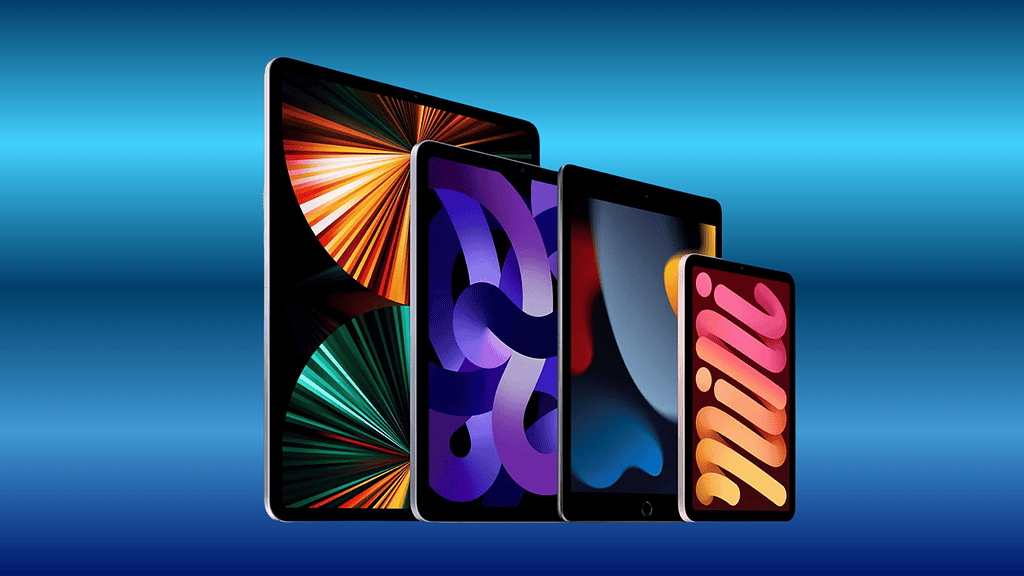
That order comes straight from Apple’s own update article, which lists backing up as step one and plugging into power and Wi-Fi as step two, ahead of opening Settings at all. Most advice on iPad update day skips the first step and starts at the second, which is backwards from what Apple itself publishes.
Key facts on getting an iPad ready
| Item | What Apple publishes |
|---|---|
| Release date | Monday, September 14, 2026, free |
| Compatible iPads | iPad Pro (4th generation and later, M1 and later), iPad Air (4th generation and later, M2 and later), iPad (9th generation and later, A16), iPad mini (6th generation, A17 Pro) |
| Apple’s documented step 1 | Back up using iCloud or a computer |
| Apple’s documented step 2 | Plug into power and connect to Wi-Fi |
| Where the update appears | Settings, General, Software Update |
| What can hide the update entirely | A VPN or proxy connection, per Apple’s own wording |

Back up first, in the order Apple actually publishes
Apple’s iCloud route: open Settings, tap your name, tap iCloud, tap iCloud Backup, then tap Back Up Now, staying on Wi-Fi until it finishes. If iCloud does not have enough room, Apple’s own page says an alert appears with onscreen steps to buy more storage, rather than the backup silently failing. Apple’s computer route: connect the iPad to a Mac with a cable, open the Finder, select the iPad, trust the computer, then click Back Up Now. Apple does not pick a winner between the two routes and explicitly allows using both.
Don’t miss the best of The Mac Observer
Set us as a preferred source and our Apple reporting ranks higher in your Google Search results and Discover feed — one tap, no account changes.
One detail Apple’s backup documentation settles outright: anything already stored through iCloud Photos, iCloud Drive or Messages in iCloud is not duplicated inside the backup itself, because it already lives in iCloud separately. Turning a sync feature off is what pulls that content back into the backup proper.
Clear space before the download, not during it
- Settings, General, iPad Storage, then Recommendations, is where Apple’s own space-saving tips live.
- Apple draws a specific line between two buttons on that screen: Offload App frees the space an app uses but keeps its documents and data, while Delete App removes both together.
- If iPadOS 27 still needs more room once it starts installing, Apple’s own wording is that some apps may be temporarily removed to make space, and are automatically reinstalled once installation completes.
An iPad’s external drives need their own check
iPadOS 27 carries one claim iOS 27 does not: browsing and transferring files to an external drive up to five times faster, in Apple’s own tested configuration. That speed claim assumes the drive already meets iPad’s format requirements, which do not change with iPadOS 27: a single data partition, formatted as APFS, APFS (encrypted), Mac OS Extended (HFS+), exFAT, FAT32 or FAT, per Apple’s support page for external storage on iPad. On models that support Thunderbolt or USB 4, a drive without its own power source needs a powered USB hub.
Power, Wi-Fi, and the block almost nobody expects
Apple’s instruction for a wireless update is one sentence: plug the device into power and connect to the internet with Wi-Fi. Apple publishes no minimum battery percentage or Wi-Fi speed, so there is no number to hit, only the two conditions. The block that catches people who have done everything right is a VPN or proxy connection, which Apple’s own update article names directly as something that can prevent a device from reaching Apple’s update servers at all. An iPad on a school, employer or personal VPN can sit on iPadOS 26 all day Monday with no visible error, simply because the request to check for iPadOS 27 never gets through.
Which iPad clears which bar once it is updated
| iPad line | Runs iPadOS 27 | Apple Intelligence eligible | Advanced on-device tier |
|---|---|---|---|
| iPad Pro | 4th generation and later, M1 and later | Yes, M1 and later | Needs M4 or later with 12GB or more unified memory |
| iPad Air | 4th generation and later, M2 and later | Yes, M1 and later | Needs M4 or later with 12GB or more unified memory |
| iPad mini | 6th generation, A17 Pro | Yes, A17 Pro | No, the tier requires an M-series chip |
| iPad (entry model) | 9th generation and later, A16 | Not on Apple’s Apple Intelligence device list | No |
That last row is worth knowing before, not after, update day. The entry-level iPad installs iPadOS 27 like every other model on Monday, but Apple’s Apple Intelligence device list does not include it at all, so Siri AI, Image Playground and the rest of the AI features simply will not appear on it, no matter how much storage or battery it has going in. No backup, storage check or Wi-Fi connection changes that.
What Apple has not said
- No minimum battery percentage or Wi-Fi speed for installing iPadOS 27 wirelessly.
- No download or install time estimate for iPadOS 27, on any iPad model.
- No specific gigabyte figure for the free space iPadOS 27 needs; the installer states its own requirement at the moment it needs it.
- No hour of the day for the September 14 rollout, only the date.
iPadOS 27 arrives free on Monday, September 14, alongside iOS 27, AirPods 5‘s own software changes and the rest of the software Apple detailed in its September 9 event recap. Anyone starting the backup tonight can check Settings, General, About against the model list above, and our iPhone 18 Pro coverage covers the rest of what changes this week for Apple’s other hardware.