
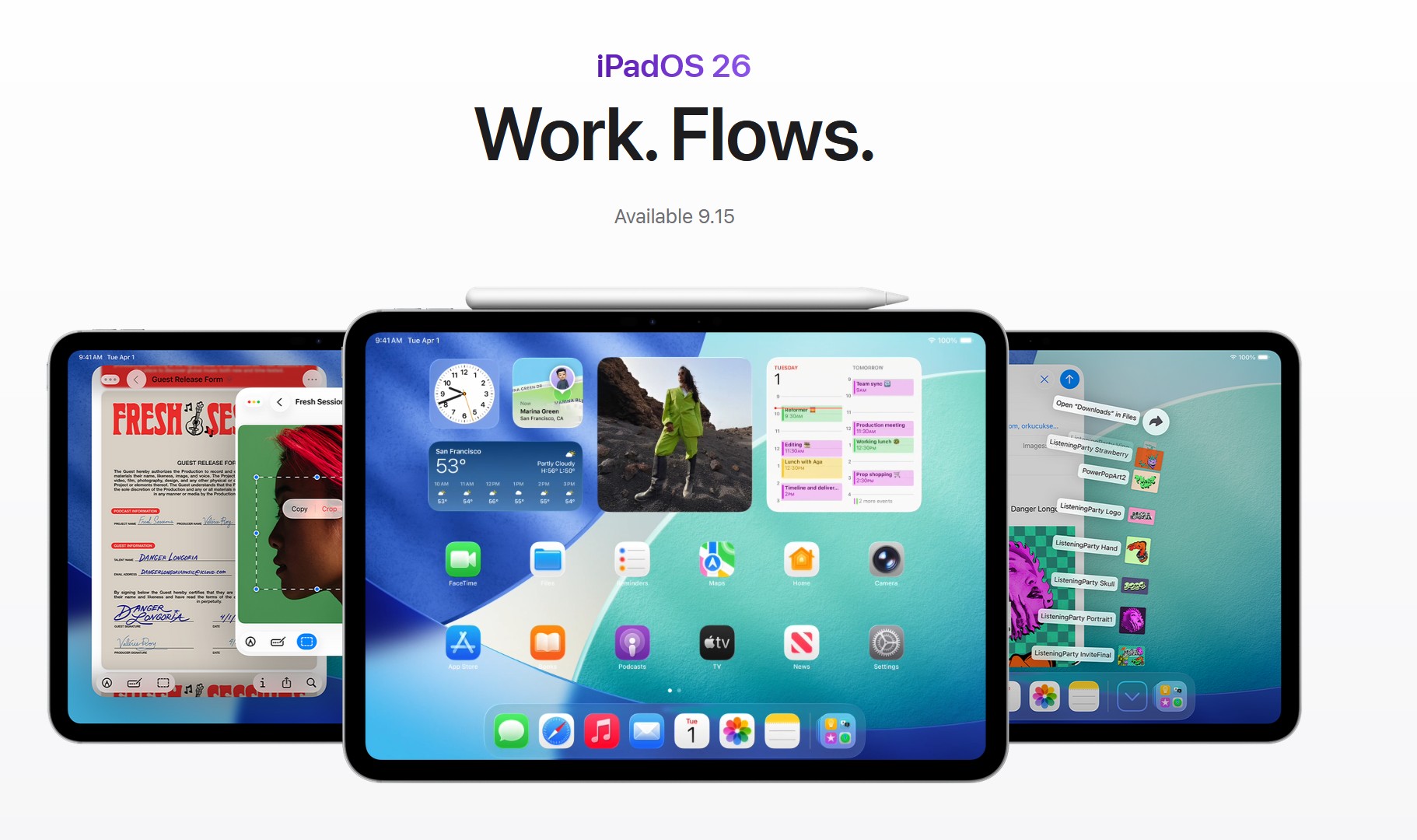
The release of iPadOS 26 brought a major overhaul to the iPad experience, but the launch has been plagued by a significant number of bugs affecting performance, usability, and core features. For those who have already updated, navigating these issues can be frustrating. This comprehensive guide covers every widely reported problem, from minor annoyances to critical flaws, and provides the best available workarounds.
System Performance and Stability
1. UI Lag and Stuttering Animations
The Bug: Even on powerful iPad Pro models, users are reporting significant UI lag. The new “Liquid Glass” animations cause stuttering when opening apps, swiping to the App Library, or pulling down menus, making the system feel sluggish.
The Fix: A temporary restart can help. For a more permanent solution until a patch arrives, go to Settings > Accessibility > Motion and enable Reduce Motion to disable the most demanding visual effects.
Don’t miss the best of The Mac Observer
Set us as a preferred source and our Apple reporting ranks higher in your Google Search results and Discover feed — one tap, no account changes.
2. System Freezes and Random Crashes
The Bug: Some iPads are freezing or crashing entirely, forcing the device to “respring” back to the Lock Screen. In some cases, Home Screen icons disappear, leaving only the wallpaper, or the device becomes completely unresponsive.
The Fix: A force restart (press and release volume up, press and release volume down, then hold the power button) is the best immediate solution. These stability issues are a high priority for Apple and should be addressed in the next point-release update.
3. Overheating and Post-Update Indexing
The Bug: Many iPads are running noticeably hotter and draining the battery faster right after the update.
The Fix: Apple has confirmed this is often temporary. The device is performing background tasks like re-indexing your files and photos. This process can take a day or two to complete. During this time, keep your device plugged in when possible, and the issue should resolve itself.
4. High System Data and Memory Usage
The Bug: A number of users have seen the “System Data” category in their storage settings swell to an unusually large size. This could indicate a memory leak or an accumulation of cached files and logs.
The Fix: A simple reboot can sometimes clear these caches. This issue is expected to be properly fixed in a future update that includes cleanup and optimization routines.
UI, UX, and Display Glitches
5. Slide Over Removed and Multitasking Changes
The Bug: The new Mac-like windowing system in Stage Manager has completely removed the popular Slide Over feature, and many users find the new system less efficient for basic split-screen tasks. This is a design change, but it’s one of the most common user experience complaints.
The Fix: There is no way to bring back the old multitasking system. If you find Stage Manager cumbersome, you can disable it from Control Center to return to a more traditional single-app or two-app view.
6. Stage Manager Windowing Bugs
The Bug: The new free-form windows in Stage Manager are glitchy. Windows can improperly overlap, resize incorrectly, or snap back to a previous position. Users also report graphical artifacts in window shadows and freezes when using the window picker.
The Fix: There are no direct fixes, but restarting your iPad can temporarily improve stability. Turning Stage Manager off and on again may also help.
7. Home Screen Icon Redraw and Flicker
The Bug: When closing an app or swiping between Home Screen pages, icons visibly flicker or redraw instead of animating smoothly. This visual bug was present in the beta and was not fixed in the final release.
The Fix: This is a cosmetic bug that requires a patch from Apple. Enabling Reduce Motion (as mentioned above) may help minimize its appearance.
8. Screen Rotation and Brightness Bugs
The Bug: Some iPads are failing to rotate the screen orientation when the device is turned. Separately, another bug causes the screen brightness to dim unexpectedly, requiring manual readjustment.
The Fix: These are sporadic bugs that can usually be resolved by locking and unlocking the screen or restarting the device.
9. Pink Screen in Video Playback
The Bug: A strange graphical glitch has been reported where video streaming apps, like Netflix, will occasionally display a pink static overlay or tint the entire screen pink during playback.
The Fix: This appears to be a graphics driver issue. Switching to another app and then back can clear the pink screen. Users have also had success by deleting and reinstalling the affected streaming app.
10. Readability Issues with “Liquid Glass” Theme
The Bug: The new translucent, glossy “Liquid Glass” theme is not a hit with everyone. Some users find the highlights and reflections on icons and menus distracting and claim it can hurt readability.
The Fix: While you cannot disable the theme entirely, you can go to Settings > Accessibility > Display & Text Size and enable Increase Contrast to reduce the transparency effects and improve text legibility.
App and Safari Problems
11. Third-Party App Crashes
The Bug: Many apps that haven’t been updated for the new OS are crashing or freezing. This is common after any major iPadOS update as developers work to ensure compatibility.
The Fix: Go to the App Store and ensure all your applications are updated. If a specific app continues to crash, a delete-and-reinstall cycle often works.
12. Safari Bugs and Web App Instability
The Bug: Safari is reportedly quite buggy, with pages freezing, the new tab interface failing, and web apps saved to the Home Screen crashing frequently.
The Fix: For minor issues, clearing your browser cache may help. However, these core bugs will require a dedicated Safari update from Apple. Keep a look of for them in iPadOS 26.3.
13. Journal App Lag with Apple Pencil
The Bug: Apple’s new Journal app is described as “unusable” by some iPad users. It freezes and lags, especially when trying to write with an Apple Pencil, where handwritten text appears in delayed bursts.
The Fix: This is an app-specific performance bug. There is no workaround currently, and users will have to wait for Apple to issue an update to the Journal app itself.
14. App Launching and Backgrounding Bug
The Bug: Tapping an app icon doesn’t always bring it to the foreground if it’s already running. The system may do nothing for a few seconds or incorrectly open a new instance of the app.
The Fix: This is an OS-level bug in how background apps are resumed. Instead of tapping the icon, try using the app switcher or Stage Manager to select the running app window directly.
Battery and Charging Issues
15. Widespread Accelerated Battery Drain
The Bug: A massive number of users are reporting significantly worse battery life since updating. The drain is often rapid and occurs even on newer iPad models.
The Fix: First, wait a couple of days for background indexing to finish. If the drain persists, reduce battery usage by turning off Background App Refresh and lowering screen brightness. A patch from Apple will be needed to fully resolve this.
16. Battery Health and Charging Glitches
The Bug: Some users have noted oddities with battery reporting, including sudden drops in the reported “Maximum Capacity” percentage. Others have found that Optimized Battery Charging acts erratically, or the battery percentage indicator gets stuck.
The Fix: A sudden drop in battery health may be a one-time recalibration. For a stuck battery percentage, a restart will refresh the reading.
Connectivity (Wi-Fi, Bluetooth, Cellular)
17. Wi-Fi Drops and “No Internet” Errors
The Bug: iPads may show a full Wi-Fi signal but have no actual internet connection. Others experience intermittent drops from their network.
The Fix: The quickest fix is to toggle Airplane Mode on and off. For more persistent issues, go to Settings > General > Transfer or Reset iPad > Reset > Reset Network Settings.
18. Bluetooth Accessory Instability
The Bug: Bluetooth keyboards, mice, and AirPods are randomly disconnecting and reconnecting. This seems to be more common when multitasking.
The Fix: Go to your Bluetooth settings, “Forget” the problematic device, and then re-pair it. This often creates a more stable connection.
Input and Accessibility Bugs
19. CRITICAL: Apple Pencil Constantly Disconnecting
The Bug: This is one of the most severe issues that has plagued the iPad since the release of iPadOS 26. The Apple Pencil constantly disconnects, often within seconds of being attached. The Pencil’s battery status can also get stuck. This bug affects all Pencil models and breaks the core workflow for artists and students.
The Fix: There is no reliable fix. The only workaround is to detach and reattach the Pencil every time it disconnects. This is a critical bug that is still around in iPadOS 26.2, but Apple is expected to fix it in future releases.
20. Keyboard Failures (On-Screen and Physical)
The Bug: The on-screen keyboard sometimes fails to appear when a text field is tapped. Physical keyboards can also become unresponsive, with typing input getting “stuck” in the wrong app window.
The Fix: Tapping the screen again or restarting the device can restore keyboard functionality. If you use a hardware keyboard, toggling Stage Manager off and on may also help.
21. Palm Rejection Failure in Preview App
The Bug: When using the Apple Pencil to mark up a document in Apple’s new Preview app, palm rejection can fail. Resting your hand on the screen may accidentally trigger a zoom or scroll gesture.
The Fix: This is an app-specific bug. The only current workarounds are to use a third-party PDF app like GoodNotes or to try to draw without resting your palm on the screen.
Critical and Device-Breaking Issues
22. RARE: iPad Bricking During Update
The Bug: In very rare instances, the update process itself has failed and bricked the device, putting it into a recovery loop that cannot be fixed, even by restoring with a Mac. This can result in a logic board failure.
The Fix: This is not a fixable bug for the user. If your device enters a restore loop and fails with an error code (like error 9), contact Apple Support immediately. Always ensure you have a full backup before performing a major OS update.
Final Thoughts
While iPadOS 26.2 introduces exciting new capabilities and fixes, its initial release is clearly unstable for many. Most of these problems are software-related and are expected to be addressed by Apple in the coming weeks with the release of hot fixes like iPadOS 26.2.1 or major ones like iPadOS 26.3. Until then, users can rely on the workarounds above to mitigate the most frustrating issues.



IPADOS 26.5 I am having trouble with several Apps: Chrome, (screen keeps refreshing and search bar won’t let me finish before displaying results) ) NYT CROSSWORD (Rebus box randomly appears) , NETFLIX (starts and stops every few seconds) Messenger (sends before finished without hitting send)
Are these all related to 26.5 or is something else wrong?
I have restarted multiple times. Have plenty of storage and stable wif-fi.
Currently running v26.5 and getting browser freezing, slow running, and battery discharge issues as above.😡
I have been getting these issues since apple started asking me to prove my age! (I’m OAP!) I resent these demands for personal information! I’m not using my tablet for any kind of ecommerce so why would I wish to hand over my bank details to steve jobs? Im not interested in wasting my time on social media sites like twitter/facebook etc so the “age verification” demands are easy to ignore.🖕
The strange behaviours of the stopwatch are a big issue for me because i use this and the timer lots when cooking and baking my yummy home cooked bread 🍞 Come on guys! Its just a f***ing stopwatch! How hard can it be!
My tablet is the firewire one with the socket for earphones. GarageBand was a big selling point and IMHO its brilliant!👍👏 Nice to see Apple attempts at multitasking windoze! Yea notepad window LHS with lyrics n chords, GarageBand RHS recording – still needs refinement but a big improvement on my previous iPad! Same goes for the file manager: My last iPad wouldn’t allow me to give meaningful names to recordings- not hard to improve on this. My iPads file manager still isn’t as good as the windows 3.11’s but at least it has one now and its tons better than my original sinclair zx81!
Anyone out there know how i can roll back to the pre age verification version of the OS?
I’m seriously considering ditching the propriety bloatware offerings from apple/microsoft et al for Linux… anyone out there know of a good DAW for the penguin?
Ever since I upgraded to version 26 and now 26.4 my IPAD continues to freeze.
The battery is at 90% or more and I use to be able to have 5 to 6 icons open.
When it freezes I can not use any tabs and when I I do a swipe up to bring up the open programs it does not allow me to shut them down. I can not swipe up, down, left or right.
I have to do a Hard reset to bring it back up.
I thought it was the number of programs I had open but it does not matter, It stops even if I only have one open. When are they going to fix it or is there. Fix for it.
Multiple issues since updating to iPad OS 26.
Screen sensitivity all over the place, sometimes non-responsive, with keyboard, app icons, web links doing nothing no matter how many times you tap them.
Other times so sensitive that keyboard keys repeat characters as if you’re holding the key down, no matter how lightly & quickly you tap it, so just spelling a word correctly becomes impossible, and hitting the backspace key to get rid of extra letters erases whole sentences in a flash.
Meanwhile links, apps etc. open up all over the place despite not being directly selected. App screens & web pages resize & move around when you don’t want them to. If this is part of the snazzy Liquid Glass feature, boy am I not impressed.
I wish I could ditch this OS & go back to what worked, but since we’re all essentially beta testers for Apple’s buggy-assed software, that’s not an option.
What a terrible iOS version! I use an iPad + ‘magic keyboard’ and have many problems with iOS 26. Scrolling stops working; keyboard stops working; caps lock gets stuck on even though it is off on the keyboard; internet connectivity problems; MANY safari problems. This is only a partial list! I have been using Apple computers since the early 1990s but now I’m looking to get out of the ‘garden’. M series is great, but apple software gets worse and worse.
Agree.
When I connect my iPad 11 Pro or iPhone 16 Pro Max both running iOS 26.3.1 to a projector, the play/pause display does not go away from the middle of my screen. I was able to play this before but not since the update. I can use the iPad/iPhone to connect to my TV via screen mirroring. How do I get rid of the play/pause from the middle of my screen when I am connected to a projector?
Since is 26 update my battery percentage stays at 100% all day then goes 1% and shuts off.
Did they fix the timer alarms setting from getting reset to the Radar when the battery goes to zero?
Put back Safari Open pdf in Acrobac
Would like to go back to ios 26.
Since 26.2, I can no longer route to hearing aids. GRRRRRRRR!
I’ve been a mac user since the 80s. This update is a disaster! Hope they fix it soon, and bring back slide over. I will never update without reading reviews again first!
Indeed, PJ. This is the last time I automatically / reflexively update.
PJ – I also concur with your thoughts, ugh.
Also CMD TAB +q broken. As 25 year MacBook user, who HATES iPhones, I wonder if I made major mistake buying a IPad Air M3. The OS has NEVER BEEN HUMAN QA’d. No wonder apple stock is done growing
I have been an Apple user since the Apple II, Remember “It just works.” Obviously that poster has disappeared from the halls of Apple. Who signed off on this update, one of the janitor? this the worst POS update I have ever seen! Even some of the Windows and MSDOS update debacles never reached this level of crapification. If this is AI in action the future appears to be a very large pile of turds. The scrolling is so jerky it’s pretty much inoperable: I shut down the motion menus in settings as much as I can and it’s still crap. Windows are jumping around or locking up, the password manager has reverted back to the early days of not cooperating with websites. The press, pres, press-hold shut down locks up and won’t do a soft reset. Worst of all there’s no reverting back.I am serious questioning my Apple loyalty after all these years. What good is it if won’t work.
Agree..;;
I believe the janitor was a bit stoned
When I turn on the cursor from track pad will do go to right side stop about 2” short. Screen auto lock will dim screen but does not lock iPad.
Whenever i swipe down the Control Center on the HomeScreen on iPad Pro M1, the Clock Widget always go WHITE BLANK. Need to fix this bug.
1. Unable to change screen timeout settings from 2 mins. Locked.
2. Unable to change notification settings. Locked.
3. First few times clicked on settings and got a black screen.
4. Battery now shite beyond belief.
5. Lagging still not rectified.
If all the issues I have and those you and others have reported are known to Apple, suggest they pull the IPhone 17 pro advertising and spend the money on the users they currently have and sort out the issues.
For me, this is the worst ipados update so far. Steve Jobs idea of simple usability has gone with the winds, not to speak about his aesthetical criteria which has been replaced by questionable effects with no sense. Unfortunately, this holds also for macos 26. Please, try to keep the user in mind!
I cannot close apps on is 16. Scrolling is barely working. I have a small screen. Os 16 is horrible.
Trouble adjusting keypad to appropriate size on iPad os26
I am not at all happy with Liquid Glass and the settings to reduce transparency and increase contrast don’t seem to fix the blurry text and icons which I never noticed in 18. No doubt this release was forced based on a pre determined date and it should have stayed in beta longer. Just a bad look for Apple in my opinion.
I hope Safari gets fixed sooner than later it’s pretty bad.
With the new update os26 for ipad pro, I now have problems. I use a bluetooth music page turner, AIRSTEP. It shows that it is paired and connected. In the airstep app, it no longer connects the foot switch with my ipad. Trying to search for a fix from my ipad, the ipad keyboard randomly turns on and off when using the search bar. There’s no keyboard to select manually from the screen in safari. I’ll probably have to downgrade to get functionality back. I can’t find much information about this.