
If you think your Mac browser’s been hijacked by a redirect virus, Jeff Butts can help you remove it and get your web surfing back to normal.
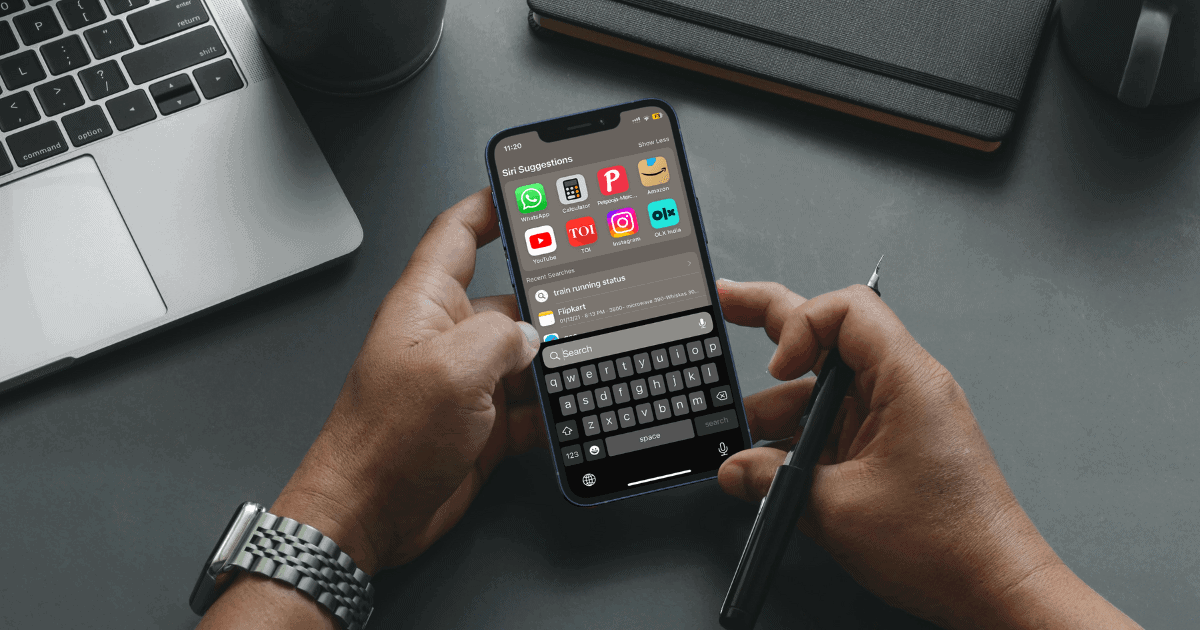
How to Search Anything Using Control F on iPhone
If you’re looking for a feature that can replicate the Control+F or Command+F functionality on iPhone, here’s how to search text on iPhone.

How to Clear Safari Documents and Data on iPhone and iPad
Finding yourself with a bloated phone? Here’s how to clear documents and data from Safari on your iPhone or iPad.

High CPU Usage on Mac? Here's How to Optimize Performance
Are you concerned about high CPU usage with your Mac? While annoying, there is some things you can do to try and get it back to normal.

AirPods Pro Flashing White? Problems and Solutions
Learn what to do if you encounter issues with the AirPods Pro case flashing white, even though the accessory won’t pair with a nearby device.
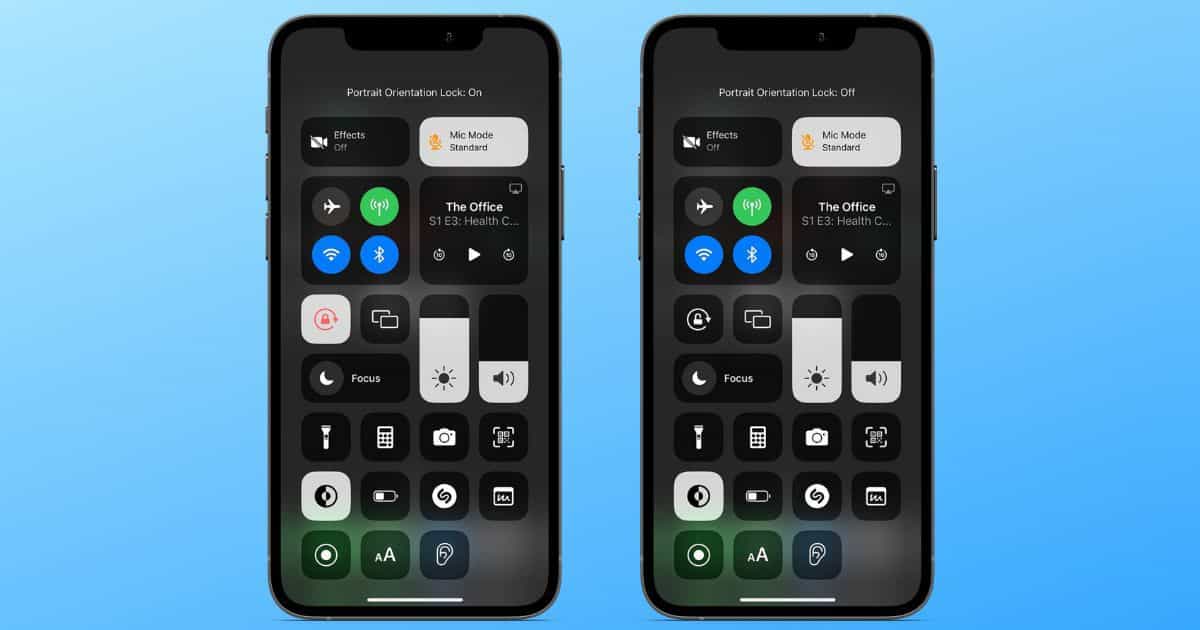
How to Enable iPhone Orientation Lock for Specific Apps
In this article, we’ll help you create an automation that will help you enable iPhone orientation lock for specific apps automatically.

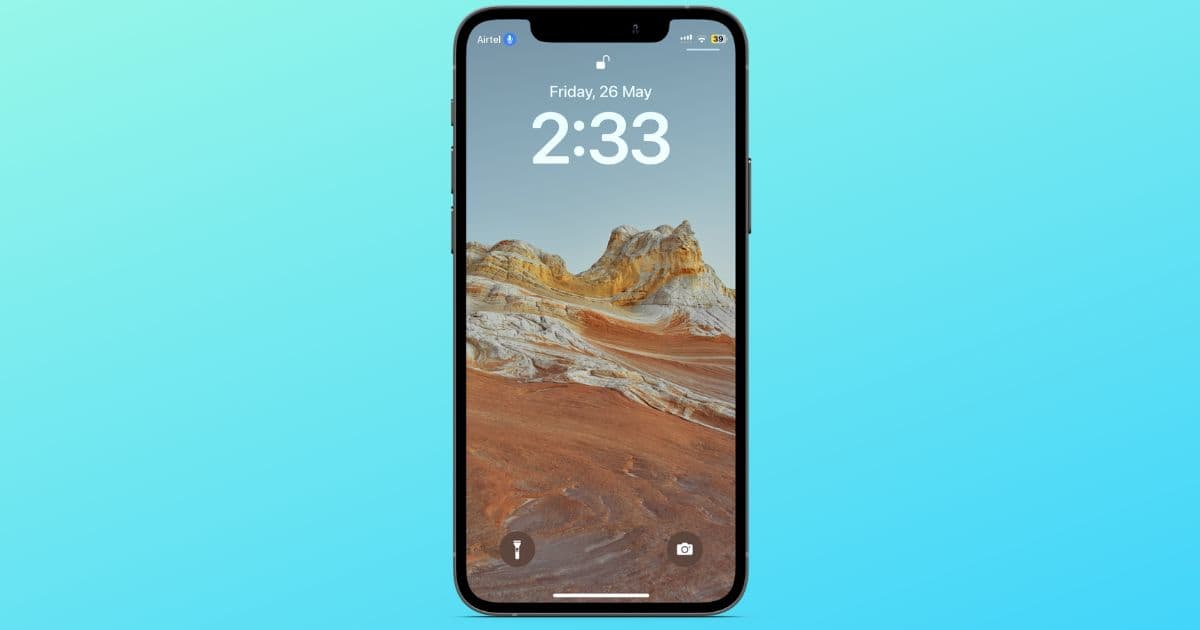
How To Remove Blue Microphone Icon at the Top of Your iPhone
Is your iPhone displaying a microphone icon in the status bar? Read along to learn how to remove the blue microphone icon from iPhone.

How to Collect Gimmighoul Coins in 'Pokémon GO' on iPhone
Those looking to collect Gimmighoul Coins in “Pokémon GO” will need an additional game to get this elusive ghost.

What To Do If iCloud Keeps Asking for a Password
For those who are wondering what to do if iCloud keeps asking for Password when logging in on your iPhone or iPad, here are the solutions.