
Not all of Apple’s iPhone and iPad lineup are going to make the transition into iOS 11.

Apple Kills 1TB iCloud Storage Option, Lowers 2TB Price
Apple streamlined iCloud storage options during its Worldwide Developer Conference by removing the 1 TB option and lowering the price for 2 TB.

macOS Mail: Making a "Not Replied To" Smart Mailbox
This Quick Tip is about a special feature of Mail’s smart mailboxes that’ll let you view only messages you haven’t replied to—great for making sure you aren’t missing anything! Melissa Holt’s gonna give us the details in this article.

Mac App Store will require 64-bit macOS Apps Starting in 2018
At WWDC Monday, Apple announced that this year’s macOS High Sierra will be the last macOS release to support 32-bit apps “without compromises.”

WWDC 2017 Keynote Standout Announcements - TMO Daily Observations 2017-06-05
Apple’s Worldwide Developer Conference keynote was filled with announcements so Dave Hamilton and Bryan Chaffin join Jeff Gamet to talk about what they saw as the standouts from the event.
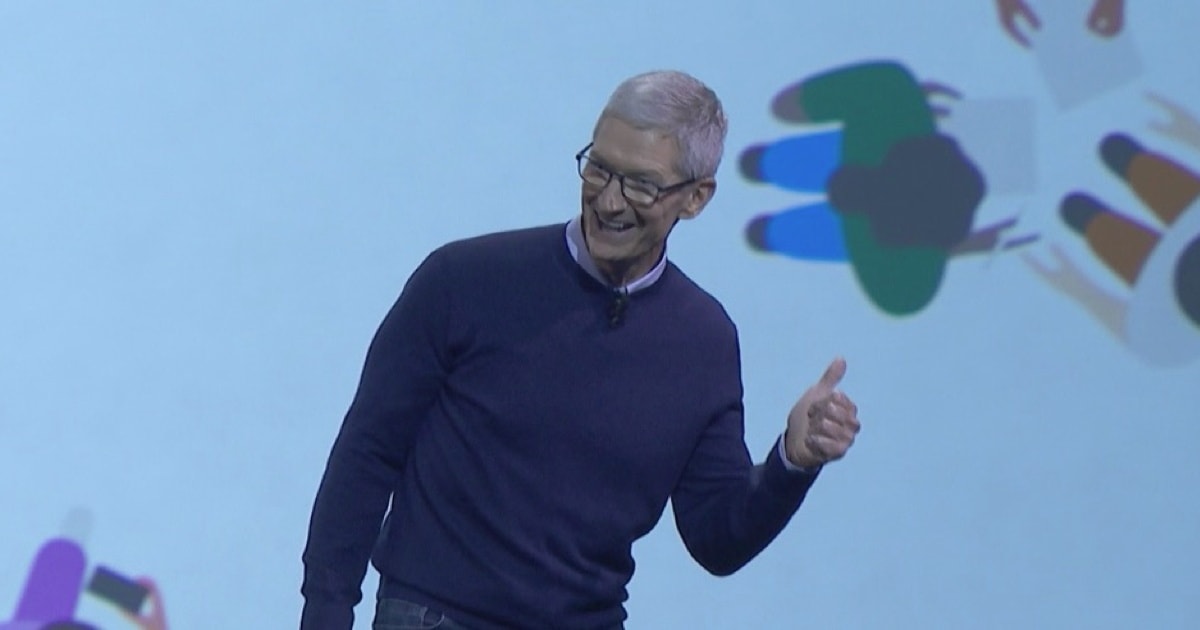
Apple's WWDC 2017 Keynote is Now Available for Streaming
Apple’s WWDC 2017 Keynote video is already available to be streamed. This is the best WWDC keynote in years.

Hands on with iOS 11: My First 30 Minutes
A revamped Control Center, a new app, and new Settings are just the tip of the iceberg.

Apple Finally Releases Full Wireless Keyboard with Numeric Keypad
It’s a full sized Apple keyboard with a numeric keypad that lasts a full month on a single battery charge.

Apple's WWDC Keynote Was One We Never Dreamed Could Happen
Apple’s WWDC keynote address was one that we hoped for, dreamed about but never thought would actually happen.
![Apple Announces New iPad Pro Models, Including 10.5-Inch Model [Update]](https://www.macobserver.com/wp-content/uploads/2017/06/ipad-pro-10-5-inch-colors-122x630.jpg)
Apple Announces New iPad Pro Models, Including 10.5-Inch Model [Update]
SAN JOSE – Apple’s new iPad Pro models have a new Pro Motion retina display and are powered by a 6-core A10X Fusion processor with a 12-core GPU.