
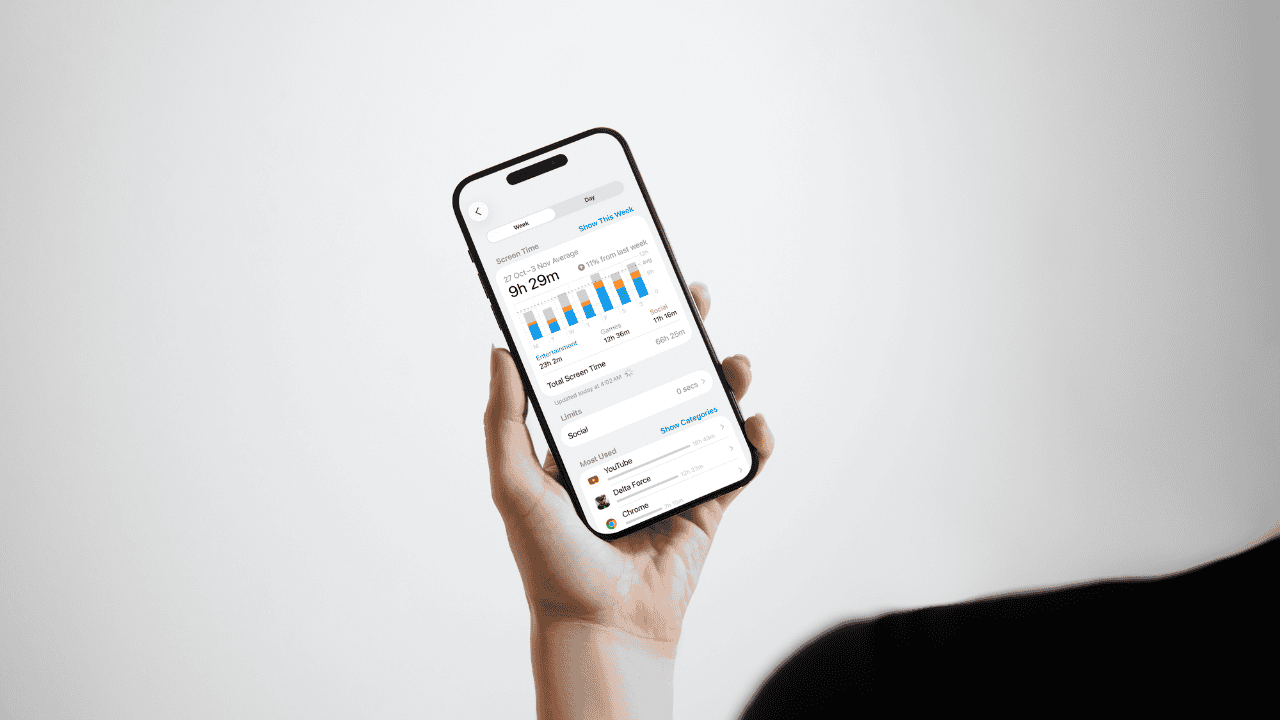
Parents setting device restrictions often encounter the confusing recaptcha.net domain in their child’s daily Screen Time report, sometimes logging hours of phantom usage. This is typically not malware, but a technical misclassification by the operating system, which incorrectly attributes time spent within embedded web views in third-party applications or games to the reCAPTCHA verification service. Correcting this bug requires targeted troubleshooting.
Table of contents
Restoring Accuracy to Screen Time Monitoring
The inaccurate logging of network verification domains like recaptcha.net often stems from changes in how mobile operating systems track network activity from internal application components. This specific issue is a known software flaw that misreports time usage, often coinciding precisely with playtime in specific games, such as those from developers like Supercell.
1. Update the Device Operating System and Applications
Since the problem is rooted in how the system tracks embedded web activity, the primary fix is to ensure all software is current, as both platform and application developers release patches to fix these tracking anomalies. This also addresses the Google reCAPTCHA team’s official statement that they have released a fix in their latest SDK.
Don’t miss the best of The Mac Observer
Set us as a preferred source and our Apple reporting ranks higher in your Google Search results and Discover feed — one tap, no account changes.
- Navigate to Settings, then General, and select Software Update to find and install the latest operating system version.
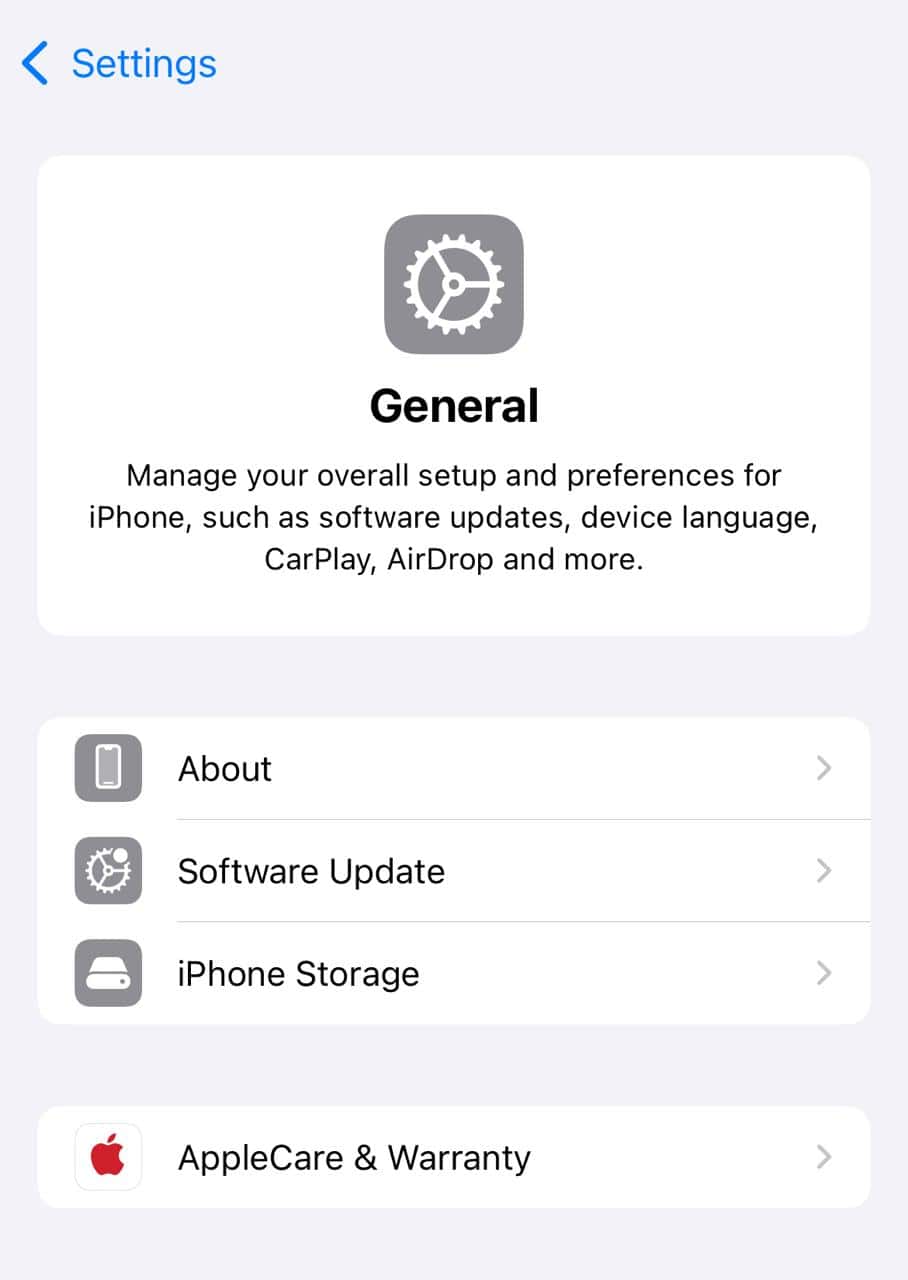
- Open the App Store and ensure that all installed applications, particularly games and social media apps known to use reCAPTCHA or in-app browsing, are fully updated. This is a common step to resolve an underlying Screen Time bug.
2. Apply a Direct Limit to the Recaptcha.net Domain
Although the reported time may be phantom usage, some users on community forums have found success in forcing the operating system to cease tracking the domain by setting a specific, minimal limit. This can sometimes resolve the excessive logging by forcing a re-evaluation of the activity.
- Go to Settings and tap Screen Time.
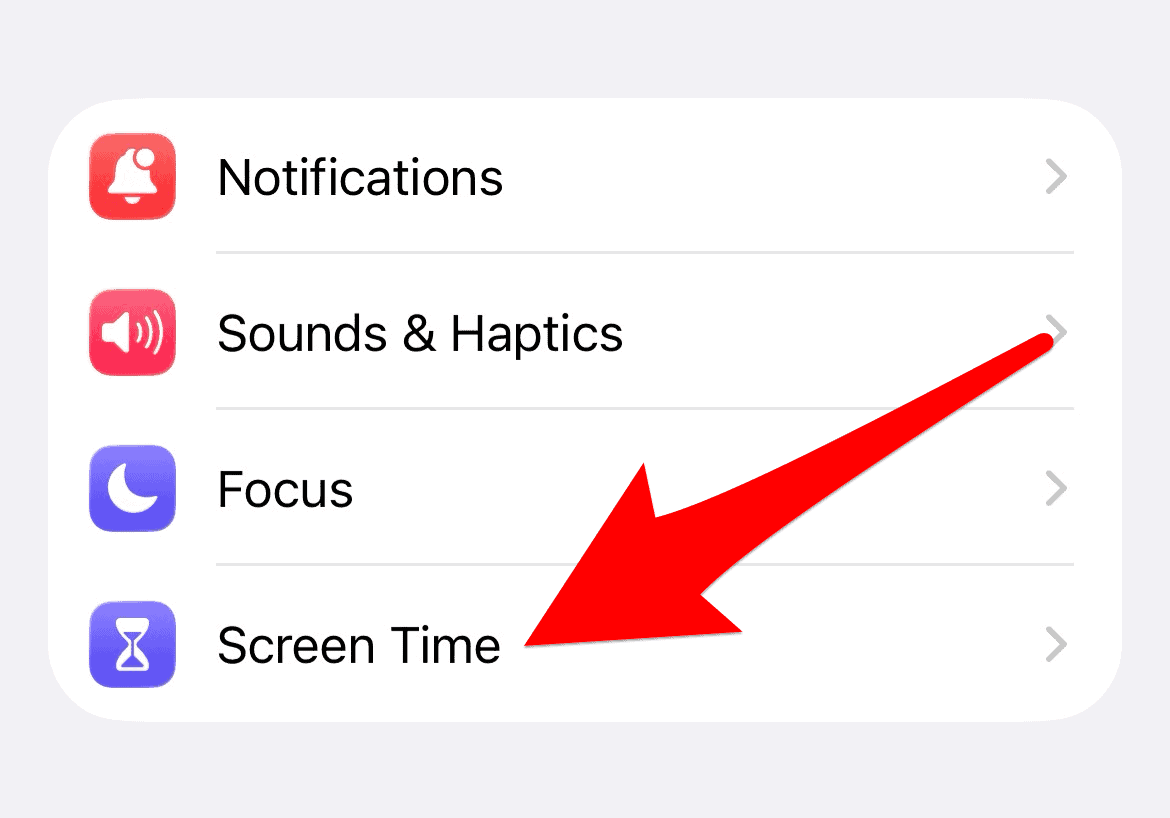
- Select App Limits.
- Tap Add Limit and then scroll down to the Websites category.
- Tap Add Website, enter the exact domain
recaptcha.net, and set a minimal time allowance like two minutes.
3. Identify and Force Quit Associated Applications
Phantom usage is frequently recorded when an application using the reCAPTCHA component remains active in the background, even when the screen is off or the device is idle. Completely closing these applications can interrupt the ongoing logging of network data.
- Open the App Switcher by performing the designated gesture for your device model.
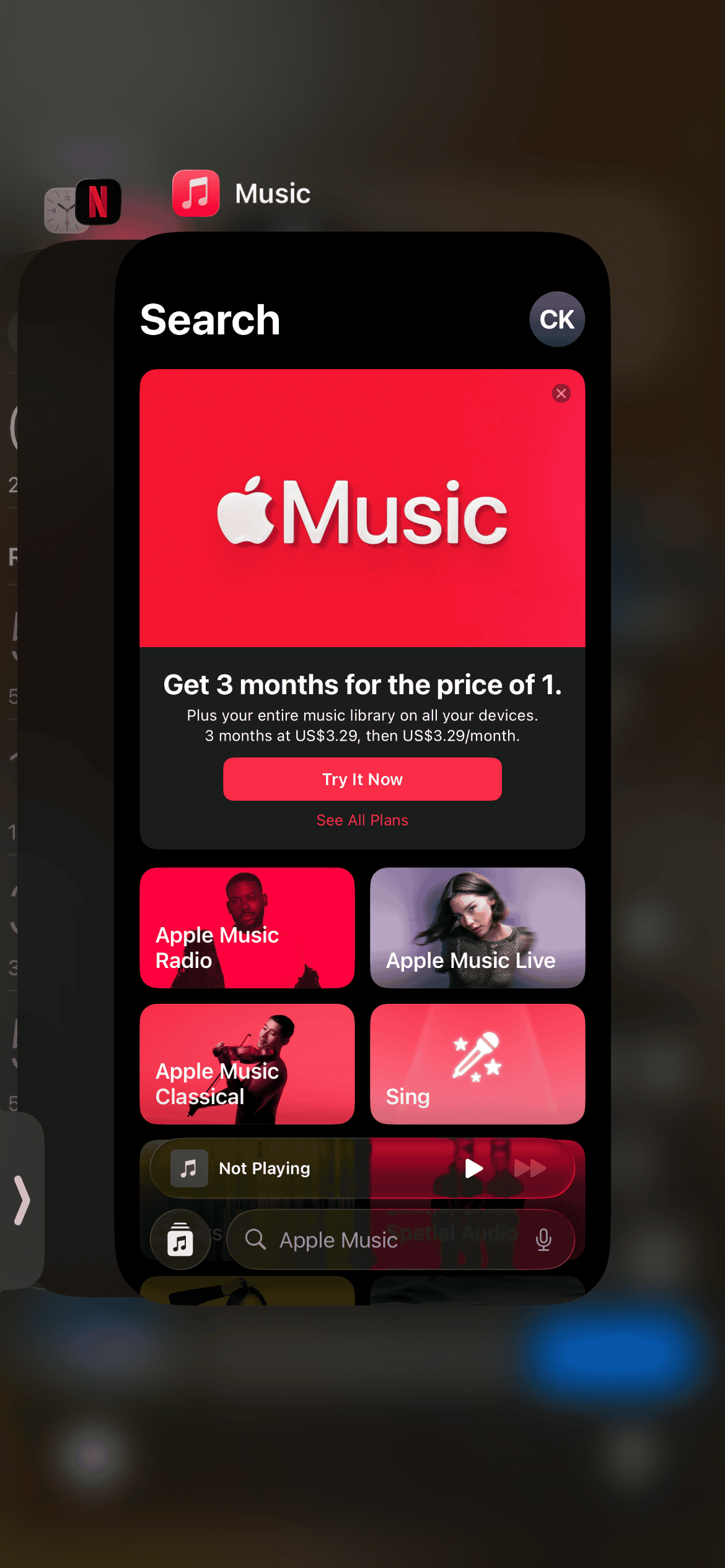
- Review all actively running applications, paying special attention to games, as their usage often correlates with the phantom recaptcha.net time.
- Swipe up on each application’s preview card to fully quit the task. This is important when Apple Screen Time data is not updating correctly.
4. Restrict Web Content to Block the Domain Completely
If setting an app limit on the domain does not work, you can use Content Restrictions to completely prevent the device from connecting to the specific network address, eliminating the source of the misclassified time.
- Go to Settings, select Screen Time, then Content & Privacy Restrictions. Enter the Screen Time Passcode.
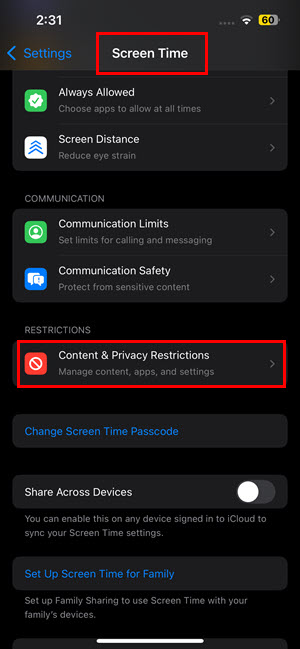
- Tap Content Restrictions, then Web Content. Change the setting from “Unrestricted Access” to Limit Adult Websites.
- Under the NEVER ALLOW section, tap Add Website and manually enter the domain:
recaptcha.net.
5. Reconfigure “All Apps & Categories” Limits
A unique and more drastic workaround is to create a custom “All Apps” limit that explicitly excludes the Websites category. This is useful if your child has no web browser and the phantom usage is the sole reason for limits being hit. This approach may also help if you find that Screen Time is not stopping usage for certain streaming apps.
- Go to Settings and tap Screen Time. Navigate to App Limits.
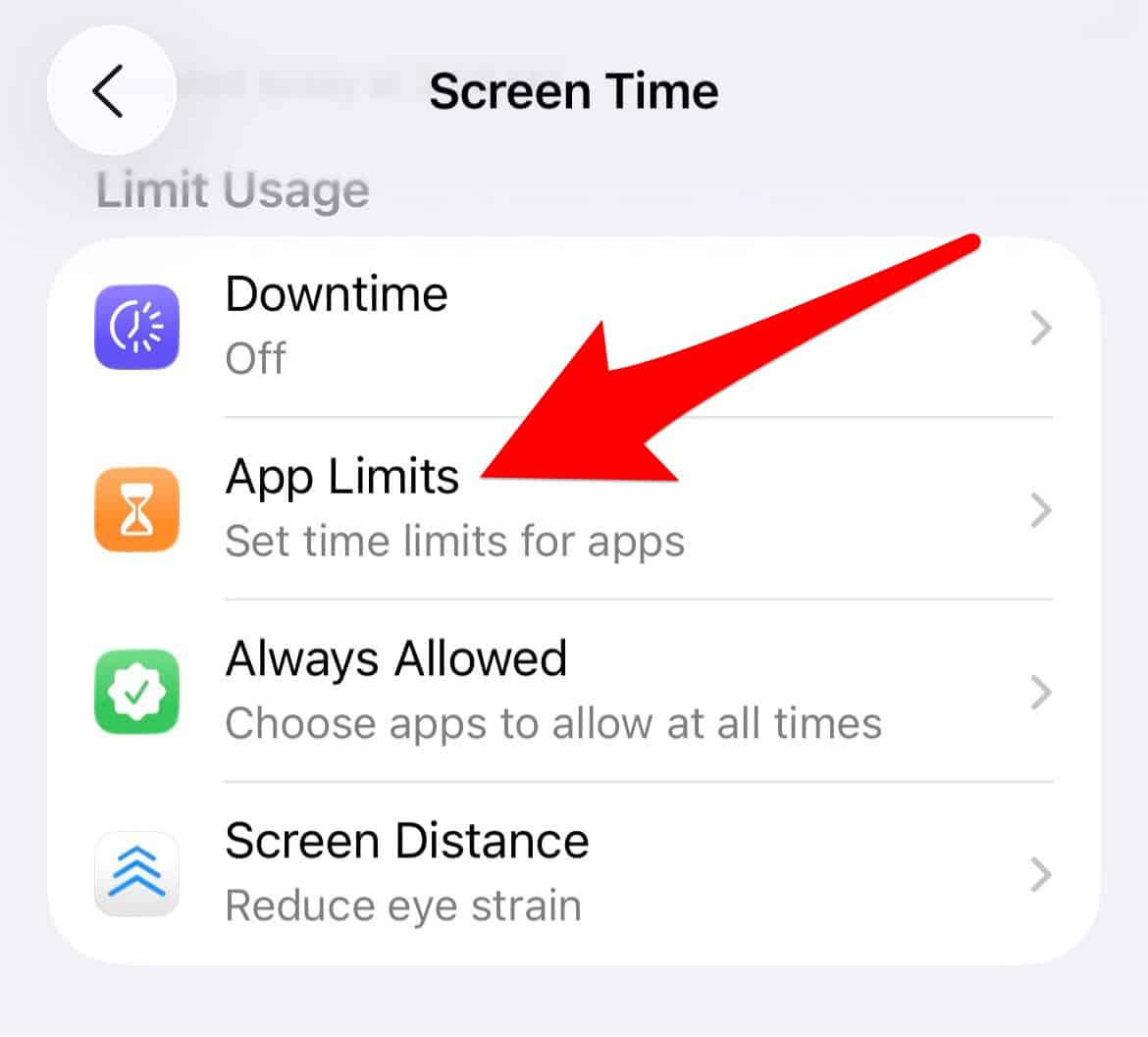
- Delete any existing “All Apps & Categories” limit.
- Tap Add Limit and manually select every single category listed except the “Websites” category.
FAQ
It is a legitimate domain associated with Google’s reCAPTCHA service, used by many websites and applications to distinguish human users from automated bots. It is not inherently malicious software.
If the phantom usage is tied to one specific app, deleting it will remove the source of the misclassified time. However, if the root cause is an operating system bug, it may reappear with another app later.
Major operating system updates sometimes change how network activity from embedded web browsers is logged, revealing background activity that was previously hidden or miscategorized.
Effective Digital Boundary Management
Dealing with phantom device usage from domains like recaptcha.net requires vigilance and an understanding of the technical underpinnings of parental controls. While platform developers address this specific issue, parents must apply targeted workarounds and continually monitor their settings. It is critical to address potential pathways kids use for circumventing Screen Time restrictions to maintain effective digital boundaries and ensure that usage is accurately reported, allowing families to effectively manage daily device time.




Discussion