
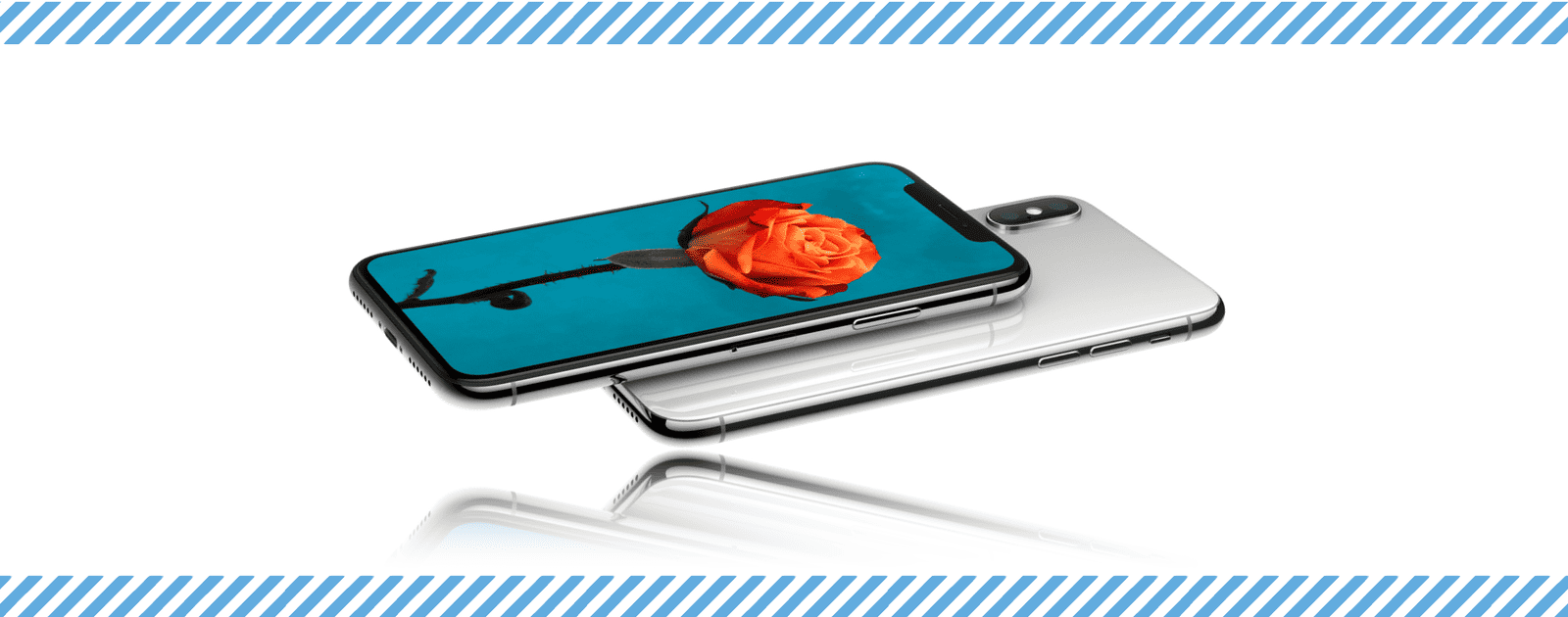
There’s an exclusive iPhone X ringtone called Reflection, but if you don’t have the newest iPhone, it’s still possible to get it on older models. Here’s how to install the iPhone X ringtone on your current iPhone.
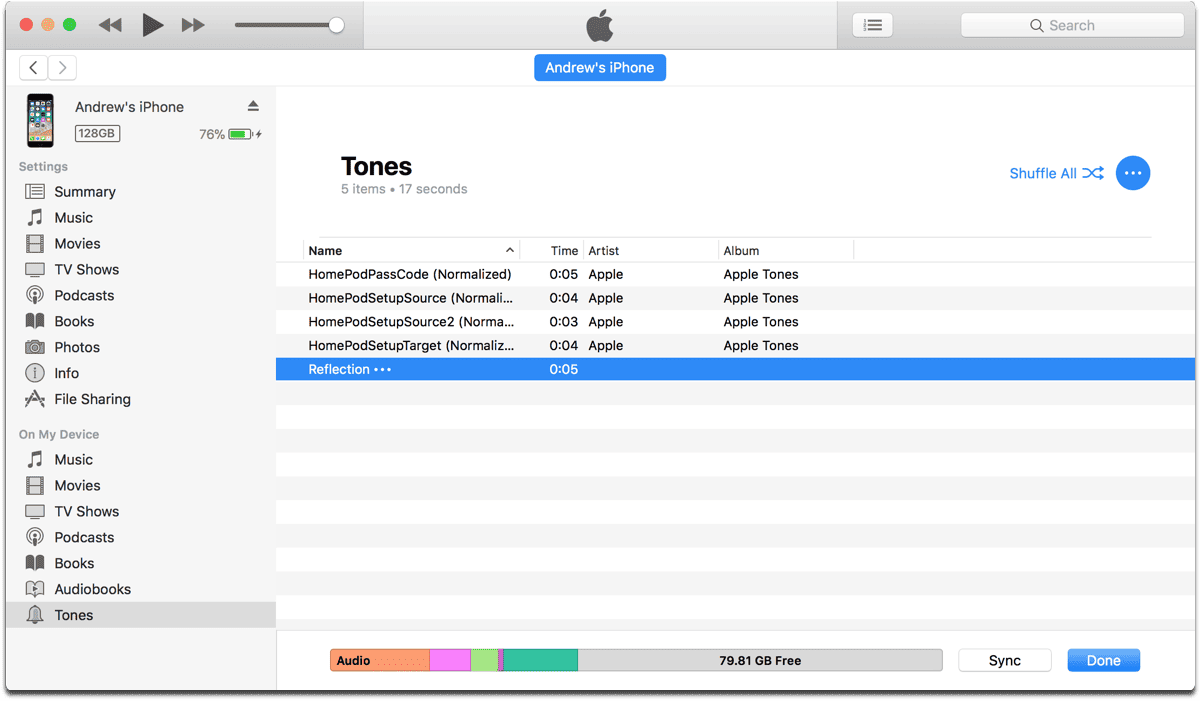
iPhone X Ringtone
- First, you can download the ringtone here.
- Next, connect your iPhone to your computer via USB, and open iTunes (if it doesn’t automatically open).
- Click on the iPhone icon on the upper left.
- In the sidebar, click on the Tones menu item at the bottom, under On My Device.
- Drag and drop the ringtone file into iTunes, and click Sync.
- On your iPhone, go to Settings > Sounds & Haptics > Ringtone.
- Tap Reflection, and it will be set as your new ringtone.
Note that this only works for ringtone files with the M4R extension.
Don’t miss the best of The Mac Observer
Set us as a preferred source and our Apple reporting ranks higher in your Google Search results and Discover feed — one tap, no account changes.




Hi Andrew. I tried this but when I drag the M4R extension to my phone it appears in the Music category of the phone, not in the Tones category. Reflections does not show in the list of ringtones on my phone. How do I get the M4R extension to appear under Tones?
Hi, what version of iOS are you running? I think the process might be different for older versions