
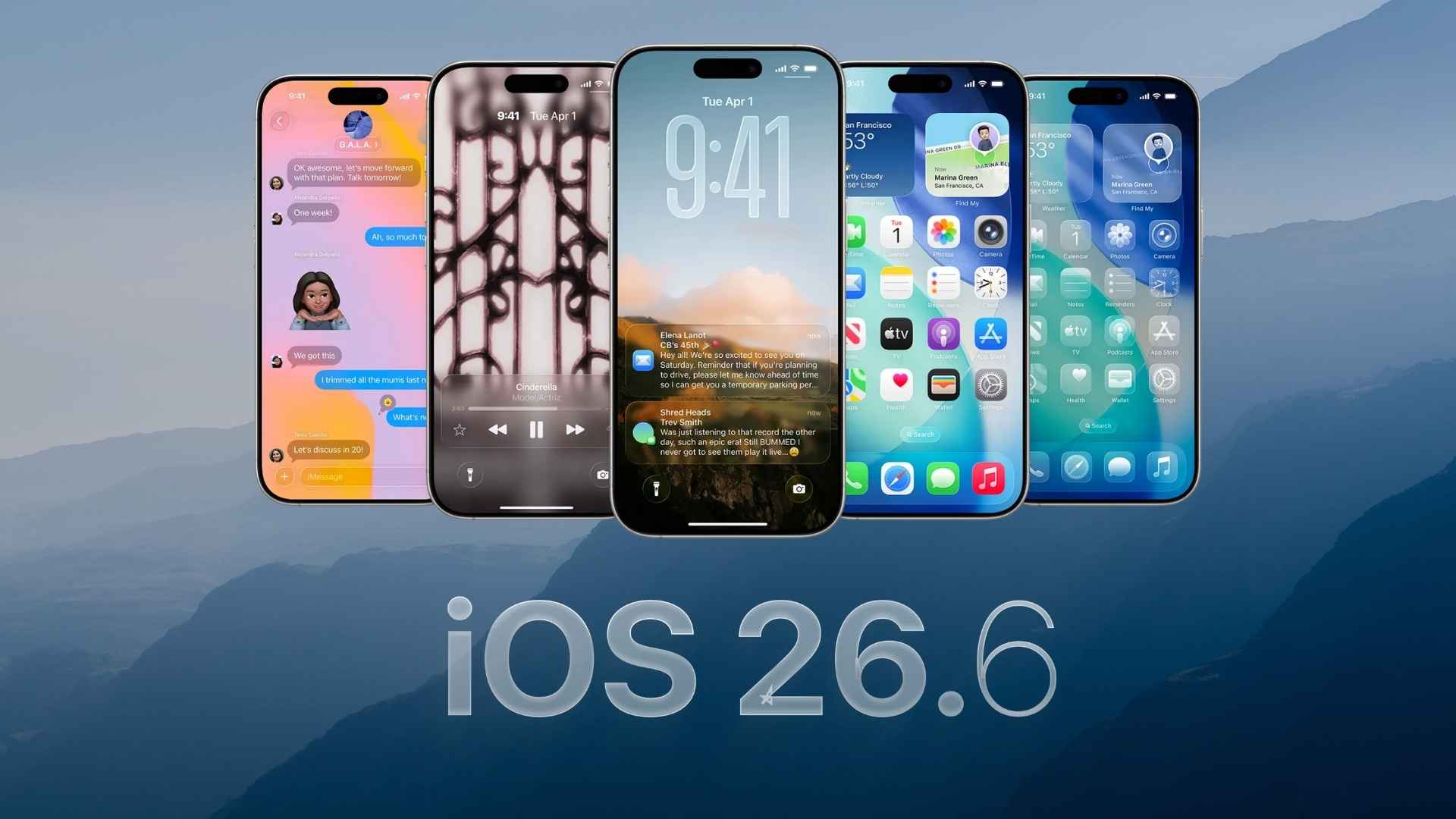
Apple has released iOS 26.6.2 for iPhone users, bringing another small update before iOS 27 arrives. The update carries build number 23G90 and focuses mainly on fixing a problem that prevented some users from downloading software updates over a cellular connection.
iOS 26.6.2 is available for the iPhone 11 and newer models, and it arrives around three weeks after iOS 26.6.1.
How to update
You can install iOS 26.6.2 directly from the Settings app:
Don’t miss the best of The Mac Observer
Set us as a preferred source and our Apple reporting ranks higher in your Google Search results and Discover feed — one tap, no account changes.
- Open the Settings app on your iPhone.
- Tap General.
- Select Software Update.
- Wait for iOS 26.6.2 to appear.
- Tap Update Now or Download and Install.
- Enter your iPhone passcode if prompted.
- Follow the on-screen instructions and allow your iPhone to restart.
Make sure your iPhone has enough battery power before starting the installation. Connecting it to a charger can also prevent interruptions during the update.
All changes in iOS 26.6.2
iOS 26.6.2 is a maintenance release, so you should not expect major visual changes or new apps. Here are the changes included across the latest iOS 26.6 updates:
- Cellular software update fix: iOS 26.6.2 fixes an issue that prevented a software update from downloading when an iPhone was using a cellular connection.
- Security improvements: iOS 26.6.1 delivered a large collection of security fixes covering areas including Audio, ImageIO, WebKit and other system components. Apple released those protections after they had already appeared in iOS 27 beta builds.
- Spotlight preparation for iOS 27: iOS 26.6 optimizes the Spotlight index on your iPhone ahead of iOS 27. The background work prepares indexed content used by features such as Spotlight search and the next generation of Siri.
- Blocked Contacts warning: iOS 26.6 added an alert that appears when you reach the maximum number of blocked contacts. The message tells you to remove an existing blocked contact before adding another number.
- Health fixes: iOS 26.6 fixed problems involving blood pressure authorization screens and incorrect results from some HealthKit statistics queries.
- Messages fix: The update addressed an issue where HDR screenshots could appear corrupted after being sent through Messages.
- Sticker reliability: Apple fixed an issue that could prevent users from creating new stickers or accessing existing ones when sticker data became corrupted.
- Object Capture improvements: iOS 26.6 included a fix for cases where object capture and reconstruction could fail.
- General stability and security fixes: The iOS 26.6 series has largely focused on improving reliability and closing security vulnerabilities rather than introducing major new features. iOS 26.6 itself included fixes for more than 75 reported security issues.
Apple has not listed any new CVE entries specifically for iOS 26.6.2, which makes this a focused bug-fix release rather than another major security update.
If you’ve already installed iOS 26.6.2 on your iPhone, let us know your experience with the update in the comments.


I dont know for sure it is because of 26.6.2 but I can no longer connect to internet at all even though my laptop. desktop. sons desktop and his phone have no problems at all.
I dont know for sure it is because of 26.6.2 but I can no longer connect to internet at all even though my laptop. desktop. sons desktop and his phone have no problems at all.
The supposed fix to that prevented a software update from downloading is not fixed. I have tried multiple times to update to 26.6.2 and it keeps failing. I am using cellular data.
You’re still running 26.6.1. It should be clear that since you don’t yet HAVE the fix, you need to download the update while on wifi…