

I love my iPhone 15, but I was having issues with it overheating while charging. It turns out this was due to a software bug within iOS. Fixing it was as easy as performing a software update. Here’s how to do it yourself.
How Do I Fix My iPhone 15 Overheating While Charging?
Time needed: 1 minute
If you need to fix the issue of your iPhone 15 overheating, updating to iOS 17.0.3 is likely to solve your issue.
- Navigate to Settings on your iPhone.
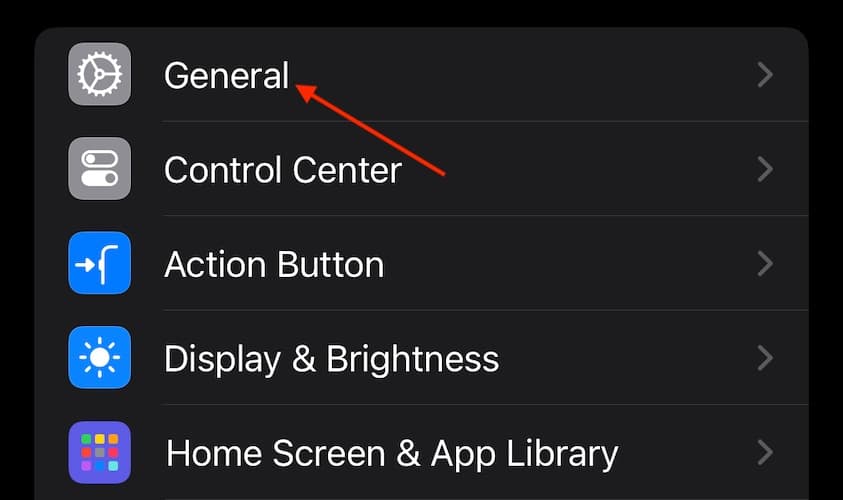
- Tap General.
- Select Software Update. If one is available, follow the steps on the screen.


In addition to a software update, check out our full guide on what you can do if your iPhone is overheating.
If you are continuing to experience overheating issues after the update, consider talking to Apple Support.
Don’t miss the best of The Mac Observer
Set us as a preferred source and our Apple reporting ranks higher in your Google Search results and Discover feed — one tap, no account changes.


Discussion