

Do you remember the PlayStation 2? Of course, you do. It’s hard to forget one of the best-selling consoles of all time. You probably spent hours of your childhood playing Final Fantasy X, Kingdom Hearts, Metal Gear Solid 3, Shadow of the Colossus, and God of War.
Sadly, these consoles aren’t as accessible anymore. Working units are hard to find, and they typically cost around $100 to $200, which is pretty steep for a nostalgia trip. Instead of going on a scavenger hunt for old hardware, try these free PlayStation 2 emulators on your iOS device. They’re free, reliable, and support a lot of titles.
 NOTE
NOTE
Play! Emulator

Play! is the only native PlayStation 2 emulator that currently works on iOS without a jailbreak. It’s been in active development for years and remains one of the most accessible options, especially now that sideloading is more common. It supports PS2 classics like Final Fantasy X, Metal Gear Solid 3, and God of War, although performance can vary depending on the game and your device’s chip.
Don’t miss the best of The Mac Observer
Set us as a preferred source and our Apple reporting ranks higher in your Google Search results and Discover feed — one tap, no account changes.

It runs ISO, CHD, and ELF files and doesn’t require a BIOS file to get started. Save states, zstd compression, and basic controller support are all built in. There’s also a virtual gamepad if you’re not pairing a controller. Don’t expect flawless 60 FPS, but for lightweight titles or nostalgic replays, it’s more than playable.
- Download the .ipa file from purei.org.
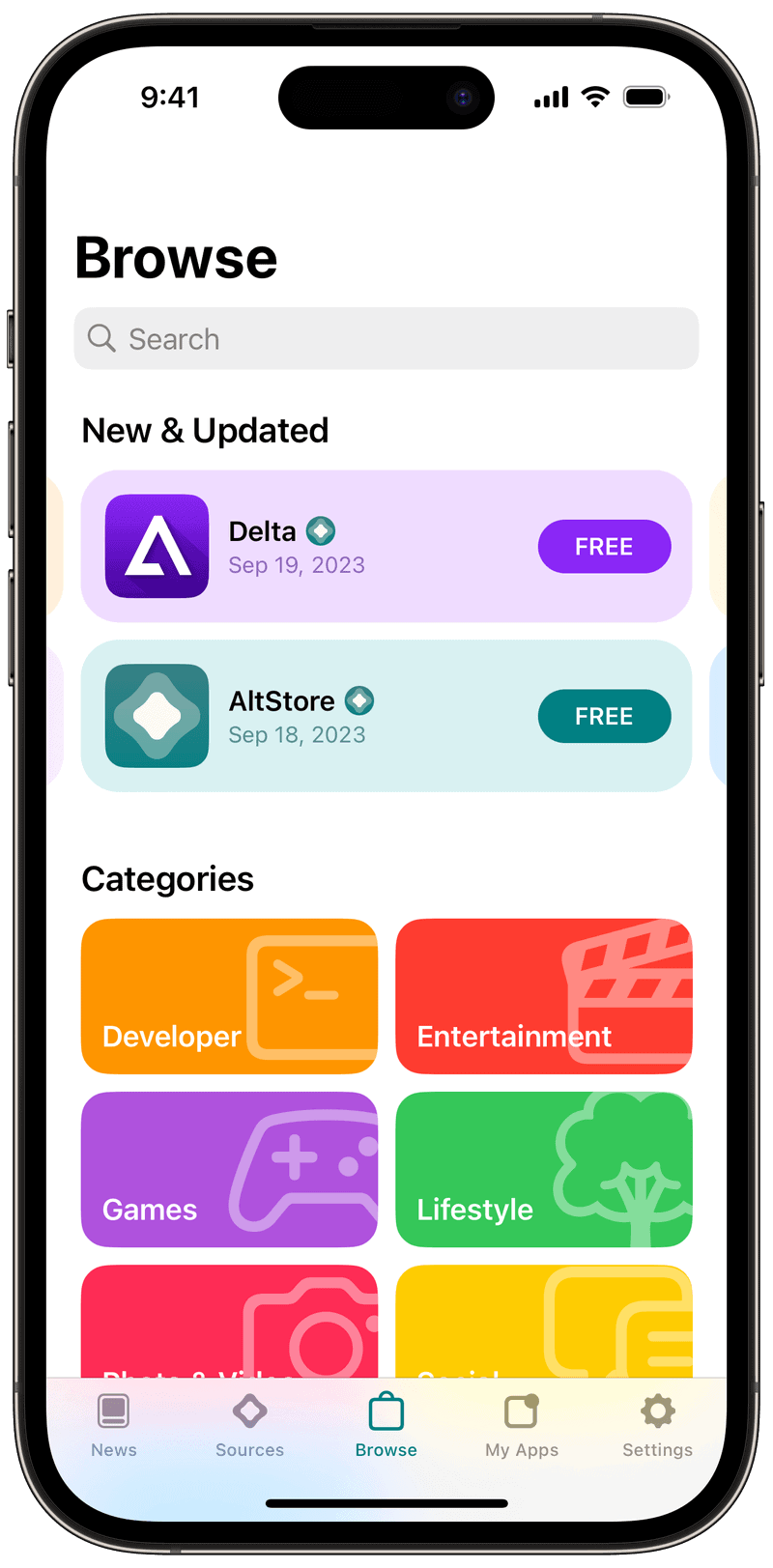
- Use AltStore, SideStore, or Sideloadly to install the app on your iPhone or iPad.
- To enable JIT (for smoother performance):
- Connect your device to the same Wi-Fi as your Mac/PC running AltServer.
- Trigger JIT via AltServer (hold Option + click the app icon > Enable JIT).
- Launch Play! on your iPhone.

PCSX2 via Game Streaming

If you want real PS2 performance, your best option is to run PCSX2 on a PC or Mac and stream the output to your iPhone. PCSX2 is the gold standard for PS2 emulation and supports upscaling, texture smoothing, and near-perfect compatibility across thousands of titles. While it’s not technically “iOS native,” the experience is excellent—especially if you pair your phone with a Backbone or DualShock controller.

You can use apps like Steam Link or Moonlight to stream gameplay directly to your iPhone over Wi-Fi. Since all the emulation happens on your computer, performance is nearly identical to playing on your desktop. This setup is ideal for users who already have a powerful computer and want to play PS2 games casually on their phone without the limitations of mobile emulators.
- Install PCSX2 on your PC or Mac.
- Add it to your Steam library as a non-Steam game.
- Install Steam Link on your iPhone.
- Connect both devices to the same Wi-Fi network.
- Launch Steam Link, pair your controller, and stream.
Do You Need to Jailbreak to Play PS2 Games on iOS?
No, you don’t need to jailbreak your iPhone to play PS2 games on iOS. Thanks to sideloading tools like AltStore, Sideloadly, and SideStore, you can install emulators like Play! without modifying your device. These methods use your Apple ID to sign apps and load them onto your iPhone or iPad. While you won’t get App Store-level convenience, it’s a safe and widely used workaround that doesn’t void warranties or compromise system security.
If you’re just getting started with PS2 emulation, these iOS apps are more than enough to scratch that nostalgic itch. They bring back the classics without needing original hardware or complicated setups. If you want to explore more old games, check out our guide on iOS retro consoles and emulators.


Discussion