
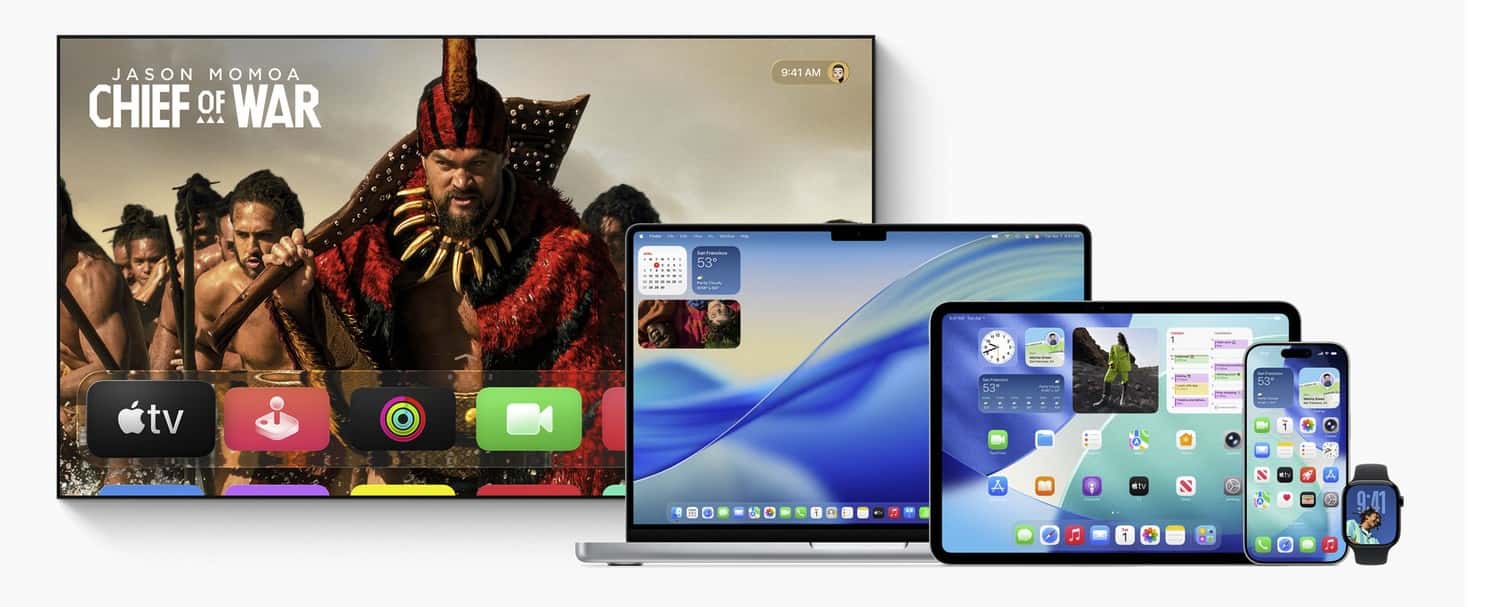
Apple just pushed tvOS 26.0.1 to Apple TV with a targeted fix for the frustrating audio out-of-sync issue affecting some streaming apps. If you’ve noticed lips not matching dialogue, this update is for you.
The release arrives alongside Apple’s other quick patches — watchOS 26.0.2 and visionOS 26.0.1 — all focused on bug fixes and security improvements. Read our roundup for the full context on what dropped across platforms. Apple releases watchOS 26.0.2, visionOS 26.0.1, and tvOS 26.0.1
Who should update
If you use an Apple TV 4K or Apple TV HD, install it. Unsure about device support? Here’s our quick reference. Official tvOS 26 compatibility list
Don’t miss the best of The Mac Observer
Set us as a preferred source and our Apple reporting ranks higher in your Google Search results and Discover feed — one tap, no account changes.
How to install (quick steps)
On Apple TV: Settings → System → Software Updates → Update Software. Prefer a walkthrough? Follow our guide. How to install tvOS on Apple TV
Still seeing drift after updating? Try this
- Run Wireless Audio Sync: Settings → Video and Audio → Wireless Audio Sync (use your iPhone to calibrate).
- Toggle Match Frame Rate off/on and relaunch the app.
- Update the affected app, reboot Apple TV, and re-seat HDMI cables.
Related reads
- What changed this cycle: tvOS 26 vs tvOS 18 — ultimate comparison
- More day-one fixes from Apple: macOS 26.0.1 rolls out with key bug fixes


Discussion