

If you’re looking to install QQ on your Mac, you’ve probably already realized one thing—it’s not always obvious which version is the right one to download. QQ has been around for decades, evolving from a basic chat app into a massive communication platform used by hundreds of millions of people, especially in China. But with so many third-party download sites floating around, grabbing the official version is the only way to keep your Mac secure and make sure you’re getting the real Tencent software. Let’s go through what QQ for Mac offers, where to get it safely, and what to expect once it’s installed.
Table of contents
How to Get QQ for Mac Officially
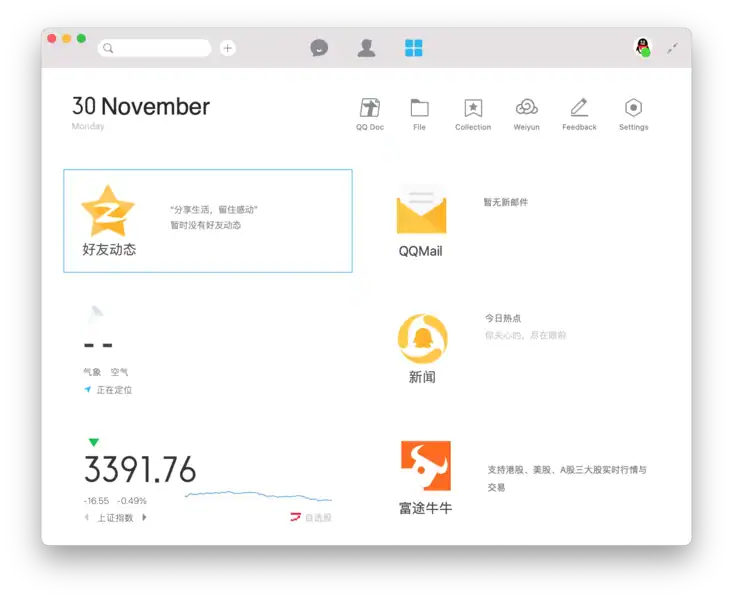
The only safe place to download QQ for Mac is directly from Tencent’s official website or, in some regions, the Mac App Store. Avoid unofficial download portals—they often bundle outdated builds or add unwanted extras.
To install it, download the DMG file, open it, and drag the QQ icon into your Applications folder. The setup takes just a few minutes, and you can log in with an existing Tencent account or create one on the spot. If you’re new to QQ, sign-up requires an email address, phone number, and verification code.
Don’t miss the best of The Mac Observer
Set us as a preferred source and our Apple reporting ranks higher in your Google Search results and Discover feed — one tap, no account changes.
Once you’re in, the interface looks simple but polished. It’s mostly in English by default, though a few menus may appear in Chinese depending on your system region. You can switch the language settings easily under Preferences.
What the Official QQ App Does on macOS
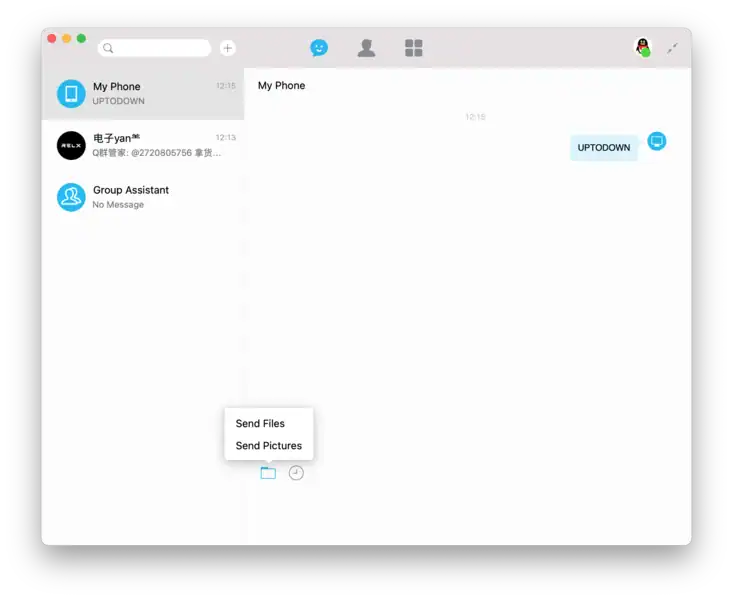
QQ for Mac gives you everything you need to chat, call, and share without needing your phone nearby. You can join group chats, make HD video calls, transfer files, and sync your chat history between Mac and mobile. File sharing is one of its biggest strengths—it handles large transfers smoothly, especially when both users are on fast networks.
Performance-wise, it runs quietly in the background, uses little memory, and integrates neatly with macOS notifications and dark mode. QQ also supports cloud file storage, letting you back up media and documents to Tencent’s servers.
The Bottom Line
Here’s the thing—if you’re going to use QQ on Mac, stick to the official build. It’s stable, clean, and regularly updated by Tencent. Whether you’re chatting with friends, managing international work contacts, or keeping in touch with people in China, the official QQ app for Mac is the version you can actually trust.



Discussion