

The Quartile puzzle in Apple News+ usually loads instantly and responds without delay. When it stops working, it often relates to content loading, app caching, or network interruptions. Some users notice the issue after an iOS update or after Apple News refreshes its layout. In this article, we’ll help you restore the Quartile puzzle so it loads properly and responds to taps again.
Table of contents
- Common Causes?
- Here’s how to fix the problem
- 1. Force quit and relaunch the News app
- 2. Refresh Apple News content
- 3. Restart the device
- 4. Check your internet connection
- 5. Update iOS to the latest version
- 6. Toggle background app refresh
- 7. Sign out of Apple ID and sign back in
- 8. Remove and redownload Apple News data
- 9. Check if Apple servers are experiencing delays
- Tips
- Conclusion
- FAQs
Common Causes?
The Quartile puzzle depends on Apple News loading interactive content correctly. When the app cannot retrieve the puzzle bundle, the tiles may fail to appear or stop responding. This often happens when cached News data becomes outdated. It can also occur when Apple News refreshes in the background at the same time the puzzle is loading.
iOS updates sometimes change how Apple News manages content, similar to issues reported with Apple News reliability in iOS 18.2. Newer users may also see loading inconsistencies after adjusting News+ settings, which aligns with onboarding behaviors discussed in the guide on setting up Apple News.
Don’t miss the best of The Mac Observer
Set us as a preferred source and our Apple reporting ranks higher in your Google Search results and Discover feed — one tap, no account changes.
Auto refresh timing can interrupt puzzle loading as well, a behavior also noted in discussions about Auto Refresh in Apple News.
Here’s how to fix the problem
Below are reliable steps that address the most common causes of the puzzle failing to load or respond.
1. Force quit and relaunch the News app
- Open the App Switcher.
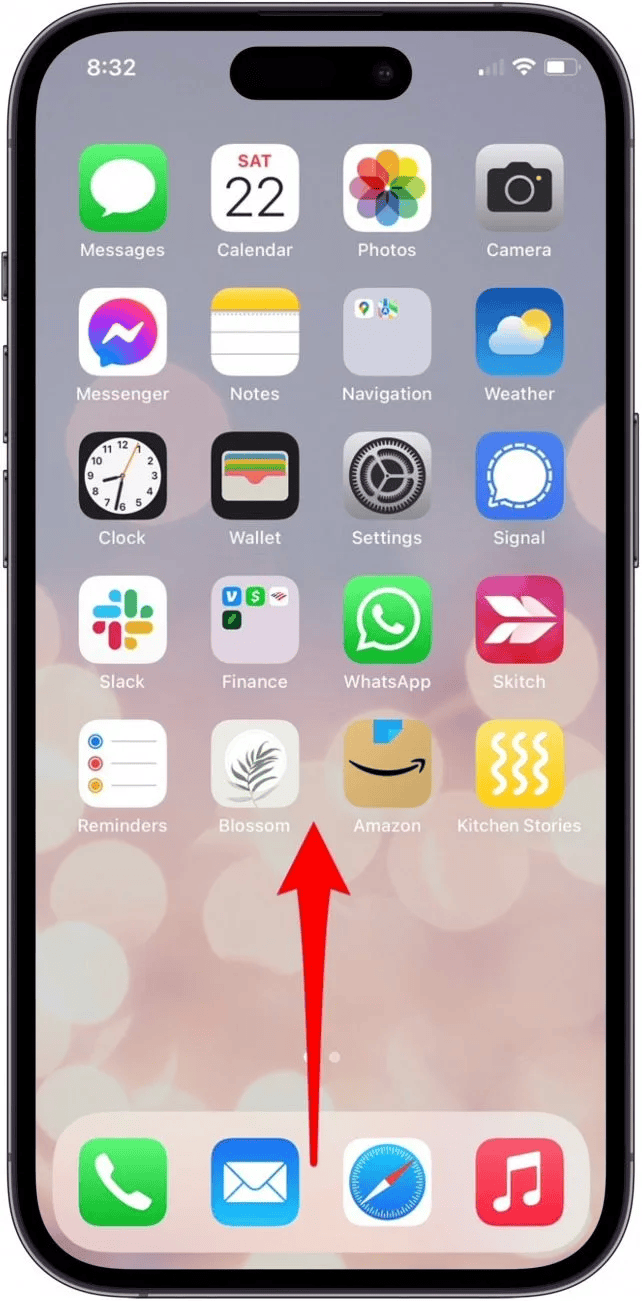
- Swipe up on the Apple News app to close it.
- Reopen Apple News and try loading the Quartile puzzle again.

A simple restart clears temporary data that may block puzzle interaction.
2. Refresh Apple News content
- Open Apple News.
- Pull down on the screen until the spinning indicator appears.
- After the refresh finishes, open the Quartile puzzle again.
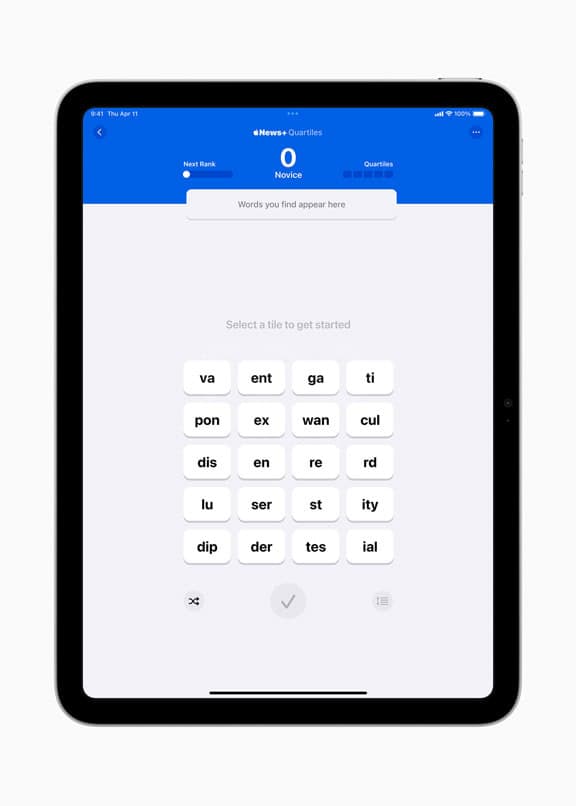

Content refresh behavior sometimes affects how puzzles load. The topic of refresh patterns is also explored in discussions about disabling auto refresh in Apple News, which can cause tiles to delay or reload at unexpected times.
3. Restart the device
- Restart the iPhone or iPad.

- Reopen Apple News and load the Quartile puzzle.

Restarting clears system caches that may prevent Apple News modules from initializing.
4. Check your internet connection
- Test the connection by opening a few articles.
- Switch between Wi Fi and mobile data.
- Load the puzzle once the connection is confirmed stable.
Apple News relies heavily on live data, and puzzle tiles may not load if the connection is weak.
5. Update iOS to the latest version
- Go to Settings > General > Software Update.
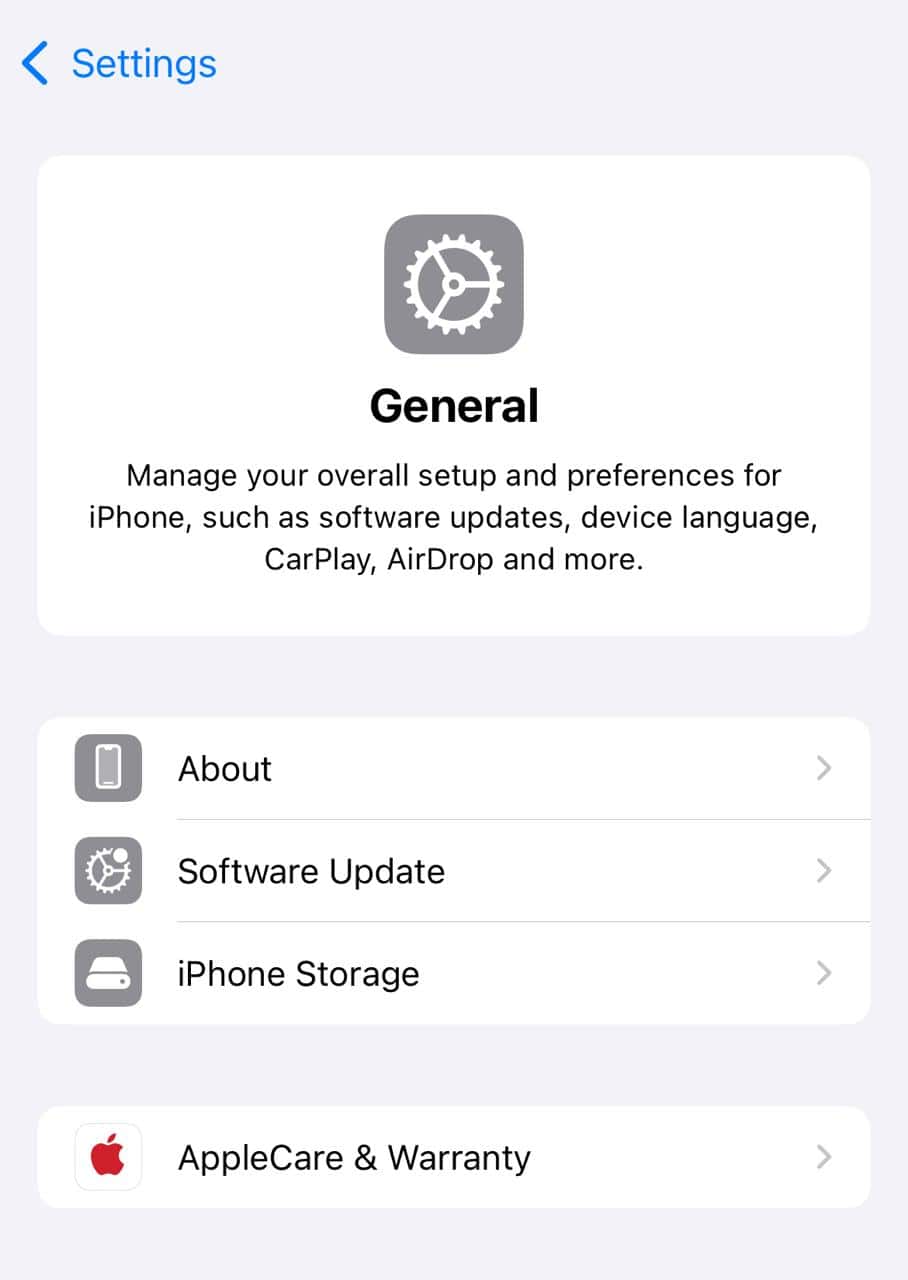
- Install any available updates.
- Restart the device and check the puzzle again.

Updates often resolve loading issues across Apple News and improve puzzle responsiveness.
6. Toggle background app refresh
- Open Settings > General > Background App Refresh.
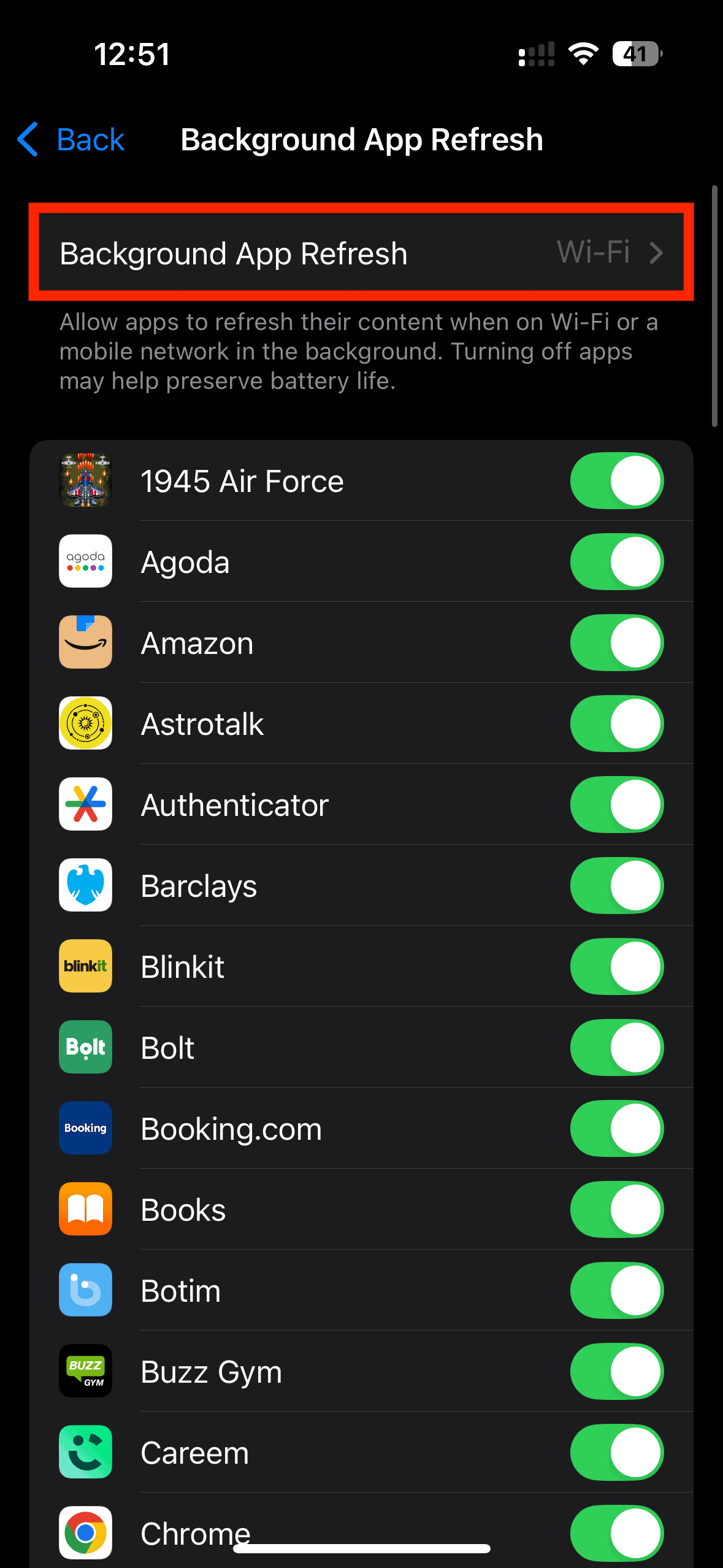
- Turn off Background App Refresh for Apple News.
- Wait a few seconds.
- Turn it back on.

This resets how Apple News retrieves dynamic content.
7. Sign out of Apple ID and sign back in
- Go to Settings > Apple ID.
- Sign out.
- Restart the device.
- Sign back in and open Apple News.
This refreshes subscription data, which affects News+ games such as puzzles.
8. Remove and redownload Apple News data
- Open Settings > News.
- Toggle Reset Identifier if available.
- Clear offline stories (if shown).
- Reopen the Quartile puzzle.
This forces Apple News to fetch new content modules.
9. Check if Apple servers are experiencing delays
If multiple sections in the app load slowly, the issue may be temporary, and Apple servers are just experiencing delays.
Apple News has had similar disruptions before, which we covered in the Apple News performance and behavior article..
Tips
- Keep enough storage on the device for Apple News to load puzzles smoothly.
- Avoid third-party cleaning tools that remove cached Apple News files.
- Restart the device weekly to keep system caches fresh.
- Update iOS shortly after major News+ changes are released.
- Try loading another News+ puzzle like Crossword or Mini to check if the issue is local to Quartile.
- Keep Background App Refresh enabled for Apple News to reduce loading delays.
Conclusion
So, there you have it. The Quartile puzzle usually stops loading when Apple News cannot retrieve or refresh the puzzle module correctly. Most issues are resolved by refreshing content, restarting the device, clearing outdated data, or updating iOS. Once these steps are applied, the puzzle typically loads and responds normally again.
FAQs
This happens when the News app cannot load puzzle data.
No, but you can reset its data in Settings.
No, progress is tied to your subscription.
Sometimes. Testing Crossword or Mini can help.
Yes, temporary Apple service delays can affect puzzle loading.



Discussion