
Whether you’re launching a new project from your MacBook or refining a brand on macOS Pro hardware, the right logo generator can make the difference between “meh” and “memorable.” In 2026, tools range from simple drag‑and‑drop editors to sophisticated AI logo generator platforms that help you ideate and customize at lightning speed. Below, we cover the top options that work seamlessly in Safari, Chrome, and desktop workflows, from beginner needs to pros looking for export‑ready assets.
Table of contents
- 1. BrandCrowd – Best All‑Around Logo Maker for macOS
- 2. Design.com – Build a Full Brand with the Power of AI
- 3. Canva Logo Maker – Flexible and Familiar Design Hub
- 4. Adobe Express – Creative Control With Adobe Integration
- 5. Looka – Guided Logo Creation for Fast Results
- 6. Wix Logo Maker – Quick Integration With Website Workflows
- Wrap‑Up
1. BrandCrowd – Best All‑Around Logo Maker for macOS
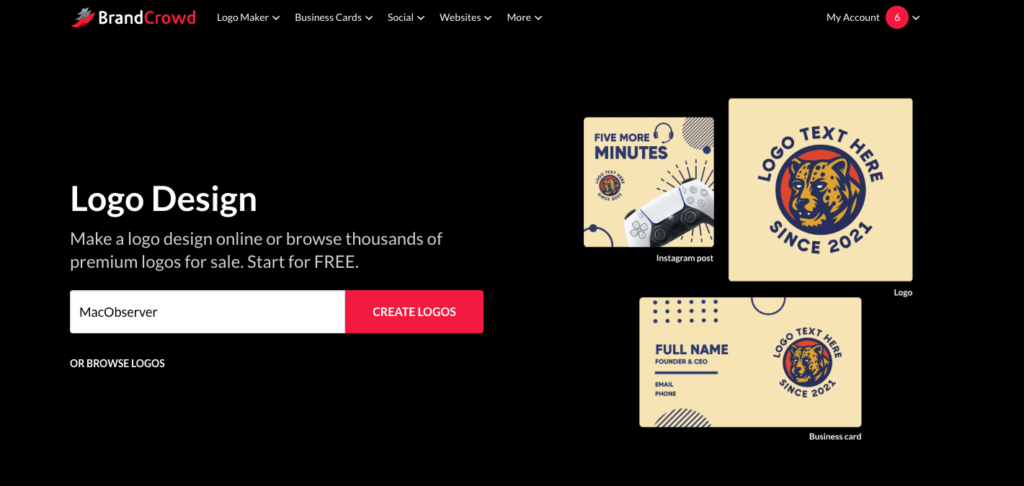
BrandCrowd earns top marks for macOS users thanks to its massive template library and strong user satisfaction, with nearly 10,000 reviews and a ~4.7/5 rating on Trustpilot. It’s more than a logo tool; it’s a full brand suite that scales with your needs.
Why We Recommend It
BrandCrowd’s interface makes it simple to generate hundreds of professional logo options quickly and then refine them without design expertise. Built‑in voting lets teams compare favorites, and export options cover vector formats (SVG, EPS, PDF) and social‑ready files. Its combination of breadth (vast templates) and polish (high‑quality results) makes it ideal for solo founders and SMBs alike.
Pricing
- Free tier: Full logo downloads in multiple formats, free site builder, virtual business card, and design tools.
- Paid plans:
- Starter: ~$5/month (billed annually)
- Value: ~$6/month (billed annually)
Premium: ~$7/month (billed annually)
All paid tiers include unlimited edits, commercial rights, high‑resolution assets, and access to every tool.
Verdict
BrandCrowd hits the sweet spot for macOS users who want professional logos without juggling complex design tools. Its free–to–premium path means you can start for free and scale up as your brand grows.
2. Design.com – Build a Full Brand with the Power of AI
For Mac users needing a strong logo creating option without relying on complex software, Design.com can be a great choice for anyone needing quick and polished results backed by AI. This browser-based platform makes it easy to download a variety of branding assets directly from a browser like Safari or Chrome, and getting started is as simple as telling the AI what kind of logo you need. The platform instantly generates you a variety of media to choose from — if you need business cards, social media materials, or even an entire website, Design.com covers your needs.
Why We Recommend It
Working with the platform from a M4 MacBook Air, it was impressive discovering just how flexible and seamless the creation process can be. Along with being able to customize fonts, icons, layouts, and more in just a few clicks, it can be an approachable experience for novices while still providing enough details for startups and creators needing a brand identity that’s more refined. Additionally, the access to free templates made experimenting easy.
Pricing
- Free plan: Can create free logo designs and access AI Logo Generator, including access to custom graphics from designers and exclusive fonts. However, it only has non-exclusive licensing options.
- Subscriptions: Around $24/mo or ~$72/yr with unlimited access to designs, templates, and AI tools.
Verdict
Ideal for freelancers, small businesses, and entrepreneurs looking for quick professional branding, Design.com’s AI-driven production capabilities, easy-to-use interface, and broad suite of branding tools can make it one of the best logo makers for macOS users in 2026.
3. Canva Logo Maker– Flexible and Familiar Design Hub
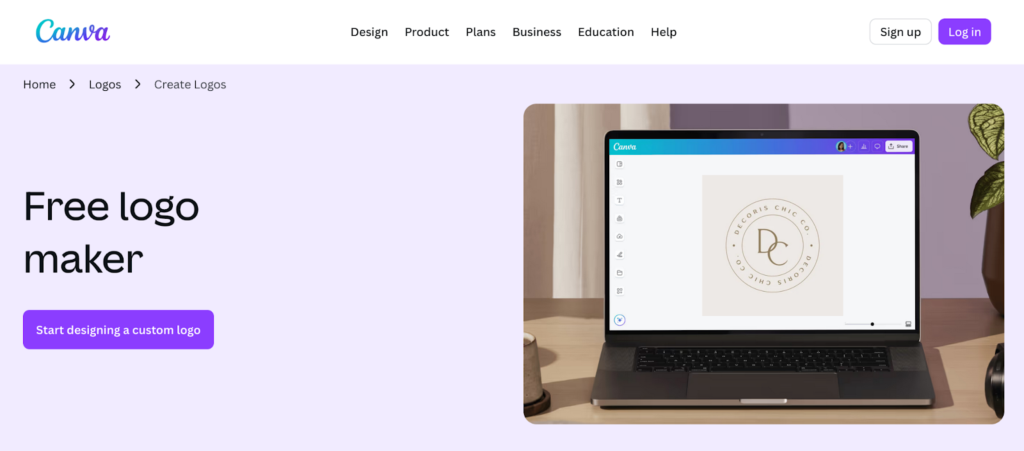
Canva’s logo maker is ideal if you value an ecosystem that goes beyond logos into broader content creation. In addition to its drag‑and‑drop logo workflow, you get seamless access to presentations, social media graphics, and marketing templates.
Why We Recommend It
Canva blends a beginner‑friendly logo generator with deep ties to a versatile design suite. Its intuitive editor and vast library of assets let macOS users iterate fast and maintain brand consistency across all channels.
Pricing
- Free plan: Unlimited canvas access, basic logos, and exports.
- Pro: Around $15/month or ~ $120/year with premium templates, brand kit tools, and SVG export included.
Verdict
Canva is perfect for users who want their logo creation as part of a broader content workflow. It’s especially valuable if you already use Canva for everyday designs and want everything under one roof.
4. Adobe Express– Creative Control With Adobe Integration
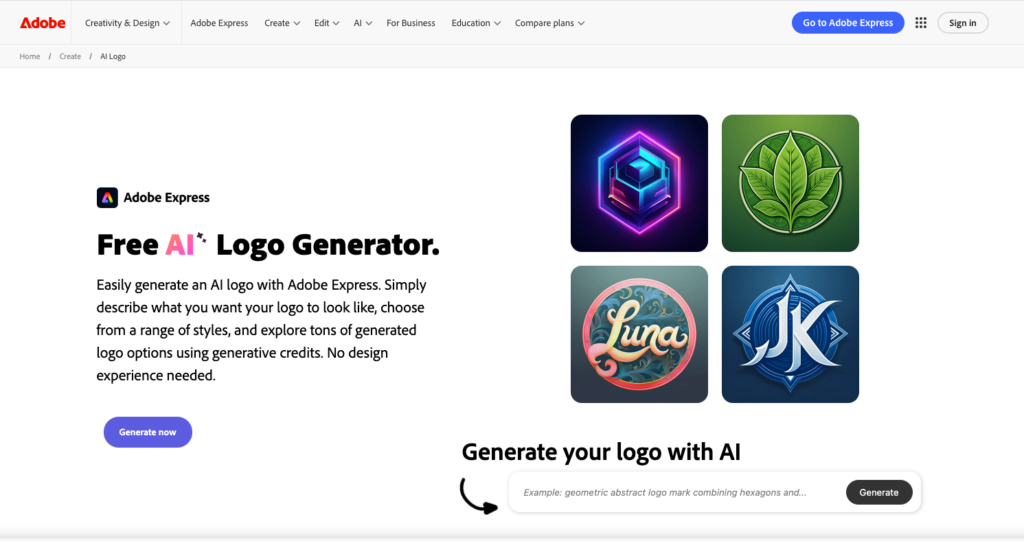
If you’re already in the Adobe ecosystem, Adobe Express brings an AI logo generator into a creative suite with access to Adobe Stock assets, layered editing, and brand asset management. It’s less logo‑specialized than BrandCrowd, but it gives creatives more design freedom.
Why We Recommend It
Adobe Express lets you start with templates and then fine‑tune typography, spacing, and composition with tools familiar to anyone who’s used Adobe products. Its integration with other Adobe apps makes it a great stepping‑stone for more advanced design work.
Pricing
- Free tier: Access to basic templates and editing.
- Premium: Around $9.99/month or ~$99.99/year for full templates, assets, and expanded export options.
Verdict
Adobe Express is ideal for macOS users who want hands‑on control and plan to grow into more complex design tasks over time.
5. Looka– Guided Logo Creation for Fast Results
Looka offers a structured logo generator experience that walks you through a preference‑based flow and then delivers cohesive logo options. It’s especially useful when you want polished results with minimal manual tinkering.
Why We Recommend It
Looka’s guided process helps narrow down style directions quickly. The platform’s preview features (e.g., business cards, social headers) show how a logo performs in real contexts, which is handy when you need quick buy‑in from clients or partners.
Pricing
Looka typically charges for logo downloads and brand kits rather than offering a free tier; prices vary depending on the package you choose (one‑time or subscription).
Verdict
Best for startups and solo founders who want clean, modern logo options fast without wrestling with full design suites.
6. Wix Logo Maker– Quick Integration With Website Workflows
If your end goal is a live site, Wix Logo Maker pairs your logo with a broader Wix branding workflow. It uses AI to generate tailored logo options and then lets you customize them in a web‑based editor.
Why We Recommend It
Wix’s approach makes it easy to maintain visual continuity from your logo to your website theme and style. AI suggestions give you a starting point, and customization lets you adjust fonts, icons, and layouts before export.
Pricing
Wix offers both one‑time payments for just logo files (e.g., ~$49–$99) and Logo + Website bundles starting around $11–$24/month, combining logo ownership with hosted site services.
Verdict
A great fit when your brand launch includes a Wix‑based website. It’s straightforward and functional, though seasoned designers may desire deeper customization tools.
Wrap‑Up
For macOS users in 2026, the right logo maker depends on how you work: BrandCrowd sits at the top for pure branding value and flexibility; Canva blends logo creation with broader content design; Adobe Express rewards creative refinement; Looka offers fast guided outcomes; and Wix Logo Maker connects branding to your site.
Each tool brings unique strengths to the table, so choose based on how much control and crossover into other assets you need.


