
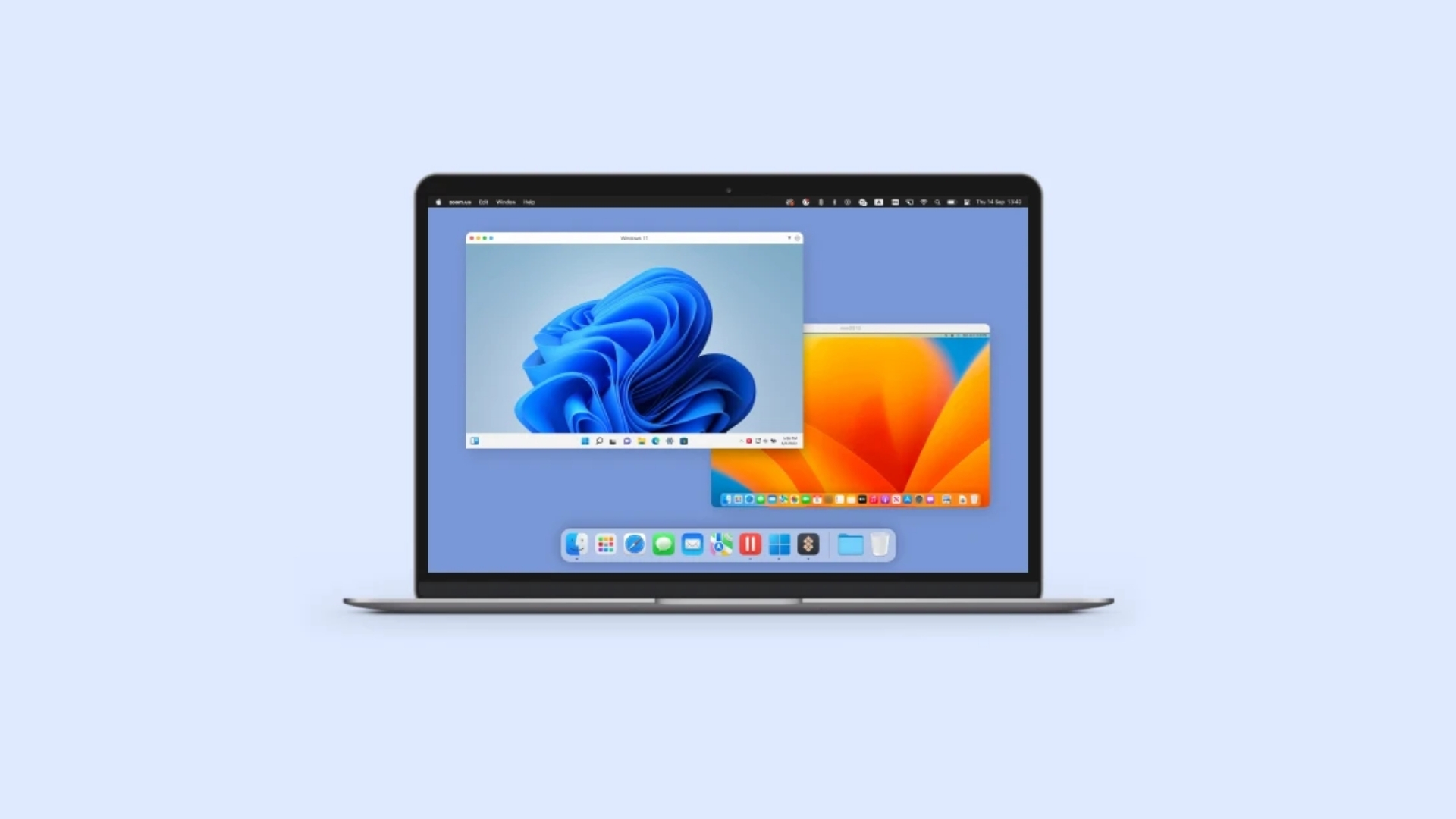
The best virtual machine software for Mac lets you run Windows, Linux, older operating systems, and isolated development environments without replacing macOS.
Parallels Desktop offers the easiest Windows experience, while VMware Fusion provides powerful virtualization tools for free. UTM is a strong open-source option, and VirtualBox remains useful for cross-platform testing.
Your Mac’s processor affects which operating systems it can run efficiently. Apple silicon Macs, including M1 through M5 models, deliver the best performance with ARM-based guest operating systems. Intel-based systems can run traditional x86 and x64 operating systems directly.
Don’t miss the best of The Mac Observer
Set us as a preferred source and our Apple reporting ranks higher in your Google Search results and Discover feed — one tap, no account changes.
Best Virtual Machine Software for Mac Compared
| Virtual machine software | Best for | Apple silicon support | Price | Main limitation |
|---|---|---|---|---|
| Parallels Desktop | Running Windows easily | Yes | Paid | Subscription cost |
| VMware Fusion Pro | Free professional virtualization | Yes | Free | Less polished Windows integration |
| UTM | Open-source virtualization and emulation | Yes | Free | Limited graphics acceleration |
| VirtualBox | Cross-platform testing | Limited but improving | Free | Several Apple silicon limitations |
| Tart | macOS and Linux automation | Yes | Free | Command-line focused |
⭐ 1. Parallels Desktop: Best Overall (We Recommend)
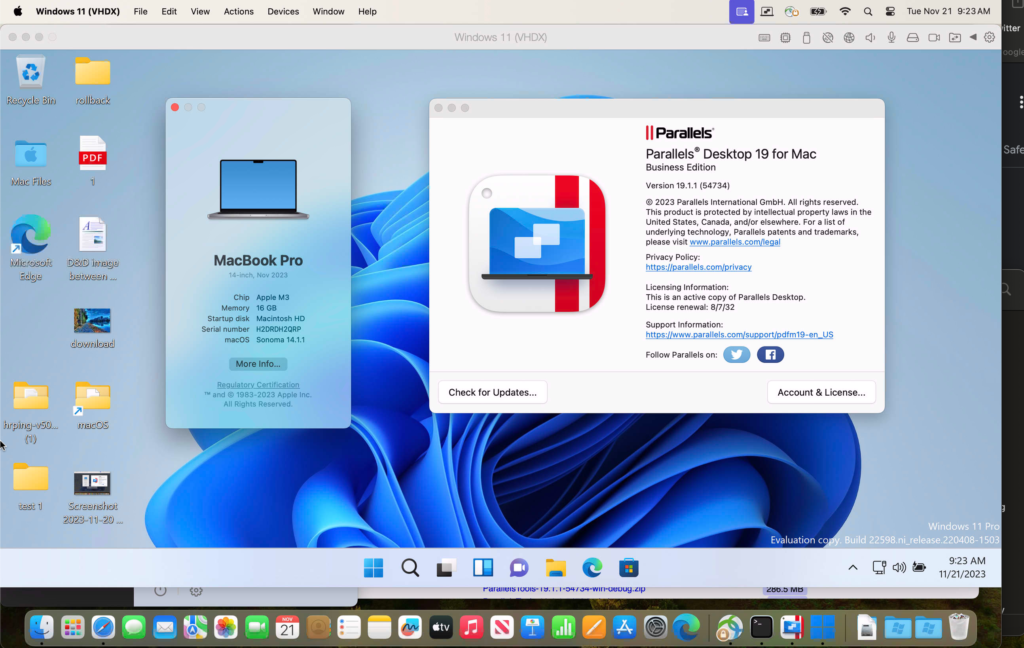
Parallels Desktop is the best choice for most people who need to run Windows on a Mac regularly. It provides a guided Windows 11 installation, shared folders, clipboard synchronization, drag-and-drop file transfers, and support for Mac peripherals.
Its Coherence mode hides the Windows desktop and displays Windows applications alongside regular Mac applications. You can open Windows software from the Dock, use macOS keyboard shortcuts, and access files stored on your Mac from inside Windows.
Parallels supports Windows 11 on Arm on Apple silicon Macs. Microsoft recognizes Windows 11 Pro and Enterprise running through Parallels as a compatible solution for Apple silicon systems.
Parallels Desktop
Run Windows on your Mac without rebooting. Our top recommendation for Apple silicon and Intel Macs.Key Parallels Desktop features include:
- One-click Windows 11 installation
- Coherence mode for running Windows apps without displaying the complete Windows desktop
- Shared Mac and Windows folders
- DirectX 11 graphics support
- USB device and printer sharing
- Virtual machine snapshots
- Retina display optimization
- Development tools in the Pro edition
Parallels works well for Microsoft Office, business applications, web development, accounting software, testing, and many standard Windows programs. However, some applications that depend on unsupported hardware drivers, nested virtualization, specialised security components, or certain anti-cheat systems may not work correctly with Windows 11 on Arm.
Parallels requires a paid licence, and Windows activation usually requires a separate Windows licence. The Standard edition suits home users, while the Pro edition provides more processor, memory, networking, debugging, and automation controls.
2. VMware Fusion Pro: Best Free Virtual Machine Software for Mac
VMware Fusion Pro is the best free alternative to Parallels Desktop. Broadcom made Fusion Pro free for personal, educational, and commercial users, removing the previous paid licence requirement.
Fusion supports Windows 11 for Arm, Linux distributions, snapshots, virtual networks, cloning, encryption, and advanced hardware configuration. It also offers DirectX 11 graphics acceleration and fast file sharing on supported guest systems.
VMware Fusion Pro includes:
- Windows 11 on Arm support
- Multiple snapshots
- Linked and full virtual machine clones
- Custom virtual networking
- Virtual disk encryption
- 3D graphics acceleration
- Shared folders and clipboard integration
- Import support for several virtual machine formats
Fusion gives developers and IT professionals more configuration options than most free tools. It works well for testing software, creating isolated networks, running Linux servers, examining suspicious files, and reproducing enterprise environments.
The setup process feels less straightforward than Parallels, particularly for people installing Windows for the first time. Downloads also require a Broadcom account. However, Fusion delivers excellent value because the Pro edition is free for all supported uses.
3. UTM: Best Open-Source Virtual Machine Software for Mac
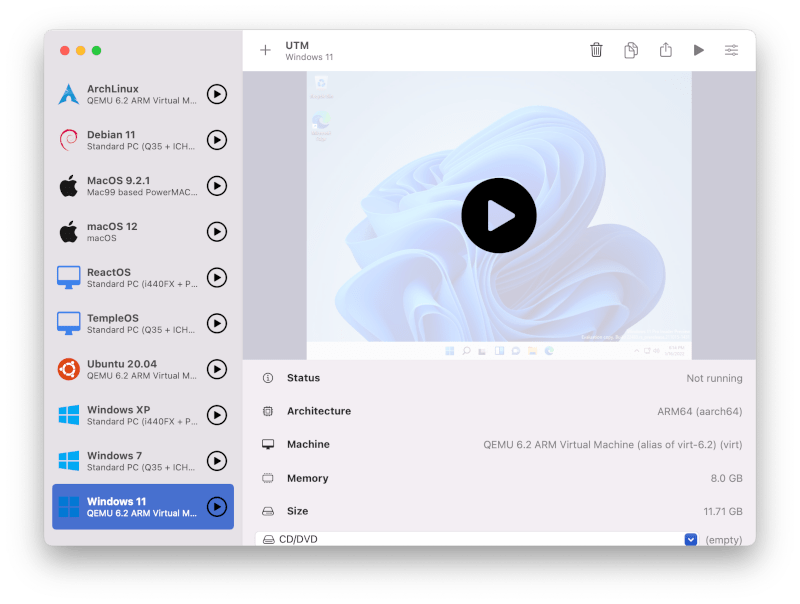
UTM is a free and open-source virtual machine application built specifically for Apple platforms. It uses Apple’s Hypervisor framework to virtualize ARM64 operating systems at near-native speeds on Apple silicon Macs.
UTM can also emulate processors that do not match the Mac’s hardware architecture. For example, it can emulate an x86 system on an Apple silicon Mac, allowing you to experiment with older versions of Windows or specialised Linux distributions.
Supported architectures include:
- ARM64
- x86 and x86-64
- ARM32
- PowerPC
- MIPS
- RISC-V
Virtualization provides much better performance when the guest and host processor architectures match. Emulation translates instructions between different architectures, which requires considerably more processing power.
UTM provides downloadable configurations for Windows, Ubuntu, Debian, Kali Linux, Arch Linux, and other operating systems. Its Windows 11 configuration supports ARM64 and recommends 8GB of virtual memory.
UTM suits students, developers, security researchers, and enthusiasts who want more control without paying for a commercial product. Its graphics performance and desktop integration generally fall behind Parallels, so it is less suitable for demanding Windows applications or 3D software.
4. Oracle VirtualBox: Best for Cross-Platform Test Environments
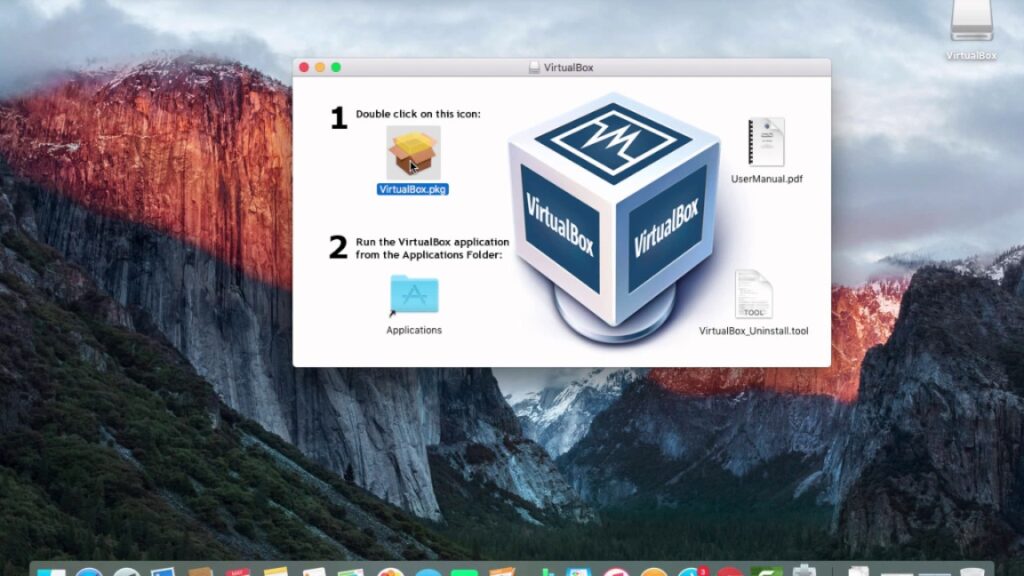
VirtualBox has long been a popular free virtualization tool for Windows, Linux, and Intel-based Macs. It offers snapshots, shared folders, command-line management, virtual networking, and portable virtual disk formats.
Oracle now provides an Arm64 package for Apple silicon Macs, but the Apple silicon version still has several restrictions. Oracle documents limitations involving audio, storage, graphics, Guest Additions, unattended installation, and saved states on Arm hosts.
VirtualBox remains useful when a development team needs similar virtual machine configurations across multiple host operating systems. It also works well for lightweight Linux testing, training labs, network experiments, and older Intel Mac environments.
Mac users with Apple silicon should choose VirtualBox only after confirming that it supports the required guest operating system and features. VMware Fusion or UTM generally provides a more complete experience on current Macs.
5. Tart: Best for Developers and Continuous Integration
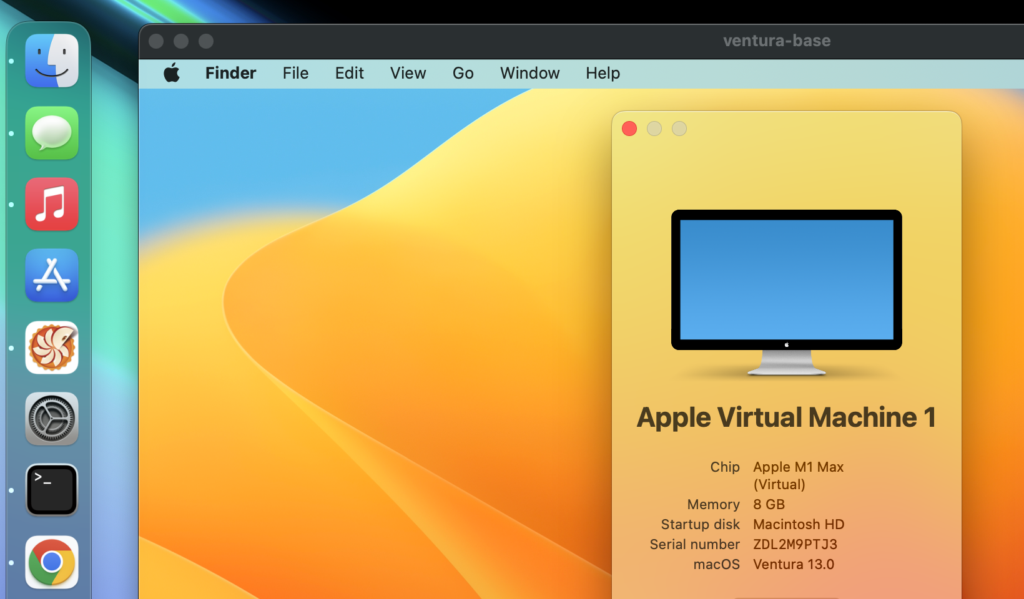
Tart is a specialised virtualization tool for building, running, and managing macOS and Linux virtual machines on Apple silicon. It focuses on command-line workflows, automation, reproducible images, and continuous integration rather than general desktop use.
Developers can clone prepared virtual machine images, run automated tests, create clean macOS environments, and integrate virtual machines into CI pipelines. Tart requires an Apple silicon Mac running macOS 13 Ventura or later.
Tart is a good option for:
- Testing Mac applications across clean environments
- Running automated macOS builds
- Creating self-hosted CI runners
- Managing reusable macOS and Linux images
- Reproducing development environments
It does not aim to provide the simple Windows experience found in Parallels, and its command-line workflow makes it unsuitable for many casual users.
What to Check Before Installing a Virtual Machine
Before choosing virtual machine software, check your Mac’s processor, available memory, storage capacity, and required guest operating system.
An Apple silicon Mac should use ARM64 versions of Windows and Linux whenever possible. Parallels requires an Arm-based installation image when creating a Windows virtual machine on Apple silicon.
For comfortable performance, consider these starting allocations:
| Guest operating system | Recommended RAM | Recommended storage |
|---|---|---|
| Windows 11 | 8GB or more | 64GB or more |
| Desktop Linux | 4GB or more | 30GB or more |
| Linux server | 2GB or more | 20GB or more |
| macOS testing VM | 8GB or more | 60GB or more |
Avoid assigning all available processor cores or memory to the virtual machine because macOS still needs enough resources to remain responsive. A Mac with 16GB of unified memory can handle one moderate virtual machine, while 24GB or 32GB provides more room for development tools and multiple environments.
Which Mac Virtual Machine Software Should You Choose?
Choose Parallels Desktop when you want the easiest and most polished way to run Windows applications. VMware Fusion Pro is the strongest free option for developers, IT professionals, and users comfortable configuring virtual machines manually.
UTM works well for open-source virtualization, processor emulation, and older operating systems. VirtualBox remains useful for portable cross-platform labs, although its Apple silicon support has important limitations. Tart is the right choice for automated macOS and Linux testing on Apple silicon.
For most Mac users, Parallels Desktop provides the best overall experience. VMware Fusion Pro offers the best balance of advanced features and zero licence cost.




I used to install several different Linux distributions with VMWare Fusion on my Mac because playing around with and learning Linux was a lot of fun. But now, with Apple Silicon Macs, this has sadly come to an end. Only a couple of Linux distributions support Apple Silicon and can be installed into a virtual machine. And these are not any of the “mainstream” Linux distributions, so I have pretty much left the world of virtual machine software now.