
When it comes to choosing VPN servers, Jeff Butts just isn’t happy with the commercial choices. Rather than leave his Internet privacy up to someone else, Jeff built his own VPN server. You can, too, without much (if any) cost and just a little bit of time.
Tips

macOS: How to Roll Back the Firmware on Your AirPort
If you update your Time Capsule or AirPort Extreme and your network starts having issues, then just go and roll back the version you installed! This little-known feature will let you revert the firmware on your Apple network devices in case you run into trouble, and Melissa Holt’s gonna tell us how in today’s Quick Tip.

iOS Tip: Be Careful When Blocking Safari Cookies
Andrew Orr had a funny little incident over the weekend while using iOS. One night, he decided to control his Safari cookies by having the browser always block cookies. Everything seemed okay at first. Then the next day, he cleared his website history and data. What happened next will change your way of thinking.
Word for Mac: Viewing Nonprinting Characters
For today’s Quick Tip, let’s talk about Word! Microsoft’s document-creation program has a way to show and hide nonprinting characters, so if you’re having issues with text reflowing or with images moving around, this may just help you figure out why.

8 Ways to See the Charge Level of Your AirPods
If you’ve got a pair of Apple’s bluetooth headphones, dubbed “AirPods,” then it’s good to know that there are tons of ways to check their battery levels. Considering that the AirPods don’t have a physical indicator of how much charge they’ve got, that’s a good thing! In today’s Quick Tip, Melissa Holt’s gonna go over a number of methods for finding out how much more listenin’ you can do.

Google's AutoDraw Turns Your Ugly Scrawls Into Line Art, Here's How to Use It
Google has a new “A.I experiment” called AutoDraw that can turn even ugly scrawls into proper line art. Or, more specifically, it will look at ugly scrawls and suggest actual line art you might have been aiming for.

iOS: How to Print to PDF from Any App on iPhone and iPad
If you’ve ever wanted to print a web page or other document as a PDF, you don’t need any third-party apps to do it. Jeff Butts shows you how some pinching, zooming, or 3D Touching in the Share Sheet can save your favorite web page to a PDF.
macOS Sierra: How to Disable the Dashboard
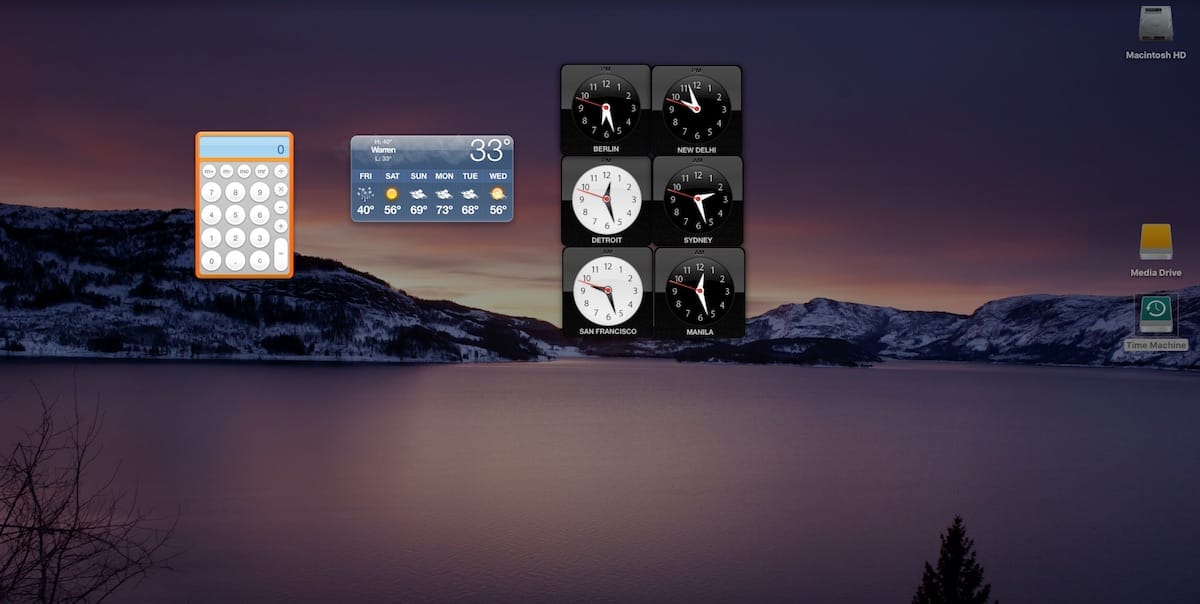
You probably don’t use the Dashboard in macOS, except by accident. Ever wondered how you could disable it altogether? Jeff Butts did, and has found a way to do just that.

macOS: Reduce PDF File Size in Preview
This Quick Tip is about a little-known feature of Preview that’ll let you shrink the file size of large PDFs, so you could use this when you’re bumping up against uploading limitations, for example. Come read about how to do it (and why you should pay attention to how your file looks afterward!).

macOS: Putting a Recovery Partition on Your Mac (Without Reinstalling macOS)
When Jeff Butts was mucking about with his trusty Mac Mini, he managed to mangle his recovery partition. Normally, this would mean a complete reinstall of the operating system, but Jeff found another way. Read on to learn how to get your recovery partition back without resorting to a complete reinstall.

Enabling Find My Mac Might Not Work if Recovery Drive Is Damaged or Missing
When Jeff Butts was playing around with resetting his firmware and checking the status of Find My Mac, he discovered a deeper problem: the feature depends on a valid and up-to-date recovery drive. Follow along with Jeff to learn how to get past a grayed-out Find My Mac checkbox.

PSA: Find My Mac Has a Serious Security Vulnerability
Find My Mac is a wonderful utility for locating a lost Macbook. However, its design combined with a common troubleshooting step can leave the security feature seriously flawed. Read on to learn what Jeff Butts and Adam Christianson have discovered, and how to protect yourself even further.

iOS 10.3 May Have Reenabled Some iCloud Settings - Here's How to Check
iOS 10.3 may reset some iCloud settings for users. MacRumors reported that Apple sent out emails to some customers alerting them about the problem. Specifically, the update might “inadvertently reenable” some iCloud services that were disabled. Bryan Chaffin shows you how to check.
How To Delete Old File Versions in macOS
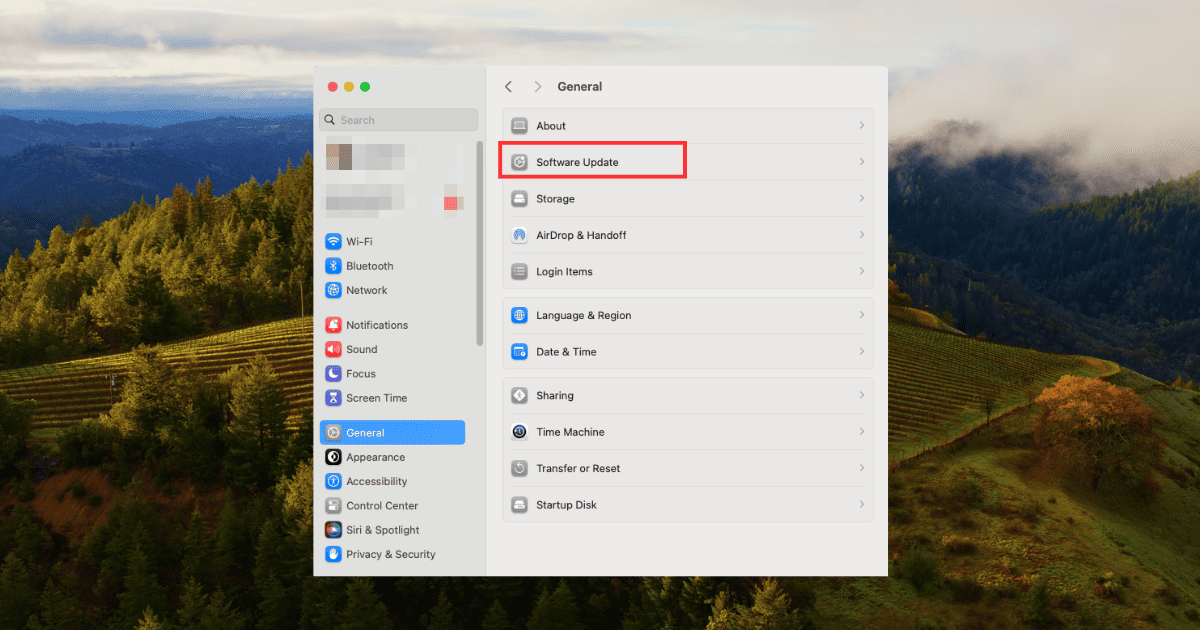
Learn how to delete old software files in several ways and optimize your Mac’s storage without compromising stability.

macOS Sierra: Delete Your APFS Partition the Right Way
If you’ve been experimenting with APFS, perhaps you’ve already tried to delete your APFS partition. You probably found out that it’s not easy. Jeff Butts went through several methods, and has landed on what seems to be the cleanest way to delete your APFS partition when you’re done with it.

5 Things to Consider when Evaluating a VPN for Privacy
Yesterday we explained what a VPN is and covered the benefits of using one. Today we’re examining how to figure out if you have a trustworthy VPN provider. In place of your ISP, your VPN provider receives your browsing data, and it’s good to shop around and compare privacy policies. Andrew Orr tells us what to look out for.

What Is A VPN, And How Can It Help You?
Now that Congress have chosen to allow ISPs to sell your data, many people are turning to VPNs to help. But you may not know how VPNs work, or how a VPN can help you browse the web safely. In this article Andrew Orr explores the technical details and gives you our VPN recommendations.

iOS: Close Running Apps All at Once
Even though Apple says this is unnecessary, sometimes when you have a lot of apps running, it can help boost your iPhone’s performance to shut them down. Doing that one by one is a pain, so Jeff Butts found a way to close running apps all at once.
iOS 10.3: How to See Which Apps Are Still 32-bit
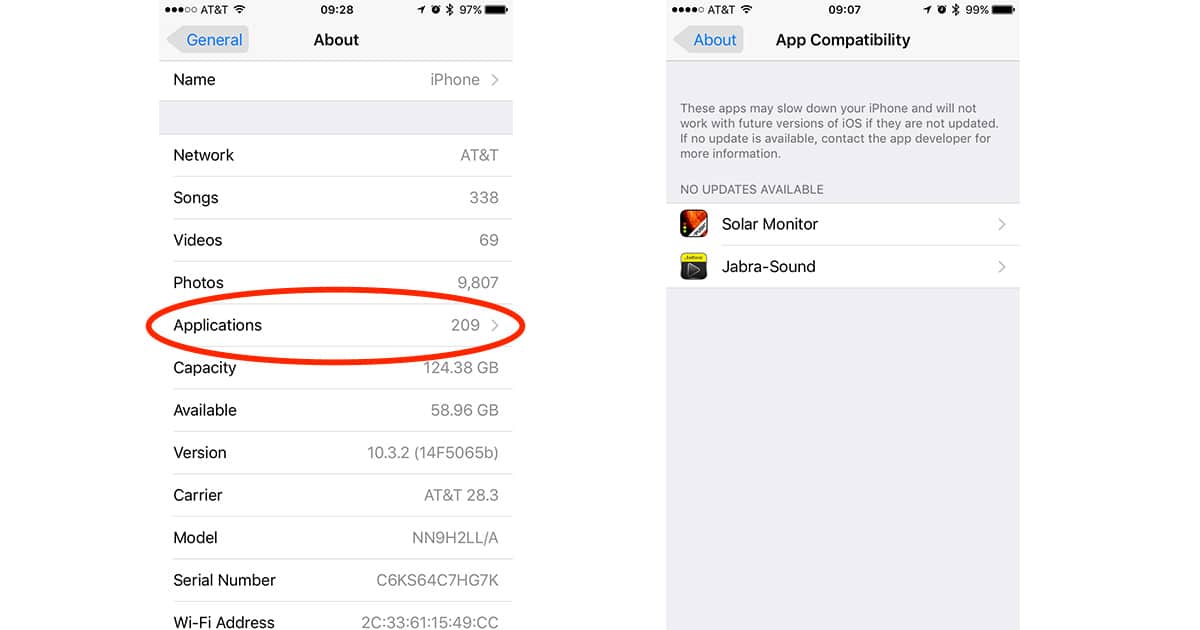
Apple is making it very clear the days of 32-bit app support on the iPhone, iPad, and iPod touch are coming to an end. Lots of developers are working to make sure their apps are 64-bit, but there’s a chance some of the titles you depend on haven’t made the move. If you want to see if any of the apps you’re using are still 32-bit there’s an easy way to check on your iPhone and iPad. Follow along to learn how.
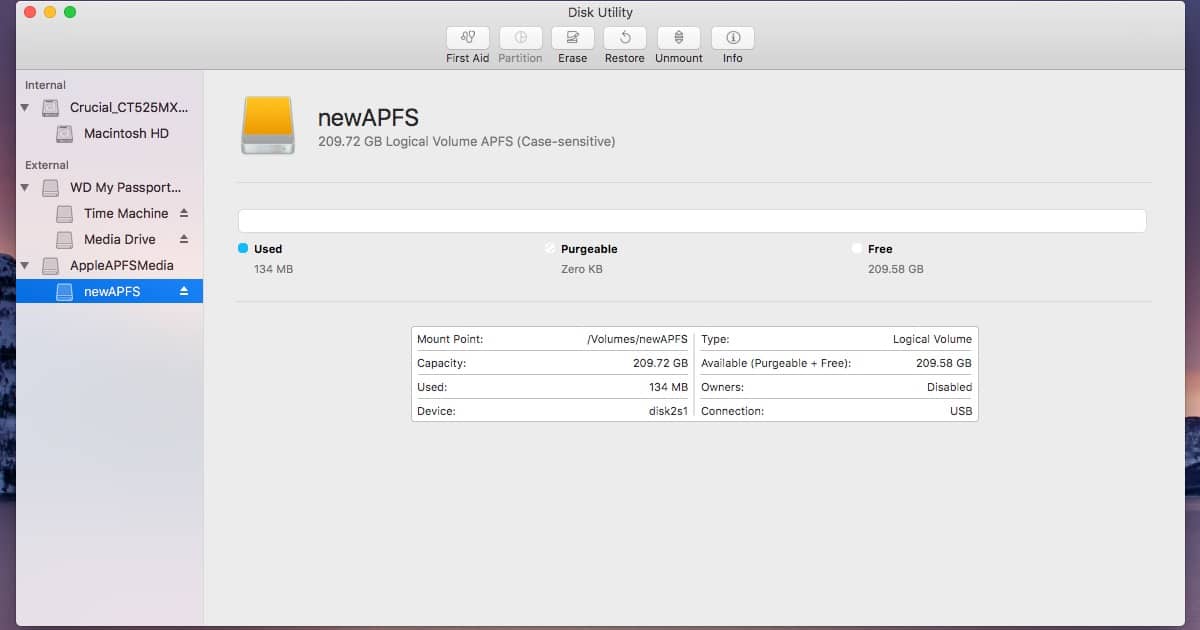
Want to Experiment With an APFS drive? Here's How You Can Do That
Under macOS Sierra 10.12.4, you know have limited support for an APFS drive. You won’t find the option to create one in Disk Utility, but Jeff Butts is here to demonstrate how to get the APFS drive created and mounted using Terminal and the diskutil command.

iOS 10.3: Your iCloud Settings Just Got Easier to Manage
Hidden in the release notes of iOS 10.3 was a listing about a “New Settings unified view for your Apple ID account information, settings and devices.” That’s actually a pretty big deal, because it consolidates a number of iCloud settings while also bringing some new functionality to your iOS device. Jeff Butts walks you through these changes.
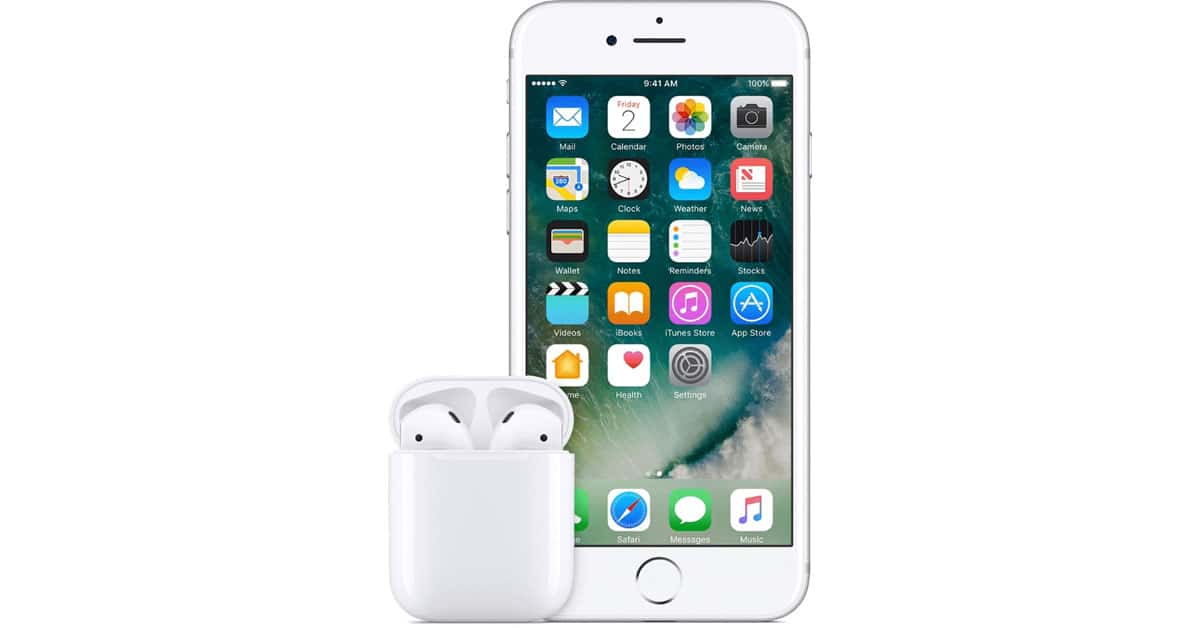
iOS 10.3: Using "Find My AirPods"
This Quick Tip is about the new “Find My AirPods” feature that’s available now with iOS 10.3. If you’ve lost one of those tiny white headphones somewhere in your house, this’ll help you locate it, and Melissa Holt’s gonna tell you how!

You Can Opt Out of Sharing iCloud Analytics in macOS Sierra 10.12.4
Apple quietly added a new privacy control tool in macOS Sierra 10.12.4 that allows you to opt out of sharing iCloud Analytics data. Bryan Chaffin shows you how to control what you send so you can decide.

macOS: Creating an App-Specific Password for iCloud
When you first enable two-factor authentication in iCloud, you might notice some of your apps appear broken. This is because those apps don’t support 2FA, and require app-specific passwords. Follow along with Jeff Butts as he demonstrates how to generate and manage your app-specific passwords.