
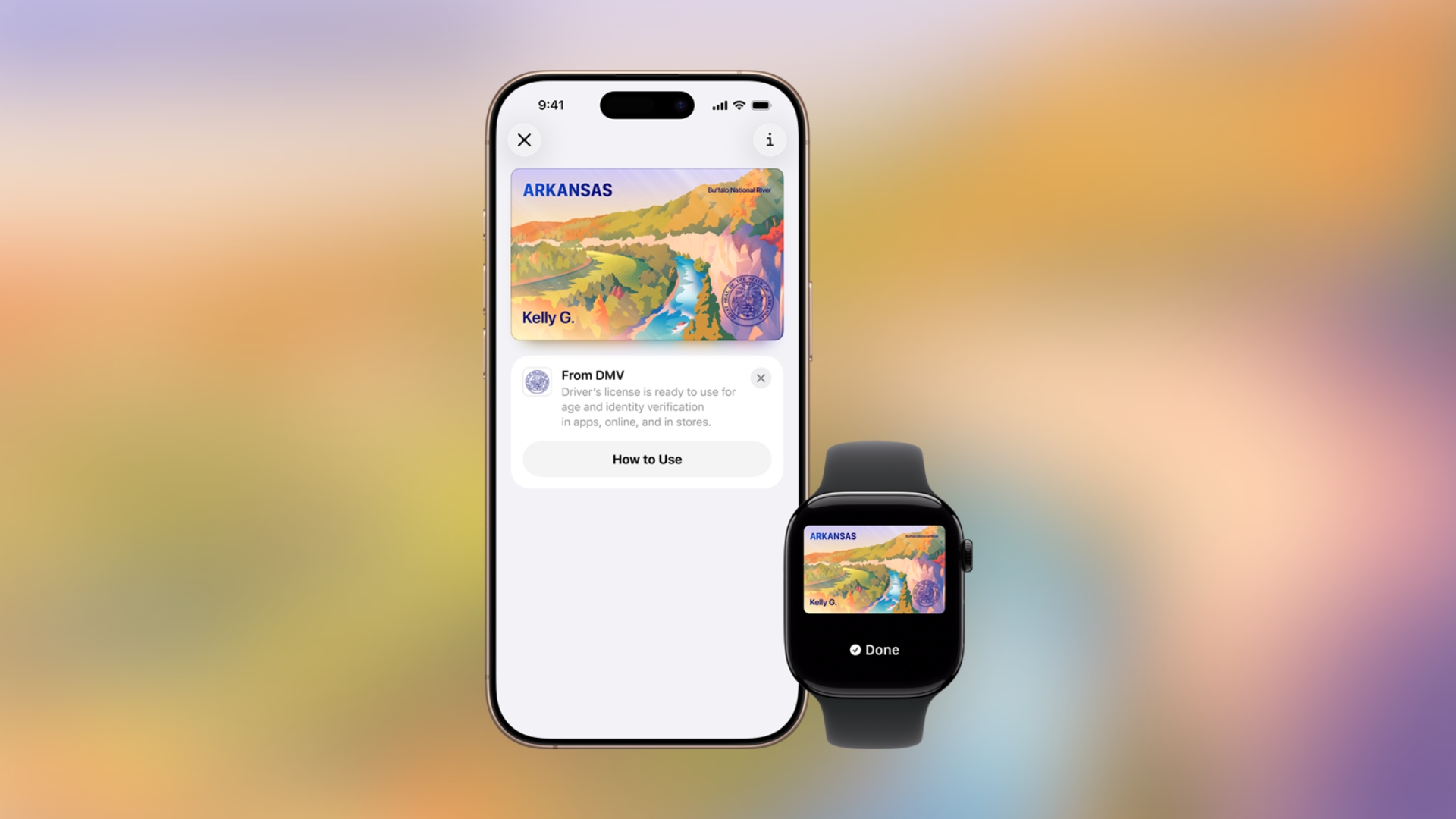
Connecticut residents have waited years to store their state identification inside Apple Wallet, and a new update points to real progress. The state recently launched its standalone Connecticut Mobile ID app on the App Store, and the app’s developer IDEMIA confirmed that direct Wallet integration is coming soon. While Apple first announced Connecticut as an early partner back in 2021, residents can finally expect native digital ID support to arrive on their devices in the near future.
What the latest timeline reveals about Connecticut digital IDs
Connecticut’s rollout has moved in stages rather than launching all at once. Last week, the state released its standalone mobile ID app for iPhone and Android users, allowing drivers to carry a digital credential in a separate state application. However, keeping an ID inside a standalone app is different from storing it natively alongside credit cards and boarding passes.
According to app developer IDEMIA, support for Apple Wallet, Google Wallet, and Samsung Wallet is on the way. Earlier in May 2026, Connecticut Governor Ned Lamont’s office stated that the state aimed to support all three major digital wallets by August 2027. That gives residents a clear target window after five years of delays.
Don’t miss the best of The Mac Observer
Set us as a preferred source and our Apple reporting ranks higher in your Google Search results and Discover feed — one tap, no account changes.
How to set up your driver’s license once support goes live
When Connecticut officially activates the feature, adding your credential will only take a few minutes. You will need an iPhone 8 or later running iOS 16.5 or newer, or an Apple Watch Series 4 or later running watchOS 9.5 or newer. You must also have your physical driver’s license or state ID card handy along with an active Apple ID signed in on your device.
Once the option goes live, follow these steps to add your card:
- Open the Wallet app: Launch the Wallet app on your iPhone and tap the plus (+) button in the top corner.
- Select your ID type: Tap Driver’s License or State ID from the list and choose Connecticut.
- Scan your physical card: Follow the prompts on your screen to capture photos of the front and back of your physical license.
- Verify your identity: Complete a quick live selfie check and head movement scan so the state issuing authority can confirm your identity.
Why digital ID adoption has moved slowly across the country
Apple first introduced digital driver’s licenses in 2022, yet nationwide availability remains limited because each state manages its own rollout and security testing. When Apple unveiled the feature in 2021, it named eight initial partner states: Arizona, Georgia, Connecticut, Iowa, Kentucky, Maryland, Oklahoma, and Utah.
Since then, states like Arizona, Georgia, Iowa, Maryland, Oklahoma, and Utah have launched support, while Connecticut and Kentucky remained on the sidelines. With Connecticut now moving from a standalone app toward full Wallet integration by August 2027, residents will soon be able to breeze through select TSA checkpoints and supported venues with just a tap of their phone or watch.


Discussion