
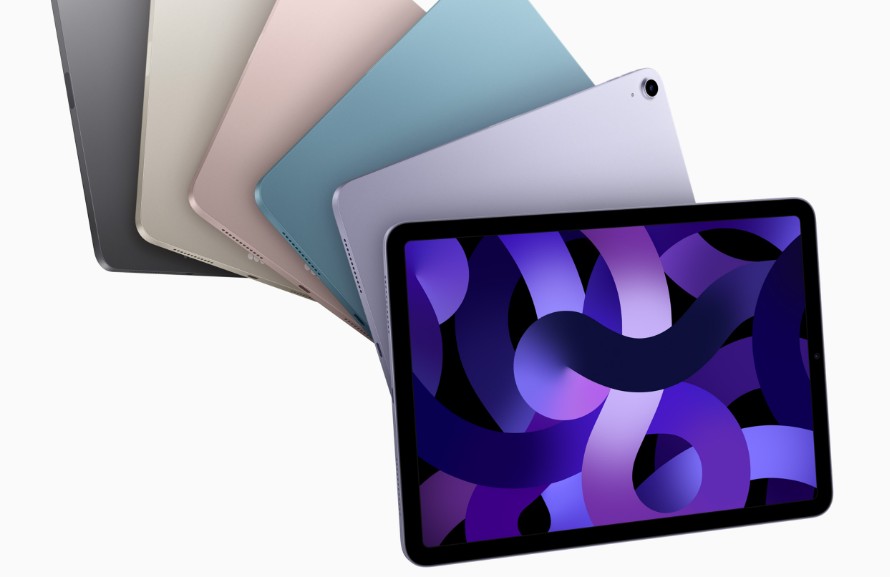
Apple’s new iPadOS 26 comes with a wave of visual refinements that encourage users to refresh their devices with fresh wallpapers. Some people prefer to stick to Apple’s official collection, while others want to experiment with artistic visuals that better match their personal style.
In this guide, we highlight the best iPadOS 26 wallpapers (official and some non-official but trusted sources, see item Nr.9 in our table of contents) you can use right now. You’ll find a mix of official designs, creative gradients, nature shots, and futuristic concepts. We also include links so you can download each one easily and bring new life to your iPad screen.
If you are curious about other variations, you may also want to check out the best iOS 26 wallpapers since many of them adapt beautifully to iPad displays.
Don’t miss the best of The Mac Observer
Set us as a preferred source and our Apple reporting ranks higher in your Google Search results and Discover feed — one tap, no account changes.
Table of contents
- What Are the Best iPadOS 26 Wallpapers?
- 1. Home Screen Portrait – Light
- 2. Home Screen Portrait – Dark
- 3. Home Screen Landscape – Light
- 4. Home Screen Landscape – Dark
- 5. Lock Screen Portrait – Light
- 6. Lock Screen Portrait – Dark
- 7. Lock Screen Landscape – Light
- 8. Lock Screen Landscape – Dark
- 9. Non Official iPad iOS 26 Wallpapers
- Tips for Using Wallpapers on iPadOS 26
- Best iPadOS 26 Wallpapers for Daily Use
- FAQs
What Are the Best iPadOS 26 Wallpapers?
Below you will discover more than 8 wallpaper picks (official ones included). Each one has its own charm, and we also explain when and where each could shine best.
1. Home Screen Portrait – Light
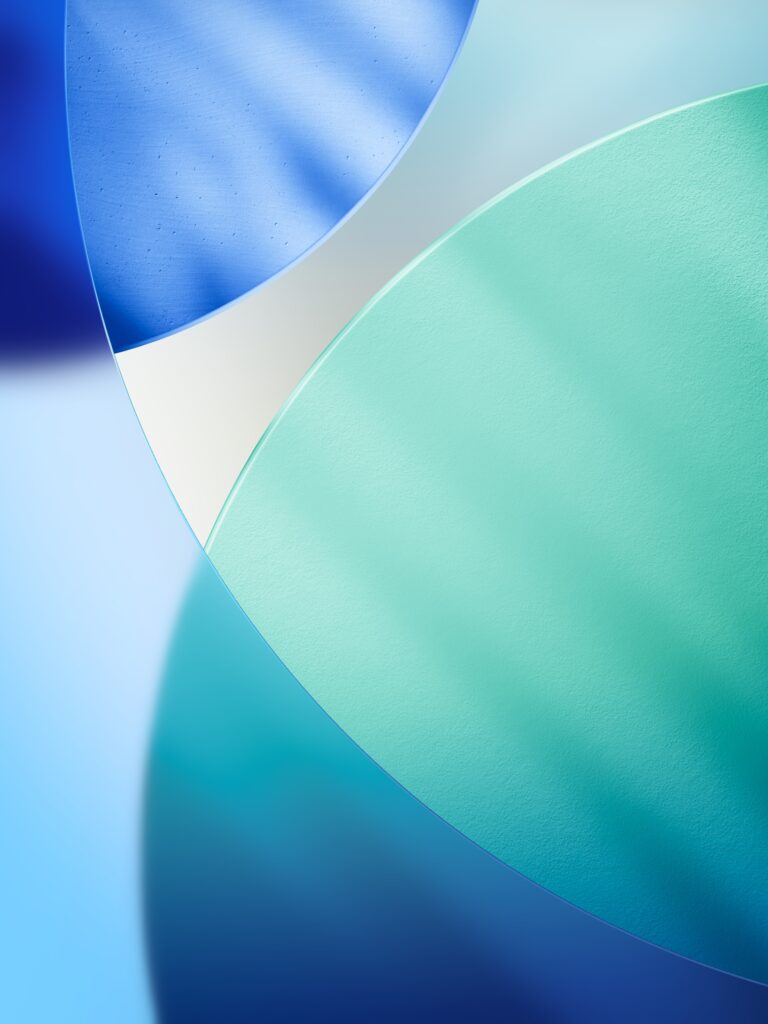
Bright and clean, this wallpaper is perfect for everyday use when you want your screen to look fresh and uncluttered. It works especially well for study or productivity tasks because the lighter tones keep icons easy to see.
=> Download here Portrait Light
2. Home Screen Portrait – Dark
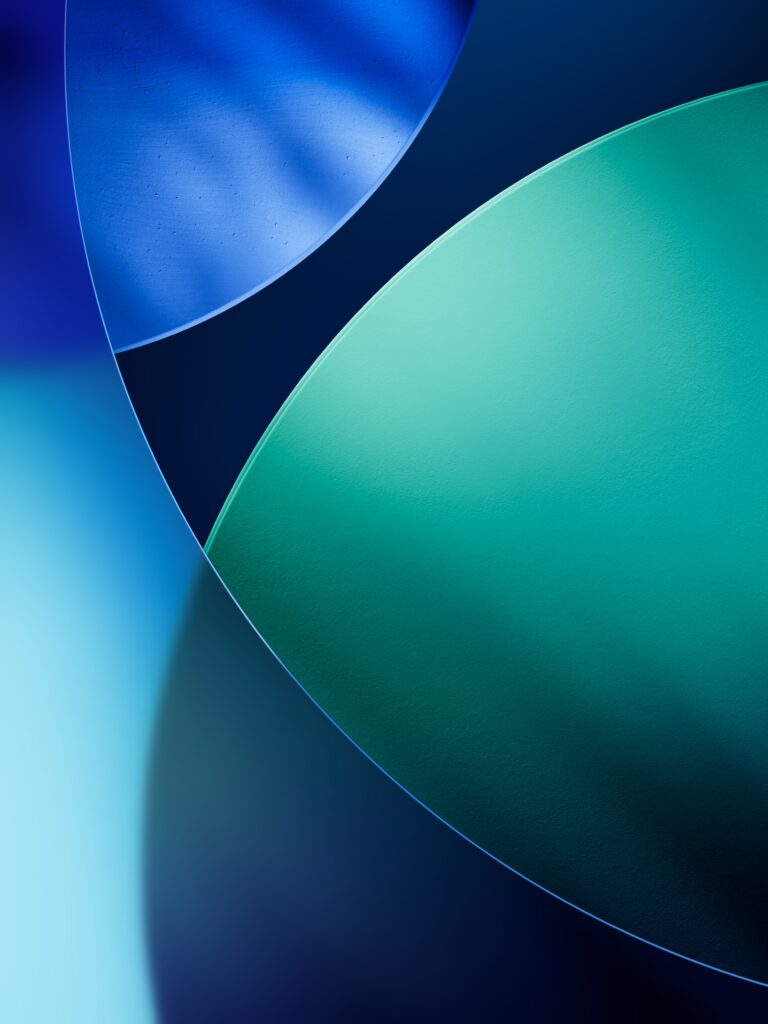
This darker version creates a stylish, focused look that blends seamlessly with dark mode. It is best suited for evening use, reading, or watching videos in dimly lit rooms where a bright background might be distracting.
=> Download here Portrait Dark
3. Home Screen Landscape – Light
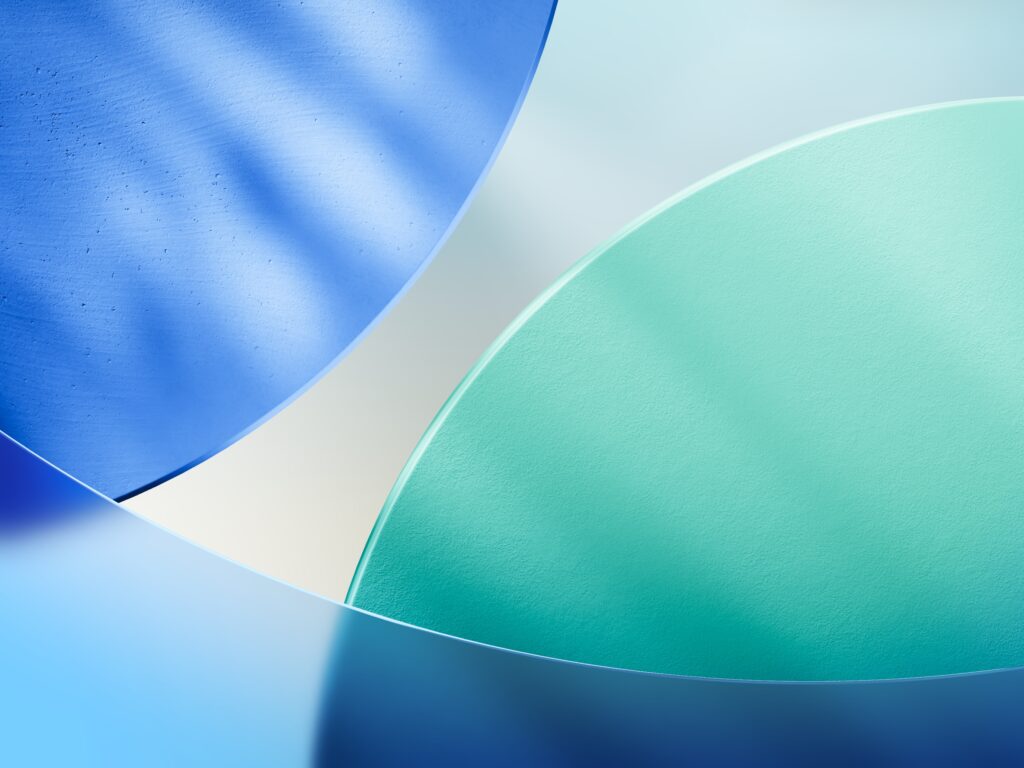
Optimized for multitasking, this light wallpaper is designed to look sharp when your iPad is in landscape orientation. It keeps split-screen apps clear without overwhelming the interface, making it a good fit for work or study setups.
=> Download here Landscape Light
4. Home Screen Landscape – Dark
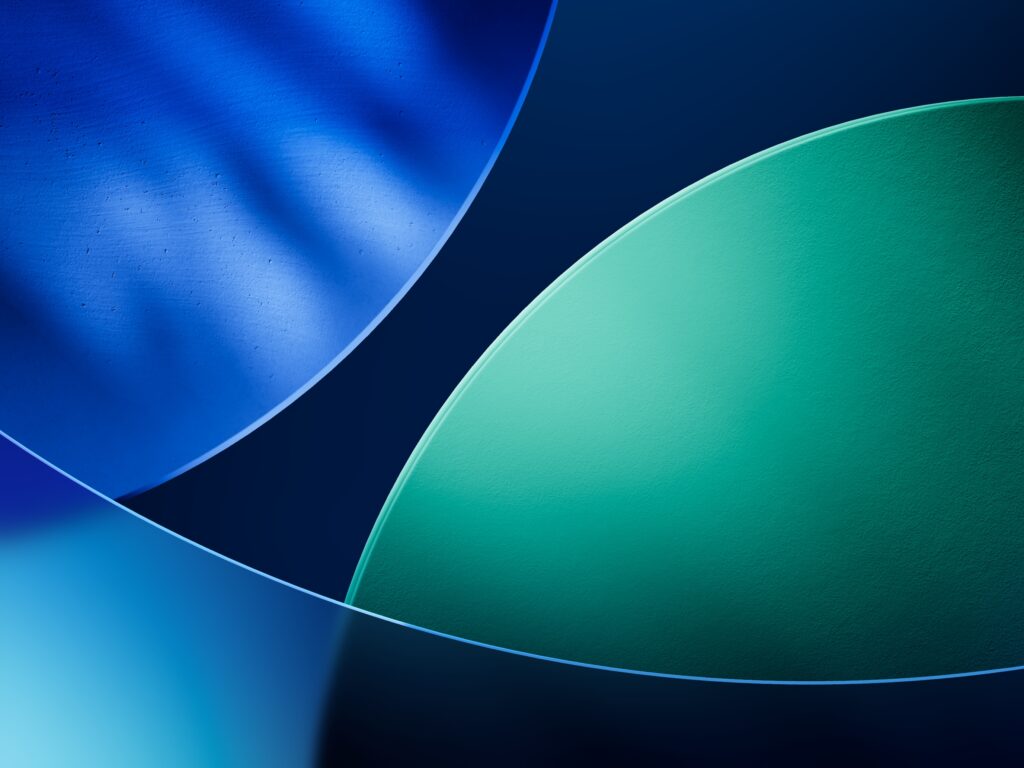
A darker gradient suited for multitasking in low-light conditions. This wallpaper works well if you regularly use your iPad at night or prefer a sleek background that reduces eye strain while still looking professional.
=> Download here Landscape Dark
5. Lock Screen Portrait – Light
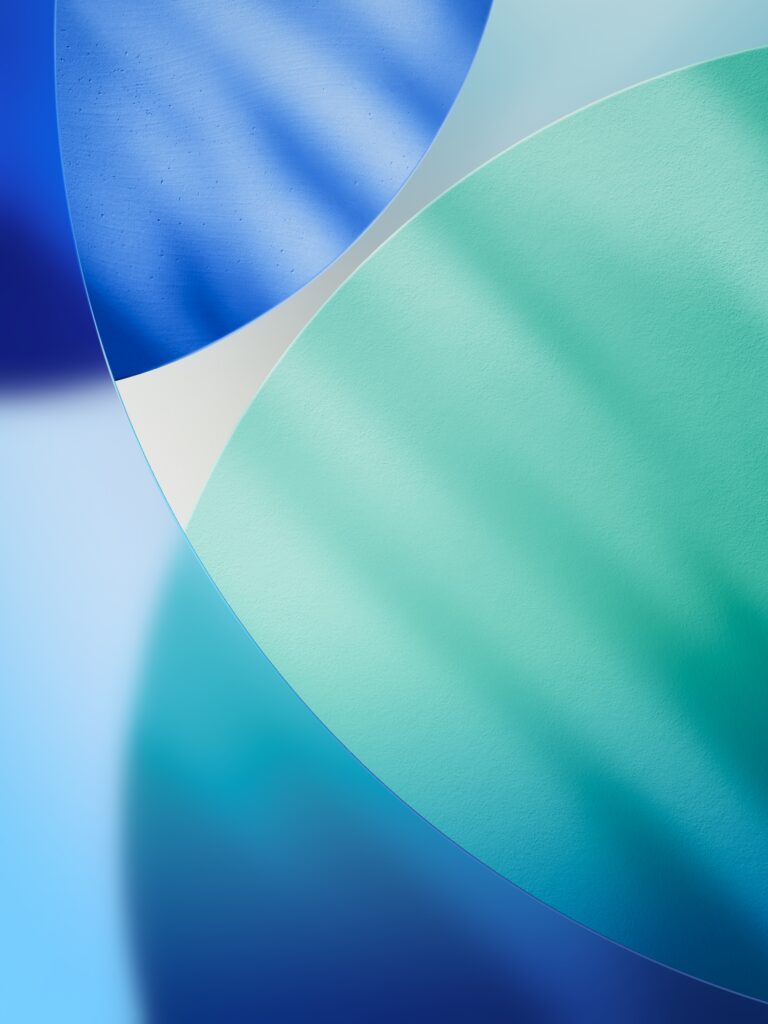
Bright and vivid, this wallpaper makes unlocking your iPad during the day feel quick and effortless. It highlights your notifications clearly and ensures widgets remain legible without clashing with the background.
=> Download here Lock Portrait Light
6. Lock Screen Portrait – Dark

This darker portrait wallpaper creates a refined and balanced lock screen, particularly for nighttime use. It helps reduce glare in darker settings while still giving your device a modern and polished appearance.
=> Download here Lock Portrait Dark
7. Lock Screen Landscape – Light

Made for iPads in horizontal orientation, this light version brings clarity to lock screen widgets and notifications. It feels open and crisp, especially useful if you often dock your iPad or use it with a keyboard.
=> Download here Lock Landscape Light
8. Lock Screen Landscape – Dark
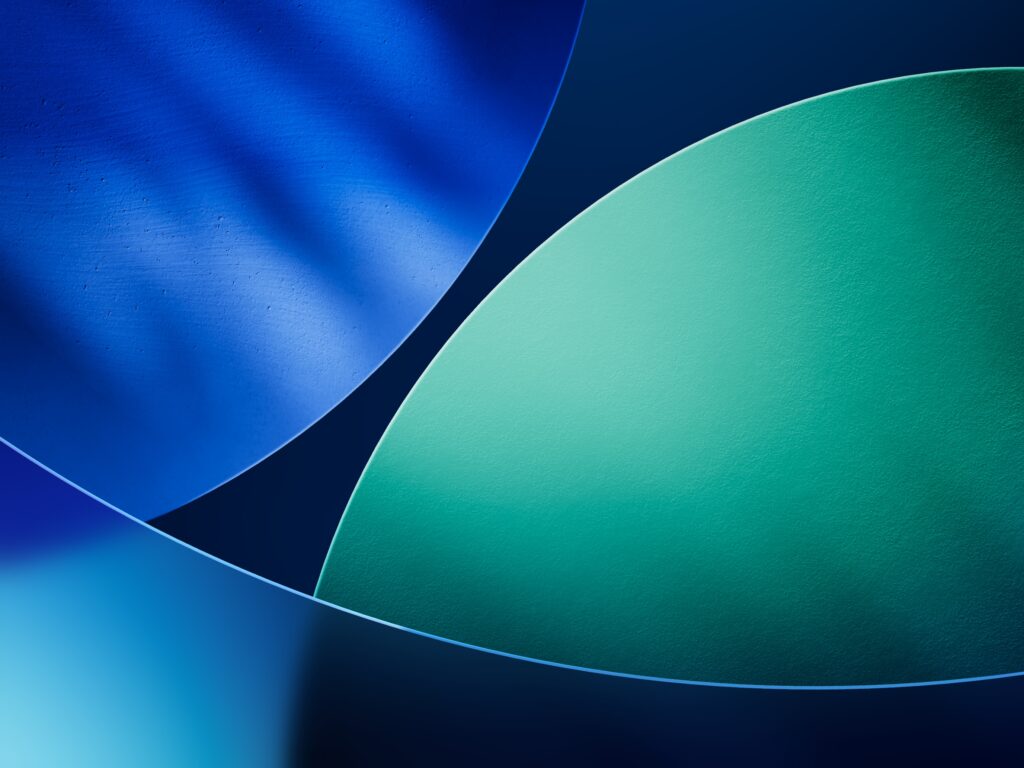
The darker landscape wallpaper perfectly matches low-light use and looks sleek when paired with dark mode. It minimizes harsh brightness, making unlocking your iPad more comfortable in bed or on the couch.
=> Download here Lock Landscape Dark
9. Non Official iPad iOS 26 Wallpapers
While the eight official wallpapers are the only true iPadOS 26 backgrounds created by Apple, you can find plenty of non-official alternatives that still look fantastic on iPads. These come in full HD, 4K, or even higher resolutions, but they are designed by independent creators, not Apple.
That being said, that means that you will have to download the images in their biggest size, and try to crop and adjust them to your screen size, but this is not a problem: you can find plenty of them online.
Here are a few trusted sources:
- UltFone iOS 26 Wallpaper Collection – Includes colorful gradients, abstract circles, and wave-style designs, optimized for iPad screens.
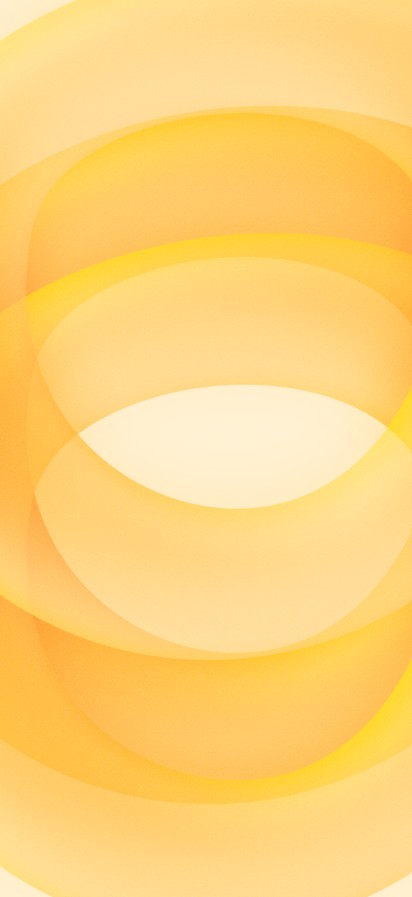
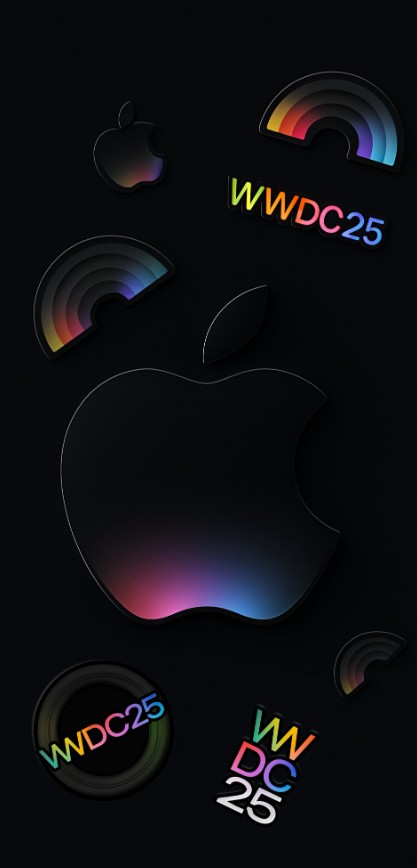
- iDownloadBlog’s WWDC 2025 Packs – Artist-made wallpapers inspired by Apple’s WWDC visuals, including Liquid Glass-style edits.
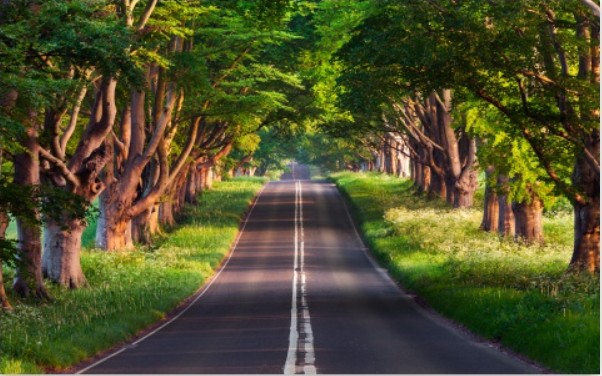
- Unsplash – High-quality photography wallpapers (nature, architecture, abstract) in 4K that adapt well to iPad Retina displays.
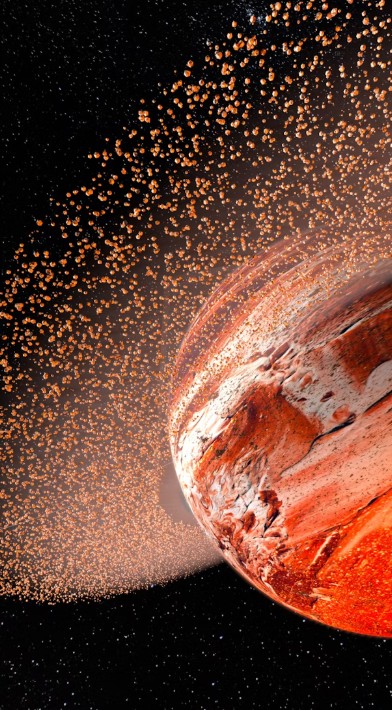
- WallpapersWide – Large collection of 4K wallpapers, including galaxy, neon, and retro themes.
These non-official wallpapers are ideal if you want to personalize your iPad beyond Apple’s own offerings. Just remember they are not tied to Apple’s design identity, so some may be more artistic and experimental.
Tips for Using Wallpapers on iPadOS 26
- Try darker wallpapers at night to reduce eye strain. Apple even mentioned in past discussions that iOS 26 can look cartoonish on dark backgrounds, so choosing the right tones helps balance aesthetics.
- Pick images at least 2732×2732 pixels for iPad Pro models so they remain crisp.
- Use the parallax setting in wallpaper options if you want a sense of depth.
- Swap wallpapers regularly to keep your device feeling refreshed.
Best iPadOS 26 Wallpapers for Daily Use
From Apple’s official gradients to dreamy galaxy scenes and minimalist stripes, these wallpapers let you shape your iPadOS 26 experience. If you want something closer to Apple’s own identity, you can always download the official iOS 26 wallpaper in 4K for iPhone or try the iPadOS 18.7 backgrounds if you like revisiting older designs.
With this collection of 15 wallpapers, you can customize your iPad for work, play, or relaxation with just a few taps.
FAQs
You can get them from Apple’s releases or trusted sites like MacObserver.
2732×2732 pixels is recommended for top quality on large screens.
Yes, darker tones can help slightly extend battery life on OLED models.
Yes, though you may need to crop or adjust them for the larger display.




Discussion