
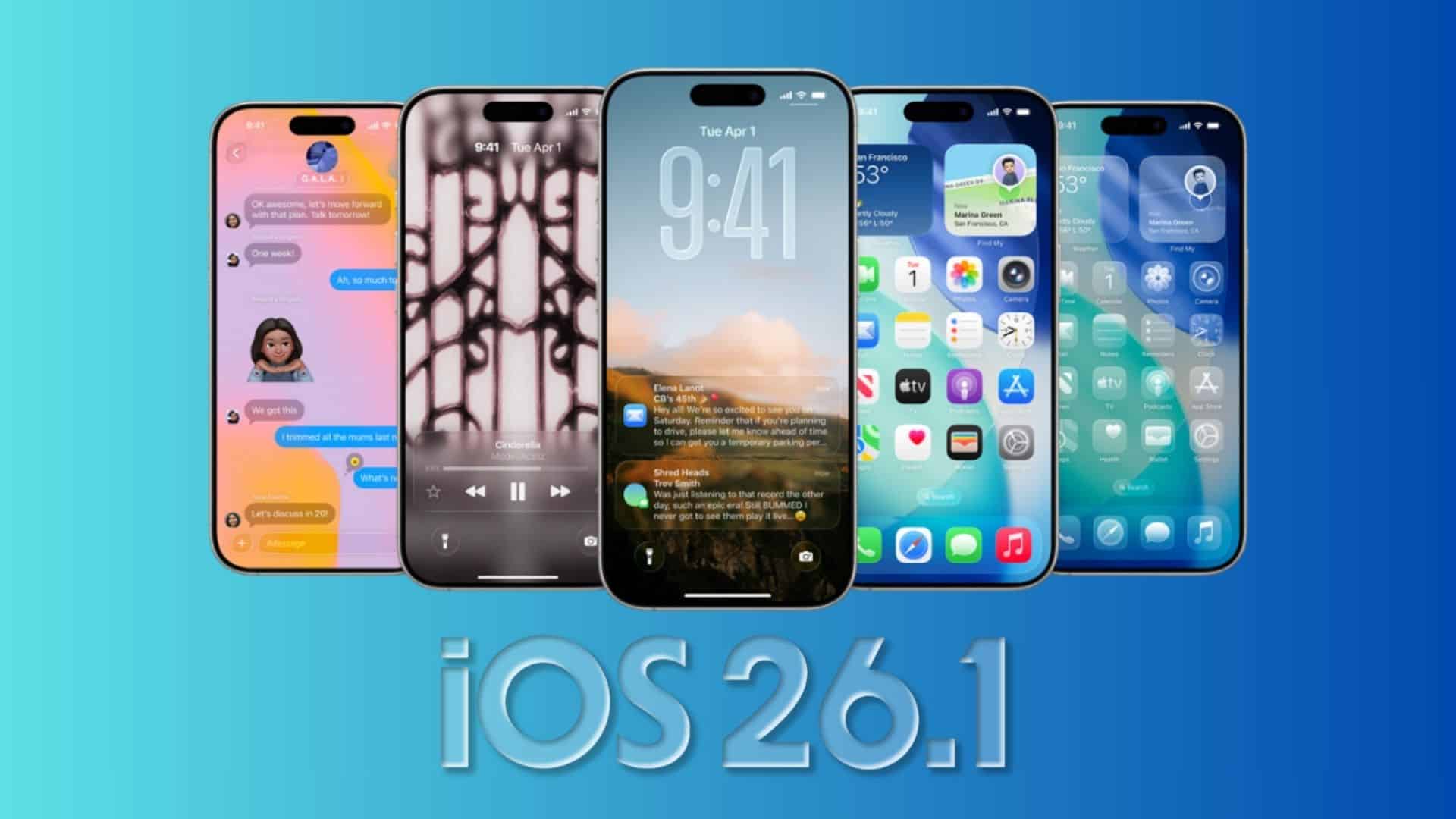
Apple released iOS 26.1 beta 2 to developers today with build 23B5059e. You get it in Settings > General > Software Update if your device is enrolled in the developer channel. The update follows beta 1 (23B5044l) by two weeks.
What’s new right now
You want clear changes, not vague promises. Early notes point to targeted refinements rather than headline features.
- Apple Intelligence adds language support for Danish, Dutch, Norwegian, Portuguese (Portugal), Swedish, Turkish, Traditional Chinese, and Vietnamese. AirPods Live Translation supports Japanese, Korean, Italian, and Chinese.
- Liquid Glass extends to the Phone keypad. You also get a new swipe gesture in Apple Music to change tracks. Calendar, Safari, and Photos pick up small visual tweaks.
Install notes and your checklist
You should treat beta software like a workbench, not a showroom. Protect your data and plan for bugs.
Don’t miss the best of The Mac Observer
Set us as a preferred source and our Apple reporting ranks higher in your Google Search results and Discover feed — one tap, no account changes.
- Back up your iPhone before you update.
- Use a secondary device if you depend on mission-critical apps.
- Enroll the device, then go to Settings > General > Software Update > Beta Updates to pull the build.
- To confirm what you’re running, open Settings > General > About and check the version.
Timing and availability
Developers can download beta 2 now. A matching public beta usually follows within days. We can expect it later this week. If you prefer the public track, wait for that release and enroll your device accordingly.
Another note for context: Apple’s developer releases page still shows iOS 26.1 beta 1 as build 23B5044l, aligning with today’s step up to 23B5059e. That helps you verify you’re on the latest seed.
Bottom line: install iOS 26.1 beta 2 if you test apps or track Apple Intelligence progress. You get language expansion, UI polish, and a cleaner path to 26.1’s final shape.




Discussion