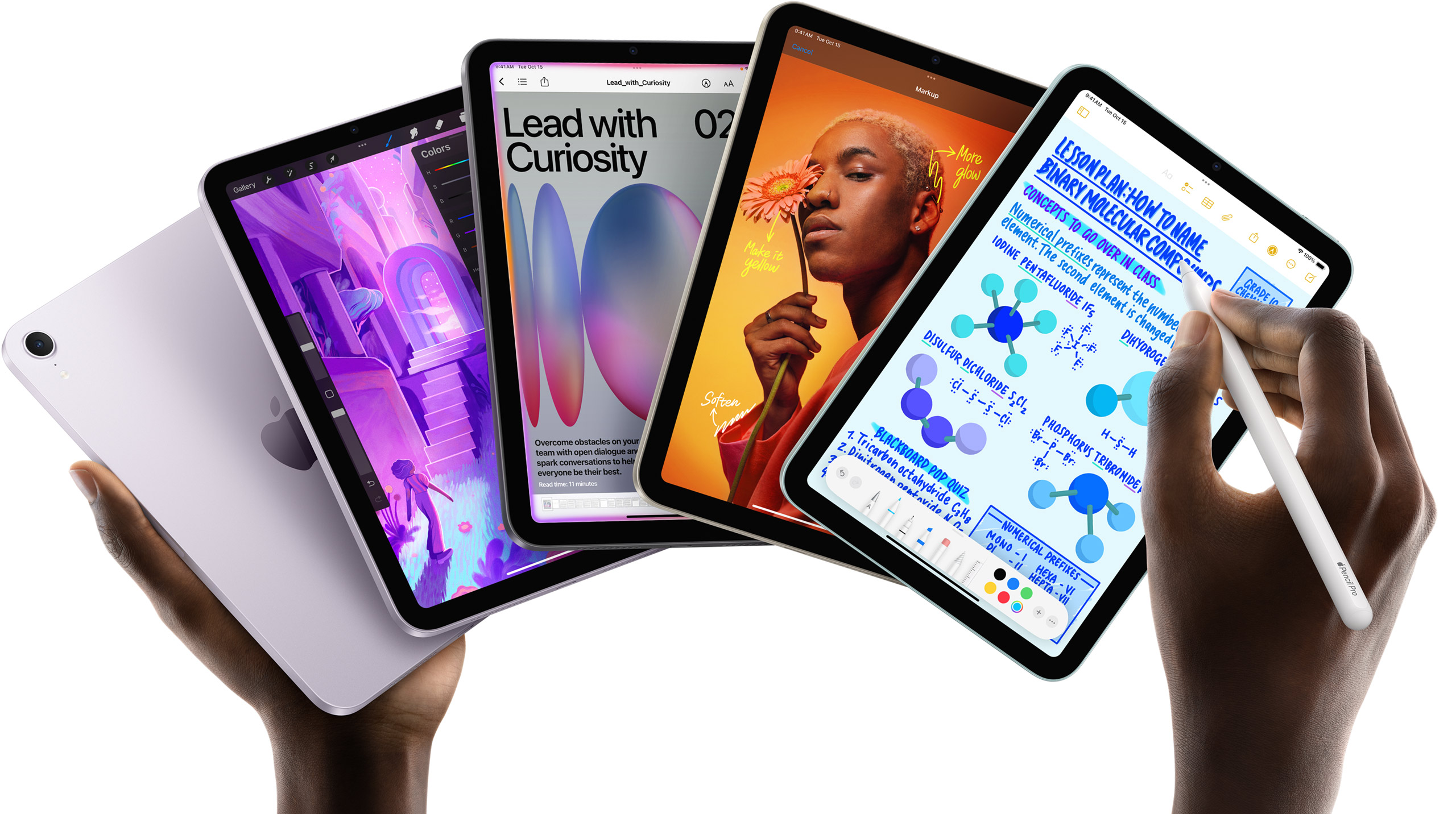
Apple’s Wallet update lets a Camera scan of a restaurant receipt split the bill, tax and tip included, through Apple Cash. On iPad, Apple names exactly two eligible lines: iPad mini with the A17 Pro chip, and iPad with an M-series chip from M1 onward. The feature works only in the United States.
Apple ties the feature directly to its AI stack: its own wording requires "Siri AI on an Apple Intelligence-enabled device." That single line is why the iPad eligibility for bill splitting tracks Apple’s Apple Intelligence device list rather than the wider list of iPads that can install iPadOS 27 itself.
Key facts on iPad bill splitting
| Item | Detail |
|---|---|
| Feature | Bill splitting with Apple Cash |
| How it works | Scan a receipt using Siri mode in Camera |
| Splits | Total amount, including tax and tip |
| Region | United States only |
| Bank behind Apple Cash | Green Dot Bank |
| Apple’s stated requirement | "Siri AI on an Apple Intelligence-enabled device" |
How the feature works, as Apple describes it
Apple’s services announcement frames bill splitting as one of several Wallet and Apple Pay changes launching this year, alongside converting a physical card into a digital pass and a redesigned Apple Pay checkout. The receipt scan runs through Siri mode in the Camera app, the same entry point Apple uses for Visual Intelligence, and the resulting split runs through Apple Cash, which Green Dot Bank backs. None of that plumbing changes between iPhone and iPad, and Apple’s own iPhone 18 Pro announcement makes no separate mention of the feature at all. What changes is which iPad models Apple lets use it, and that restriction is stated once, in a footnote, rather than repeated anywhere in Apple’s main services copy.
Don’t miss the best of The Mac Observer
Set us as a preferred source and our Apple reporting ranks higher in your Google Search results and Discover feed — one tap, no account changes.
Which iPad models actually qualify
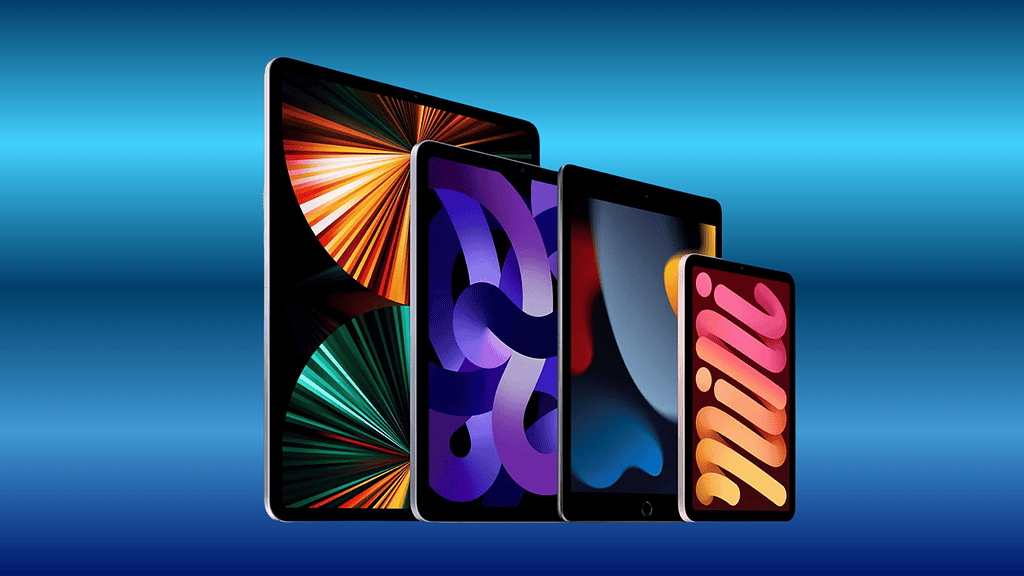
| iPad line | Bill splitting eligible |
|---|---|
| iPad Pro (M1 or later) | Yes |
| iPad Air (M1 or later) | Yes |
| iPad mini (A17 Pro) | Yes |
| iPad, the entry-level model (A16 chip) | Not named as eligible |
That list is identical to Apple’s Apple Intelligence device roster for iPad: iPad Pro with M1 or later, iPad Air with M1 or later, and iPad mini specifically on the A17 Pro chip. Apple’s iPadOS 27-specific note for the feature simply confirms it in narrower terms, describing it as available "also on eligible iPad (iPad mini A17 Pro, iPad M1+), U.S. only."
Why the entry-level iPad is left out
The entry-level iPad, the ninth generation and later on the A16 chip, is on Apple’s iPadOS 27 compatibility list. It runs the software. It is not on Apple’s Apple Intelligence device list, and bill splitting requires Apple Intelligence, so the same absence carries through to this one Wallet feature. A buyer cannot judge this from the iPad’s software update eligibility alone; the compatibility list and the feature list disagree, and only the second one governs bill splitting. Nothing in Apple’s iPadOS 27 marketing page flags that distinction for a shopper who has not also read the Apple Intelligence device list separately, so the gap is easy to miss until the receipt-scanning option simply fails to appear in Wallet.
Every model Apple does name for this feature already appeared on the September 9 keynote’s software slate in some form, and the same Apple Intelligence gate applies across iPhone, iPad and Mac wherever Apple documents it. Apple’s live coverage of that keynote did not mention bill splitting by name; it surfaced only afterward, on Apple’s services and support pages.
What Apple has not said
- Whether bill splitting will expand beyond the United States.
- A date when Siri AI, and by extension bill splitting, exits beta.
- Whether the entry-level iPad will gain the feature if it ever gains Apple Intelligence.
Bill splitting arrives with the rest of iPadOS 27’s Wallet changes on Monday, September 14, alongside the broader iOS 27 release, though Siri AI itself remains in beta at launch and English only to start on every eligible device. Anyone unsure whether a specific iPad qualifies can check its model and chip in Settings, About, against the two eligible lines named above, rather than assuming the update alone is enough.