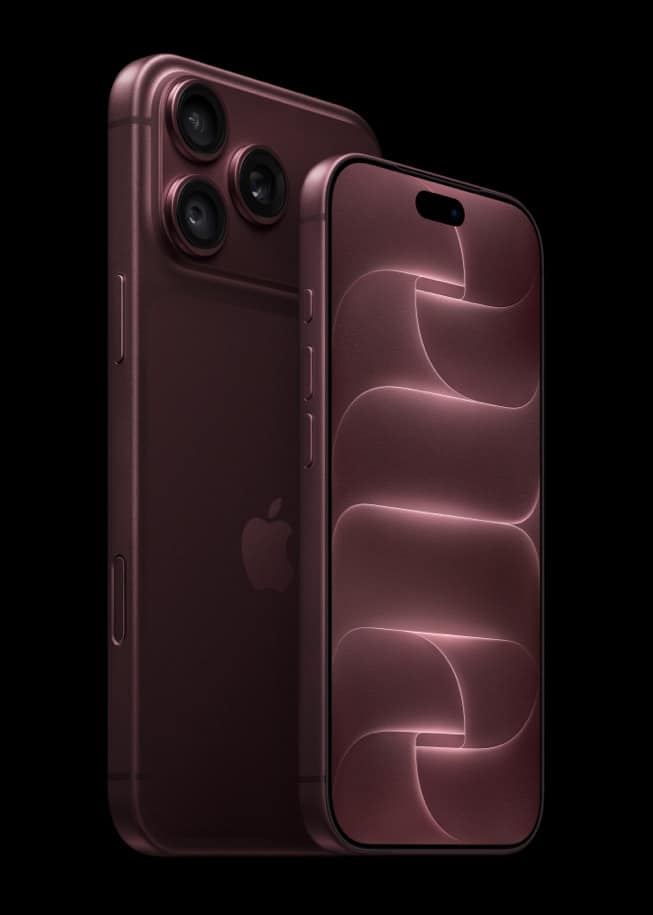
Apple gives an iPhone 18 Pro buyer three places to check an order, and every one of them runs through the Apple Account used at checkout rather than a standalone tracking number. The Order Status page linked from Apple’s own site, the Apple Store app, and Apple Wallet’s order tracking are what Apple has actually published for finding out where an order stands. Nothing else appears on Apple’s pages.
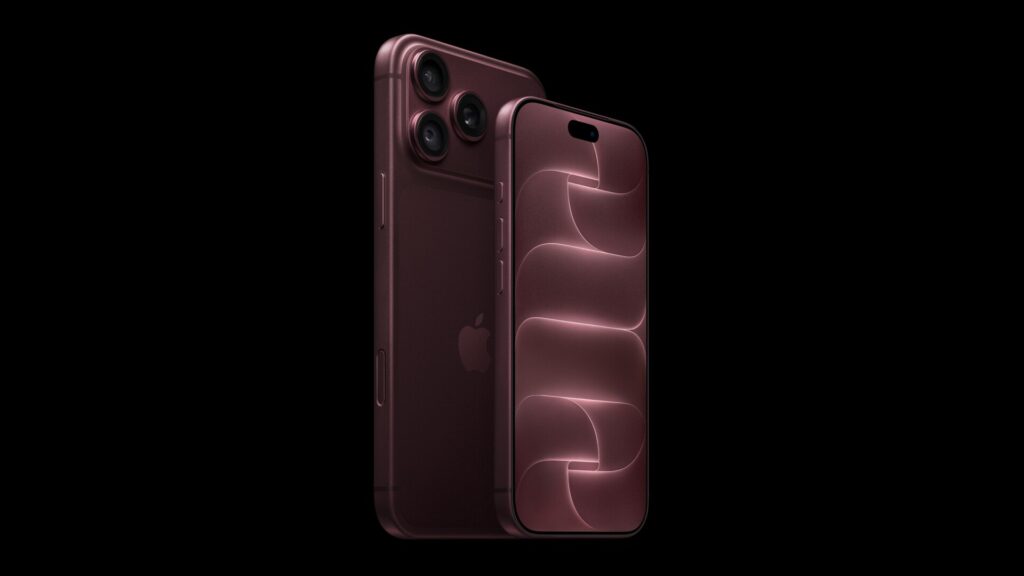
Pre-orders for iPhone 18 Pro and Pro Max opened at 12:00 UTC on Saturday, September 12, and by the end of the weekend a lot of buyers had already moved from placing an order to watching one. Apple’s published pages are thinner on the watching part than the ordering part, but they do name a specific, small set of tools rather than leaving the question open.
Key facts on checking an iPhone 18 Pro order’s status
| Channel | What Apple publishes |
|---|---|
| Order Status page | Linked from Apple’s own site; requires signing in with the Apple Account used for the order |
| Apple Store app | Same order list, same Apple Account, on iPhone or iPad |
| Apple Wallet | Shows order status, an estimated arrival time, or if there are issues, plus order number, purchase total and payment status |
| Mail app | Apple’s support documentation adds one more path: order tracking in Mail on Apple Intelligence-supported devices with iOS 26 or later |
| A named status stage list (Processing, Shipped, and so on) | Not published for this launch in the pages reviewed |
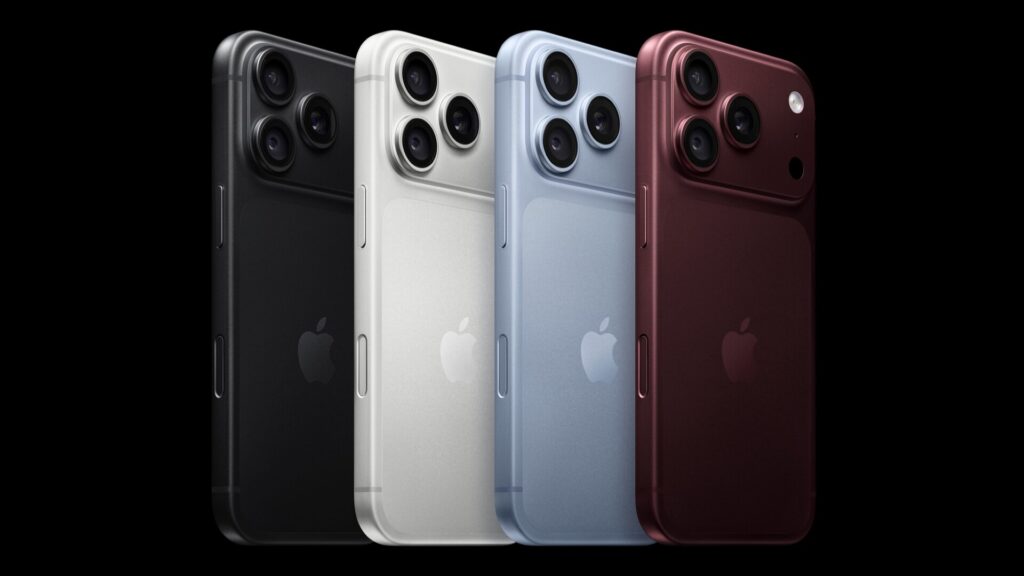
What Apple Wallet actually shows, and where the information comes from
Apple’s own support documentation for Wallet order tracking describes the same handful of details every time: order status, an estimated arrival time, or a note “if there are any issues,” alongside the order number, purchase total, and the status of the payment. Buyers can also contact the merchant directly from inside Wallet. For an order placed directly with Apple, Apple is the merchant, so the two records should match, but Apple’s own wording keeps a caveat attached regardless: “the Wallet app displays information provided by the merchant,” a general disclaimer rather than an iPhone-18-Pro-specific promise.
Don’t miss the best of The Mac Observer
Set us as a preferred source and our Apple reporting ranks higher in your Google Search results and Discover feed — one tap, no account changes.
Automatic tracking and the software version each method needs
| Tracking method | What Apple requires |
|---|---|
| Automatic | Select Apple Pay purchases made on devices with iOS 16, iPadOS 16, or macOS 13 or later |
| Manual | Tap “Track with Apple Wallet” on the order confirmation screen; the merchant’s app or site needs iOS 17, iPadOS 17, or macOS Sonoma or later |
| Across devices | The same Apple Account signed in on each device |
None of that changes what shows up once tracking is on. An iPhone 18 Pro order sits in the same Wallet card structure as any other Apple Pay purchase, with a status line, an estimated arrival window, and a payment line, and no extra field Apple has published specifically for this launch.
Why three tools instead of one
Apple has not explained, in the pages checked for this piece, why order status is split across a website, an app, and a wallet feature rather than consolidated into one. The practical effect is that a buyer who wants the most complete picture has to sign in twice, once on the web and once in Wallet or the Apple Store app, since the tools do not appear to share a single combined view. The order itself, including the camera and other specs configured at checkout, does not change across whichever tool is used to look it up.
What Apple has not said
- No published order-status feature or stage name specific to iPhone 18 Pro.
- No stated refresh frequency for when a status updates after Apple’s systems change it.
- No single combined view across the Order Status page, the Apple Store app, and Apple Wallet.
- No channel beyond the three named here in the sources reviewed, and all three require signing in with the Apple Account used for the order.
Friday, September 18 is five days away. Anyone who placed an order this weekend and wants to know where it stands has, per Apple’s own pages, exactly three places to look, and all three ask for the same sign-in. Our event recap and the iOS 27 release date cover what else is due before then.