
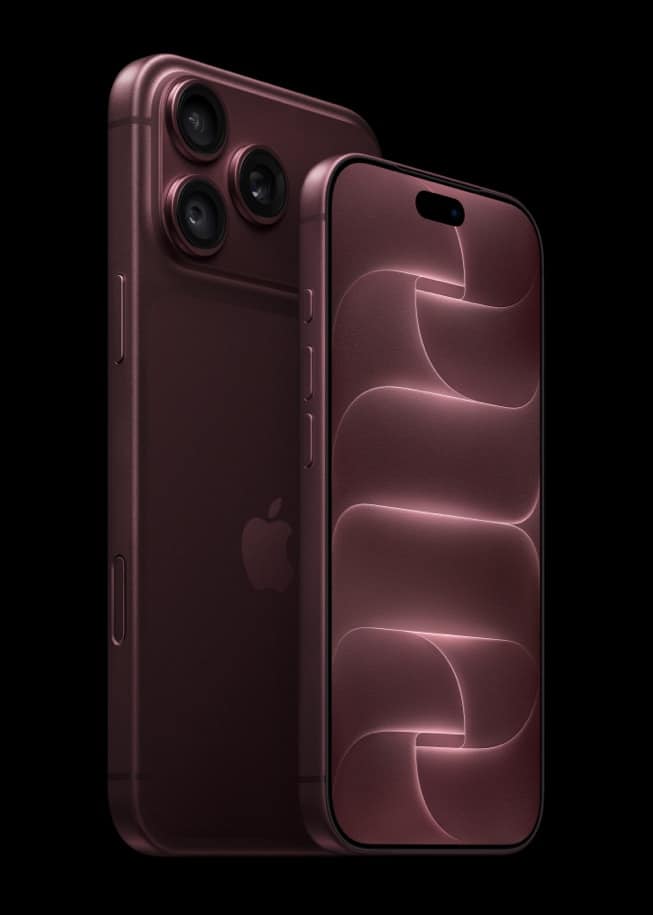
iPhone 18 Pro arrives Friday, September 18, five days from now, and the first thing most buyers will do is hold it next to their old iPhone and let Quick Start run. Apple’s support pages describe Quick Start as the built in wireless tool that copies your settings, accounts and data onto the new phone in one sitting, and here is exactly what it does and asks for, step by step.
What Quick Start needs before you begin
Apple’s support page for Quick Start sets one plain requirement: the old device needs iOS 11 or iPadOS 13 or later, a bar so low that any iPhone still in daily use clears it easily. Beyond that, the current device has to be connected to Wi-Fi with Bluetooth turned on, and Apple’s instruction is to keep both devices near each other and plugged into power until the process finishes, since a migration that loses power partway through has to restart.
| Requirement | What Apple publishes |
|---|---|
| Old device software | iOS 11 or iPadOS 13 or later |
| Connection needed | Wi-Fi on the old device, Bluetooth on, both devices near power |
| Two load options | Download from iCloud in the background, or transfer directly between devices |
| Not eligible | Devices enrolled in Apple School Manager or Apple Business Manager |
| iPhone 18 Pro arrives | Friday, September 18, 2026 |
The steps, in Apple’s order
- Turn on the new iPhone 18 Pro and set it near the unlocked old iPhone.
- An Apple ID and settings screen appears on the old device. Follow the on-screen prompts to continue.
- Confirm the connection, then wait for an animation to appear over the new device’s camera and hold the two phones together to pair them.
- Enter your old iPhone’s passcode when the new device asks for it.
- Set up Face ID on the new iPhone.
- Choose whether to download your data from iCloud in the background or transfer it directly from the old device.
- Keep both iPhones near each other and connected to power until the transfer finishes.
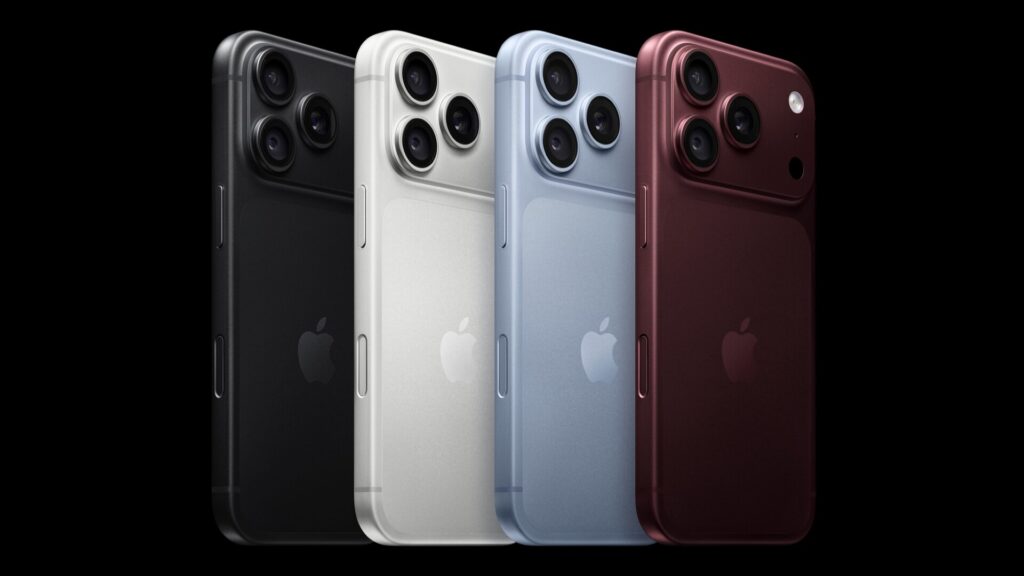
Along the way the new phone also asks you to connect to a network, and it may ask you to activate cellular service before setup can continue. That step matters more than usual on iPhone 18 Pro, since the phone has no physical SIM tray in the United States and eleven other countries and regions, so cellular setup on this model runs through eSIM rather than a card you swap over.
Don’t miss the best of The Mac Observer
Set us as a preferred source and our Apple reporting ranks higher in your Google Search results and Discover feed — one tap, no account changes.
iCloud download or a direct transfer
Quick Start offers two ways to actually move your apps and data once the two phones are paired, and Apple describes them differently. Choosing iCloud means, in Apple’s words, that your apps and data download in the background so you can start using the new device right away. Choosing a direct transfer means both the old and new iPhone have to finish the process before either one is fully usable again.
| Option | What happens | Best for |
|---|---|---|
| iCloud, in the background | New iPhone is usable immediately while content keeps downloading | Getting started fast on setup day |
| Direct transfer | Old and new iPhone both wait until the transfer completes | Moving everything in one uninterrupted pass |
If Quick Start does not go smoothly
Apple’s guide does not include a dedicated troubleshooting section within the Quick Start article itself, but the same page notes the School Manager and Business Manager exception above, and a stalled transfer is generally resolved by keeping both devices on Wi-Fi, charged, and close together rather than restarting from scratch. Anyone whose old iPhone cannot run the required software, or who would rather not have both phones tied up at once, can restore from an iCloud backup or use a cable instead, covered in our guide to iPhone 18 Pro’s specs and features.
Quick Start’s mechanics come from Apple’s current published guide and predate iOS 27, which arrives Monday, September 14, four days before the new phone. Apple has not said whether any setup screen changes once iOS 27 is running on both devices, so the steps above may shift slightly once buyers actually reach Friday. Our recap of everything Apple announced in September covers what else changes on day one, and A20 Pro has the chip driving the new hardware Quick Start hands data onto.
What Apple has not said
Apple has not published a version of the Quick Start guide written specifically for iOS 27 or for iPhone 18 Pro, has not said how long a typical transfer takes for a given amount of data, and has not detailed what happens if Wi-Fi drops mid-transfer beyond the general instruction to stay connected and powered. Anyone planning to set up on Friday should expect the current guide to hold, with the understanding that Apple could refresh it once the phone and iOS 27 are both actually shipping.
Check Apple’s own Quick Start support page again on September 18 before starting setup, since that is the first day the instructions will be tested against real iPhone 18 Pro units rather than the previous generation.



