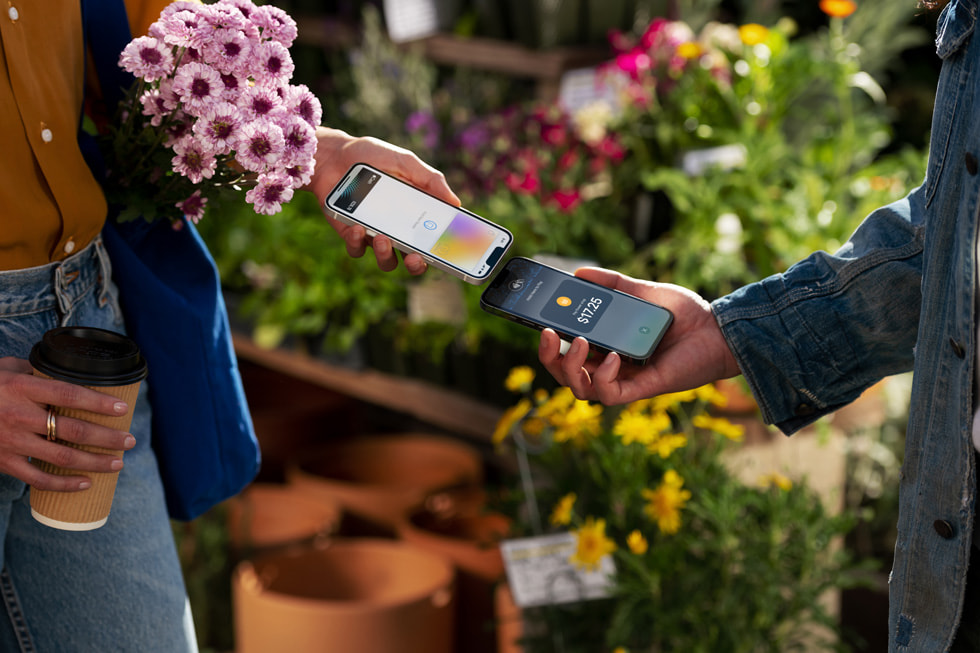
Tap to Pay on iPhone is now available in Argentina, Colombia, Costa Rica, the Dominican Republic, Guatemala, Honduras, Panama and Peru, Apple announced on September 22, 2026. Apple said the feature lets merchants in those eight markets accept in-person contactless payments with an iPhone and a supported iOS app, without a separate card reader or payment terminal.
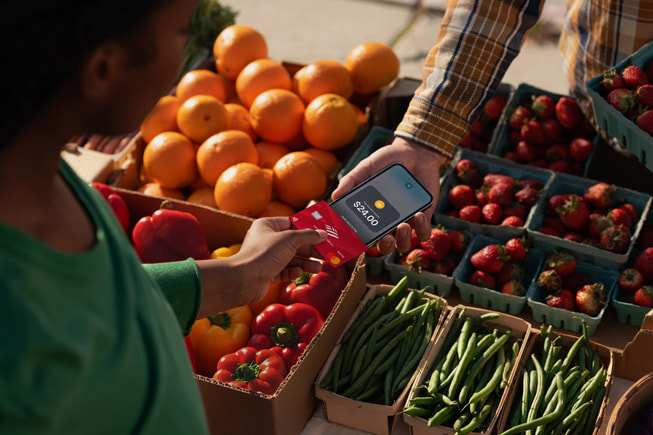
The rollout runs through local payment platforms rather than a single Apple app, so what a business can use depends on the country. Apple named the launch partners for each market in its Latin America newsroom announcement, which was published in Spanish.
Payment platforms by country
Apple listed six payment platforms across the eight countries. Some markets have a single option at launch, while others have three.
Don’t miss the best of The Mac Observer
Set us as a preferred source and our Apple reporting ranks higher in your Google Search results and Discover feed — one tap, no account changes.
| Country | Payment platforms at launch |
|---|---|
| Argentina | Mercado Pago |
| Colombia | SumUp, Symbiotic |
| Costa Rica | Geopagos, Symbiotic, Visa Acceptance Solutions |
| Dominican Republic | Azul, Visa Acceptance Solutions |
| Guatemala | Geopagos, Symbiotic |
| Honduras | Geopagos, Symbiotic |
| Panama | Geopagos, Symbiotic |
| Peru | SumUp |
Symbiotic appears in five of the eight countries and Geopagos in four. Costa Rica has the widest choice, with three platforms. Argentina and Peru each start with one: Mercado Pago in Argentina and SumUp in Peru.
For a merchant, the practical takeaway is simple. Tap to Pay on iPhone is not something you switch on in Settings. You get it through the app of a payment platform that has integrated it, so the first step is to check whether your current provider is on Apple’s list for your country.
What merchants need
Apple said businesses can accept contactless payments through supported iOS apps on iPhone XS or later running the latest version of iOS. No additional hardware is needed, which Apple pitched as a way to take payments wherever the business happens to be.
At checkout, the merchant asks the customer to hold a contactless debit or credit card, iPhone, Apple Watch or other digital wallet near the business’s iPhone. The payment is completed over NFC.
Apple said the feature works with contactless debit and credit cards from major payment networks, including American Express, Mastercard and Visa, along with Apple Pay and other digital wallets.
Apple’s footnotes add three caveats:
- Some contactless cards may not be accepted.
- Transaction limits may apply.
- Only transactions made in Store and Forward mode temporarily store encrypted card numbers on the iPhone.
Who Apple is aiming at
Apple said the expansion is meant for businesses of all sizes and types. Its announcement lists transport, retail, food and drink, beauty and professional services as examples of the kinds of sellers that can now offer Tap to Pay on iPhone as a way to complete a purchase.
The pitch is that no extra hardware is needed. Apple said a business needs only an iPhone and a supported iOS app, with no additional payment terminals, so it can take payments wherever it operates, as long as its payment provider supports the feature.
Apple said it works with payment platforms, app developers and payment networks to deliver the feature. Developers and payment platforms integrate Tap to Pay on iPhone into their own iOS apps and then offer it to their business customers.
Privacy and security
Apple said Tap to Pay on iPhone uses the privacy and security features built into iPhone to help protect both the business and its customers’ data. According to the announcement, Apple does not store credit card numbers or transaction information on the device or on Apple’s servers.
The one exception is the Store and Forward mode noted in Apple’s footnotes, where encrypted card numbers are kept on the iPhone temporarily.
Where this fits
These eight countries add to Tap to Pay on iPhone’s existing footprint in the region. For an earlier Latin American rollout, see our coverage of Tap to Pay on iPhone in Mexico.
Apple did not give a timeline for further Latin American countries in the September 22 announcement.
For merchants in the eight new markets, the steps are straightforward:
- Confirm your iPhone is an iPhone XS or later and update it to the latest version of iOS.
- Check that your payment provider is listed for your country in the table above.
- Install or update that provider’s iOS app and follow its setup for Tap to Pay on iPhone.
- Ask customers to hold their card, iPhone, Apple Watch or digital wallet near your iPhone to pay.
Because each country’s options come from different providers, two merchants in neighboring markets may see different apps and sign-up steps for the same Apple feature.