
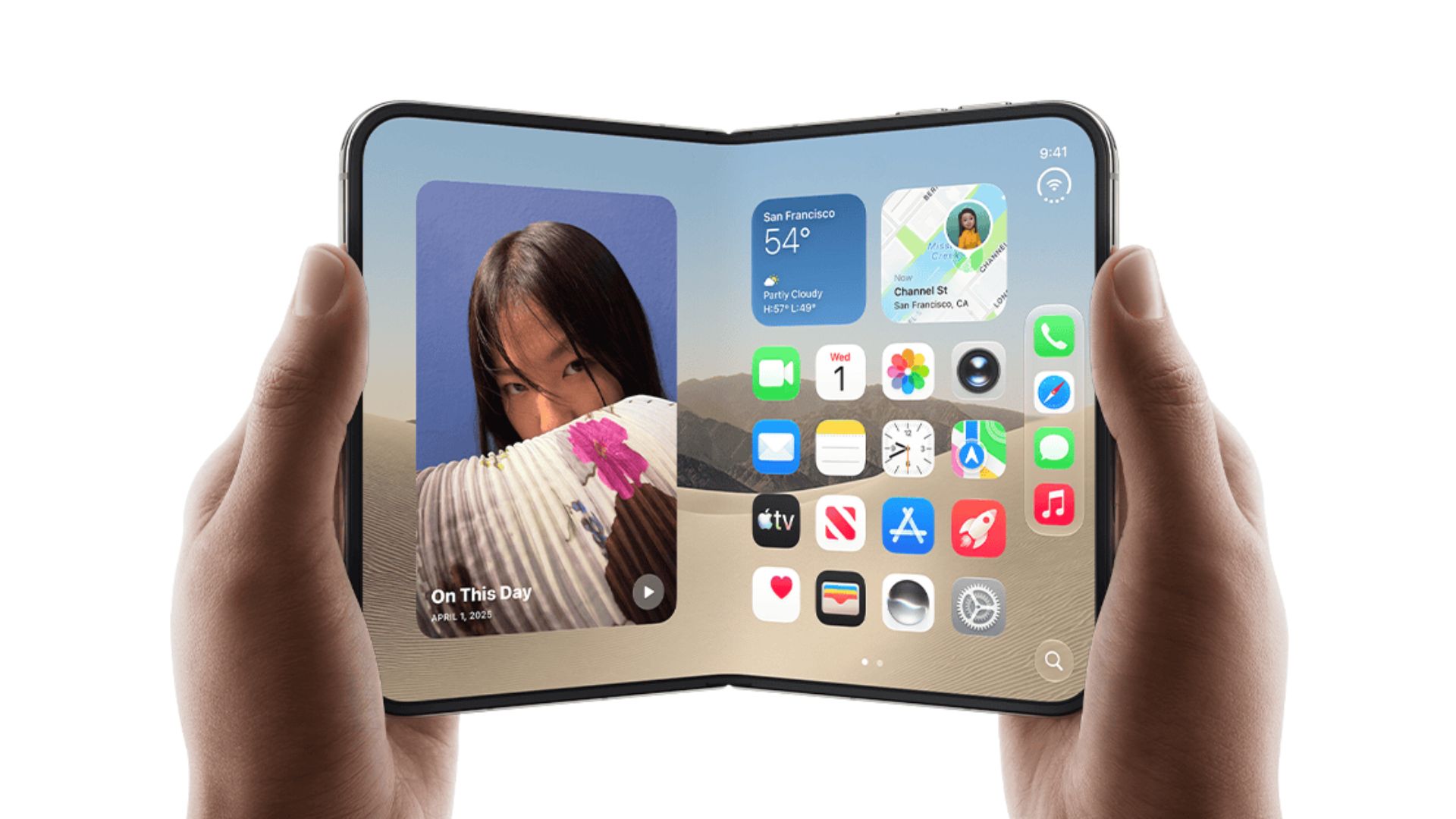
People setting up Apple‘s first foldable phone are noticing a strange software issue. Once you pick how large you want your text and icons to look during the initial process, the system locks that choice in place. Unlike any other iPhone model, you cannot simply jump back into your settings later to tweak the display zoom level if you happen to change your mind.
Erasing the device is the only way to fix it
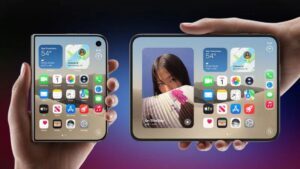
When you turn on the iPhone Duo for the very first time, a screen called Appearance pops up. This menu lets you choose how big the text and system icons will appear on the folding screen. You get three basic choices to pick from: Default, Medium, or Large. On a normal phone, you can always change this later by digging into the settings app, tapping on Appearance, and then hitting Display Zoom.
But owners of the new foldable are finding out that this option simply does not exist after the initial setup is complete. A Reddit user pointed out the missing feature last week, which left many buyers confused. Soon after, a forum member named earthdog reached out to customer support to find a solution. A senior advisor confirmed the bad news. Right now, there is no button or menu toggle to change your zoom choice.
Don’t miss the best of The Mac Observer
Set us as a preferred source and our Apple reporting ranks higher in your Google Search results and Discover feed — one tap, no account changes.
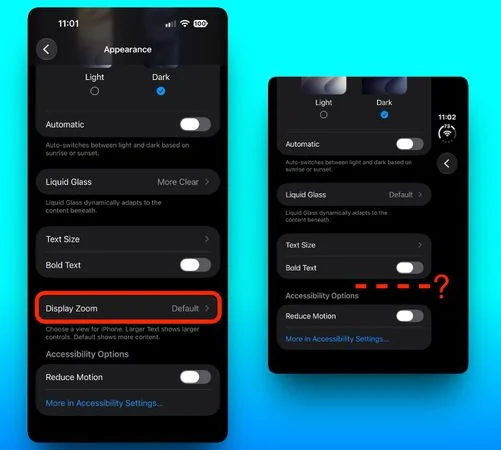
If you want to switch from Medium to Large, you have to wipe the whole device clean. You must completely erase your data, restart the phone, and pick a new size while going through the welcome screens all over again. This is happening on devices running the current iOS 27.2 software.
It remains unclear if this is a permanent design choice or a simple software oversight that will get patched soon. Some users speculate the company removed the toggle to prevent visual bugs on the unique folding screen. Others think it is just a mistake. Reporters have asked the company for a statement, so we might hear a solid answer soon.
Until an update arrives, you should pay close attention to that Appearance screen when setting up your device. Pick your zoom level carefully, because you will be stuck with it unless you want to start from scratch.

Discussion