
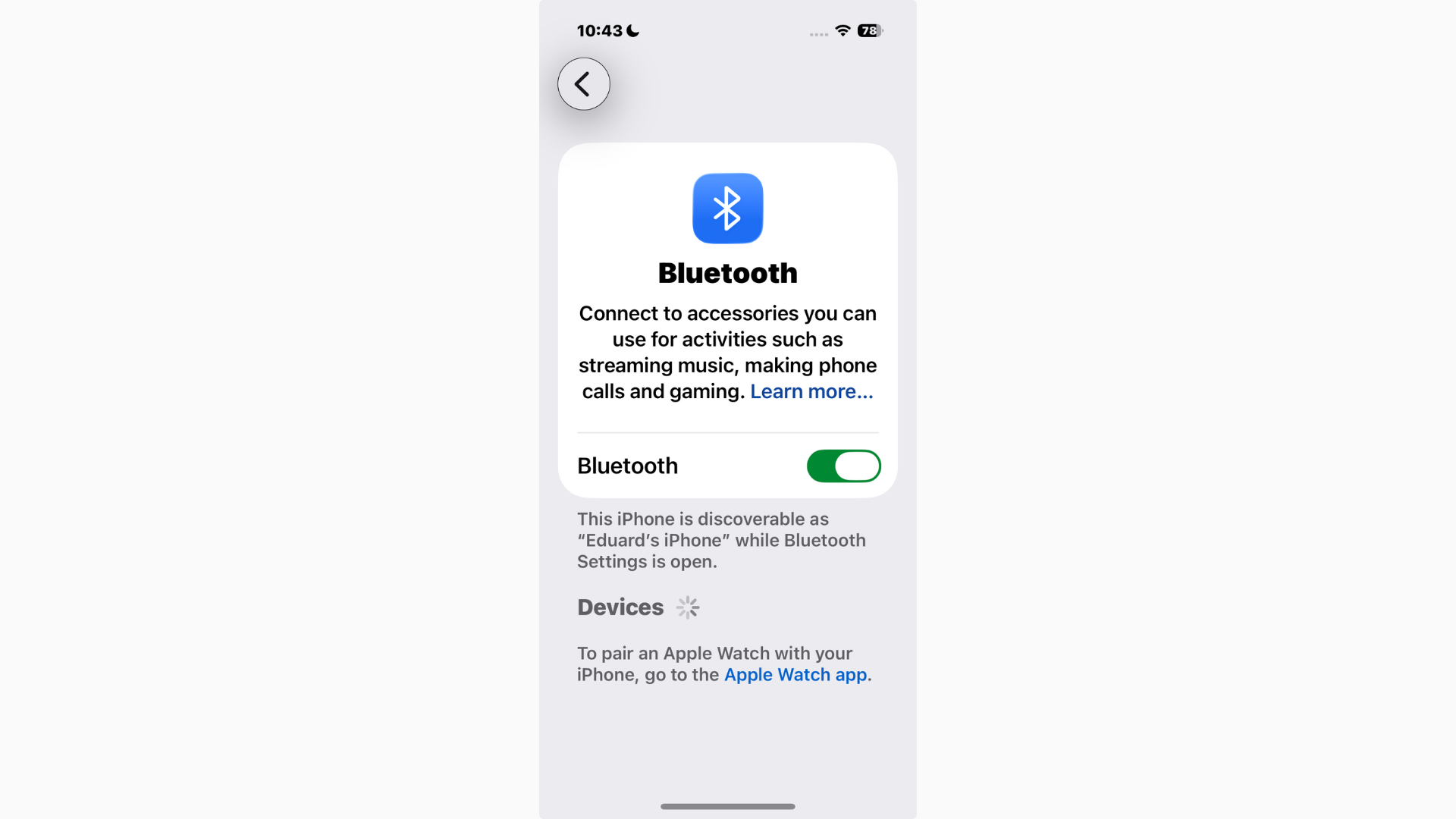
If you’ve updated to iOS 26.2 and suddenly your Bluetooth audio feels broken, you’re not imagining it. Some users report that third-party Bluetooth headphones and speakers won’t mute properly, even with the volume slider at zero, while others find that devices connect but produce no audio at all. Strangely, official Apple headphones (like AirPods) don’t show the same problems, making this even more frustrating.
Table of contents
Why Bluetooth is buggy in iOS 26.2
Bluetooth glitches aren’t new, similar problems popped up in iOS 18 and earlier, but they seem worse in iOS 26.2. Likely causes include:
- System bugs: iOS 26 introduced changes to audio routing and background processes. See all reported iOS 26/26.2 bugs with fixes.
- Third-party device compatibility: Apple optimizes Bluetooth for AirPods first; other brands can lag behind when iOS changes.
- Control Center behavior: The volume slider doesn’t always fully mute third-party devices.
- Connection handoff issues: iOS may connect to a device but fail to assign audio output correctly.
How to fix Bluetooth audio issues in iOS 26.2
1. Forget and re-pair your device
- Go to Settings → Bluetooth.
- Tap the ⓘ next to your device → Forget This Device.
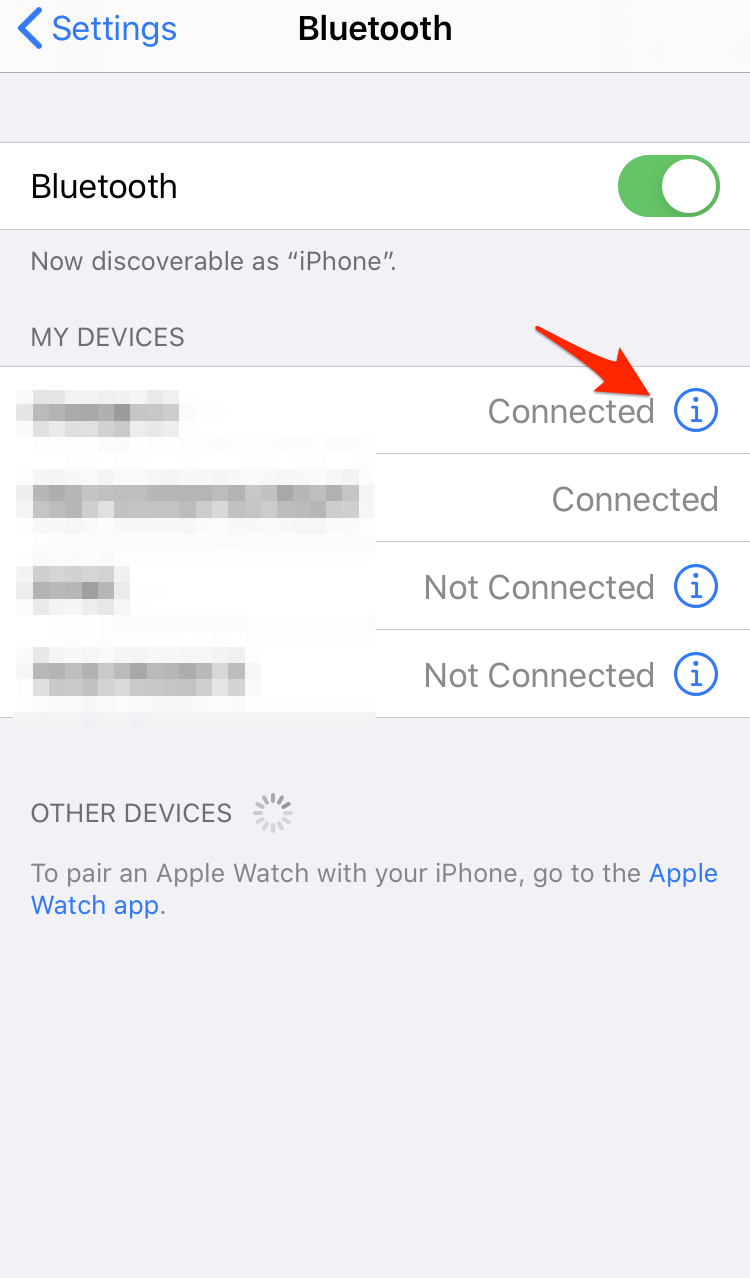
- Restart your iPhone, then pair again.
2. Reset network settings
This clears all Bluetooth, Wi-Fi, and VPN settings, which can solve deeper pairing issues.
Don’t miss the best of The Mac Observer
Set us as a preferred source and our Apple reporting ranks higher in your Google Search results and Discover feed — one tap, no account changes.
- Settings → General → Transfer or Reset iPhone → Reset → Reset Network Settings.
3. Toggle audio output manually
- Swipe down for Control Center.
- Long-press the Now Playing tile.
- Tap the AirPlay icon and select your Bluetooth device.
4. Check volume sync
Some Bluetooth devices have independent volume controls. Make sure both iPhone and the device itself are set correctly.
5. Update everything
- Make sure you’re on the latest iOS 26 patch. If you don’t see it, try iOS 26.2 update not showing up fixes.
- Update firmware for your headphones or speaker, if available.
6. Try disabling “Reduce Loud Sounds”
Some users report conflicts with this setting. Go to Settings → Sounds & Haptics → Headphone Safety → Reduce Loud Sounds and toggle it off.
When nothing works
If Bluetooth audio is still broken:
- Report the bug via the Feedback app (if you’re on beta) or Apple’s website.
- Keep an eye on patches — Apple often rolls out quick fixes for connectivity problems.
- If Bluetooth is essential, you can downgrade from iOS 26.2 to iOS 18 while Apple is still signing it.
Bluetooth audio is flaky for some users after iOS 26.2, especially with third-party devices. AirPods work fine, but speakers and headphones from other brands can fail to mute or connect without sound. Forgetting and re-pairing devices, resetting network settings, or updating software usually helps — but if not, you may need to wait for Apple to patch the bug.
FAQ
Apple prioritizes optimization for AirPods. The issue is likely due to new system bugs in iOS 26.2 or a delay in third-party manufacturers updating their device firmware for full compatibility with the new OS.
Reset Network Settings (Settings → General → Transfer or Reset iPhone → Reset). This clears all saved Bluetooth, Wi-Fi, and VPN data, which often resolves deeper pairing or connection conflicts.
The problem is likely a persistent bug. Report the issue to Apple via the Feedback app and wait for an upcoming patch. If necessary, consider temporarily downgrading your iOS version.
Yes. Some users have found that conflicts with this feature interfere with audio routing. Try disabling it in Settings → Sounds & Haptics → Headphone Safety to see if it resolves the glitch.
Getting Bluetooth to Work Again After the iOS 26.2 Update
Bluetooth audio connectivity issues, particularly those affecting third-party devices after upgrading to iOS 26.2, are frustrating but often temporary. The core of the problem appears to lie in system bugs introduced by new audio routing and background processes in the latest OS update, with official Apple devices remaining largely unaffected.
Fortunately, most users can resolve these problems through a few simple troubleshooting steps: forgetting and re-pairing the device, manually selecting the audio output, or resetting network settings. Keeping both your iOS software and your Bluetooth device firmware updated is also crucial. If the problem persists despite these efforts, the only remaining solution is patience—report the bug to Apple and await a subsequent iOS 26.2 patch which is typically rolled out quickly to address widespread connectivity and audio stability issues.


Just got my new iPhone 17 Pro Max today and still can’t connect to my Starkey hearing aids for phone calls, etc. I even have the latest 26.2.1 and still won’t connect to them as well as other devices. When is Apple going to fix this issue?
I have tried every supposed “fix” to connect my AKG headphones to my IPad after the 26.2 update. The amount of time I have spent on this issue is outrageous and the fact that Apple has still not sent a fix after 4 days is unacceptable. I need this function for my work and am considering giving up my allegiance to Apple (Mac, IPad, IPhone, Apple Watch, AirTags) after going through many similar sorts of Apple update problems. How can Apple possibly roll out such a flawed product?
Bluetooth will not connect my iPad and headphones since 26.2. Any suggestions?
Try restarting the iPad, resetting network settings, forgetting and re-pairing the headphones, or updating the headphone firmware may help until Apple releases a fix.