

The iOS 26 update introduced new features but also triggered frustrating bugs, including the “No SIM card installed” error. This issue prevents iPhones from connecting to mobile networks, affecting calls, data, and texts. It’s part of a broader trend where iOS 26 has bugs and issues, but several reliable fixes can help restore SIM functionality.
Table of contents
Troubleshooting the iOS 26 SIM Card Error

Toggle Airplane Mode
Sometimes, network glitches can be resolved by resetting your phone’s connection. Airplane Mode temporarily disables all wireless signals, which can help your device re-establish a SIM connection. Follow these steps:
- Open Settings.
- Tap Airplane Mode to turn it on.
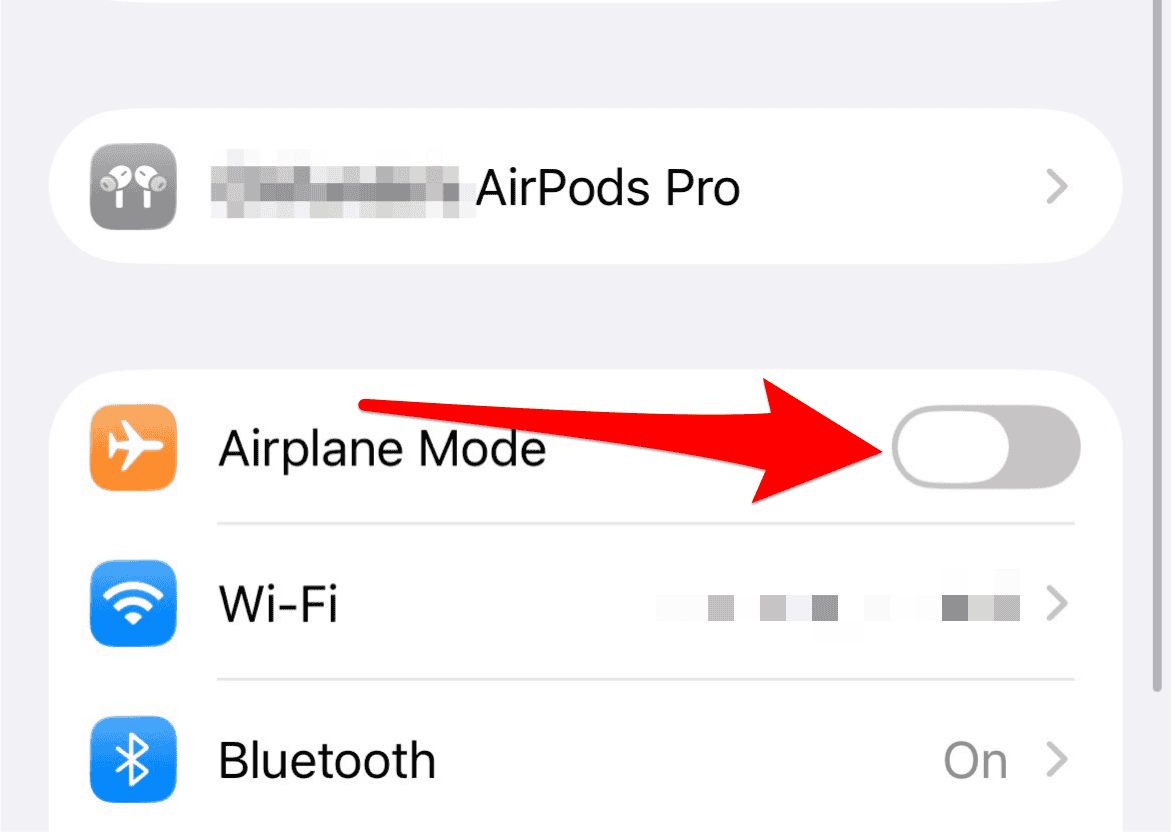
- Wait 10 seconds, then tap it again to turn it off.

Restart Your iPhone
Restarting your device can clear temporary software bugs that may have surfaced during the update. This is a simple but effective way to refresh your system. To restart:
Don’t miss the best of The Mac Observer
Set us as a preferred source and our Apple reporting ranks higher in your Google Search results and Discover feed — one tap, no account changes.
- Press and hold the Side and Volume Up buttons.
- Slide to power off.

- After 60 seconds, press the Side button until the Apple logo appears.

Check for Carrier Settings Update
Carrier settings updates ensure your iPhone communicates properly with your mobile network. These updates are often pushed silently but can be manually triggered. To check:
- Go to Settings > General > About.
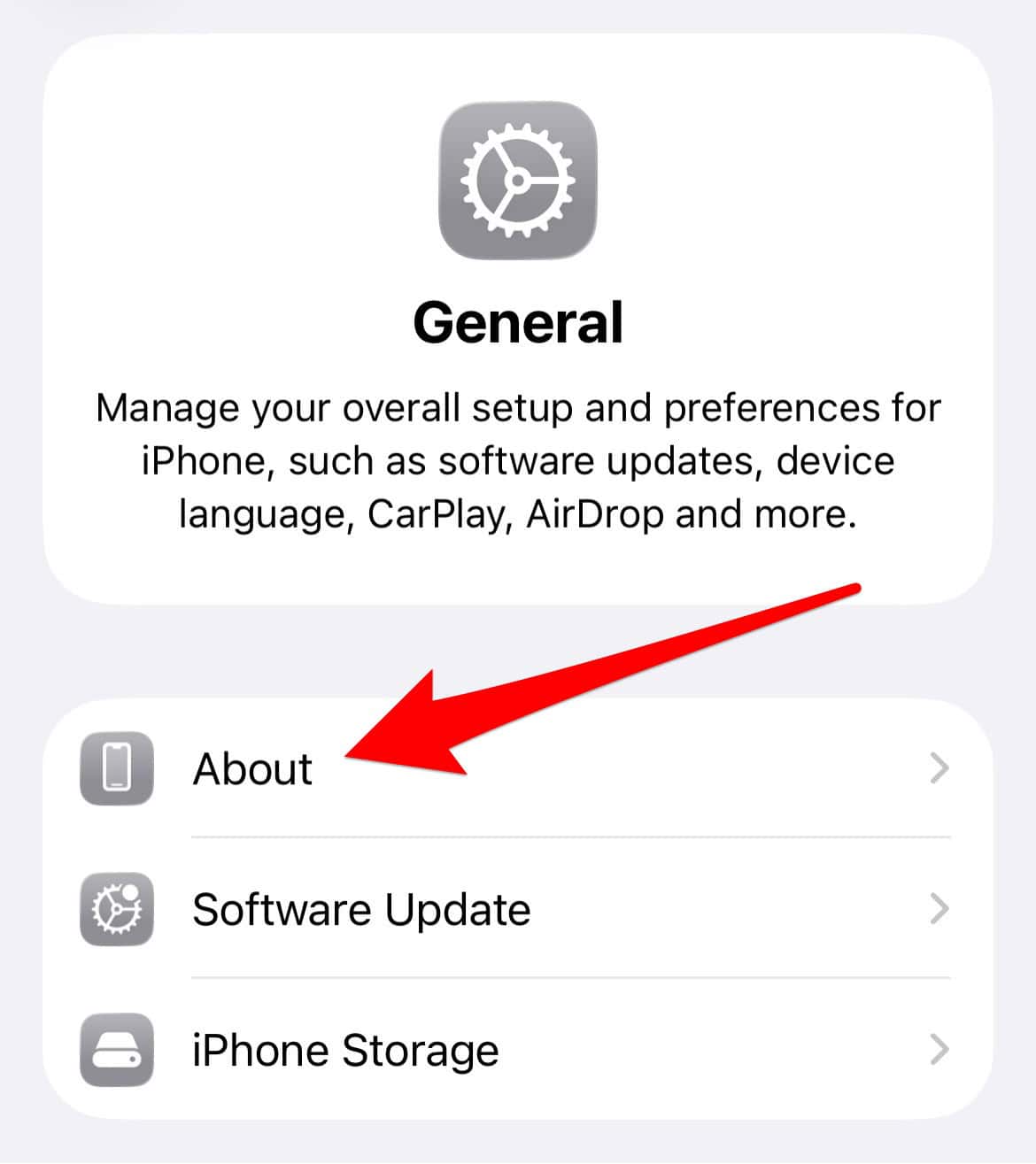
- Wait a few seconds for a pop-up.
- If prompted, tap Update.

Update to iOS 26.0.1 or Later
Apple has released iOS 26.0.1 to address SIM-related issues reported by users. Updating your device may resolve the error entirely. To update:
- Open Settings > General > Software Update.
- Tap Download and Install if an update is available.
- Follow the on-screen instructions to complete the process.
Make sure you’ve installed the latest iOS version before troubleshooting further.
Disable Lockdown Mode
Lockdown Mode is a security feature that can interfere with SIM detection. If you don’t need it, disabling it may help. Here’s how:
- Go to Settings > Privacy & Security > Lockdown Mode.
- Tap Turn Off Lockdown Mode.
- Confirm your choice when prompted.
Reinsert the SIM Card
Physical SIM issues can also trigger this error. Re-seating the SIM card ensures proper contact with the tray. To do this:
- Use a SIM ejector tool or a paper clip to open the tray.
- Remove and reinsert the SIM card securely.
- Restart your iPhone to test connectivity.
FAQ
This may be due to a software bug, outdated carrier settings, or interference from security features like Lockdown Mode.
Many users have reported that the 26.0.1 patch resolved their SIM detection problems.
Yes, even without a SIM, you can use Wi-Fi for internet access and send iMessages.
Resolve SIM Errors and Stay Connected
The “No SIM card installed” error in iOS 26 can be frustrating, but it is often solvable with a few targeted steps. Apple has acknowledged the issue and released updates to address it. If you are still unsure whether to proceed with the update, consider how this bug makes it hard to upgrade to iOS 26. For a full list of known problems and their solutions, visit all reported iOS 26 bugs and issues with fixes.


Discussion