

Removing a solid color background (usually green) and replacing it with any image or video is known as chroma keying. This technique is essential for professional film production, streaming, and content creation. It allows users to transport subjects to new worlds without leaving the studio. For Mac users, the good news is that several high-quality video editing applications support this crucial feature, ranging from free, entry-level tools to industry-standard suites. Choosing the right software depends on your skill level, budget, and desired level of control over the keying process.
Table of contents
Edit Chrome Keys with These Options
1. iMovie

iMovie, Apple’s free video editor, is the most accessible tool for Mac users, starting with chroma keying. It comes preinstalled on most Mac computers, making it an immediate choice for beginners looking to experiment with the effect without any financial commitment.
While basic, the green/blue screen effect in iMovie is remarkably effective for simple, well-lit shots. Users simply place the background clip on the timeline and then drag the green screen clip over it. The software handles the keying automatically, offering a quick way to achieve the desired effect without complex settings.
Don’t miss the best of The Mac Observer
Set us as a preferred source and our Apple reporting ranks higher in your Google Search results and Discover feed — one tap, no account changes.
2. Final Cut Pro

Stepping up from iMovie, Final Cut Pro (FCP) is Apple’s professional-grade nonlinear editor, built specifically for macOS. FCP provides a dedicated, powerful Keyer effect that delivers broadcast-quality results, even on difficult footage with subtle lighting variations.
The Keyer in Final Cut Pro allows for detailed adjustments, including sampling the color, fine-tuning the edges, and removing color spill. It is widely considered some of the best Mac software for video editing because of its magnetic timeline and unparalleled optimization for Mac hardware, making keying and rendering fast and efficient.
3. Adobe Premiere Pro

Adobe Premiere Pro is an industry-leading video editing suite that operates seamlessly on both Mac and PC. Its Ultra Key effect is a sophisticated tool that allows editors to pull a very clean key from green or blue screens, offering professional control over shadows, highlights, and transparency.
Although Premiere Pro is a highly capable tool, its extensive feature set and subscription model mean it has a steeper learning curve compared to simpler alternatives. For those exploring the best Mac video editors for beginners, looking for simple chroma key solutions, other programs might be more immediately intuitive.
4. CapCut
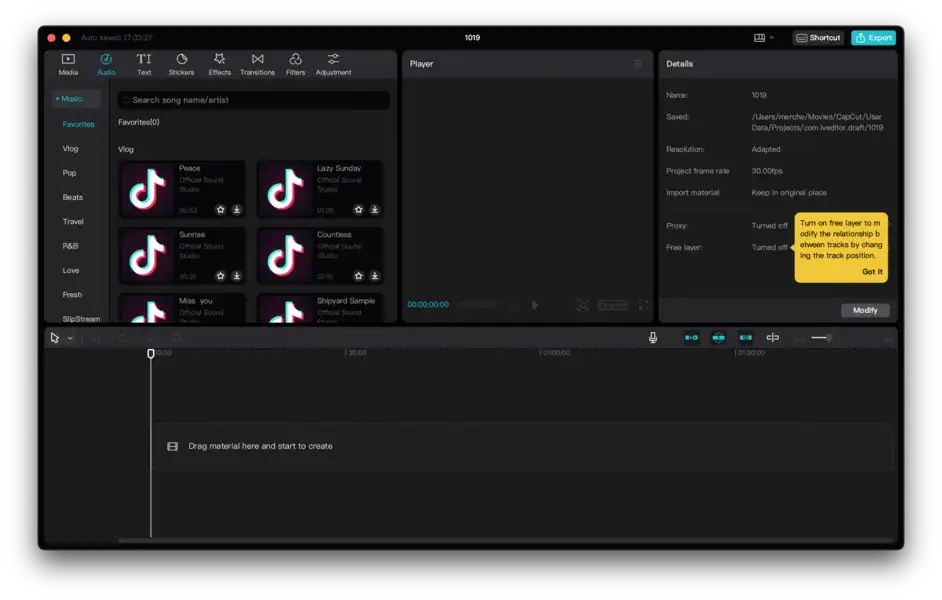
CapCut has quickly become a favorite among social media content creators, offering a highly accessible, feature-rich editing experience for free. Its Mac desktop version includes a simple yet powerful chroma key tool, making advanced effects available to a wider audience.
Beyond basic keying, CapCut is also recognized for incorporating modern features that leverage machine learning. It’s a set of AI-powered tools that extend beyond basic green screen effects, making it one of the up-and-coming AI software for Mac users who want advanced editing capabilities without a high price tag.
5. Filmora
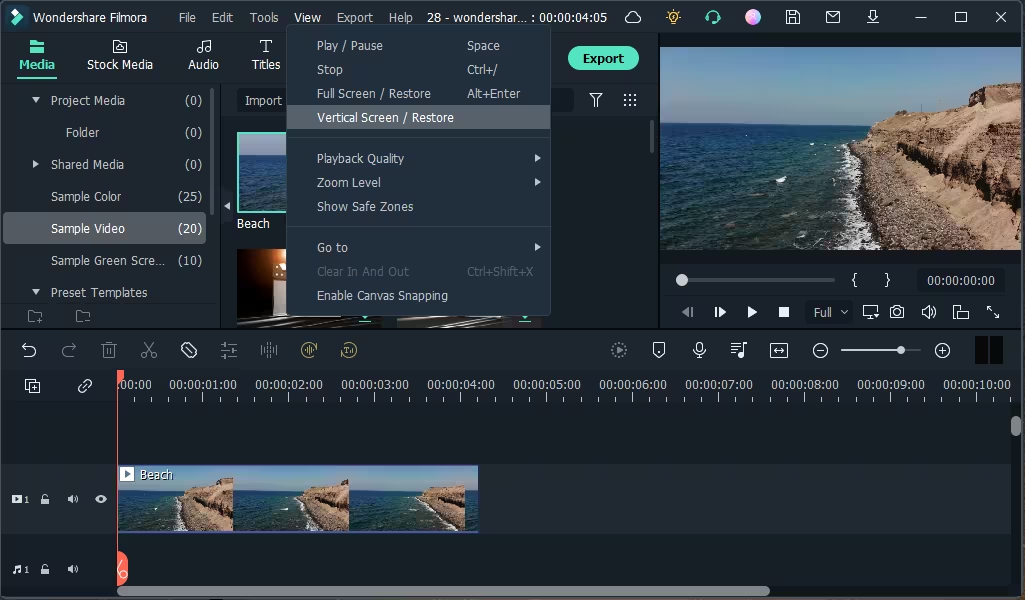
Wondershare Filmora strikes an excellent balance between professional capability and user accessibility. It is often the recommended choice for intermediate users who have outgrown iMovie but are not ready for the complexity or cost of Final Cut Pro or Premiere Pro.
Filmora features a straightforward Chroma Key tool accessible with a single click. The software provides easy sliders for adjusting the tolerance, thickness, and feather of the key, allowing for quick and clean removal of the background while maintaining a focus on a simple workflow.
FAQ
No, chroma key technology works with any solid, distinct color. Green is favored because it is generally the color least likely to appear on human skin, hair, or common clothing items, making separation easier. Blue is the second most common choice.
Chroma keying and the compositing of multiple video layers require significant processing power. While basic keying in iMovie is manageable on older machines, using professional software like Final Cut Pro and Premiere Pro is best done on Macs with robust processors and dedicated graphics cards for smooth playback and rendering.
Mastering the Green Screen Effect
Choosing Your Mac Video Editor for Green Screen Effects
Selecting the right Mac video editor for chroma key relies on balancing cost, complexity, and performance. Whether you opt for the simplicity of iMovie or the power of Final Cut Pro, all of these applications provide the necessary tools for creating stunning visual effects. Learning how to properly shoot and then utilizing clipping software for Mac video footage is the final step to achieving professional-quality compositions that captivate your audience.


Discussion