
To flag a wrong or inappropriate Siri AI answer, use Report a Concern while the response is still on your screen. Apple says you may need to tap and hold the response to reveal the button, and if it isn’t there, to look for the More button or an Options menu.
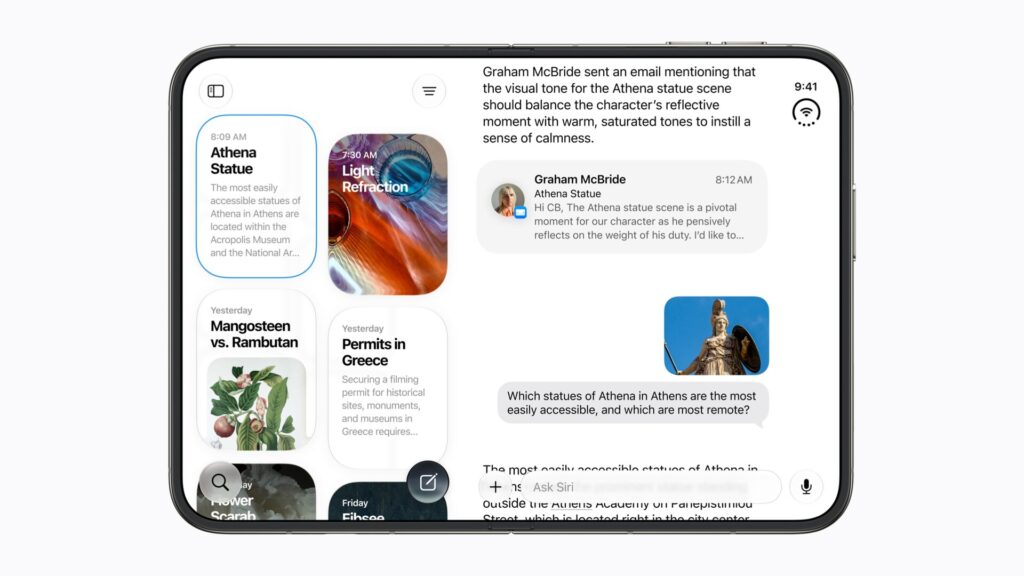
Apple set out the process in a support document published September 15, the day after iOS 27 shipped Siri AI as a beta. Its reason for the button is plain: “Both Apple Intelligence and Siri AI use models, and the quality of outputs may vary. You should always check for appropriateness and accuracy.”
File a report
- Keep the Siri AI answer on screen. Apple says: “If you’re not viewing the response, you can’t use Report a Concern.”
- Tap and hold the response to reveal Report a Concern. If it doesn’t appear, check the More button or the Options menu.
- Tap Report a Concern and choose the categories that describe the problem. You can add more detail.
- Review the report, remove any information or attachments you don’t want to include, then submit.
On a Mac running macOS 27, hover over the response and the More button appears. Siri AI itself is a beta, available in English on iPhones that support Apple Intelligence, which means iPhone 15 Pro, iPhone 15 Pro Max and iPhone 16 or later. Apple says it won’t initially be available on iPhone in the EU.
Don’t miss the best of The Mac Observer
Set us as a preferred source and our Apple reporting ranks higher in your Google Search results and Discover feed — one tap, no account changes.
Apple Support can’t see it
A report doesn’t open a support case. Apple’s document says “Apple Support doesn’t have access to information about your prompt or the response, or the feedback that you provide through Report a Concern.” If you contact Apple Support about the same answer, you’ll have to explain what Siri said.
What the report collects
Apple’s September 15 document says Apple collects what you put in the report, “including answers to questions, descriptions, photos, videos, messages, and emails.” It also collects:
- your device model
- your operating system version
- your language
- the version of the Apple Intelligence model relevant to your feedback
Photos, messages and emails can end up in a report, so use the review step before you submit. Removing items there is the one control Apple describes.
Apple’s broader Report a Concern privacy page, dated December 12, 2025, predates Siri AI and doesn’t name it, so the details below describe Report a Concern in general rather than Siri AI specifically. Reports about “certain features available in the Apple Beta Software Program” are stored with your Apple Account, which is shown on screen before you submit, while all other reports use “a random unique identifier that is not linked to your Apple Account.” The page adds that reported information may be stored in a way associated with you “for up to one year or as required by law.”
What Apple does with it
Apple says it “will evaluate your feedback and may use what you’ve reported to help improve Apple products and services, for example to train models.” Anything you leave in a report can become training material.
ChatGPT is a separate case. Apple’s iOS 27 guide shows Siri AI users turning on the ChatGPT extension under Settings > Siri > Set Up Extensions > ChatGPT. For problems with that extension, the privacy page says you can choose separately to send your report to OpenAI as well. Apple may pass on your request and attachments, the answer, your device type, general location and the type of issue, but it removes your name and email address first and shares nothing with OpenAI unless you make that choice.



