
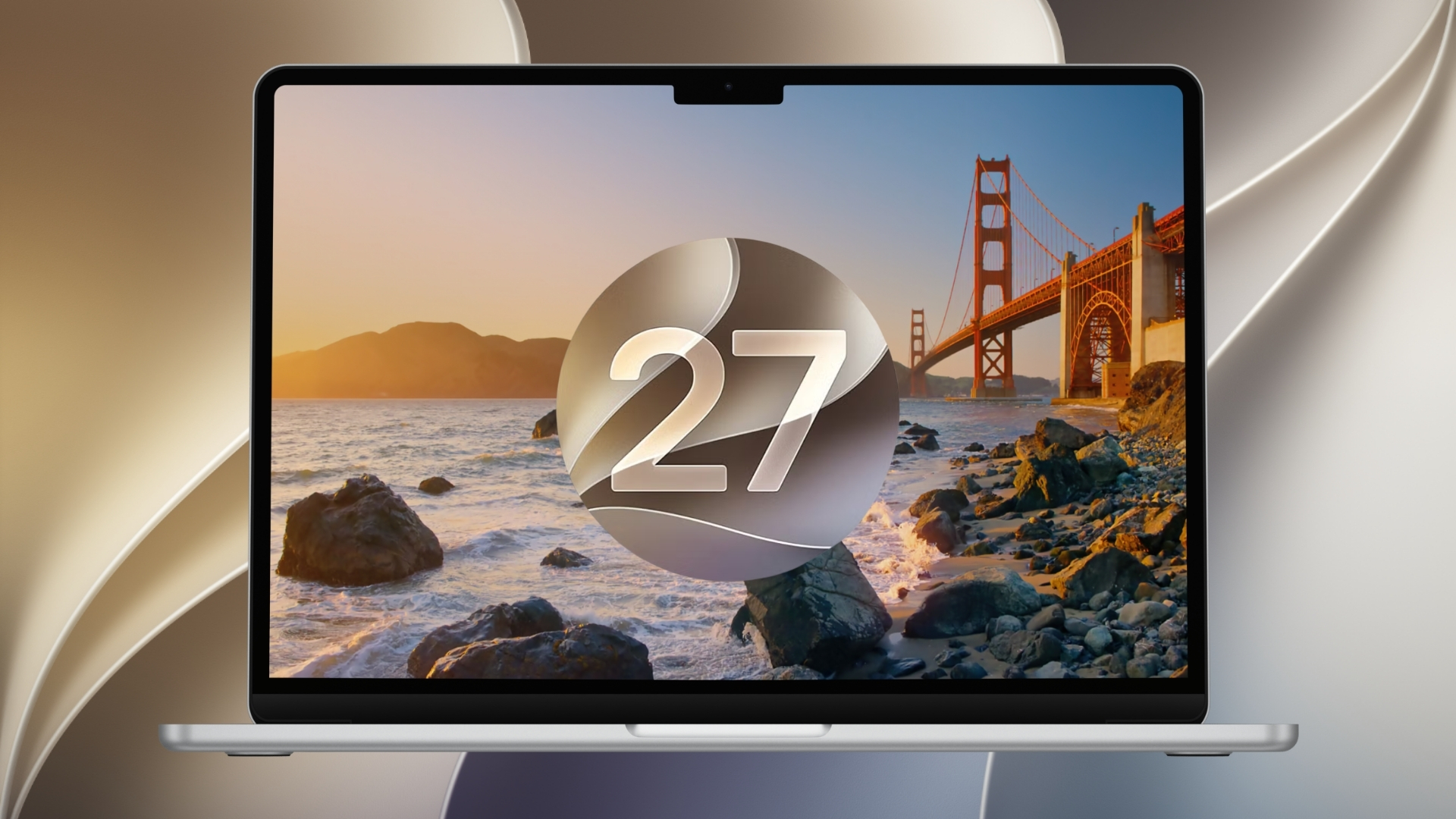
Apple has officially released macOS 27 Golden Gate for compatible Macs, bringing the biggest Siri upgrade yet, new Apple Intelligence features, a more refined Liquid Glass design, smarter Safari tools, improved system performance, and several smaller changes across built-in apps.
The free update arrives after more than three months of developer and public beta testing. Apple released the macOS 27.0 release candidate with build 26A428 on September 9, although Apple has not separately published the build number for the public release.
Golden Gate also marks a major compatibility change because macOS 27 supports Apple silicon Macs only. Intel Macs that remained compatible with macOS Tahoe 26 cannot install the new operating system. You can read our complete macOS 27 Golden Gate release date and compatibility roundup for more details.
Don’t miss the best of The Mac Observer
Set us as a preferred source and our Apple reporting ranks higher in your Google Search results and Discover feed — one tap, no account changes.
macOS 27 Golden Gate at a glance
| Feature | What is new |
|---|---|
| Siri | New Siri AI, dedicated Siri app and personal context |
| Visual Intelligence | Ask Siri about content shown on your Mac screen |
| Safari | Tab Topics, Notify Me and smarter browsing tools |
| Shortcuts | Create automations using natural-language descriptions |
| Design | Refined Liquid Glass, consistent windows and updated controls |
| Performance | Faster AirDrop, network browsing and Safari loading |
| Compatibility | Apple silicon Macs only |
| Availability | Free update from September 14 |
Siri AI is the biggest macOS 27 upgrade
Siri AI is the headline feature in macOS 27. Apple has rebuilt Siri around Apple Intelligence, allowing the assistant to understand more natural requests, maintain conversations and use personal context from apps such as Mail, Messages and Photos.
Siri now appears inside Spotlight as an “Ask Siri” option, so users can ask broader questions without opening another app. It can also perform actions across supported apps, including creating reminders, sending messages, managing music and adding events.
Apple has also introduced a dedicated Siri app for Mac. Conversations appear in a sidebar and sync through iCloud, allowing you to continue a conversation started on another Apple device. Siri AI is launching in beta and is initially available in English.
Visual Intelligence extends those capabilities to anything displayed on the Mac. Pressing Command + Shift + Space lets you select an area of the screen and ask Siri questions about an image, PDF, text or other visible content.
Safari and Shortcuts get major AI features
Safari receives several useful additions in macOS 27.
- Tab Topics automatically organizes related open tabs into groups.
- Notify Me watches webpages and alerts you when something changes, such as a product coming back in stock or a price dropping.
- Pull-to-refresh lets users swipe down to reload supported content.
- Apple has improved Safari start-page loading and general responsiveness.
Apple Intelligence also makes Shortcuts easier to build. Instead of manually selecting every action, users can describe what they want the automation to do and Shortcuts assembles the required actions. Apple calls the feature Describe a Shortcut.
We tracked many of these additions throughout the beta cycle, including Safari changes, AI-powered Shortcuts and Liquid Glass controls in macOS 27.
Liquid Glass gets more refinement
Apple introduced Liquid Glass across its platforms last year, and macOS 27 continues refining the design rather than replacing it.
Users now get a slider that controls how transparent the Liquid Glass interface appears, ranging from an ultra-clear appearance to a more strongly tinted look. Apple has also improved contrast and refraction to make controls easier to read.
Other visual changes include:
- More consistent corner radii across app windows
- Uniform toolbars
- Edge-to-edge sidebars
- Updated menu bar and app icons
- Redesigned red, yellow and green window controls
- More visible distinction between active and inactive windows
- Golden Gate Bridge dynamic wallpapers and screen savers
Apple introduced several of those design changes gradually during testing, including the new window controls and Golden Gate wallpapers in macOS 27 public beta 4.
Performance and app improvements
Apple has also made several changes under the surface to make everyday Mac use faster and more reliable.
The company says AirDrop transfers are quicker, network file browsing is faster and Safari loads Start Page content more quickly. Mail now ranks search results based on relevance, while Spotlight receives better search suggestions.
Other notable changes include:
- Calendar events can be created or edited using natural-language descriptions.
- Ultra-wide displays support higher resolutions, including configurations such as 5K at 120Hz.
- Display arrangements remain consistent after reconnecting external monitors.
- VoiceOver provides richer descriptions of onscreen images.
- macOS can automatically generate synchronized captions for video and translate existing captions.
- iCloud Shared Albums make it easier for Windows and Android users to contribute through iCloud.com.
- Communication Safety expands protection to violent and graphic images and videos.
- New parental controls include Ask to Browse, Time Allowances and app schedules.
Which Macs support macOS 27 Golden Gate?
Apple lists the following Mac families as compatible:
| Mac | Supported models |
|---|---|
| MacBook Neo | 2026 |
| MacBook Air | Apple silicon, 2020 and later |
| MacBook Pro | Apple silicon, 2020 and later |
| iMac | Apple silicon, 2021 and later |
| Mac mini | Apple silicon, 2020 and later |
| Mac Studio | 2022 and later |
| Mac Pro | Apple silicon, 2023 |
This makes macOS 27 the first major macOS release that cannot be installed on an Intel Mac. Apple still supports Rosetta in macOS 27 as the final general-purpose release for running Intel Mac apps on Apple silicon, with broader Intel app support scheduled to end after this version.
How to install macOS 27 Golden Gate
Before installing a major operating system update, back up important files and check compatibility for any software you rely on.
Then follow these steps:
- Open System Settings on your Mac.
- Select General.
- Click Software Update.
- Wait for macOS 27 Golden Gate to appear.
- Click Upgrade Now and follow the onscreen instructions.
- Allow your Mac to restart and complete the installation.
Some macOS 27 features depend on language, region and Mac hardware, while Apple also says usage limits can apply to certain Apple Intelligence features. The Passwords feature that automatically updates weak or compromised passwords is listed as coming in a future software update.
If you have already installed macOS 27 Golden Gate, let us know which new feature you are using most in the comments.




Discussion