
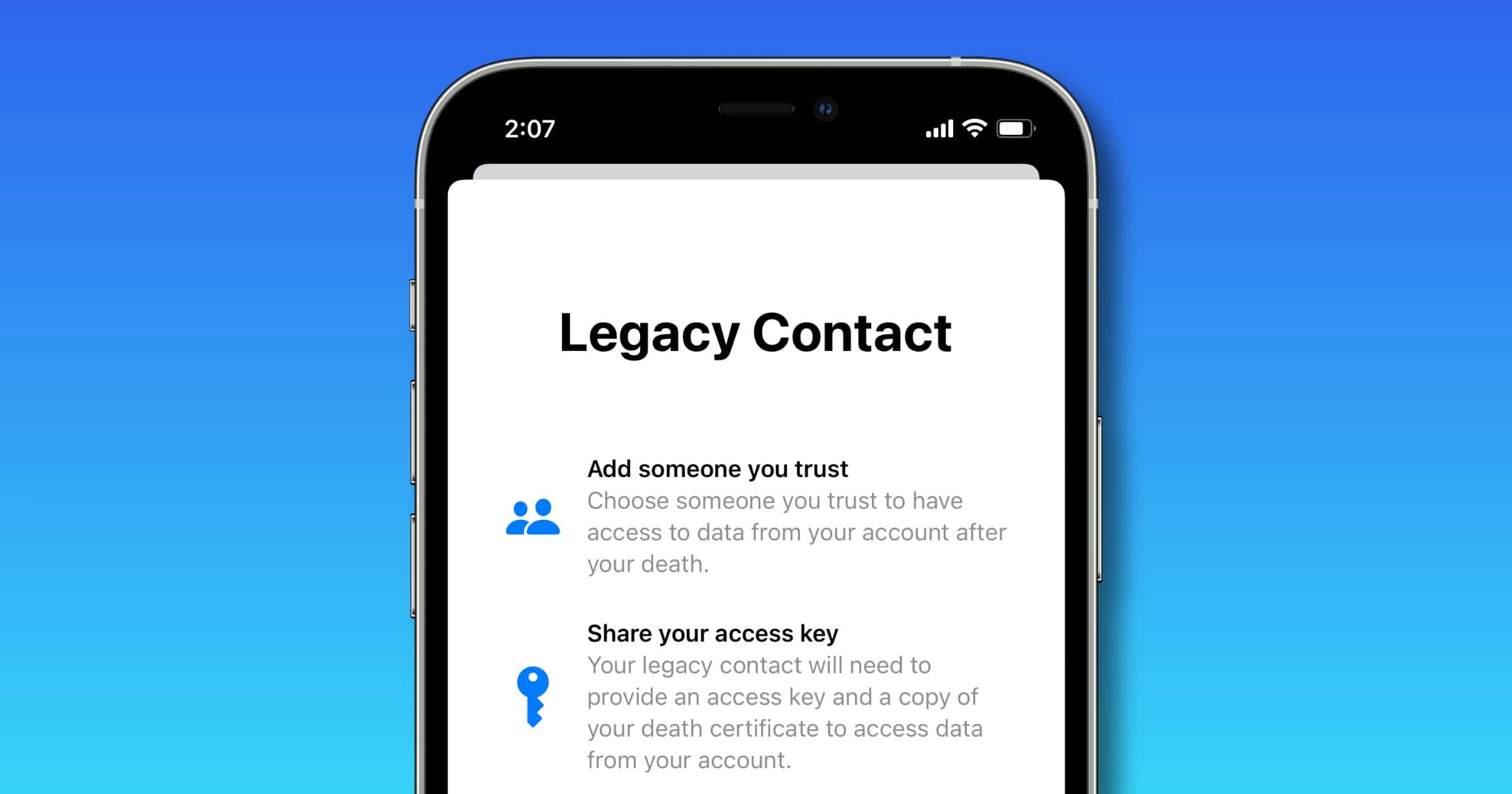
With its next round of operating systems Apple is creating a Digital Legacy program to enable easier access to our loved ones after we die. Here’s how to set up a legacy contact.
Apple Digital Legacy
When you go to Settings > Your Profile > Legacy Contact, you can designate one or more people to have access to your data when you die. Your legacy contact will need to provide an access key and a copy of your death certificate to Apple in order to access data from your account.
Once access is granted your contact will have access to your photos, videos, notes, documents, and other personal information stored in iCloud. Your device’s Activation Lock will also be removed.
Don’t miss the best of The Mac Observer
Set us as a preferred source and our Apple reporting ranks higher in your Google Search results and Discover feed — one tap, no account changes.




Discussion