

The native Apple Stocks app often fails to display real-time cryptocurrency prices. This issue frustrates investors who track volatile digital assets. Frozen or consistently delayed data is a common problem. It stems from various sources. Identifying the correct cause starts the resolution process. For investors focused on financial health, managing asset tracking and budgeting is crucial. If the Stocks app has data issues, other resources offer robust financial oversight, such as the best iPhone apps for budgeting.
Table of contents
Troubleshooting Data Refresh Issues
The core of this problem usually involves communication errors. These errors occur within the device, the app itself, or the external data servers. The Stocks app sources its pricing from a third party. Therefore, disruptions in that chain prevent crypto prices from updating accurately. You can usually restore proper data flow to your iPhone with a few quick fixes.
1. Check Your Internet Connection
The Stocks app must have a stable internet connection. It needs this connection to download current financial data. If your Wi-Fi or cellular data signal is poor, the app cannot refresh asset prices.
- Open Settings on your iPhone.
- Tap on Wi-Fi or Cellular.
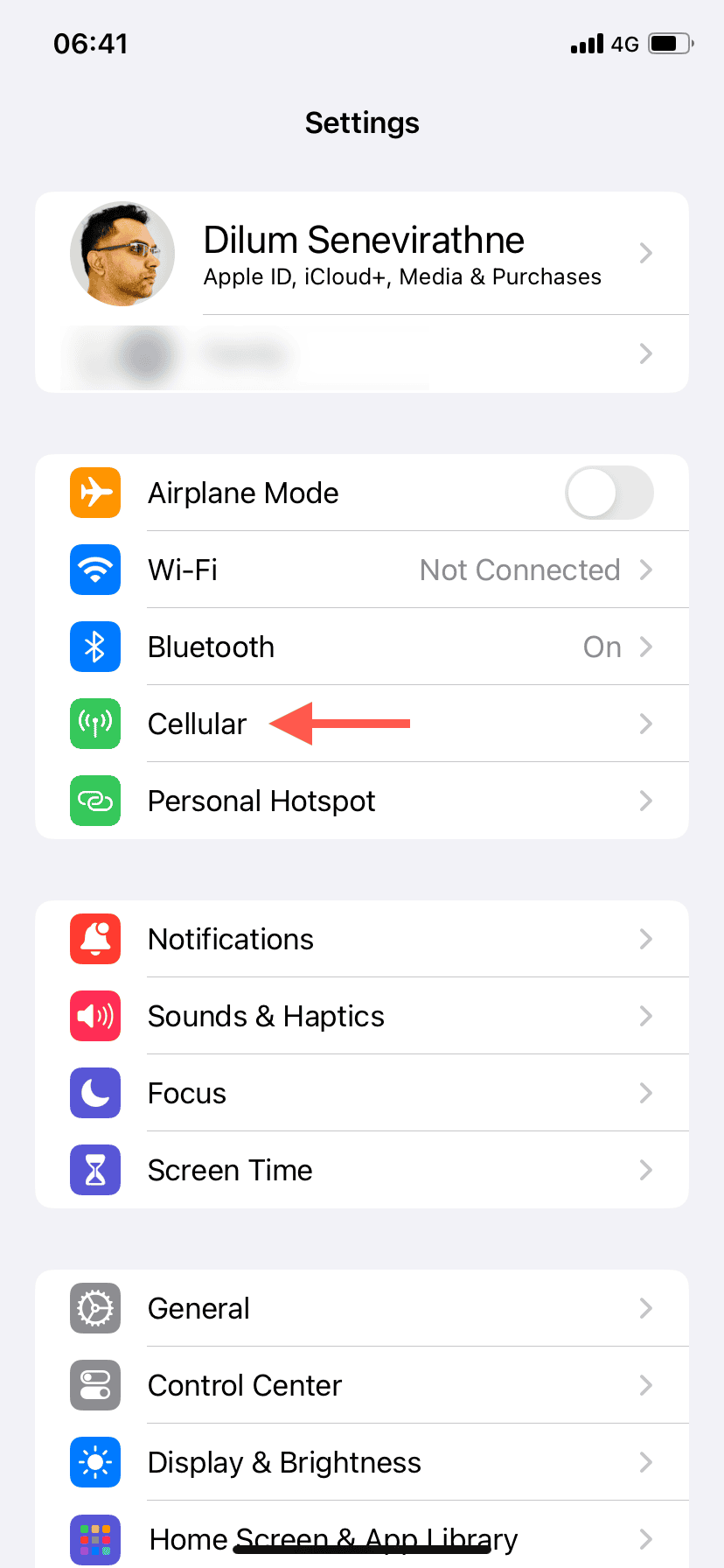
- Confirm your Wi-Fi is connected and working. Also check that Cellular Data is enabled and strong.
- Try loading a new page in Safari. This verifies the internet is fully operational.

2. Force Close and Reopen the Stocks App
A simple app restart often resolves minor background hiccups. These processes may prevent the app from fetching new data. This action forces the app to establish a fresh, clean connection to its servers.
- Swipe up from the bottom of your iPhone screen. This opens the App Switcher interface.
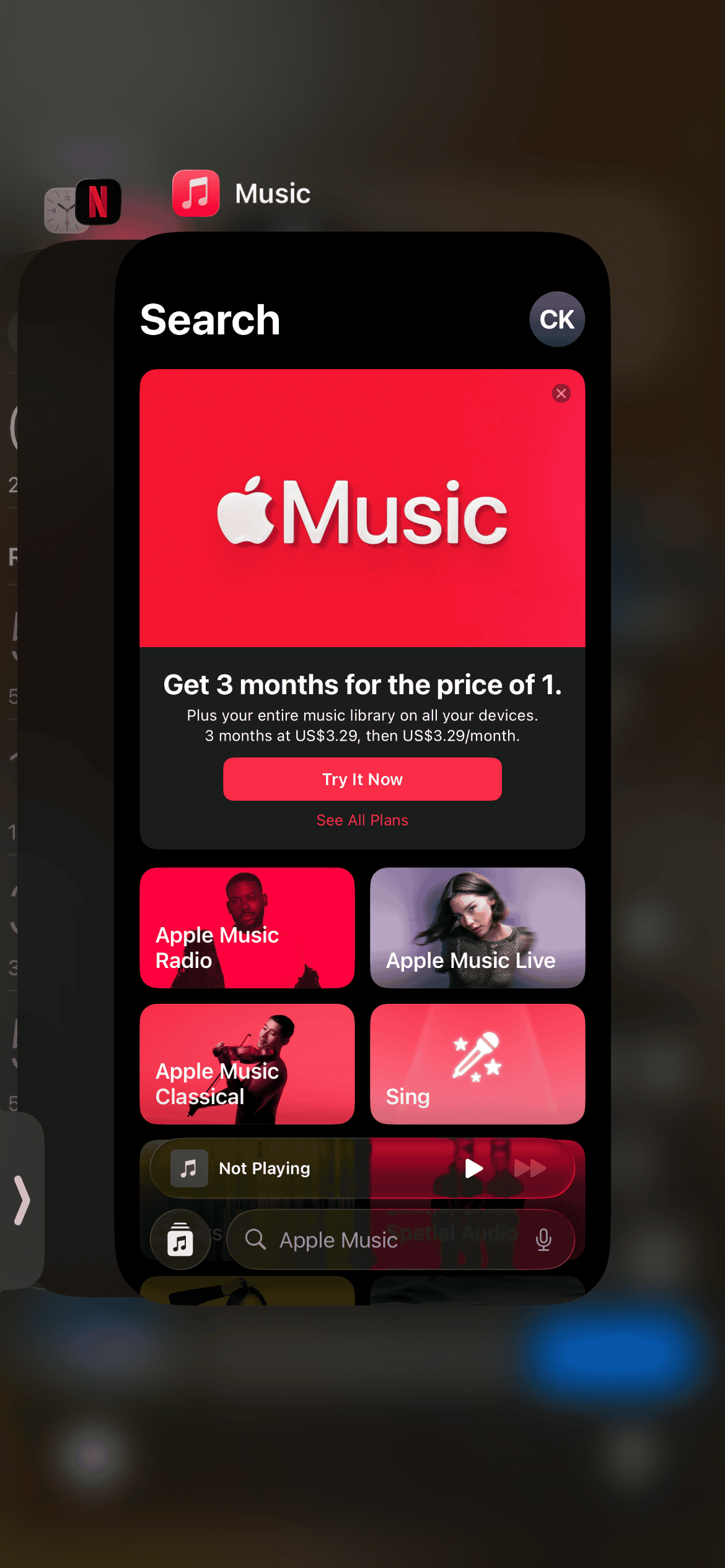
- Locate the preview card for the Stocks app.
- Swipe up on the Stocks app card to quit the application forcefully.
- Tap the Stocks app icon on your Home Screen. This relaunches the app and prompts a new data pull.

3. Restart Your iPhone
A full device reboot clears the system cache effectively. It also resolves temporary operating system conflicts. These conflicts could impede the Stocks app’s data refresh capability. This simple action often fixes general software glitches.
- Press and hold the side button and either volume button. Wait for the power-off slider to appear.
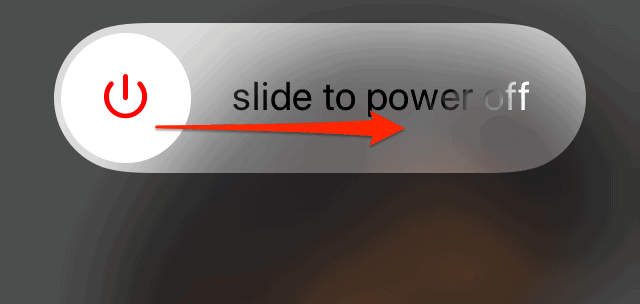
- Drag the slider to turn off the device. Then wait for 30 seconds.
- Press and hold the side button again. Wait until the Apple logo appears to power the iPhone back on.

4. Check for iOS Updates
Outdated operating system software introduces bugs. These can create compatibility issues with internal apps like Stocks. The app may then fail to interact correctly with data sources. Always keep your iOS updated for the latest performance improvements and bug fixes. Find detailed steps on how to update your software through this link: update iOS or iPadOS.
- Go to Settings.
- Tap the General menu.
- Tap Software Update.
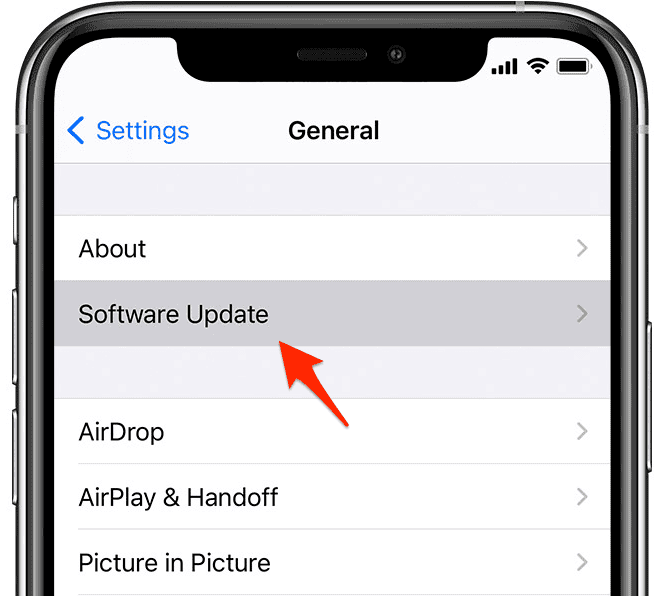
- If a new iOS version is available, tap the option to Download and Install it.

5. Remove and Re-add Cryptocurrencies
The data point for a specific cryptocurrency sometimes becomes stuck. This corruption prevents updates, even if other assets refresh fine. Removing the symbol and adding it back forces a new, functional data stream. While the Apple Stocks app is convenient, persistent data problems may require more dedicated tracking tools. Consider stock portfolio software for Mac for more robust management: best stock portfolio software for Mac.
- Open the Stocks app.
- Swipe left on the stuck cryptocurrency symbol. Then tap Remove.
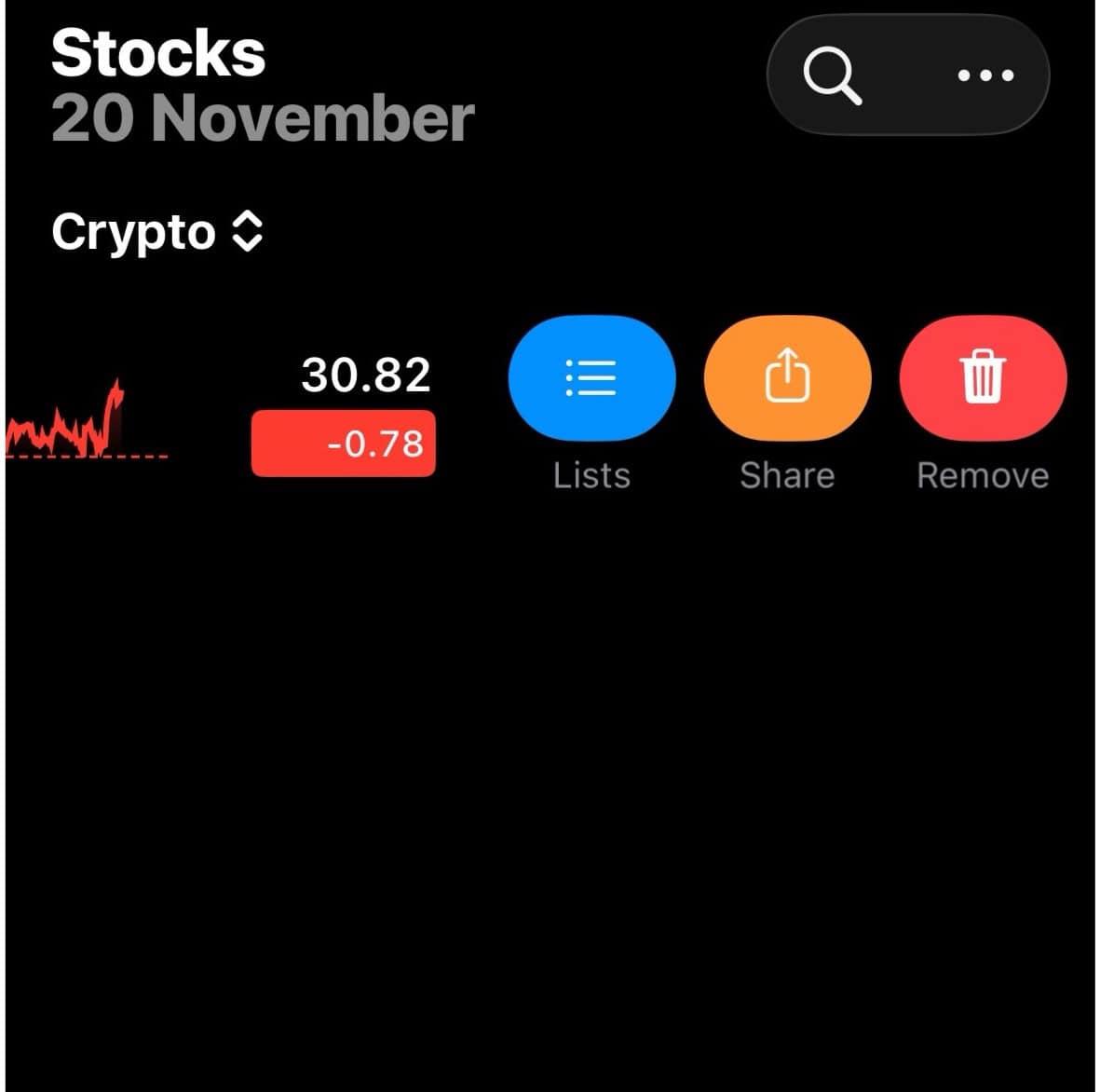
- Tap the Search icon in the upper right corner.
- Search for the cryptocurrency again (e.g., BTC-USD). Tap the plus sign to re-add it to your list.

FAQ
The Stocks app offers a simple way to monitor major cryptocurrencies. However, dedicated tracking applications may offer more features. These specialized tools provide greater detail and real-time data for serious investors.
This disparity suggests a specific issue with the cryptocurrency data feed. It could be an API problem or a regional restriction. This affects the crypto symbols, even if traditional stock data flows normally.
Ensuring Consistent Cryptocurrency Tracking
Reliable cryptocurrency price information is essential for investment decisions. It must be timely in a rapidly moving market. Systematically applying the troubleshooting steps above often quickly restores the Stocks app’s functionality. This ensures your data remains current. If these solutions fail, investigating dedicated investment software for Mac might be the next step. This secures consistent and detailed financial tracking across your Apple devices: investment software for Mac.



