
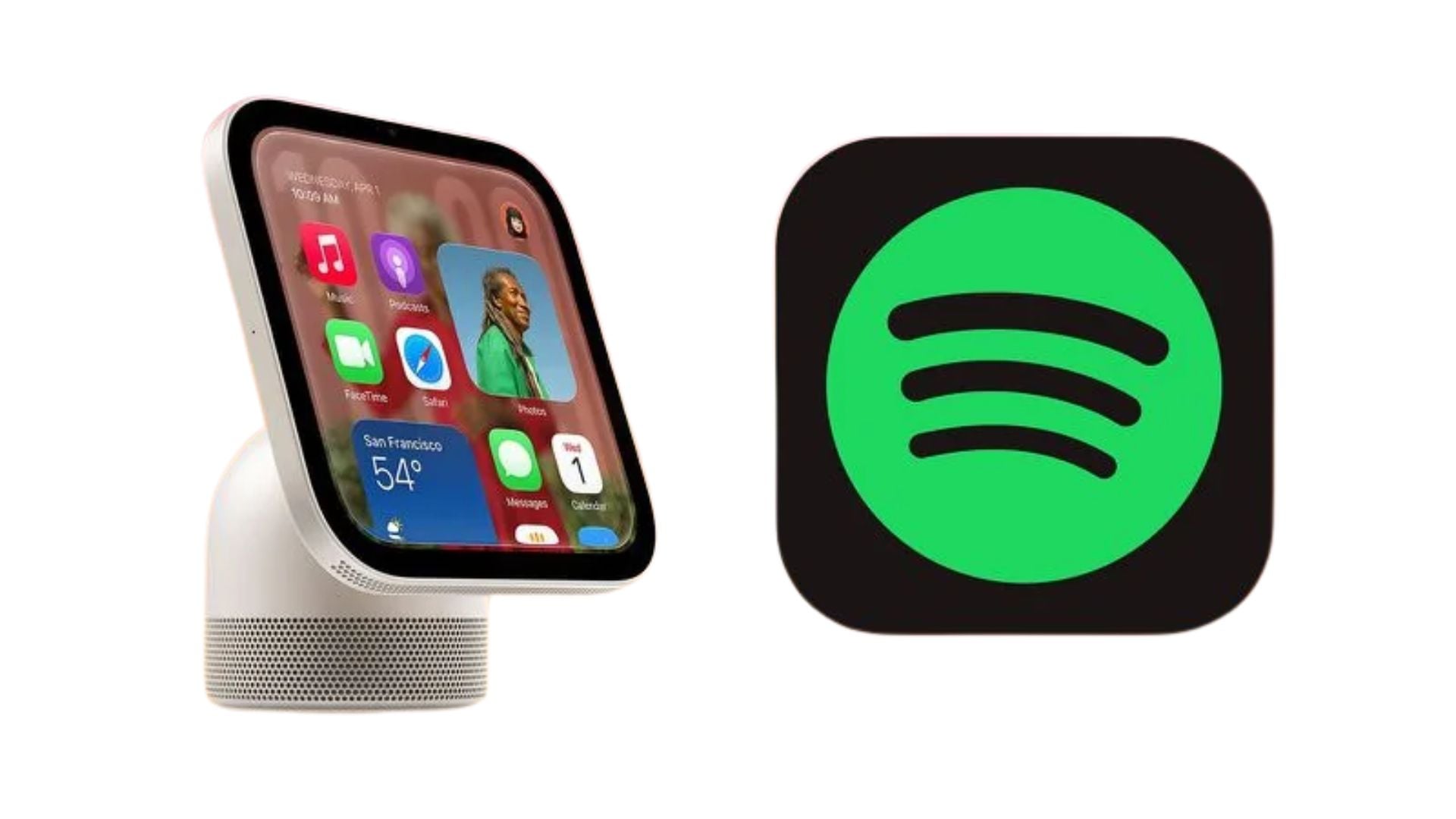
Apple recently unveiled its new smart home hub, and people are already curious about how third-party music services will work on it. The Apple HomeView does not come with a dedicated App Store, but it still supports major streaming platforms like Spotify. Developer Steve Troughton-Smith recently shared a video on Mastodon showing how the Spotify interface functions on a virtualized version of the new display.
The device relies on mirroring technology to load streaming platforms
Because the Apple hub lacks an App Store, it uses a smart workaround to run outside applications. The display automatically mirrors compatible audio and video apps directly from a paired iPhone that is located nearby. This means developers do not need to rewrite their software to make it work on the new hardware. If an application already supports CarPlay, it will load up smoothly on the home screen.
This mirroring setup brings a familiar look and feel to the display. When users open Spotify, the interface looks very similar to the layout they would see in their car. This keeps things simple and helps users navigate their playlists and podcasts without having to learn a completely new menu system. The hub is set to launch on November 13 for $299, and knowing about its price and launch schedule helps buyers understand what they get for their money.
Don’t miss the best of The Mac Observer
Set us as a preferred source and our Apple reporting ranks higher in your Google Search results and Discover feed — one tap, no account changes.
Built in tools handle daily tasks while mirrored apps play media
The HomeView comes with plenty of native tools preloaded onto the system. These handle basic household needs like setting timers, checking the weather, and making video calls. For everything else, the system leans on the paired phone to bring in outside entertainment.
To give you a better idea of what to expect out of the box, here is a breakdown of the software you can use on day one. The list separates the native system tools from the media platforms that rely on the mirroring feature.
| Built-In System Apps | CarPlay-Enabled Apps from iPhone |
|---|---|
| Alarms, Calendar, FaceTime | Apple Music Classical |
| Find My, Home, Intercom | Apple News |
| Messages, Music, Podcasts | Apple TV |
| Reminders, Safari, Settings | Audiobooks |
| Timers, Weather, World Clock | Supported third-party apps like Spotify |
This clever approach allows the smart display to offer a wide variety of entertainment options right at launch. By using the phone as a bridge, the company ensures that users will not have to wait months for their favorite streaming services to build custom software. It gives buyers immediate access to the music and podcasts they already love.


Discussion