For those who are asking where AirDrop files go, Arnold Zafra explains how to find them files on your iPhone and Mac.
Tips
How to Take a Picture on Your MacBook
If you just got a new MacBook, read along with this guide to learn how to take pictures on MacBook using the built-in Photo Booth app.
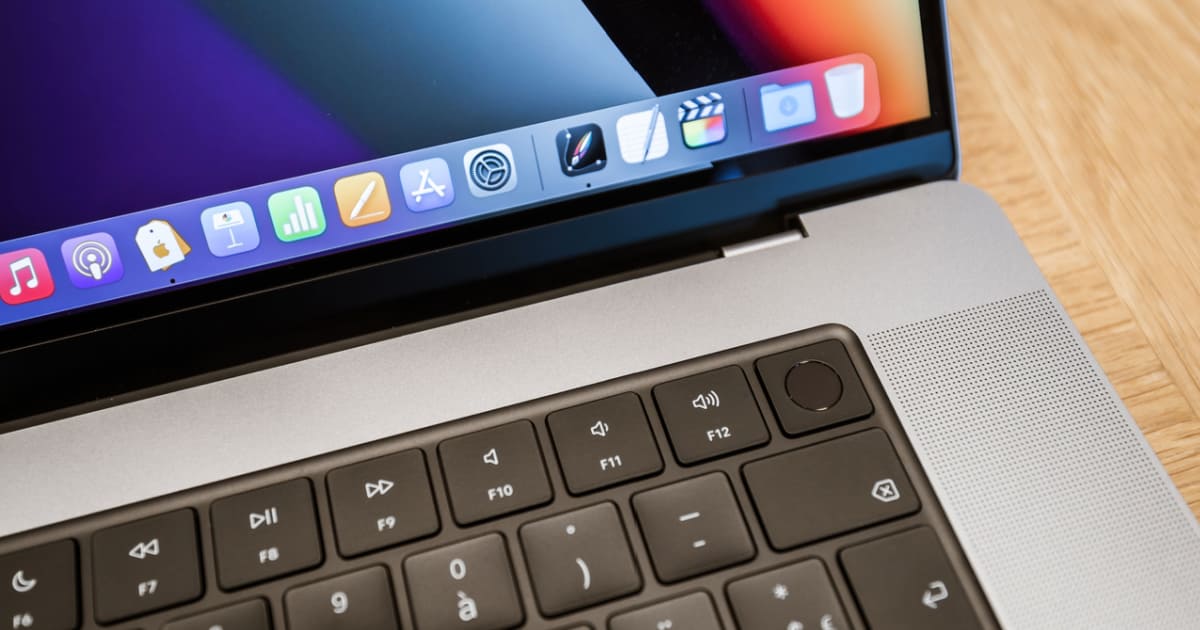
How To Set Up Fingerprints on Your MacBook and Use Touch ID
Wondering how to set up your fingerprint on MacBook Pro and Air? Follow Jeff’s step-by-step guide for the easiest method out there.
How To Make a PDF On iPhone the Easy Way
If you’re in need of a PDF in a hurry, iPhone has your back. Those looking for a solution are only a few clicks away from one.
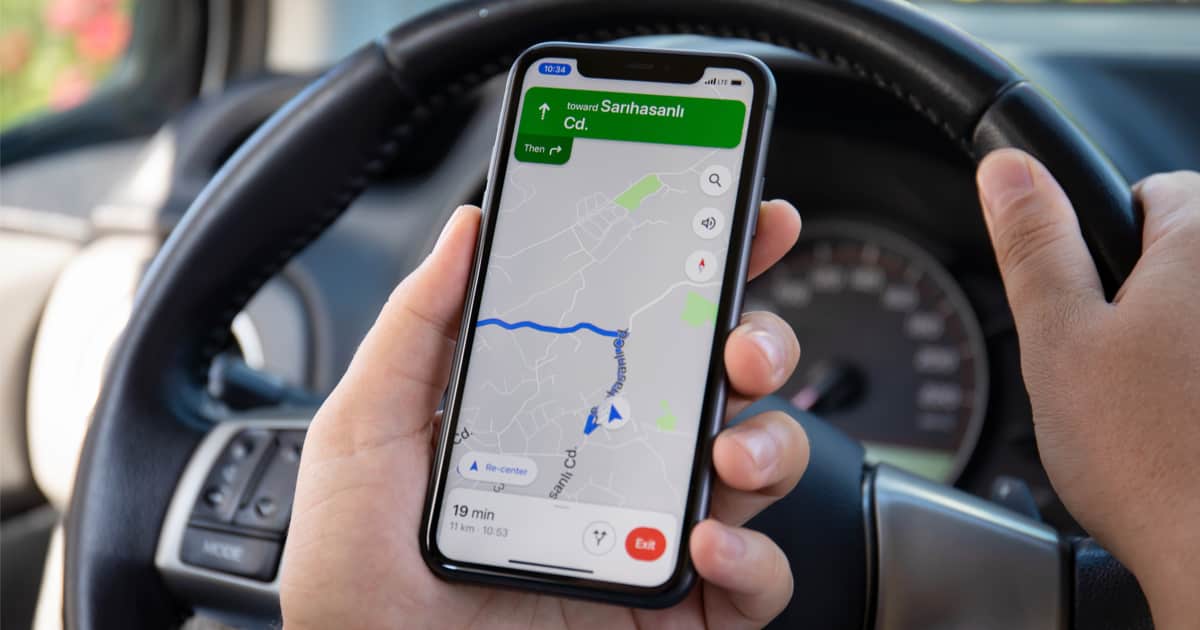
How to Navigate Using Offline Maps on iPhone
Offline maps come in handy when you dont have connectivity. It helps save on data bills. Here’s how you can download offline maps on iPhone.
How to Open RAR Files on Mac
Find out how to open RAR files on Mac using third-party apps such as the Unarchiver, which supports RAR file unpacking.
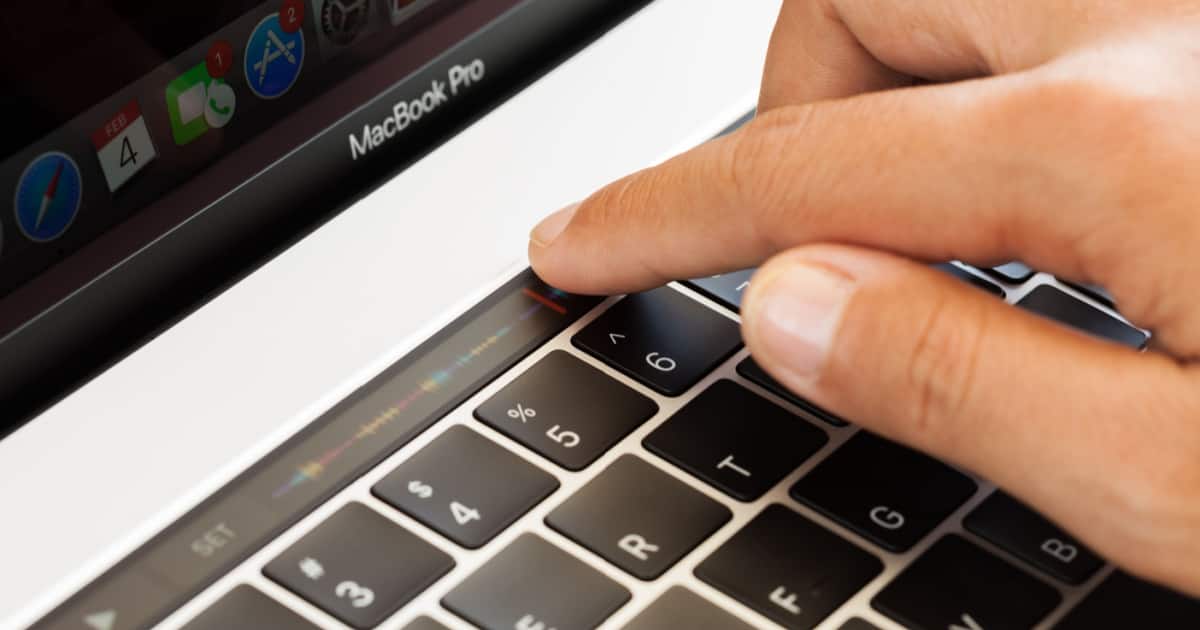
How to Restart a MacBook Using the Keyboard
Learn how to restart your MacBook using keyboard shortcuts as well as how to put it into sleep mode or shut it down.
How To Make ChatGPT Your Apple Music DJ
If you want to harness the power of AI to create a playlist, here’s how you can make ChatGPT your Apple Music DJ.

Best Instagram Caption Apps for iPhone in 2024
Here’s a list of the best Instagram caption apps for iPhone that are packed with useful features and generate accurate captions efficiently.
How To Fix a Blurry iPhone Home Screen
Find out 5 effective ways to fix a blurry iPhone Home Screen wallpaper and what to do if the blurriness won’t go away.

How To See If Someone Logged on to Your Instagram Account
If you want to see if someone has logged into your Instagram account, follow the steps here to check and secure your account.

How to Use Google Lens on iPhone and iPad
For those looking to get the super cool Google Lens on their iPhone or iPad, knowing where to look is half the battle.
Why Does My Snapchat Keep Crashing on iPhone? 8 Fixes That Work
If you’re facing issue with Snapchat where Snapchat keeps crashing on iPhone, in this guide we will help you fix this issue.
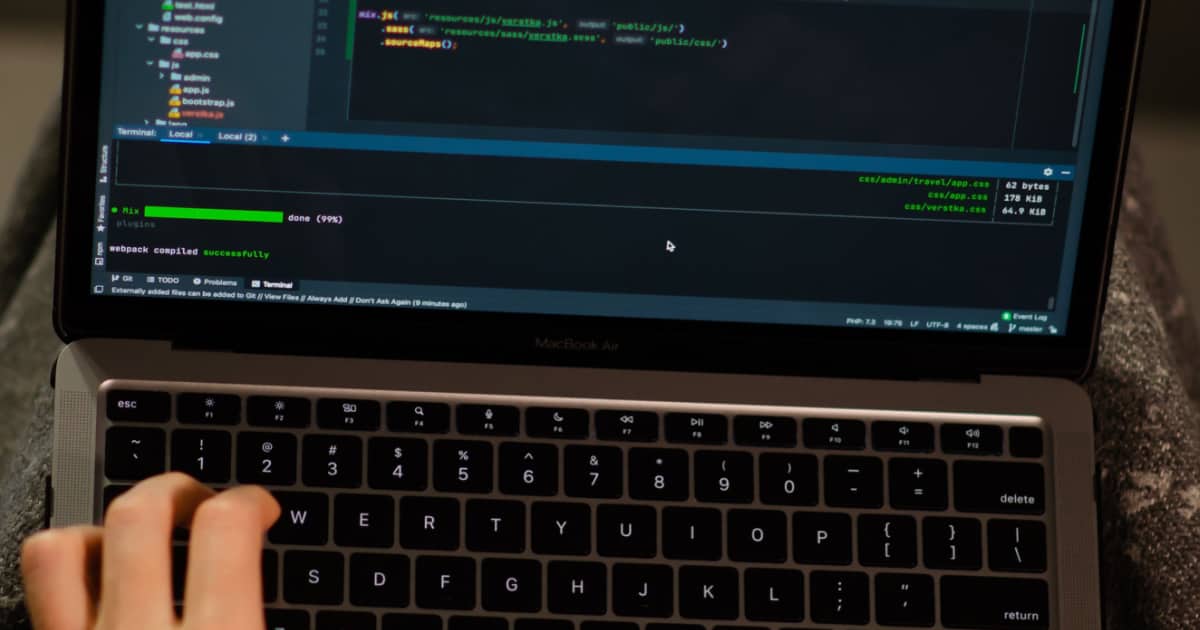
How To Use GitHub Copilot On Your Mac for Faster Programming
Here’s how to use the new GitHub Copilot extension on your Mac to program much quicker with the help of AI suggestions.

How to Stop Roblox From Crashing on iPad
Here are some troubleshooting steps that you can follow to fix things when Roblox keeps crashing on iPad, so that you can play games again.
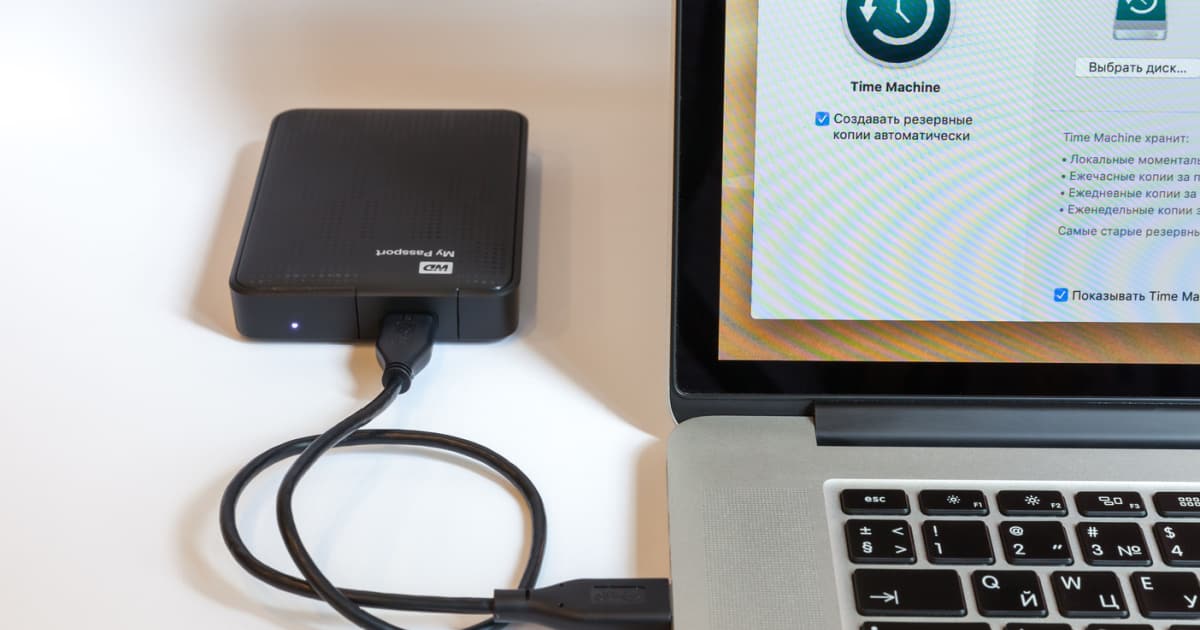
How To Install Fuse on macOS (And Why)
Follow along with Jeff as he will show you how to install FUSE on your macOS as well as why you may want to do so.
Apple TV Video Not Available? Diagnostics and Solutions
If you’re receiving a Video Not Available message when using Apple TV or the app, there’s several solutions you can try.
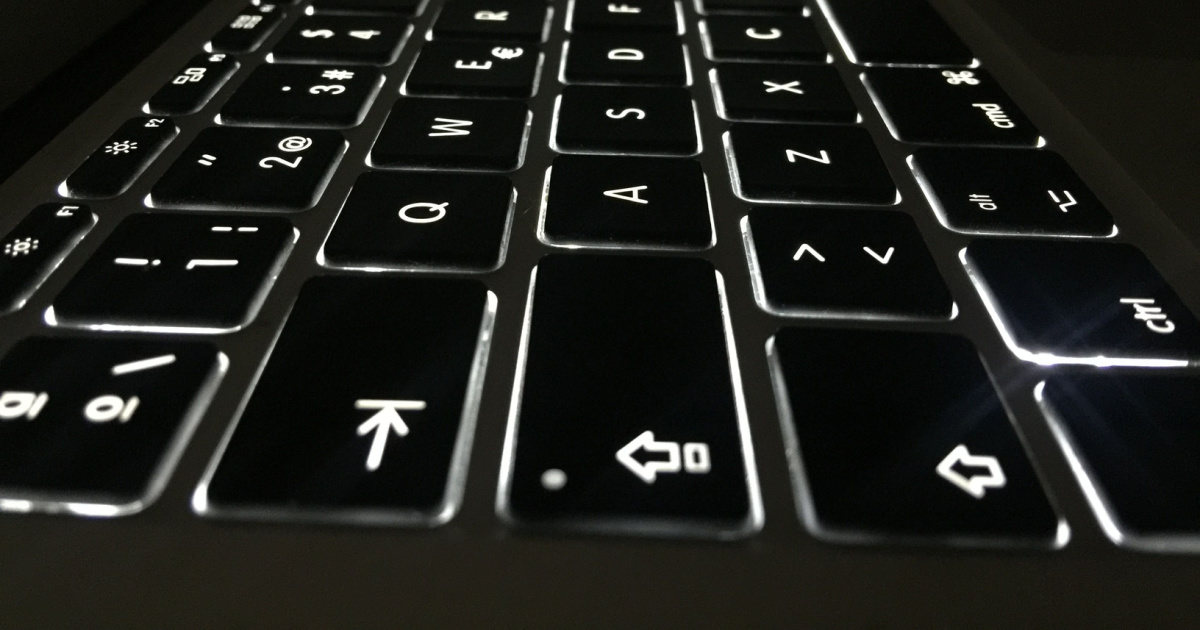
How to Turn On Keyboard Light on MacBook
Find out how to turn on the keyboard light on MacBook either via System Settings, Control Center or your MacBook’s Menu Bar.

Best Docking Station for MacBook Pro in 2024
Transform your MacBook Pro into a full-fledged desktop computer by getting the best docking station for MacBook Pro.

WhatsApp Stuck on Connecting on iPhone? Here's What to Do
If you are facing the reconnecting issue on WhatsApp, read along to learn how to fix WhatsApp reconnecting issue on your iPhone.
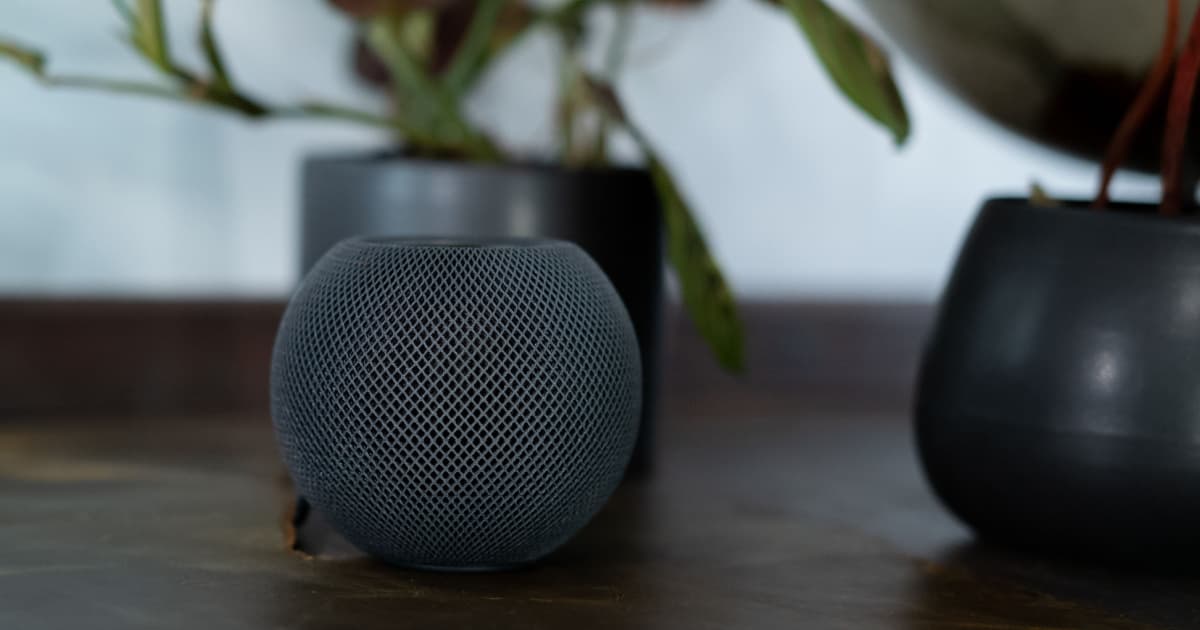
How and Why To Set Up Sound Recognition on Your HomePod
For those times when your smoke or CO2 alarm might go off when you aren’t home, learn how HomePod and Sound Recognition can help.
Top 7 Clipboard Managers for macOS
Still searching for the best alternative for the default Mac clipboard manager? Arnold Zafra lists the top 7 clipboard managers for macOS.
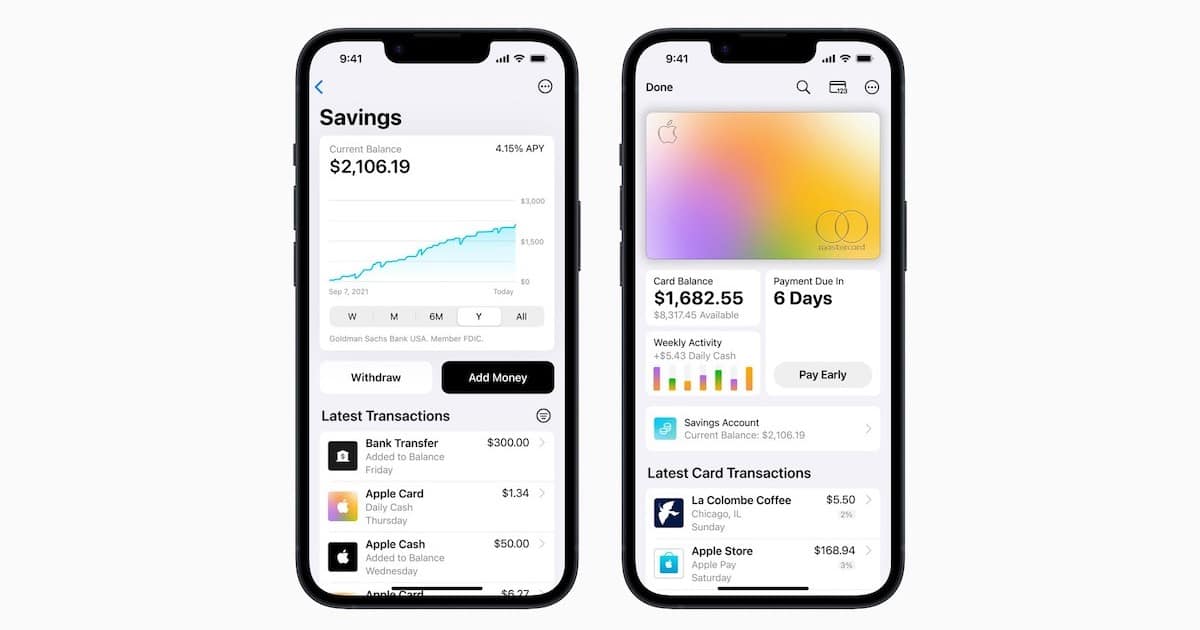
How To Open and Manage an Apple Card Savings Account
The Apple Card high yield Savings account is here: here’s what you need to know about this promising new deal from Apple.
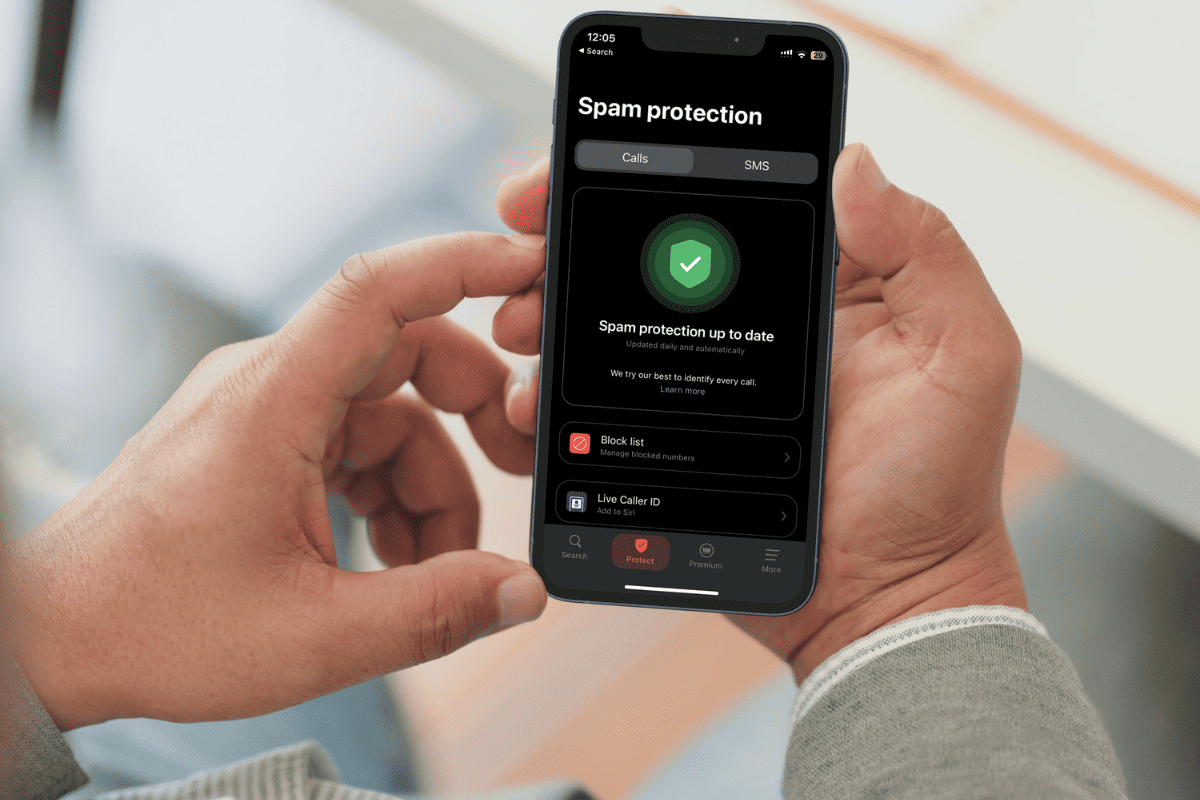
How to Use Truecaller Live Caller ID on iPhone
Truecaller has finally released Live Caller ID feature for iPhone. Now Truecaller premium users will get real-time caller ID on iOS devices.