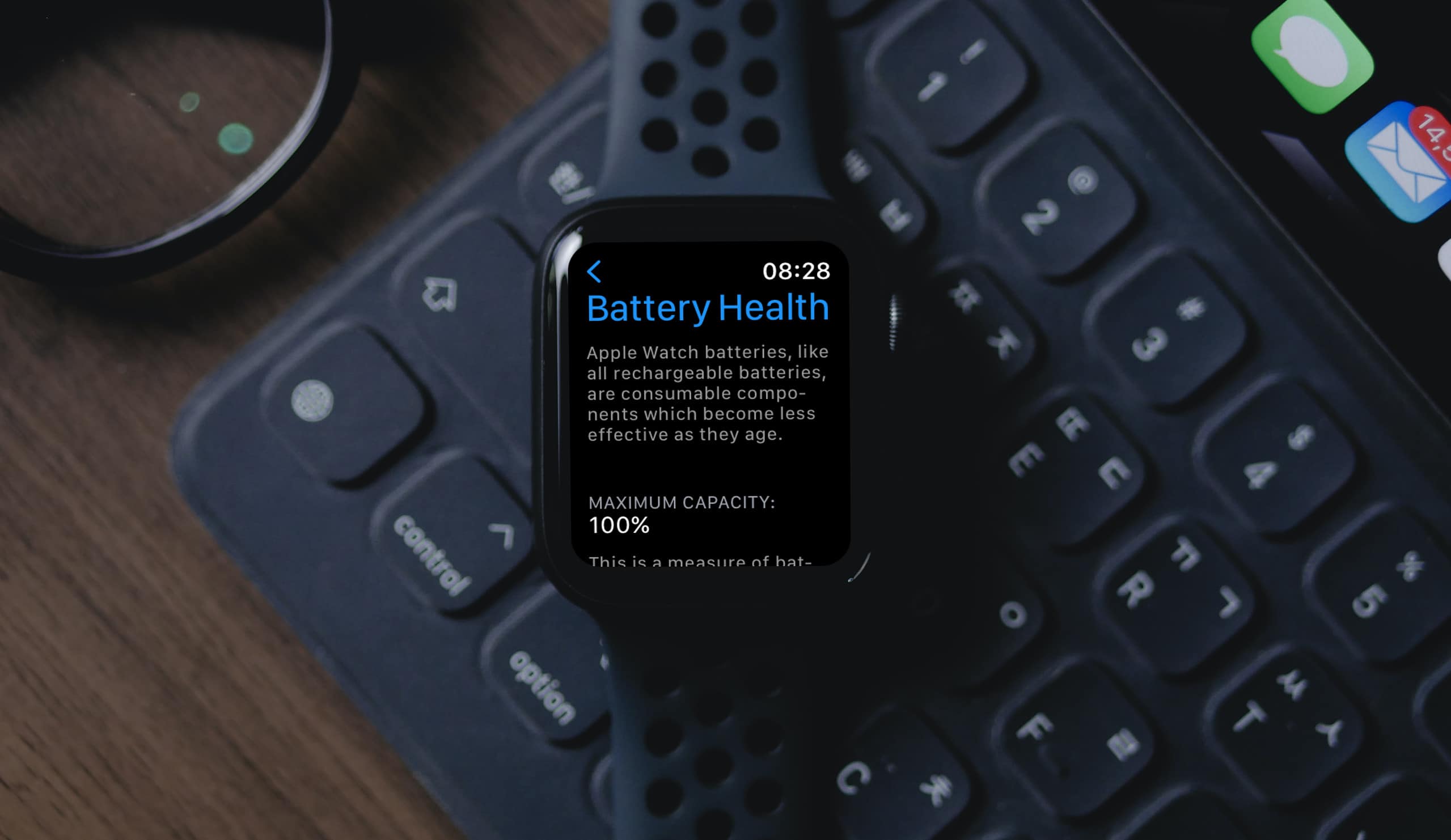
Do you know how to check your Apple Watch’s battery health? Read along as Tom Victor shows how to monitor your Apple Watch battery life.
Tips

How to Transfer Playlist From Apple Music to Spotify and Vice Versa
Since transferring playlists between platforms is difficult, let us help you transfer playlist from Apple Music to Spotify and vice versa.
How To Use WhatsApp Groups Participant Approval Feature
WhatsApp’s new participant approval feature lets admin approve/reject new users on group. It helps stop spammers from joining WhatsApp groups.
How To Add HomePod to the Home App
For those that need to connect their HomePod or HomePod mini to the Home app, they should know they’re just a few short steps away.
How to Unpause iOS Update So You Can Enjoy Its New Features
Find out how to unpause the iOS update when the process suddenly freezes while your iPhone is in the middle of a software update.
How to Use Multiple Headphones with Mac
So long as you know where a certain app is located, connecting multiple headphones to your Mac is super easy.
How To Fix 'An SSL Error Has Occurred' in Apple Music
If you are having trouble using Apple Music due to the SSL error in Apple Music, here’s how to fix the issue on iPhone.

3 Ways to Fix Copy and Paste Not Working on Mac
In this quick tutorial, Arnold Zafra outlines the troubleshooting steps that you can do to fix copy and paste not working on Mac.
How to Use Opera as a VPN on iPhone
Opera has introduced the first built-in VPN offered by an internet browser: here’s how to use it on your iPhone.
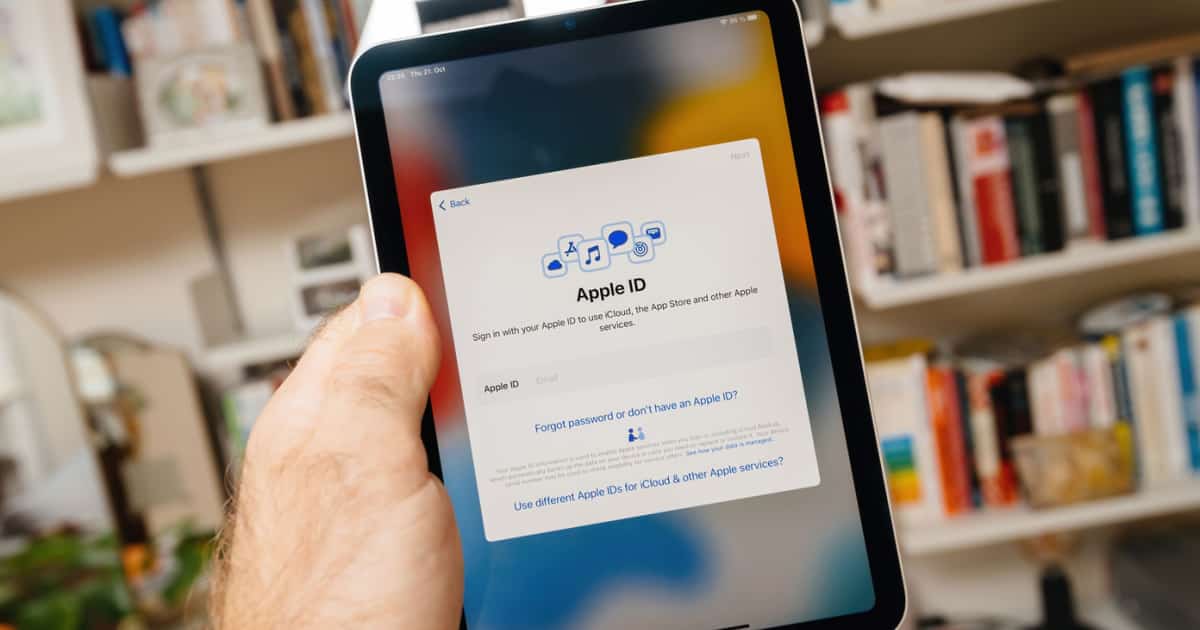
How to Find Your Apple ID on iPhone, iPad, and Mac
Forget your Apple ID? Follow along with Jeff as he shows you how to find your Apple ID and password on your iPhone, iPad and Mac devices.
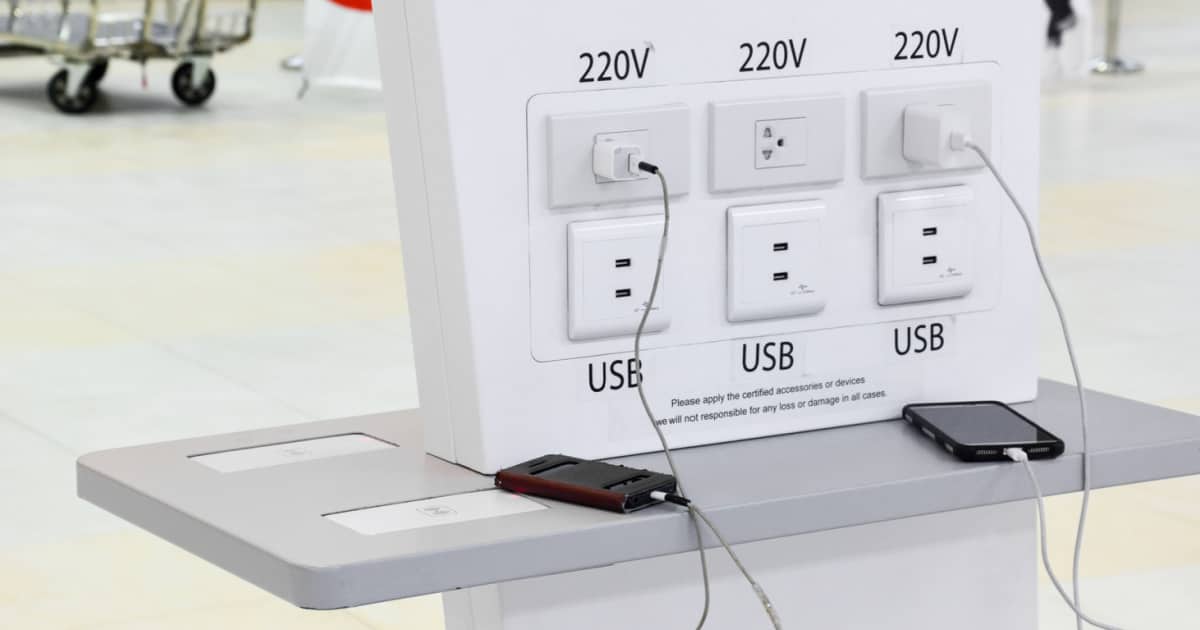
What is Juice Jacking and How Can You Avoid It on Your iPhone?
Find out more about juice jacking, how it works, and how to avoid it if you need to charge your iPhone in public charging stations.
How to Permanently Delete Your iCloud Account
Despite how useful Apple’s ecosystem is, there may come a time when you want to permanently delete your iCloud account. Here’s how to do it.
3 Fixes for macOS ‘DFSFileProviderExtension Quit Unexpectedly’
If you’re plagued with “DFSFileProviderExtension Quit Unexpectedly” errors on your Mac, one of these 3 steps should solve the problem.
7 Ways to Fix a Frozen MacBook Pro
Find out 7 ways to fix a frozen MacBook Pro screen during update or otherwise, hopefully without losing any unsaved work.
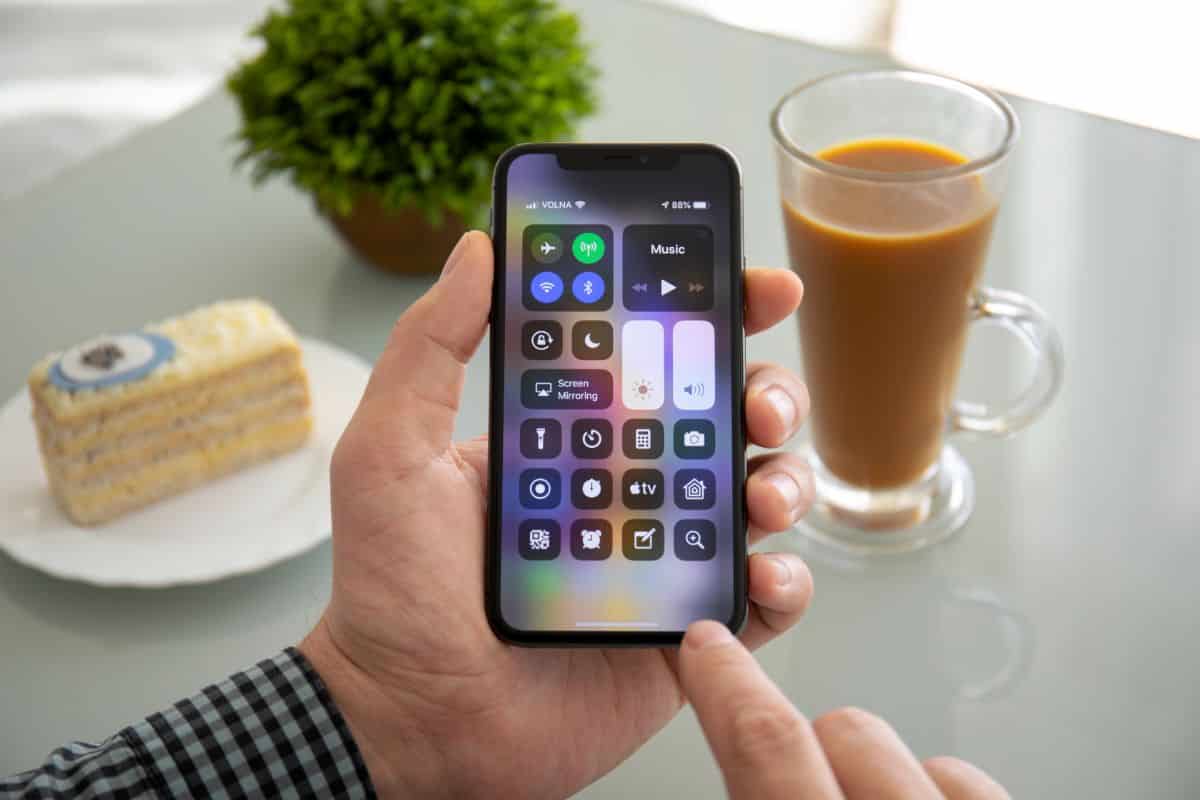
How to Fix iPhone Control Center Not Working
iPhone Control Center not working or swiping down? Check out these easy ways to fix iPhone Control Center issues.
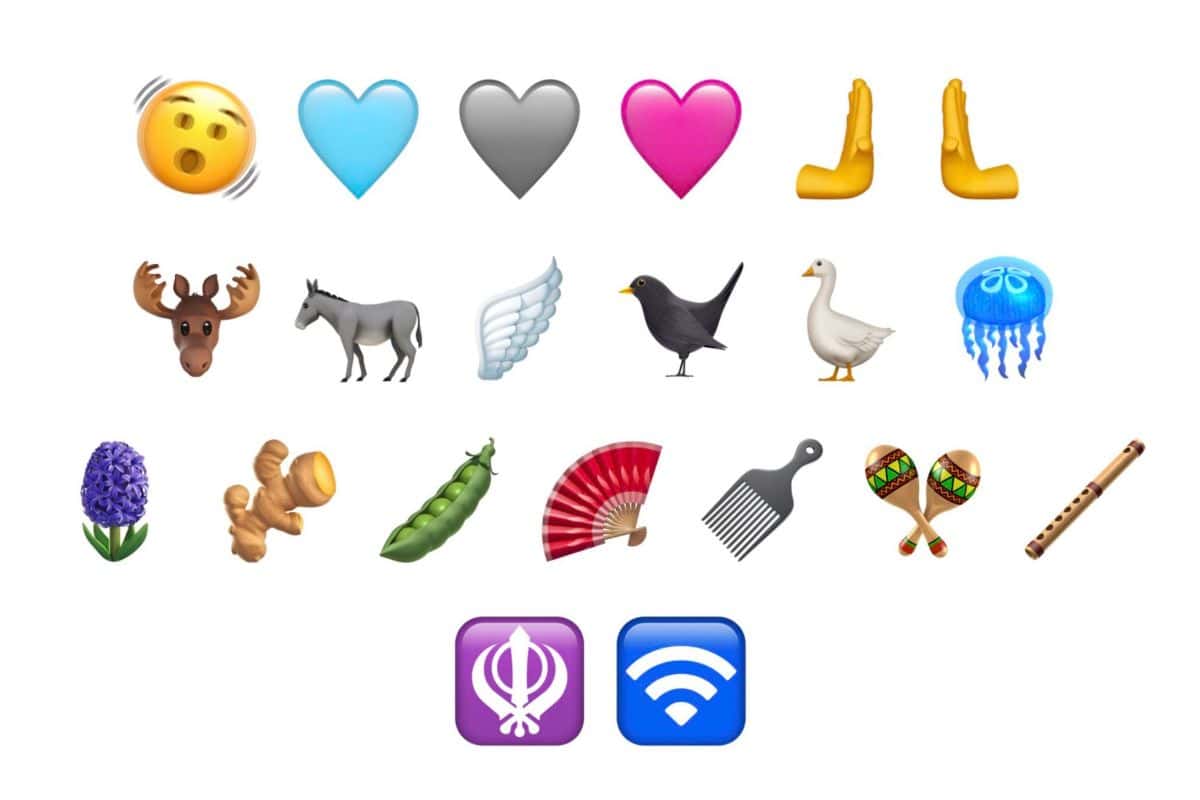
New iOS 16.4 Emojis and Their Meaning
Apple has added 21 new emojis with the latest iOS 16.4 update. Darryl Dsouza outlines everything you need to know about them.

How to Put Hold Music on iPhone
For those that didn’t know, you can add and customize hold music on your iPhone, but there is a slight catch to the situation.

How to Download and Read the Steve Jobs Archive eBook
Find out how to download and read the Steve Jobs Archive eBook, memorializing the life and career of the Apple co-founder.

How to Download & Install R and RStudio on Mac
Wondering how to download and install R and RStudio on your Mac for free? Follow along with Jeff to find out the easiest method.
How To Download and Install Android Studio On Your Mac
Find a detailed guide on how to download, install and set up Android Studio on your Mac, so you can get started with your games.
5 Fixes for Slack Not Working on iPhone
Learn how to fix the Slack not working on iPhone issue by following some easy troubleshooting steps outlined in this quick guide.

OpenAI's ChatGPT Plugins: What You Need to Know
For those looking for information concerning OpenAI’s ChatGPT plugins: here’s a guide laying the groundwork for information.
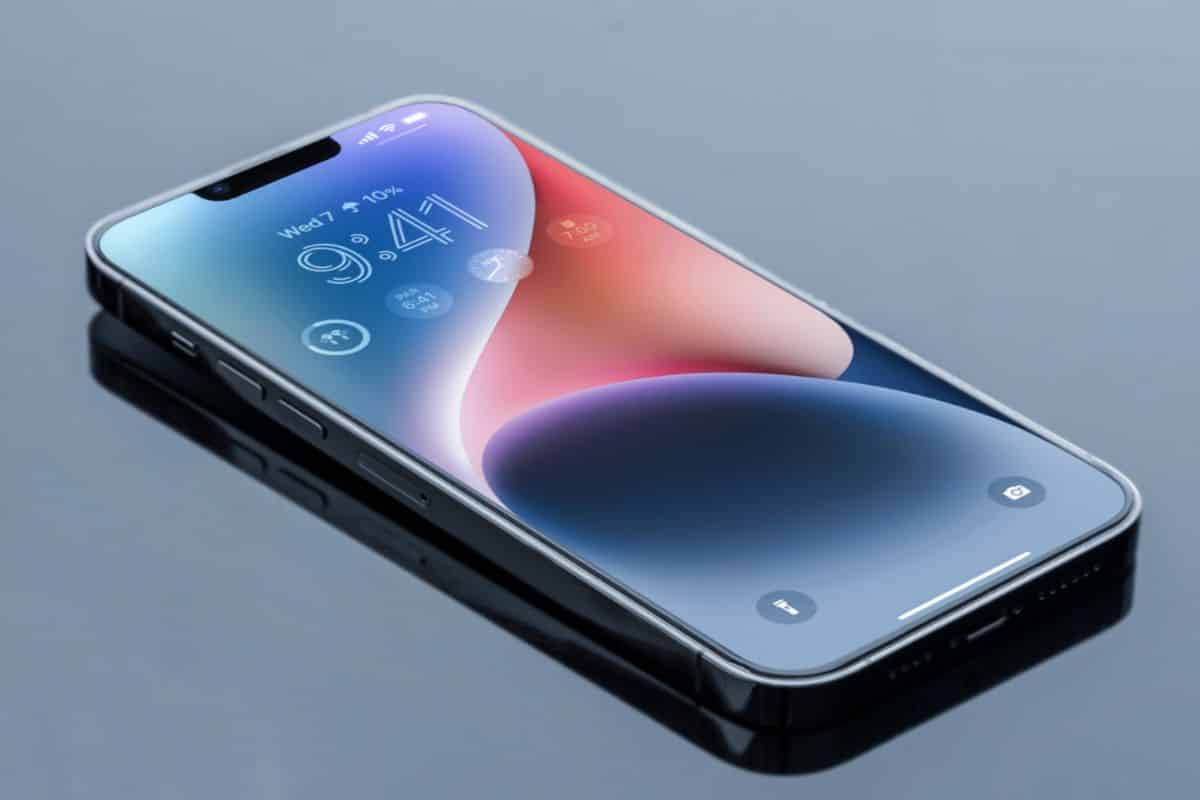
Download Free iPhone 14 Wallpapers
If you’re on the hunt for iPhone 14 wallpaper, we have all the wallpapers listed below. Tap here to download all iPhone 14 Wallpapers.

How to Watch Apple TV on Android Phone, Tablet & Smart TV
Jeff will show you how to watch Apple TV on an Android phone, tablet or smart TV without an Apple TV device.