Learn several troubleshooting tips to help when macOS Ventura is not sleeping the way you want it or when your Mac wakes unexpectedly.
Tips

How to Change the Battery Settings on Your Mac Notebook
The ability to change and tweak Battery settings on your Mac notebook can save you energy while also extending the life of your battery.
How to Stop Apple TV Notifications on Your iPhone
Using your iPhone as a keyboard with your Apple TV can bring about a lot of notifications, here’s how to stop Apple TV notifications.

Turn Off Apple Watch Keyboard Notifications
Follow the simple steps to stop your Apple Watch and Apple TV from sending keyboard notifications when typing text.
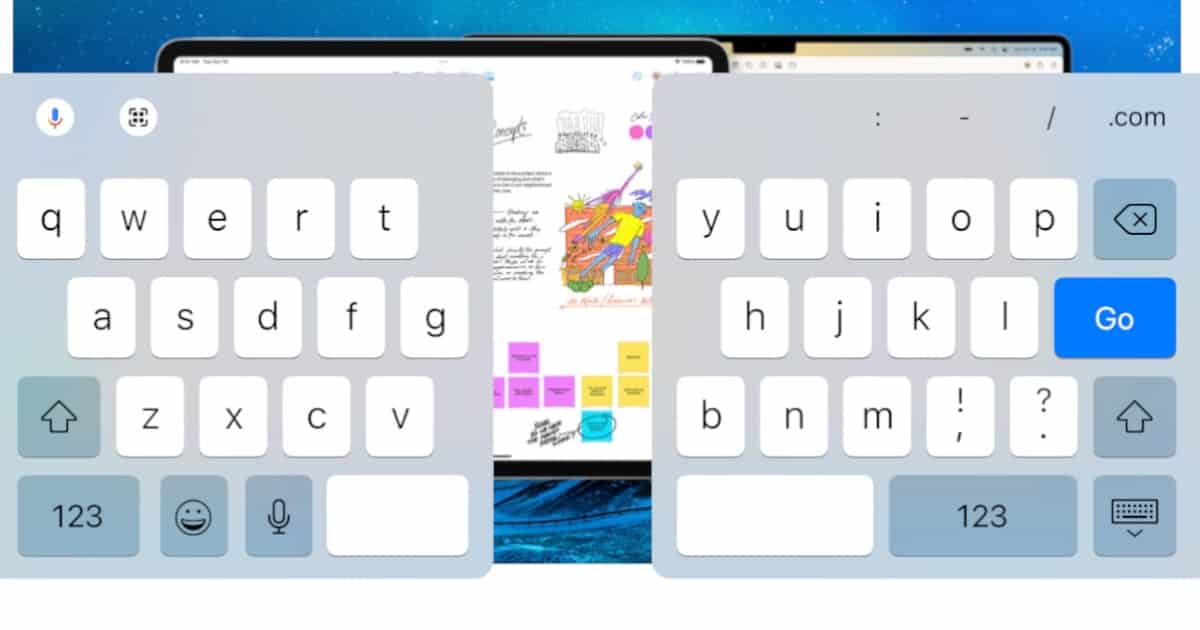
How to Fix a Split Keyboard on iPad
Accidentally split your on-screen keyboard in two? We’ll show you how to fix your split keyboard in iPad, and how to disable the feature.
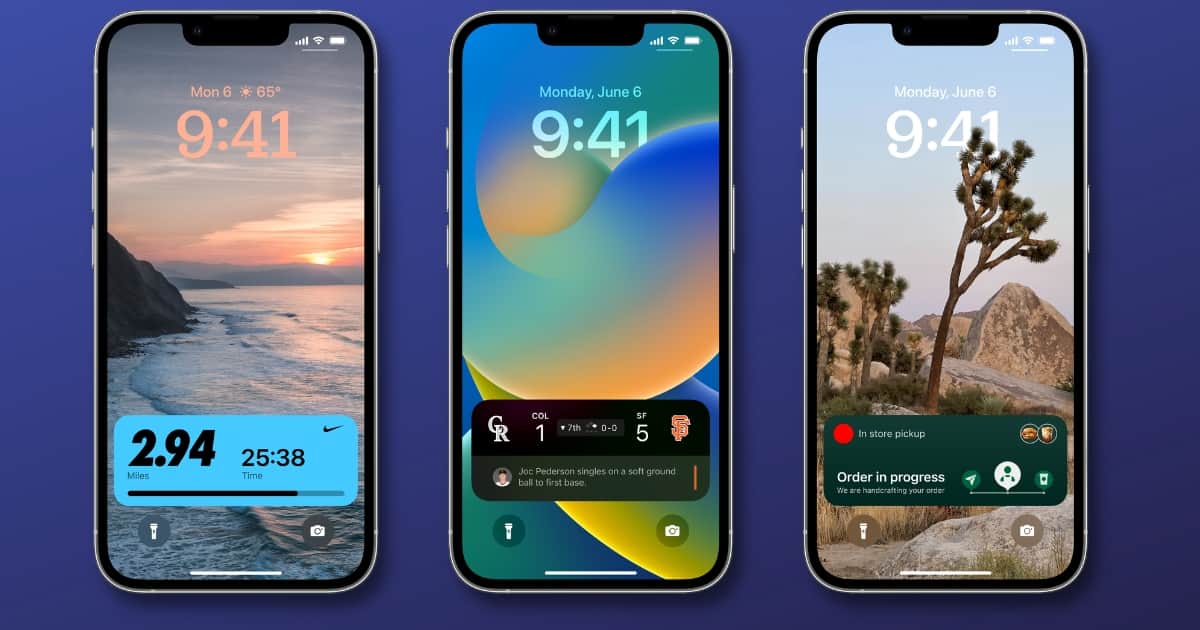
How to Customize Live Activities Update Frequency
As of iOS 16.2, it’s now possible to customize the update frequency of Live Activities for individual apps. Here’s how to do it.

How to Enable and Disable Notification Sounds in macOS
Today, we’re taking a look at how to enable and disable notification sounds in macOS Ventura, particularly for specific apps.

How to Stream the New Season of 'Carpool Karaoke' on Apple TV+
“Carpool Karaoke: The Series” is back with all new episodes, and today we’re showing users how to stream it on Apple TV+.

How to Stream Will Smith's 'Emancipation' on Apple TV+
Will Smith’s film “Emancipation” is now streaming on Apple TV+, and we’re taking a look at how audiences can access the film.
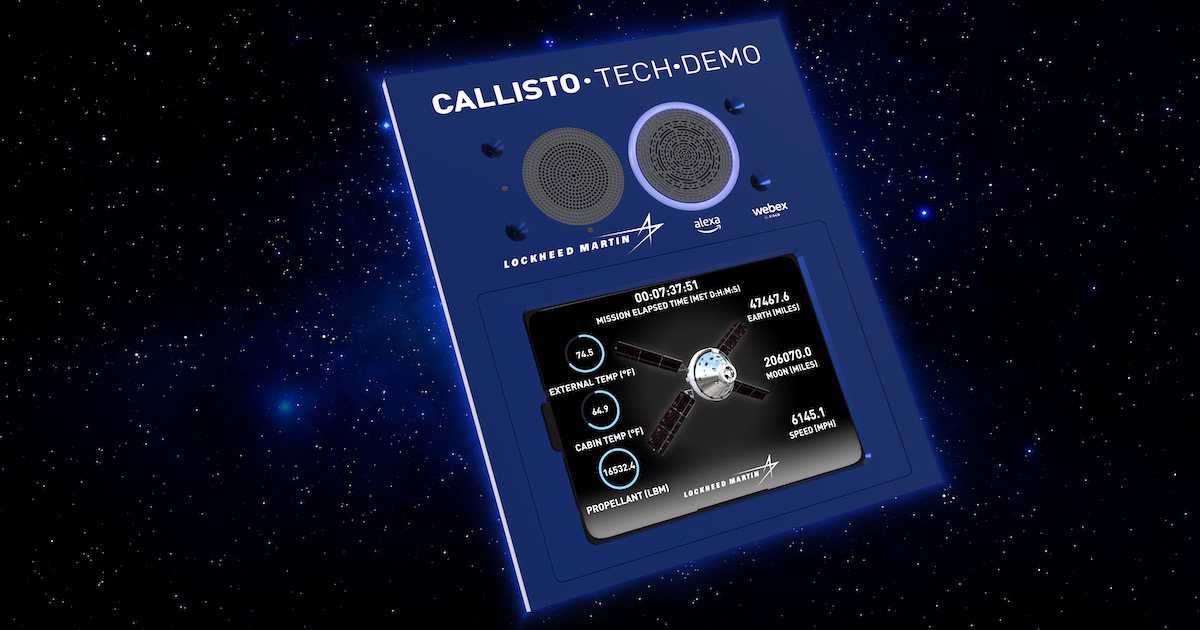
How to Send Your Own Message to the iPad on Artemis 1 As It Orbits the Moon
NASA’s Artemis 1 is orbiting the moon, and you can send your own message to the iPad it’s carrying. Here’s how to do that.
How to Watch 'A Charlie Brown Thanksgiving' Without an Apple TV+ Subscription for a Limited Time
“A Charlie Brown Thanksgiving” is streaming for a limited time on Apple TV+ without the need for a subscription: here’s how you can watch it.

How to Watch 'Fraggle Rock: Back to the Rock' Night of the Lights Holiday Special on Apple TV+
Today we’re looking at how to watch the “Fraggle Rock: Back to the Rock” Night of the Lights holiday special on Apple TV+.

'Spirited' is now Streaming on Apple TV+: Here's How to Watch
Apple TV+ is now globally streaming the new holiday-musical ‘Spirited’, starring Ryan Reynolds and Will Ferrell: here’s how to watch.

How to Practice Using Emergency SOS via Satellite in Demo Mode
Apple’s new Emergency SOS via Satellite feature is live, so let’s look at how to practice using it in demo mode.
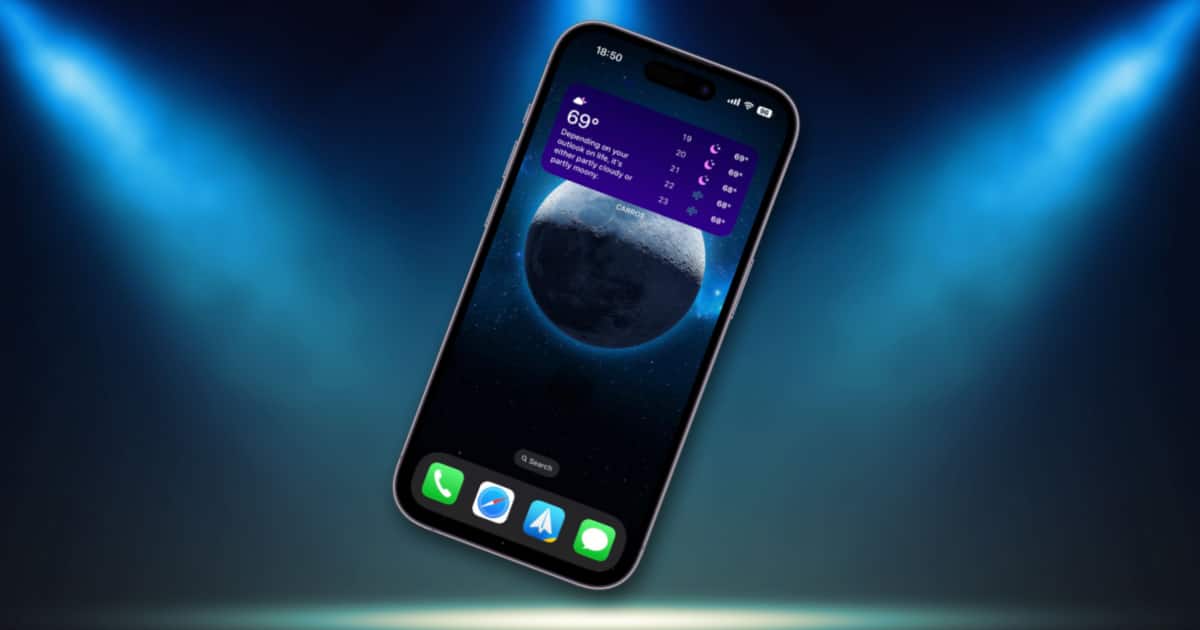
Bugged by the New Search Button on iOS 16? Here’s How to Turn It Off
The new Home Screen search button on iOS 16 is handy, but sometimes it gets in the way. Here’s how to disable it.

How to Add the Google Chrome Dino Game Widget to Your iOS 16 Lock Screen
Google Chrome has now added the infamous Dino game as a Lock Screen widget for iOS 16. Here’s how to add it to your Lock Screen.
How to Access Your Apple Music Replay Playlist Featuring Your Favorite Songs Throughout the Year
Today we’re showing how users can access their Apple Music Replay Playlist, featuring the top 100 songs they listened to throughout the year.

How to Turn Your Mac Into a White Noise Generator
New to macOS Ventura, your Mac now has a built-in white noise generator just like in iOS. Here’s how to find and use it.
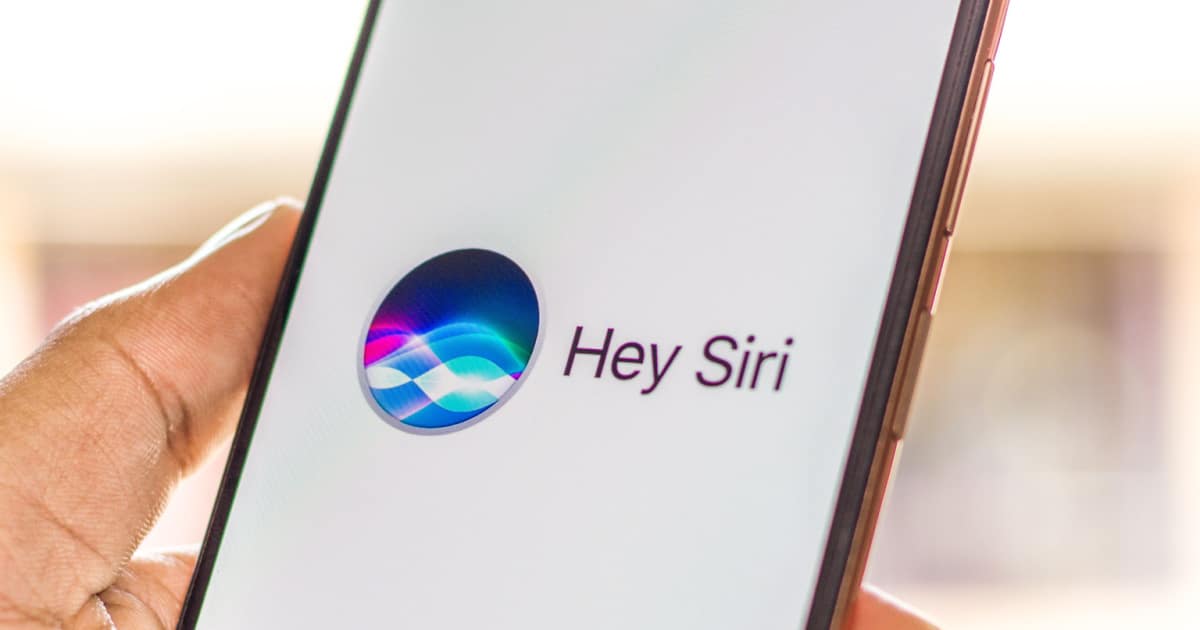
How to Restart Your iPhone or iPad Using Siri
New to iOS 16 and iPadOS 16.1, you can now use Siri to restart your iPhone or iPad. Jeff Butts walks you through how it works.
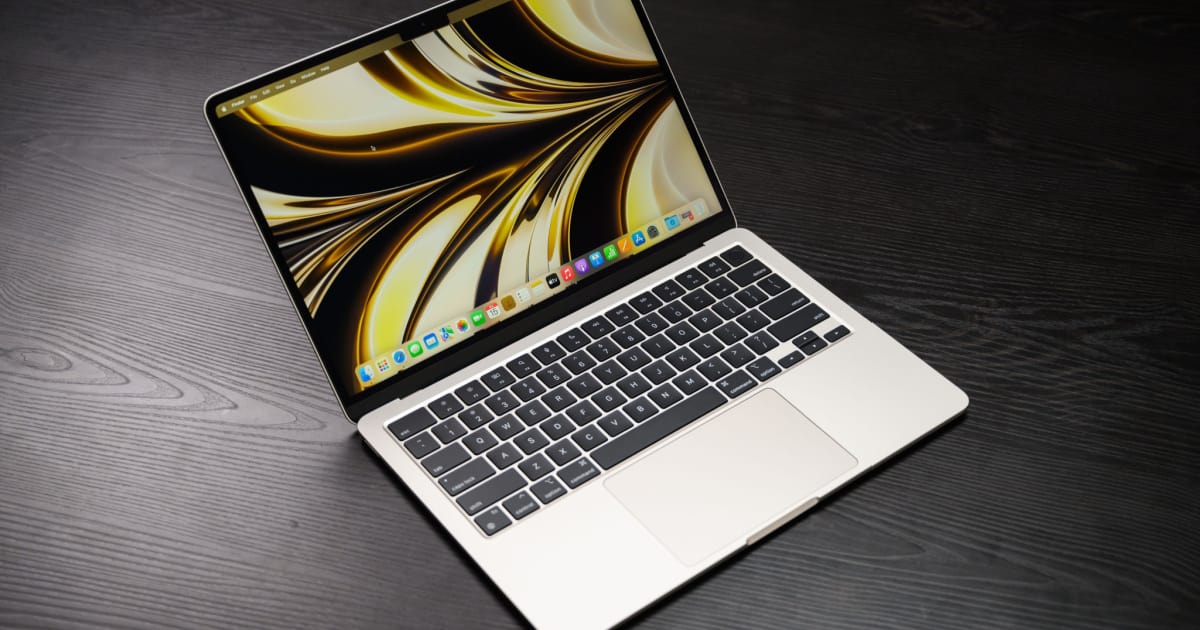
How to View Your Mac’s System Report in macOS Ventura
If you’re wondering what happened to System Report, or Information, on macOS Ventura, it’s still there. Let’s look at how to view it.
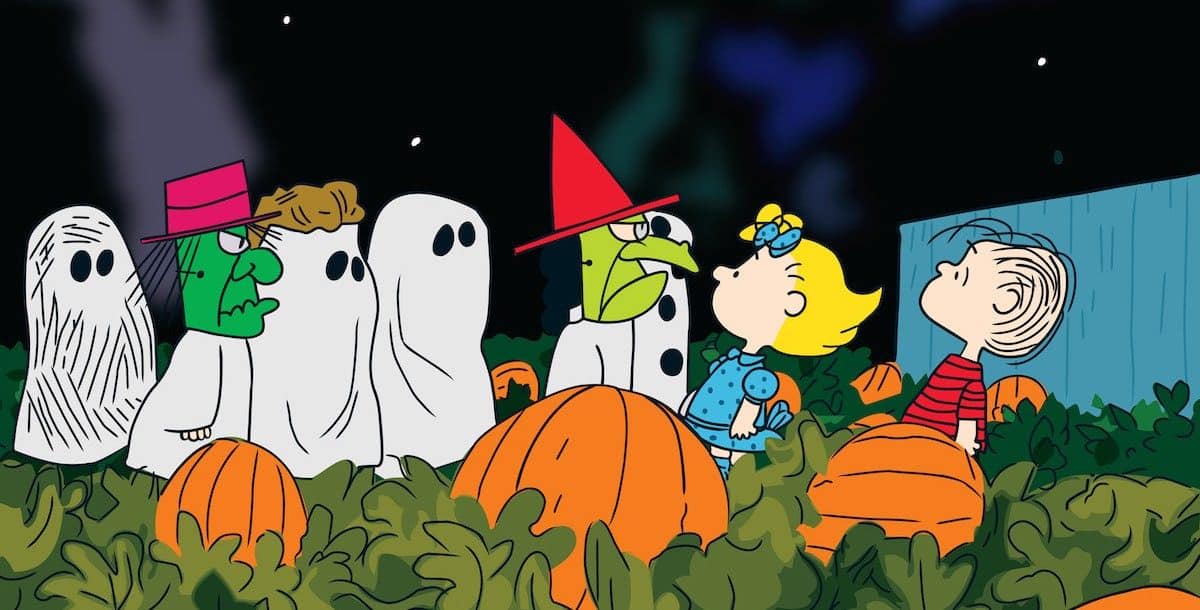
'It's the Great Pumpkin, Charlie Brown' Streaming Free on Apple TV+ This Weekend: Here's How to Watch
Apple TV+ is streaming “It’s the Great Pumpkin, Charlie Brown” for free this weekend, here’s how to watch the Peanuts classic.

Bug in macOS Ventura May Have Silently Broken Your Malware Protection; Here’s How to Fix It
Your anti malware tools may be suffering a macOS Ventura bug that breaks them. Here’s how to fix it, until Apple offers a permanent solution.

Set Up and Use iCloud Shared Photo Library
With the launch of iS 16.1, Apple’s new iCloud Shared Photo Library is available to use. Here’s how to get started and make the most of it.
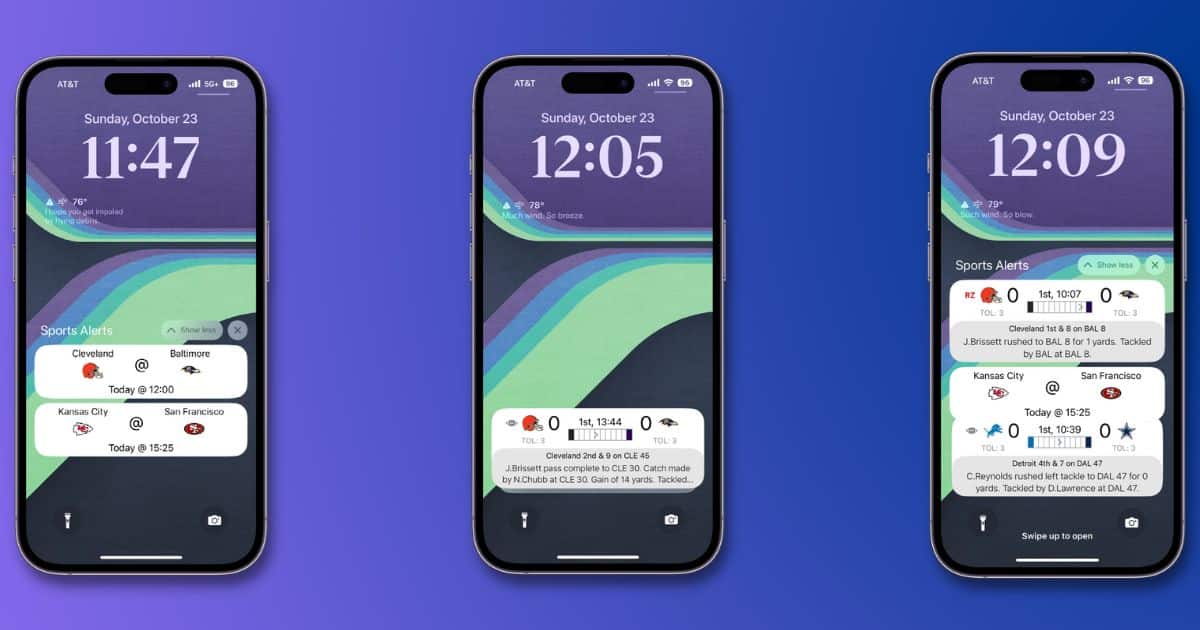
Use the iOS 16.1 Live Activities Feature In These Apps
As of iOS 16.1, app developers can add Live Activities to customize your Lock Screen. We’ve gathered a list of apps offering that feature.