
While Steam is a fantastic gaming platform, some users may tire of the app opening on startup with their Mac: here’s how to stop it.
Tips

MacBook Pro Comparison: The M1 Series vs. The M2 Series
Making a comparison between the M1 Series of MacBook Pros vs. the M2 series to see what is best for a customer’s wallet.

M2, M2 Pro and M2 Max Comparisons
With Apple announcing the new M2 Pro and M2 Max silicon chips, we’re going to make a comparison between them and the last-gen M2.

How to Authorize Your Computer In Apple Books
Find out how to authorize a computer in Apple Books to gain access to your purchases from the Apple Book Store.

How to Get Free Apple Arcade Through Best Buy
Here’s how new and returning customers can get four months of Apple Arcade for free in thanks to a promotional offer through Best Buy.
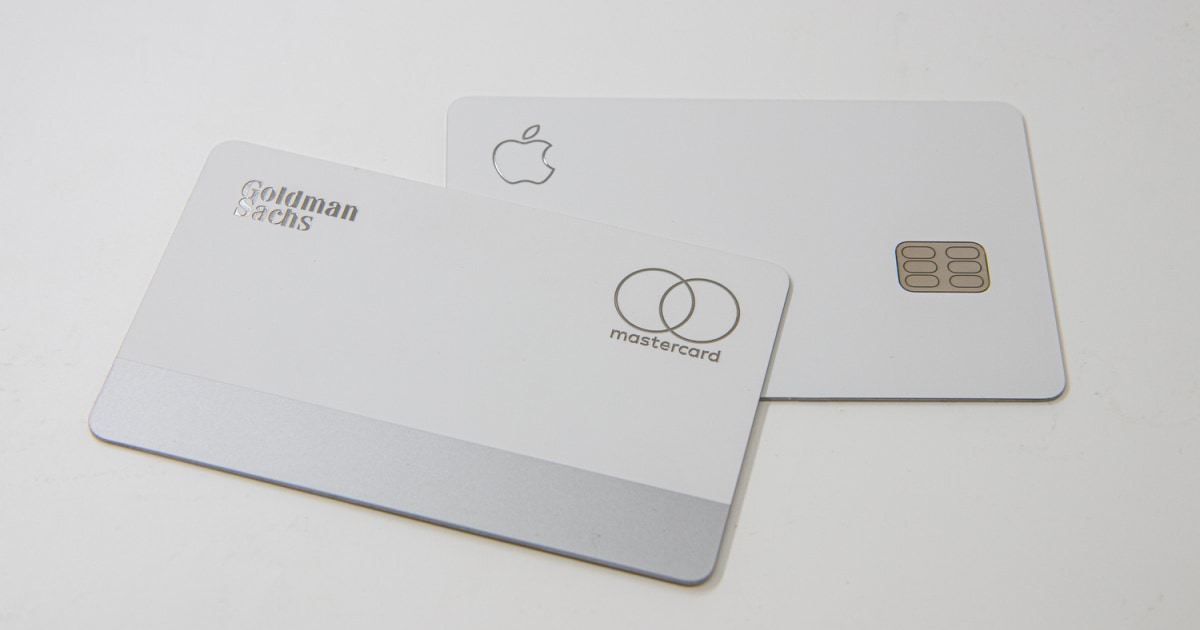
7 Best Apple Card Benefits in 2026
If you have an Apple Card, make sure you’re getting the most out of it. Let me outline 7 benefits that come with the Apple Card.

How to Fix Apple Music Error 16913
If you’ve encountered Apple Music error 16913 while trying to listen to a song, follow these troubleshooting tips to fix the issue.
How to Follow & Find Friends on Apple Music
Make use of Apple Music’s social networking feature by learning how to find and follow friends on Apple Music.

How to Unblock Someone on Apple Music
There are two simple ways that you can unblock someone on Apple Music if you’ve intentionally or unintentionally blocked them before.
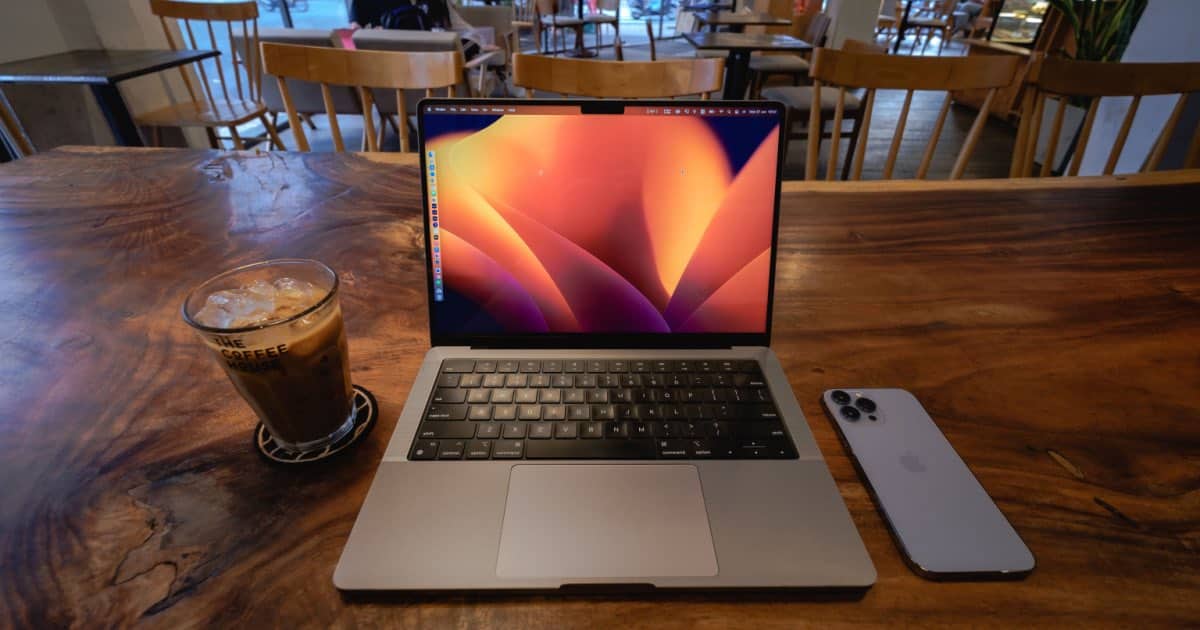
Download the macOS Ventura 4K Wallpapers
Along with several new features, macOS Ventura also includes new wallpapers, available in stunning 4K resolution: here’s how to download them.
How to Merge Windows on iPad: 3 Easy Steps
Safari on iOS and iPadOS has a lot of hidden shortcuts. One useful shortcut is the ability to merge all windows.
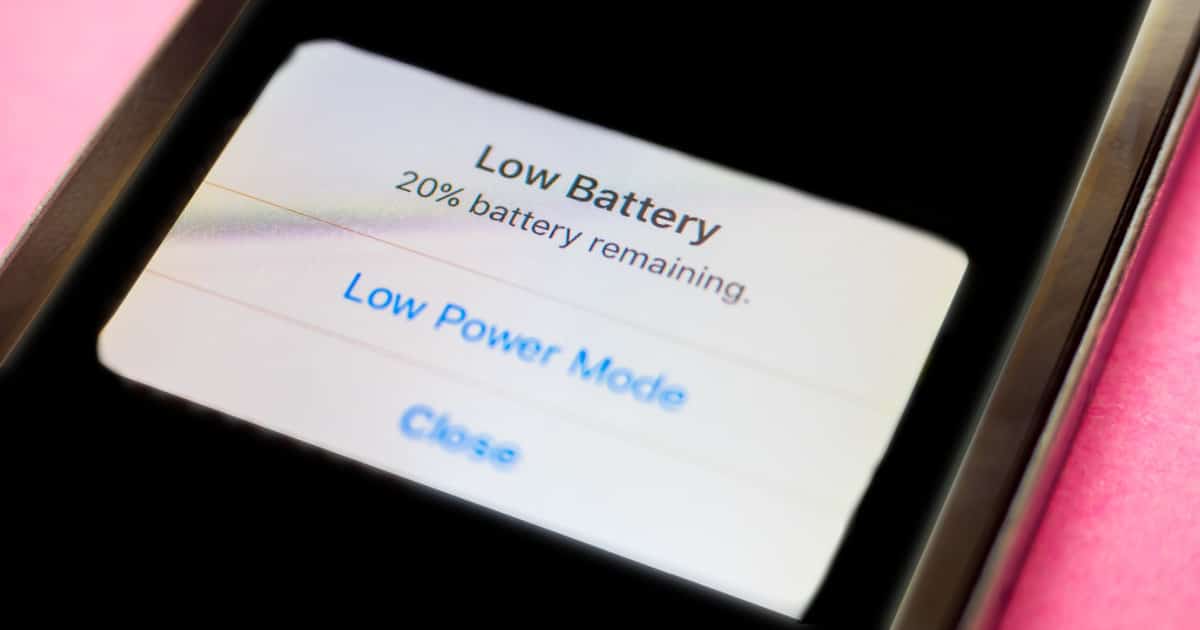
How to Fix iOS 16.2 Battery Drain Issues
Find out out how to fix iOS 16.2 battery drain issues by following these troubleshooting tips to conserve your iPhone’s battery life.

How to Use Apple Watch Route Tracking
This article will guide you through using the Apple Watch Route Tracking feature to use saved routes from your previous workouts.

Hear More Clearly Using Live Listen With AirPods or Beats Headphones
When you need to hear a bit more clearly, Live Listen helps you use your iPhone as a microphone to your AirPods or Beats headphones.

Mac Not Reading Your SD Card? Here Are Ways to Fix It
Let’s explore the reasons why your Mac might be unable to read an SD card, along with some tips on how to resolve this issue.
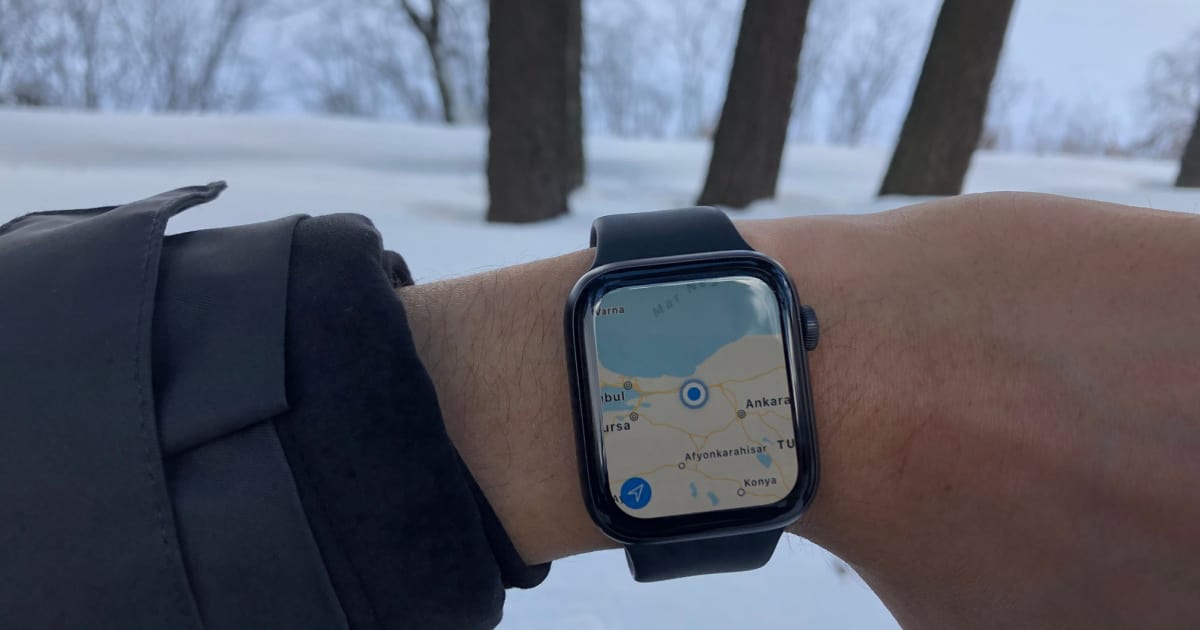
How to Download Offline Maps to Apple Watch
If you’re an outdoors enthusiast, you may wonder how to download offline maps to your Apple Watch. Here’s how it’s done.

Mac Error Messages While Printing: How to Resolve Them
Let’s explore several troubleshooting tips on how to resolve Mac error messages while printing, whether wired or wireless.

How to Resolve Mac Error 102
Find out what is Mac error 102, what causes it, and how to resolve the issue following several troubleshooting tips.
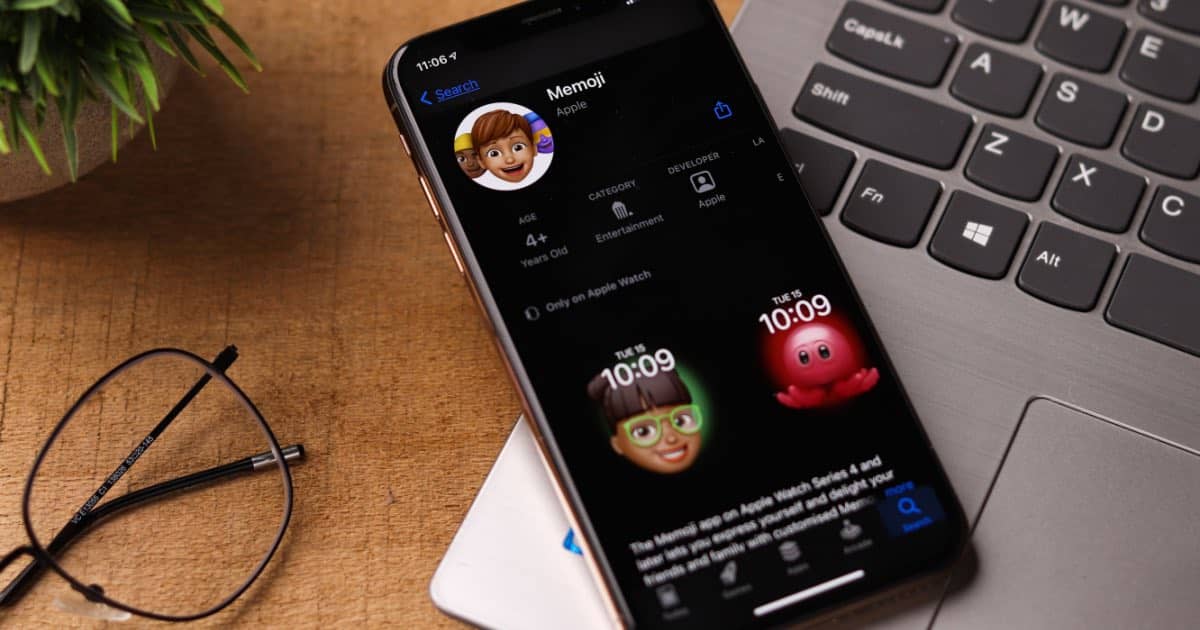
How to Use Memoji with Your iPhone
This guide will show you how to use Memoji on your iPhone, allowing you to create custom photos and videos to send to friends and family.
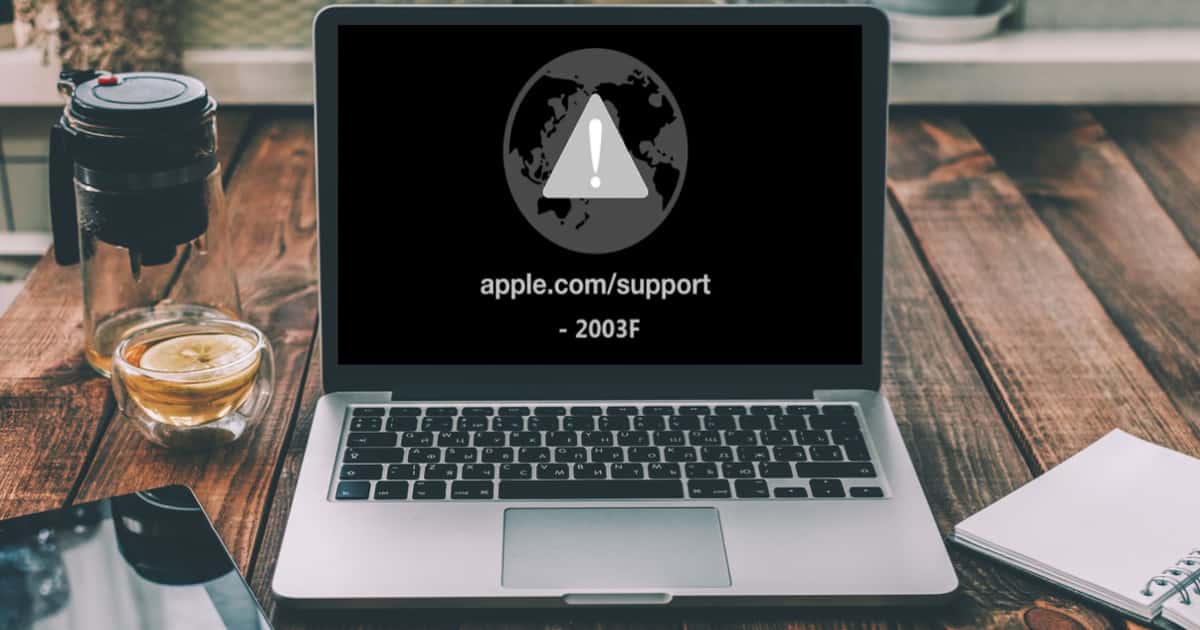
Understanding Mac Error 2003f and How to Resolve It
We explain Mac error 2003f, an error when reinstalling macOS via Internet Recovery mode, and provide troubleshooting tips to resolve it.

How to Stream 'A Charlie Brown Christmas' on Apple TV+
We’re taking a look at how to stream “A Charlie Brown Christmas” on Apple TV+. It streams for free for a limited time.
How to Test Your Mac with Apple Diagnostics
This guide will show you how to run a test with Apple Diagnostics, which can let you know of any hardware issues with your Mac.

What To Do If Apple Mail Interrupted Your Mac Shut Down
If you’re plagued by an error that Apple Mail interrupted shut down on your Mac, here are some steps you can take to fix it.
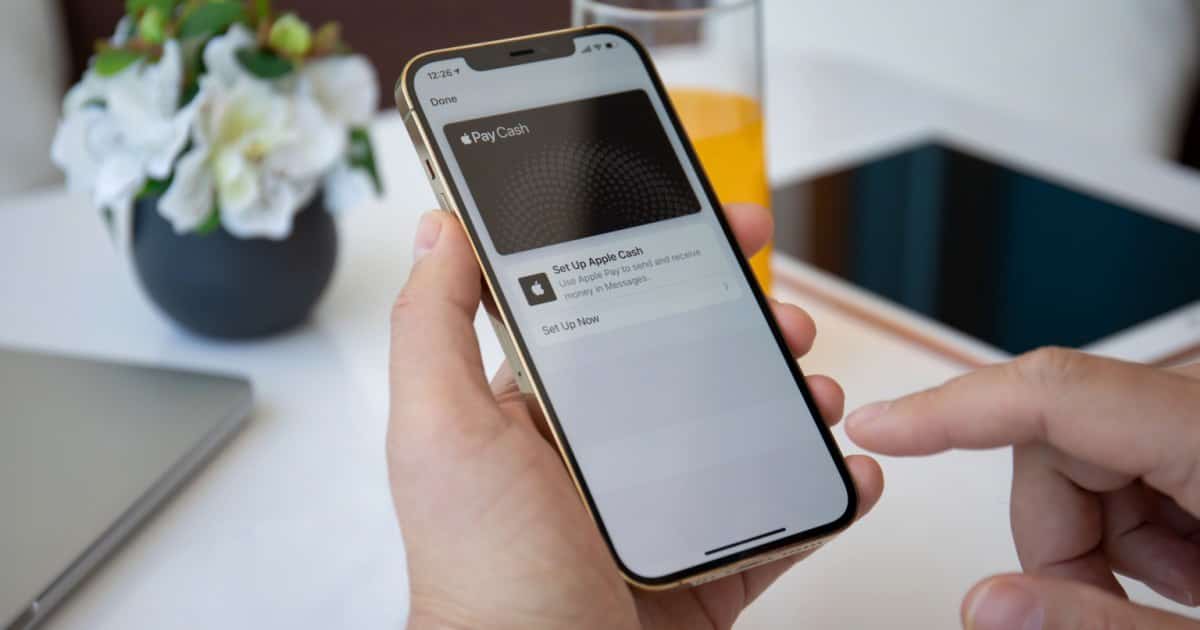
How to Fix Apple Cash if Unavailable
Apple Cash is an incredibly useful tool, especially for contactless payments, but if it becomes unavailable to you, here’s how to fix it.