
It was once easy to schedule a reboot, but macOS Ventura complicates it. Follow Jeff Butts and his command-line jiujitsu to pull it off.
Tips
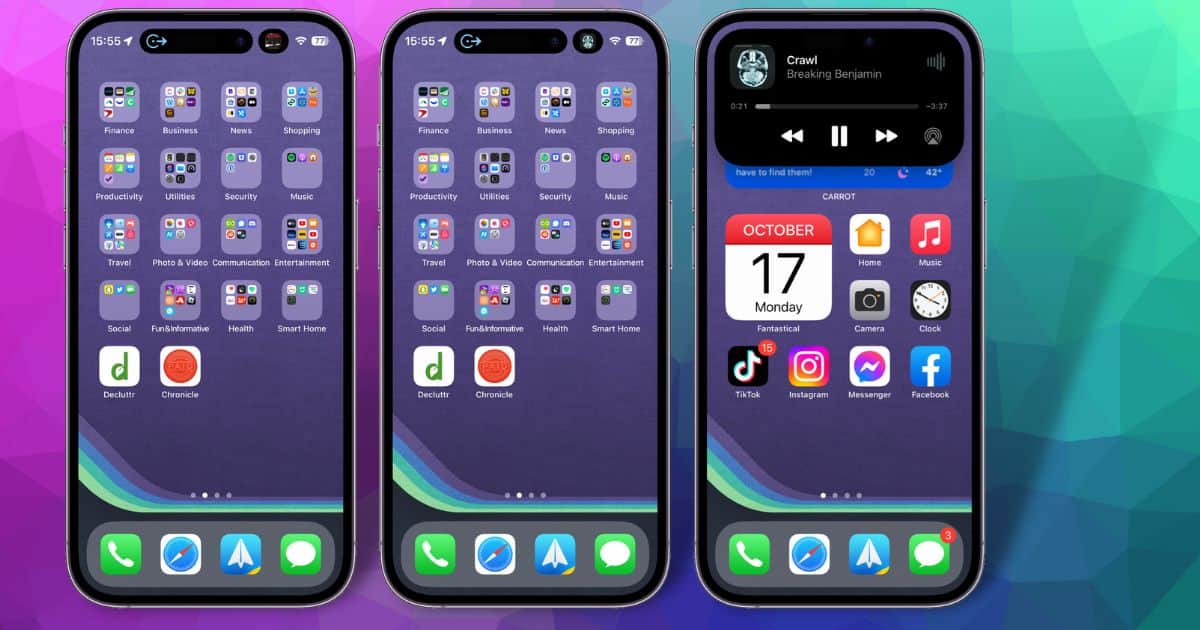
Dynamic Island Getting Swipe Gestures in iOS 16.1 Beta
Exploring the iOS 16.1 beta on an iPhone 14 Pro, we see Dynamic Island getting more swipe gestures to control your apps within the feature.
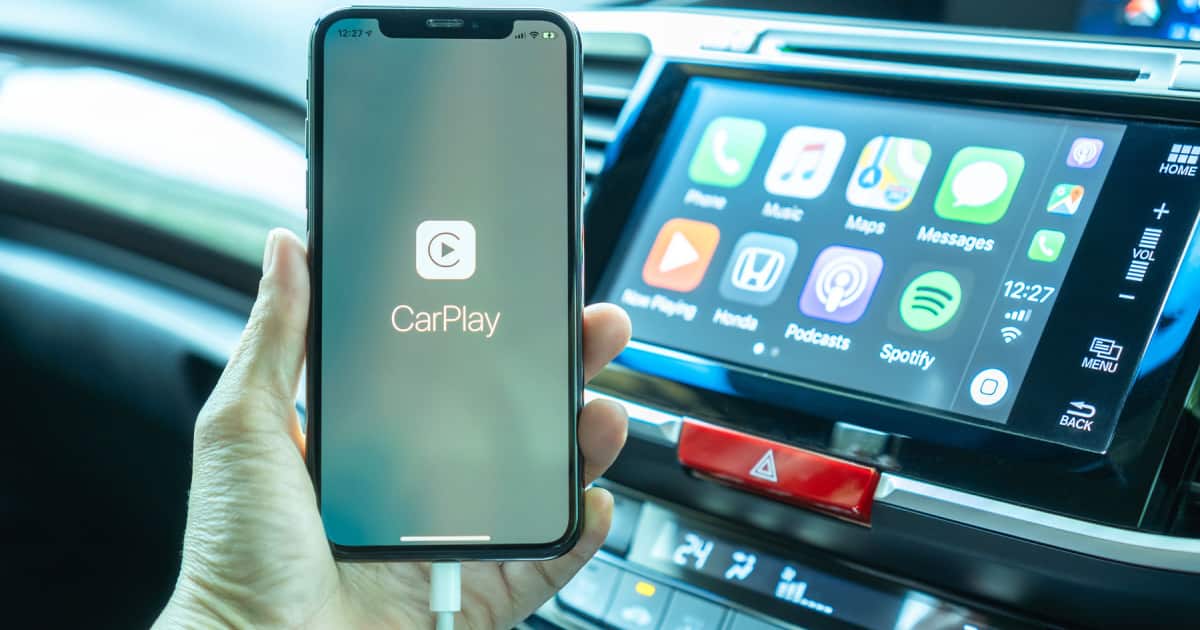
Charging On Hold Warning: What To Do If You See It
In iOS 16, you may see a Charging On Hold warning if your iPhone gets too hot. Here’s what to do when that message appears.
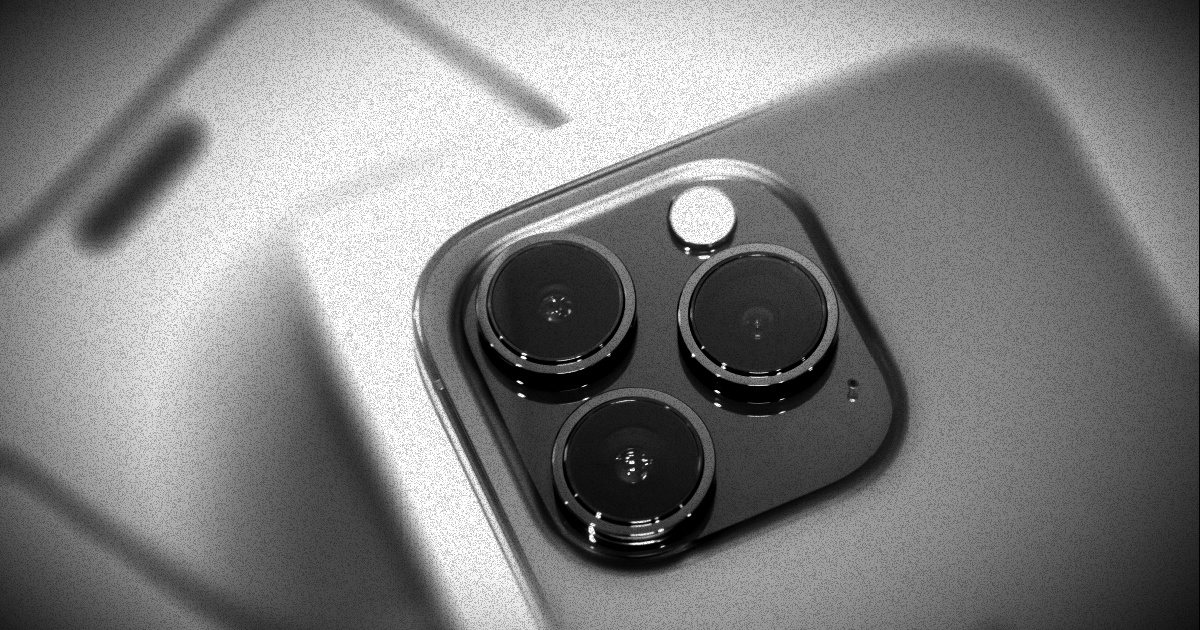
How to Capture 48MP ProRAW Photographs on iPhone 14 Pro and Pro Max
New with the iPhone 14 Pro and Pro Max, photographers can now capture images in 48MP ProRAW formats. Here’s what you need to know about that.
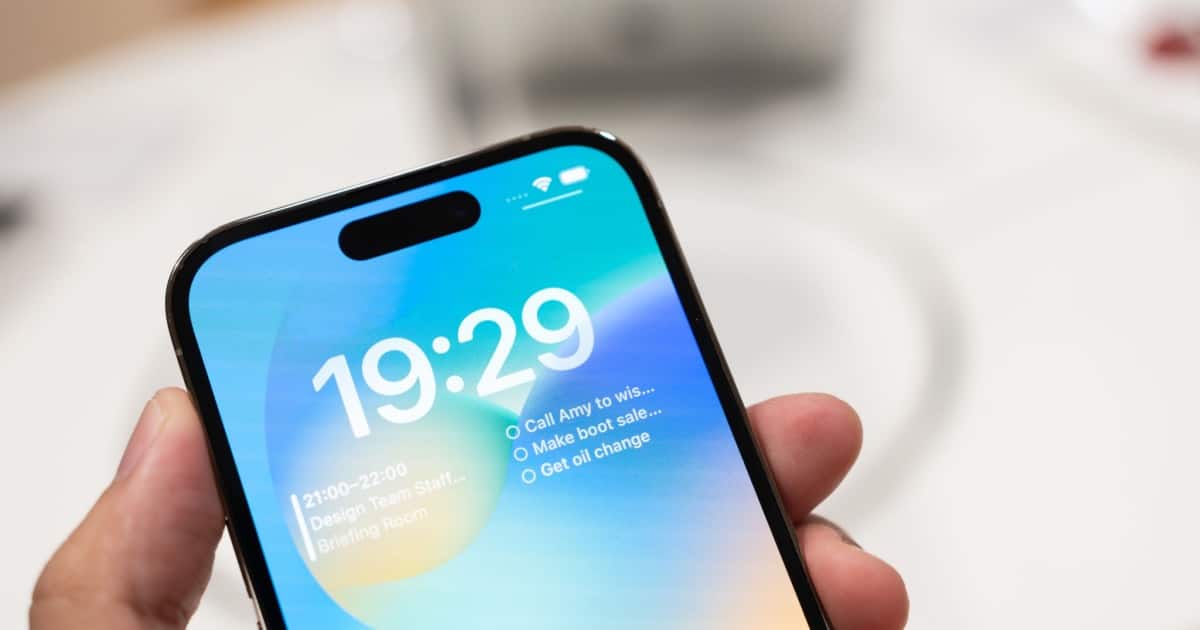
How to Turn Off Dynamic Island Content for iPhone 14 Pro and Pro Max
For those that need to focus, today we’re taking a look at how to turn off Dynamic Island content on the iPhone 14 Pro and Pro Max.
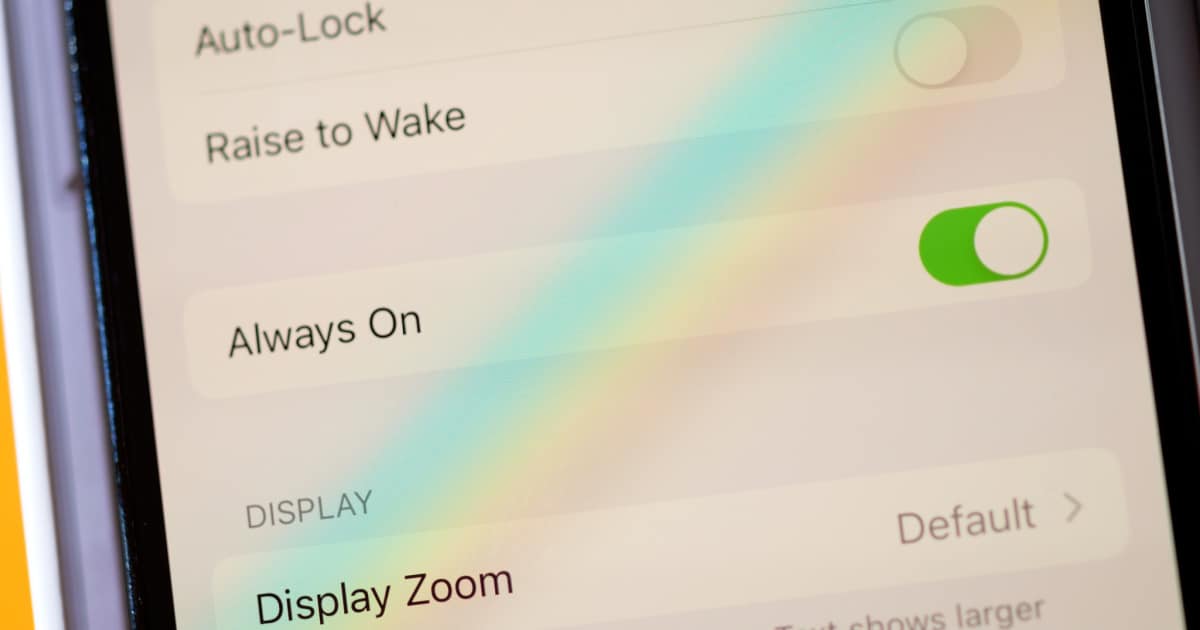
How to Switch Your iPhone 14 Pro Always-On Display to Black-and-White
If you find yourself wishing the always-on display on your iPhone 14 Pro could be in black-and-white, here’s one way to do that.
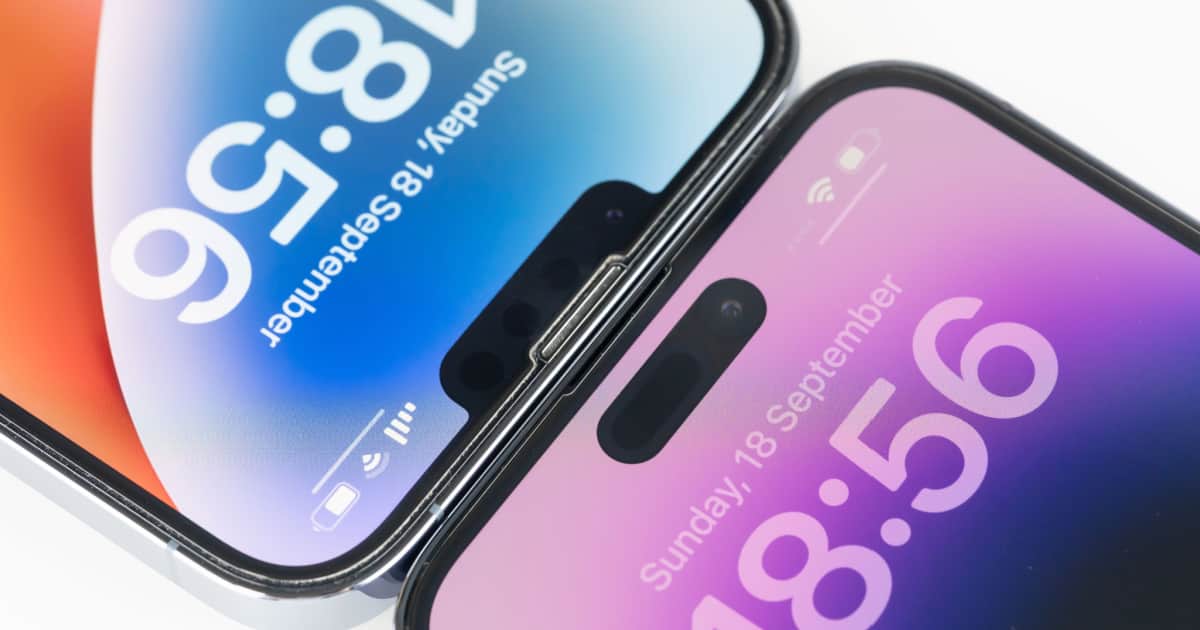
5 More iOS 16 Hidden Features You May Not Know About
We’re back with more treasures we dug up playing with our iPhones. Here are more hidden iOS 16 features you may not know about.

5 Hidden iOS 16 Features You Didn’t Know Were Even There
Plenty of the new features in iOS 16 made headlines, but there’s also a wealth of hidden ones. We outline 5 of these hidden gems.
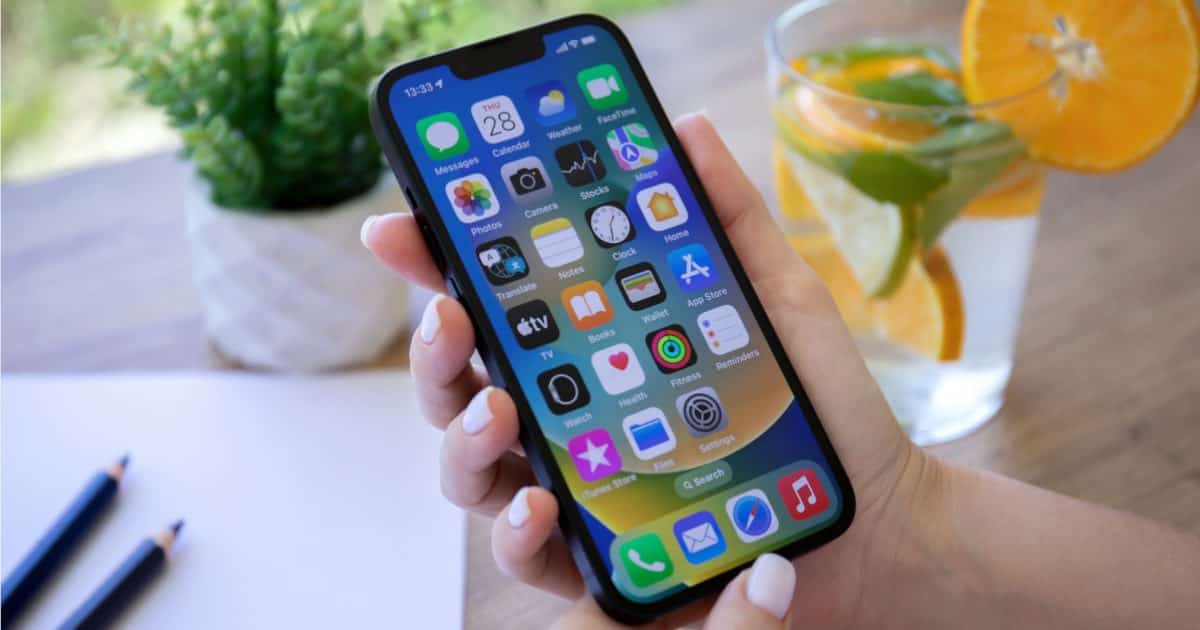
How to Filter Your Text Messages Within iOS 16
Today we are going to look at the “Filter Unknown Senders” options in Messages, which is a way to filter texts in iOS 16.
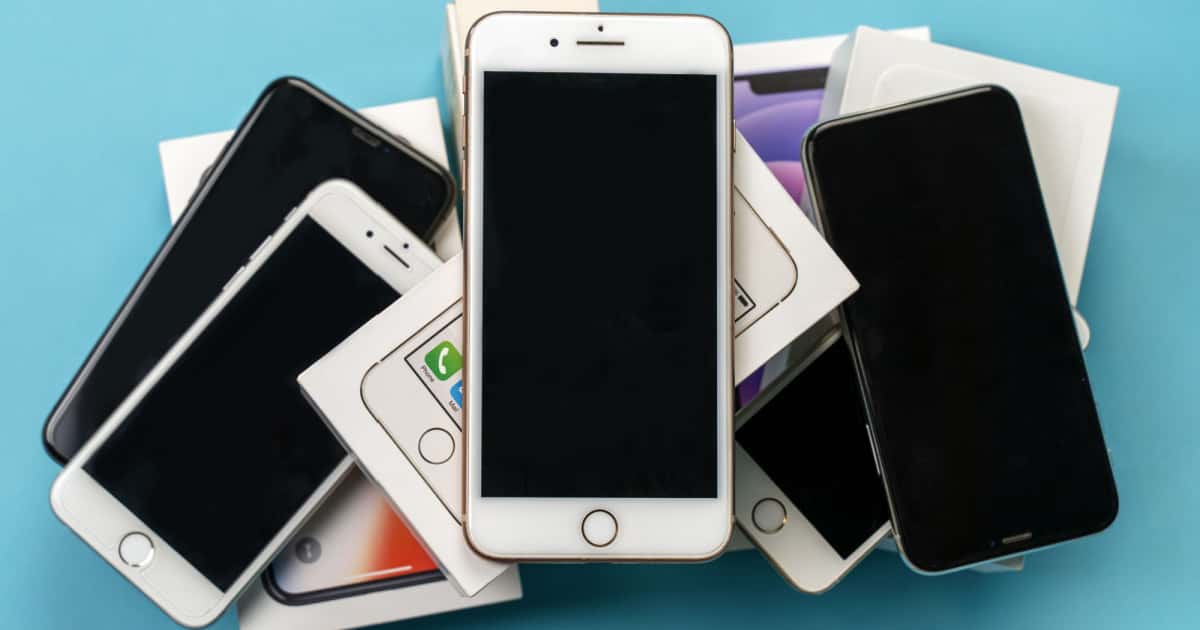
Deciding Whether You Should Install iOS 15.7 or iOS 16
While most of us are quickly updating to iOS 16, you do have the option to install iOS 15.7. Which is the right choice is the topic du jour.

How to Send an Email Later in iOS Mail
One key feature in Mail, beginning with iOS 16, is the ability to send an email later. Here’s how to take use this productivity hack.
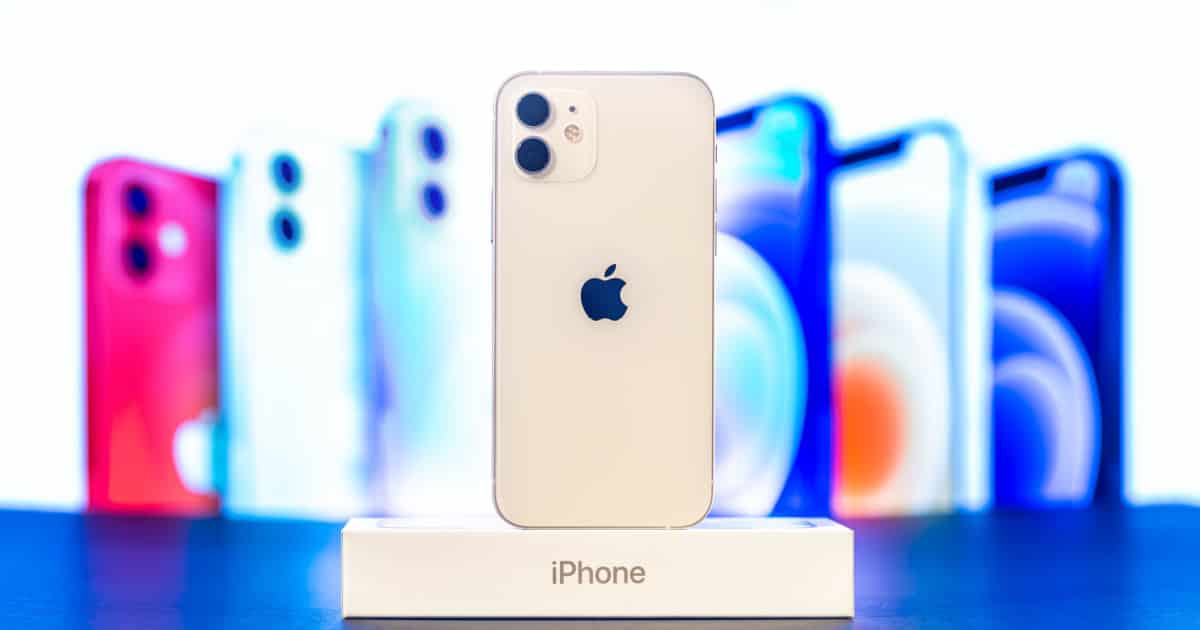
Your iPhone 14 Purchase May Be Quicker and Easier Than You Think
When the time arrives for you to purchase your iPhone 14, here are some things to keep in mind. It should actually be easier than you think.
Keep Better Track of Your Sleep With watchOS 9
In watchOS 9, Apple Watch can offer you even better insights into your sleep. It’s now able to track your sleep stages through the night.
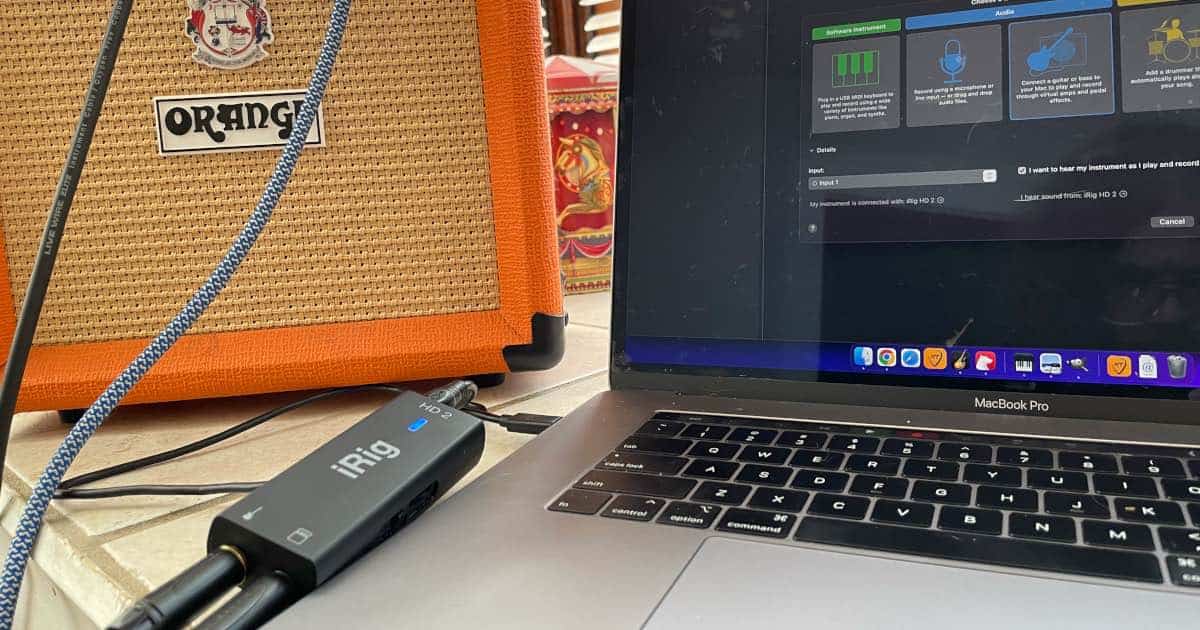
How to Choose the Right Gear to Connect Your Guitar to GarageBand (Mac/iPhone/iPad)
Today we’re going to show you how to best choose a device to connect your guitar to GarageBand, as well as other tips and tricks.

How to Keep Tabs On Your Pets Using Your iPhone
When your dog or cat goes missing, it can be traumatic. Here are some ways to keep tabs on your pets using just your iPhone and an accessory.
Setting Up Personalized Spatial Audio for Your AirPods in iOS 16
Let’s explore Personalized Spatial Audio, a new feature coming to iOS 16 and your supported AirPods or Beats headphones.
When It Comes to iOS 16, Not All iPhone Models Are Equal
While many iPhone models support iOS 16, not every one can handle all the features. Here, we look at which features require newer iPhones.

How to Install macOS 13 Ventura Public Beta
Now that Apple has launched the macOS 13 Ventura public beta, let’s walk through what you need to know and do to get in on the fun.
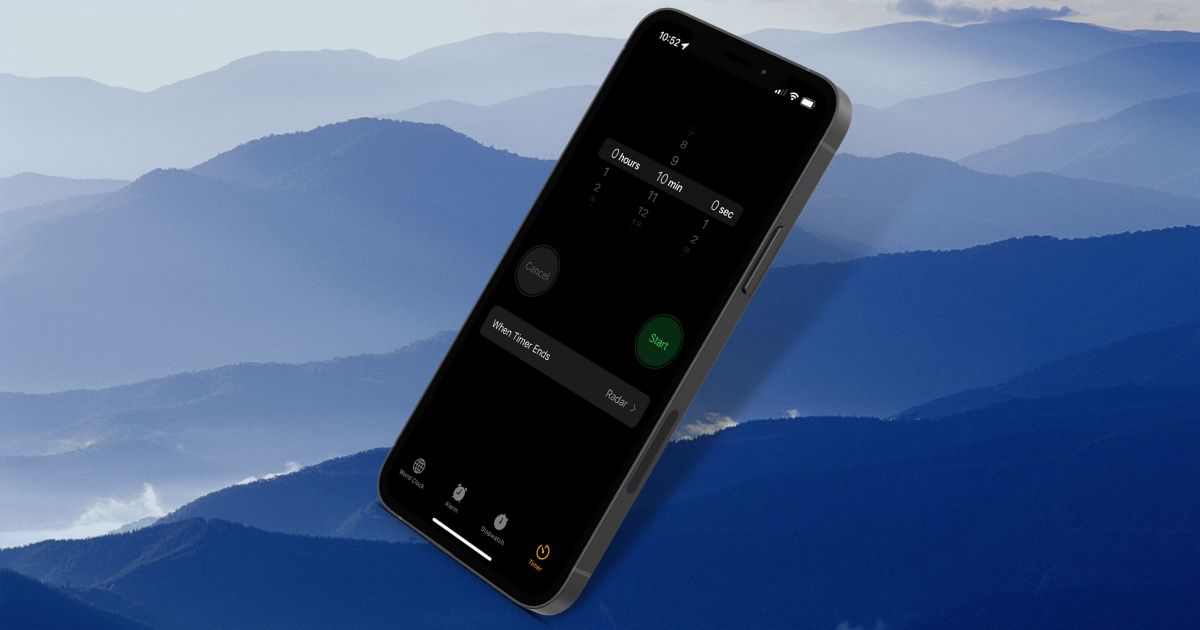
How to Create an Alarm or Timer From Spotlight on iOS 16
You can just ask Siri to do it, but that may not be convenient or reliable. in iOS 16, you can create an alarm or timer right from Spotlight.
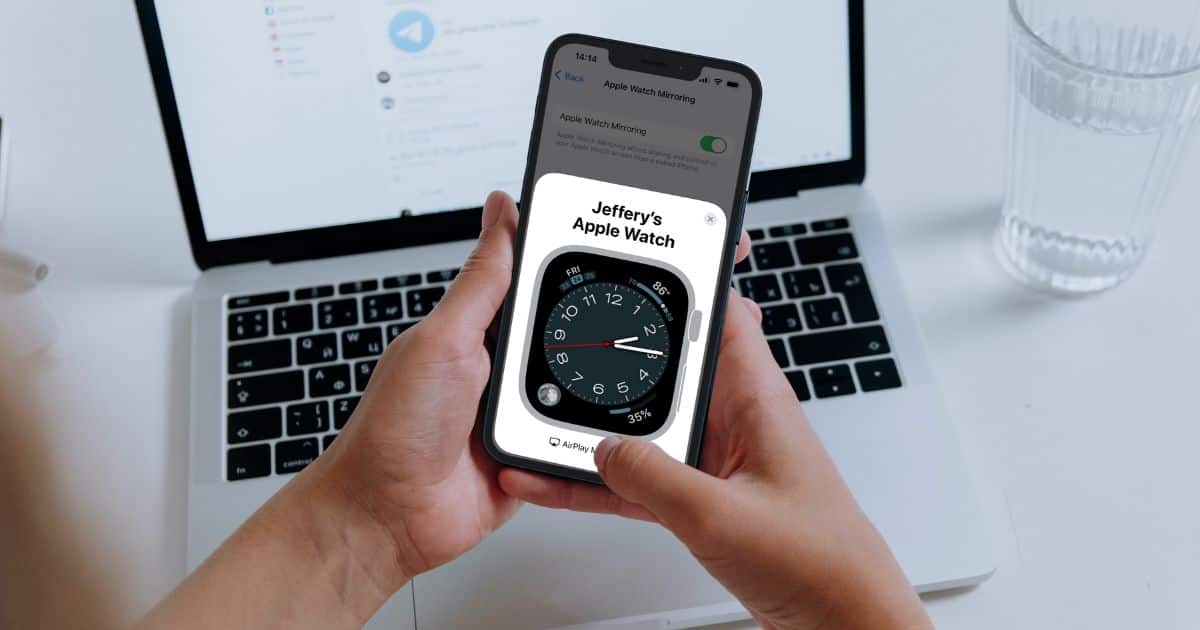
How Apple Watch Mirroring Works on iOS 16
Let’s take a look at the new Apple Watch Mirroring accessibility feature: what it is, how it can help you, and how to get started with it.
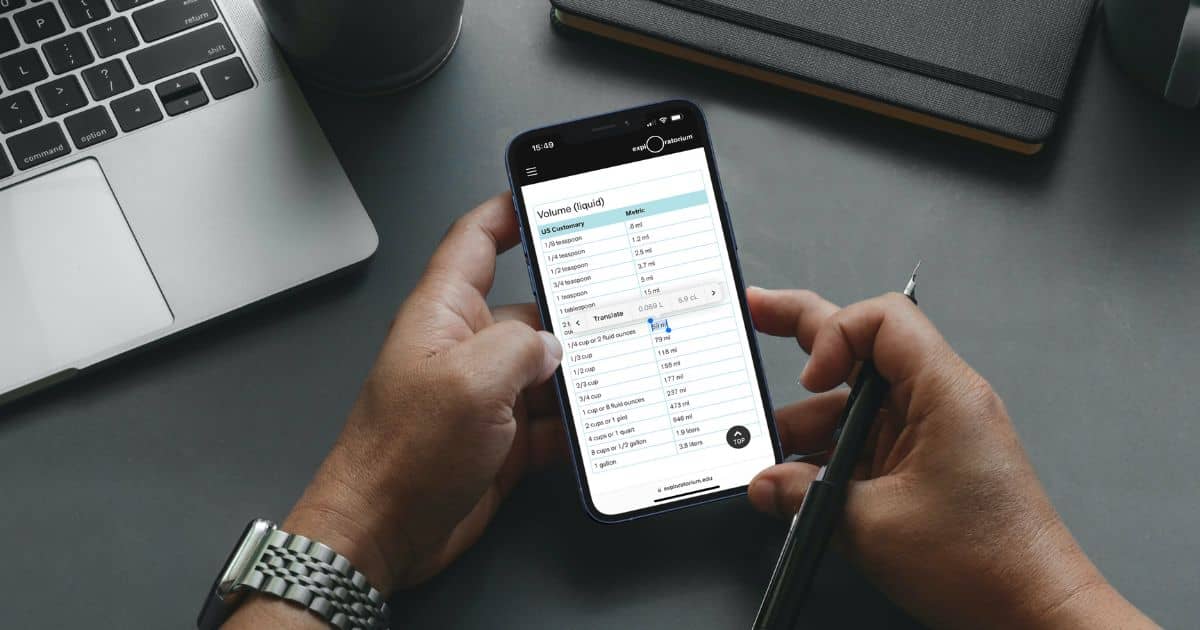
Using Measurement Conversions in iOS 16
Using iOS 16, measurement conversions get much easier. Jeff Butts shows how you can highlight a measurement and see it converted.

Finding, Viewing and Copying Your Wi-Fi Password in iOS 16
One cool change in iOS 16 is the ability to view your Wi-Fi password. Here’s how to do it, so you can easily share your Wi-Fi with guests.
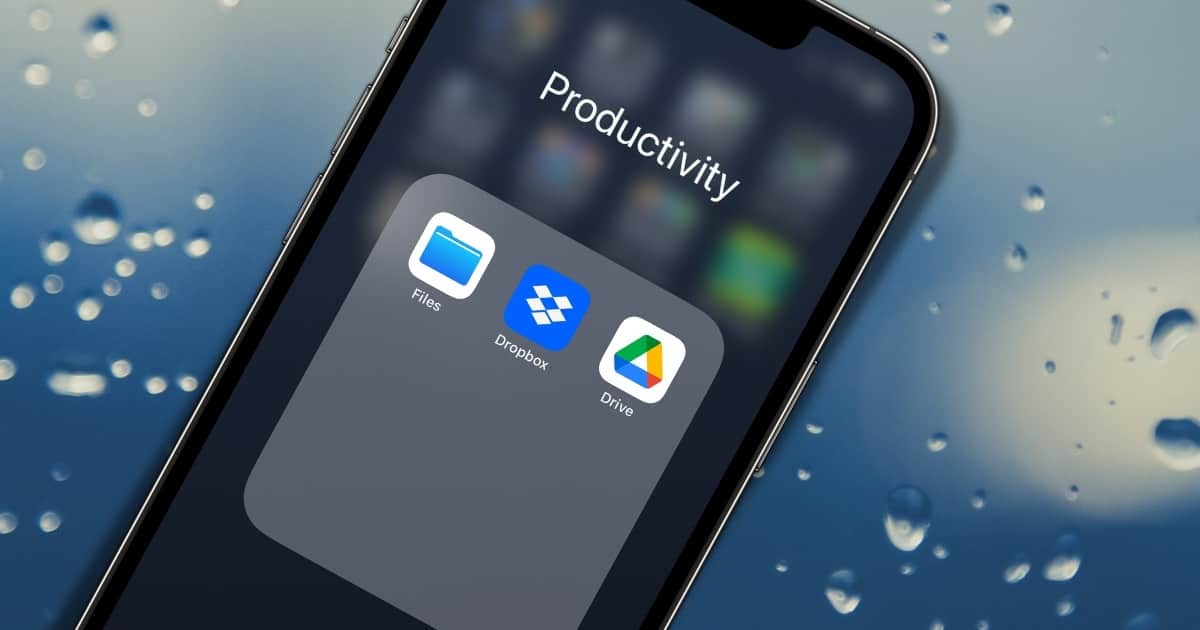
Use iCloud Drive Desktop and Documents Folders Sync to Save Space and Stay Connected to Your Files
Here’s how to set up iCloud Desktop and Documents Folders Syncing, a great way to save space and keep your files accessible anywhere.
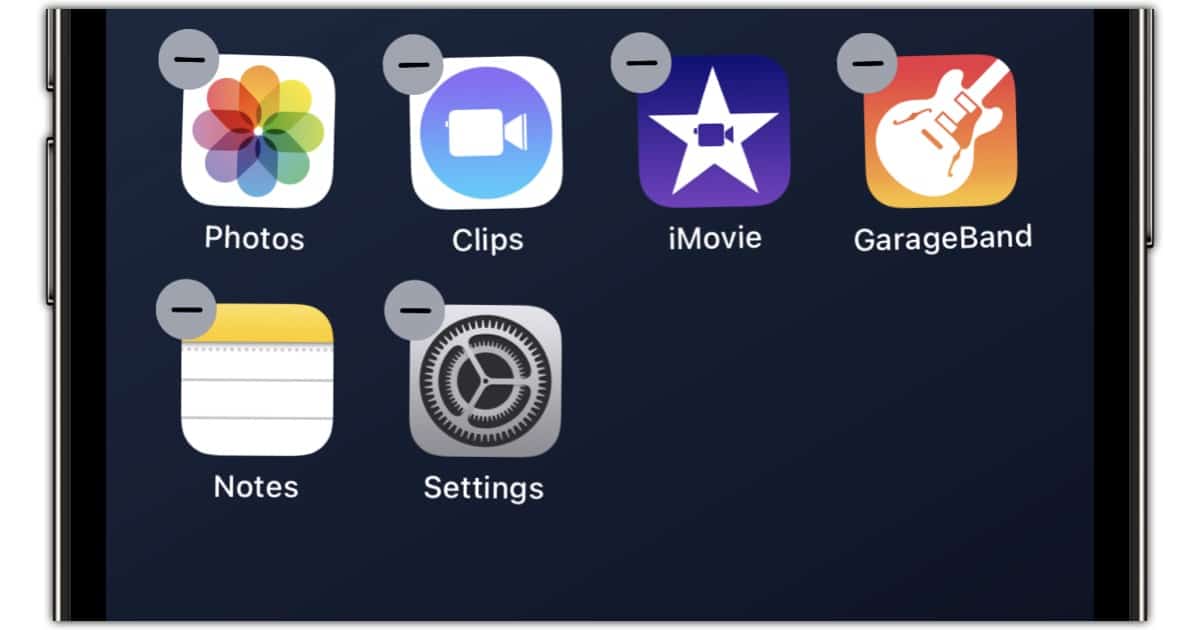
Apple Allows You to Delete 31 Stock Apps in iOS 16
In iOS 16, Apple has added four titles to the list of stock apps you can delete from your iPhone. This can help declutter your Home Screen.