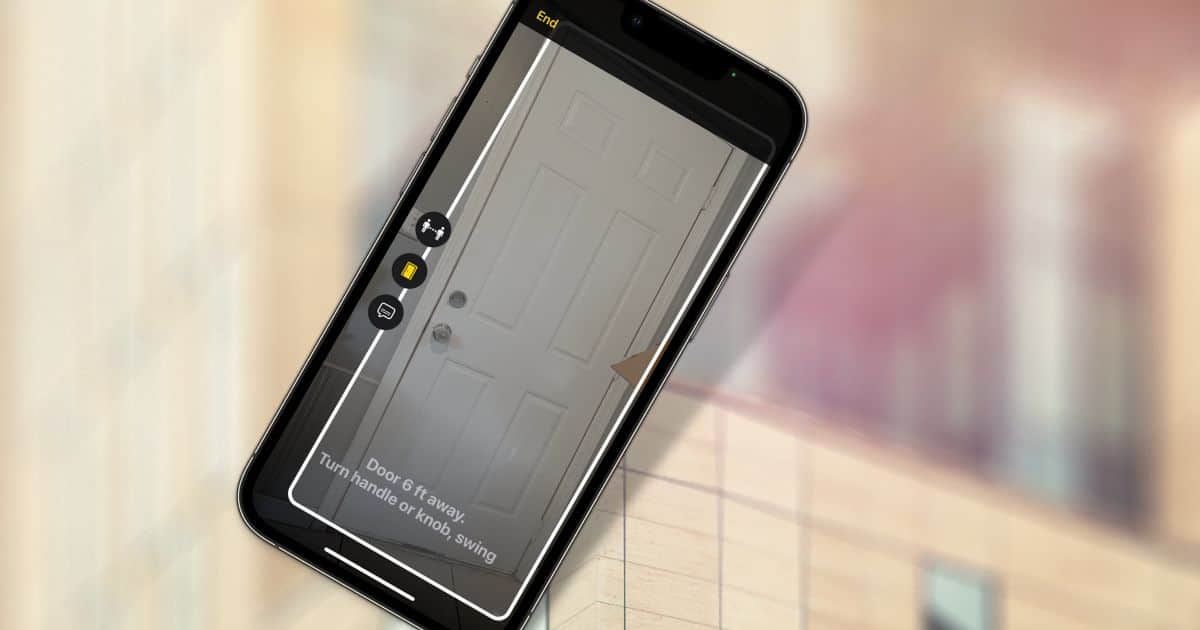
New in iOS 16, Door Detection can help those with vision problems more easily navigate the world around them. Here’s how to use the feature.
Tips
How to Turn Off Alarms on Other People’s iPhones
If you’ve ever wished you could easily turn off someone’s iPhone alarm when they forgot, you can. Siri will gladly handle it for you.

These 5 Tips Will Help You Maximize Your FaceTime Call
If you want to make the most of the built-in video calling app on your iPhone, these FaceTime tips are a great start.
How and Why to Use Zoom on Apple Watch
The text on your Apple Watch may seem too small at times. Luckily, the Accessibility feature Zoom on Apple Watch can help with that.
Customize Your CarPlay Apps the Way You Want Them
If you’re wondering how to customize your CarPlay apps, wonder no more. Jeff Butts walks you through organizing, deleting, and adding apps.
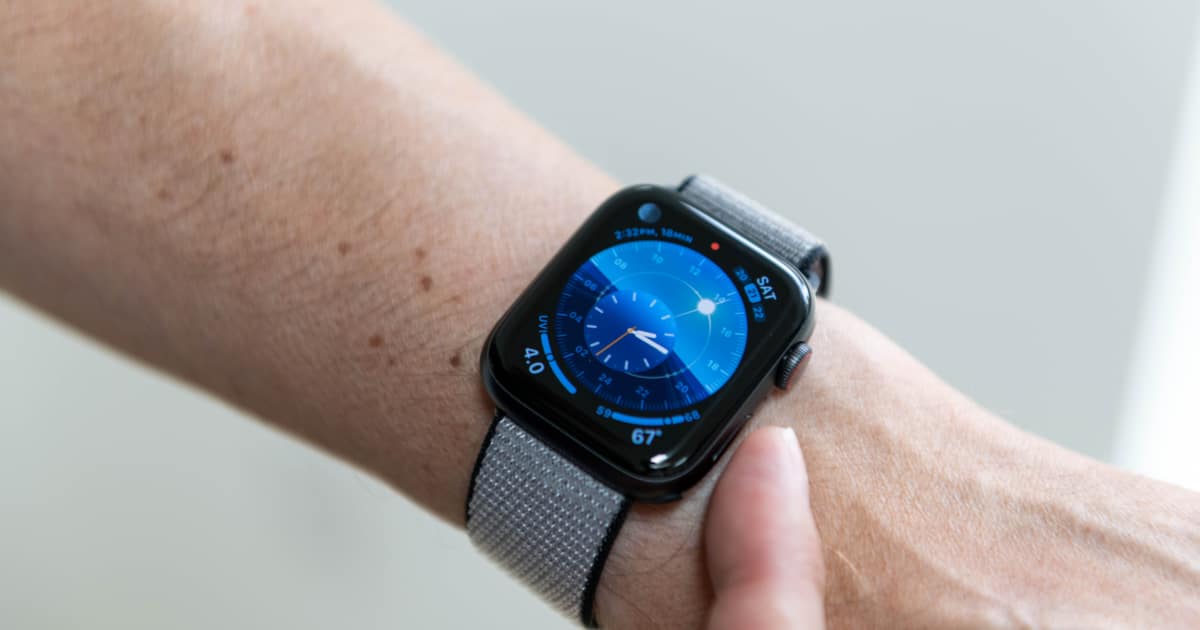
How to Manage Apple Watch Custom Responses
If you use your Apple Watch for messaging, default replies are super helpful. Let’s look at how to add, change, delete, and reorder them.

How to Get Transit Directions in Apple Maps
Apple Maps continues to improve, including its transit directions. Here’s how you can find the best bus route to where you’re going.

How to Use Hide My Email in Apple’s Mail App
Apple’s Hide My Email feature is useful for protecting your privacy on the web. Here’s how you can use Hide My Email in the Mail app, too.

How to Catch the Baseball Games on Apple TV+
Now that the season is underway, how can you can catch the baseball games on Apple TV+? Friday night doubleheaders and more await.

How to Use Visual Look Up With Your Photos
One of the newest features in iOS, Visual Look Up in Photos helps you get information about the things you’ve photographed.

How to Install iPhone and iPad Apps on Your M1 Mac
Your M1 Mac allows you to run apps designed for iOS and iPadOS. Here’s how to install and run iPhone and iPad apps on your M1 Mac.

How to Type Hidden Special Characters on iPhone and Mac
If you’ve ever wondered how to type special characters on your Mac, iPhone, or iPad, wonder no more. We’ll show you exactly how to do it.

How to Set Up Apple Watch Fall Detection
If you have yet to set up Apple Watch Fall Detection, take a moment to do so. The life you save could be yours.

Apple Watch Theater Mode Helps You Be a Polite Moviegoer
At the movie theater, it’s important to keep your devices from disturbing others. Apple Watch Theater Mode is great for that.
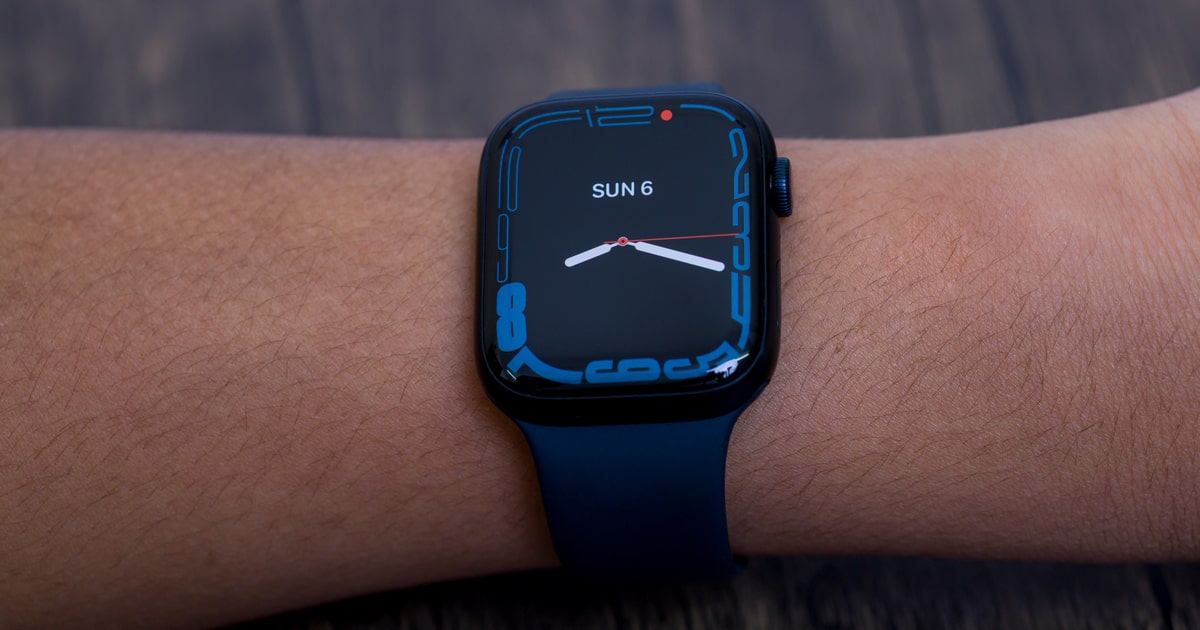
Use Shortcuts Automation to Switch Watch Faces
Maybe you never thought about it, but Shortcuts allows you to set an automation to switch your Watch face. Let’s look at how it’s done.
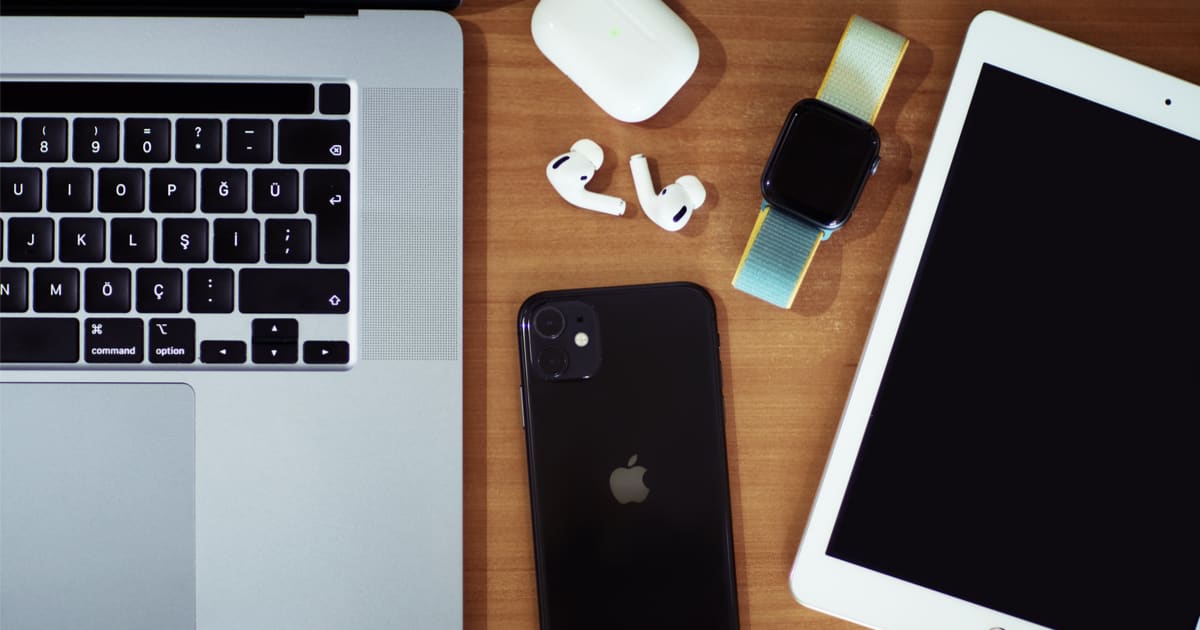
How to Fix a Broken Shift Key in Universal Control on an iPad
If you’ve noticed a problem with your Shift key in Universal Control on an iPad, you aren’t alone. Here’s how to fix it.

This Trick Lets You Put Apps on Multiple Home Screens
Here’s a neat trick. You can actually put icons for your apps on multiple Home Screens, for those apps you want accessible anywhere.
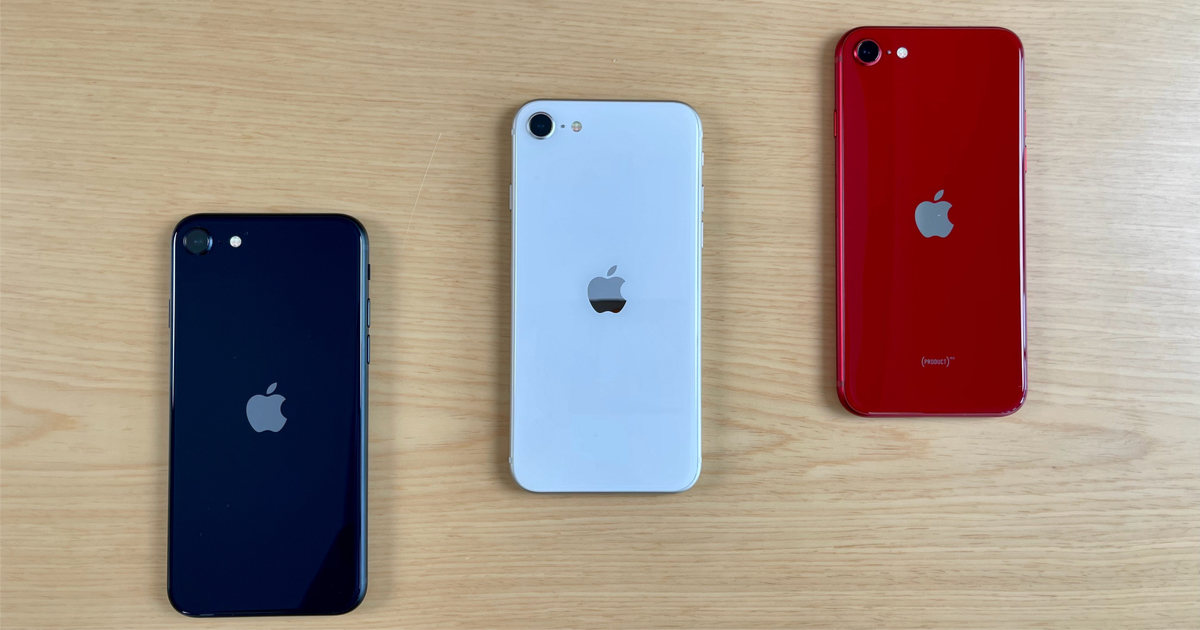
Optimizing Battery Life On Your 5G iPhone
Depending on your needs, the defaults on your iPhone may not be the best choices. Here’s how to optimize battery life on your 5G iPhone.

Hidden iOS Gesture to Select Multiple Items by Two-Finger Swiping
A little known iOS gesture makes it much easier to select multiple items. All it takes is a two-finger swipe, as Jeff Butts demonstrates.
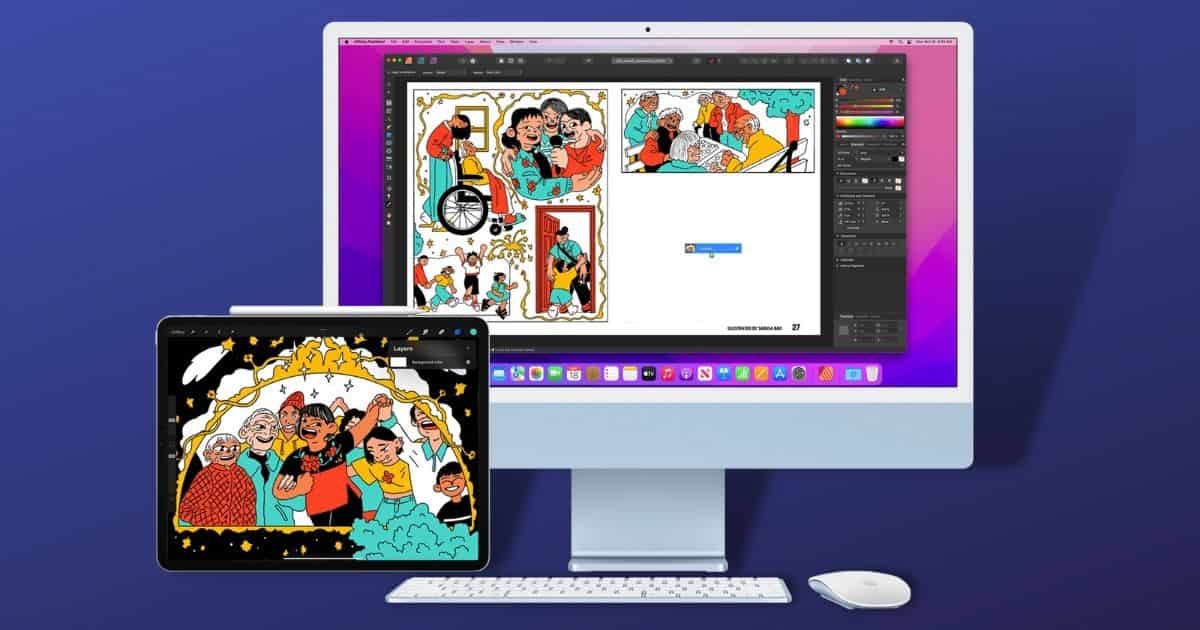
How to Use Universal Control for Mac and iPad
A useful feature for Mac and iPad lets you share your Mac’s keyboard and cursor with your iPad. Let’s look at how to use Universal Control.
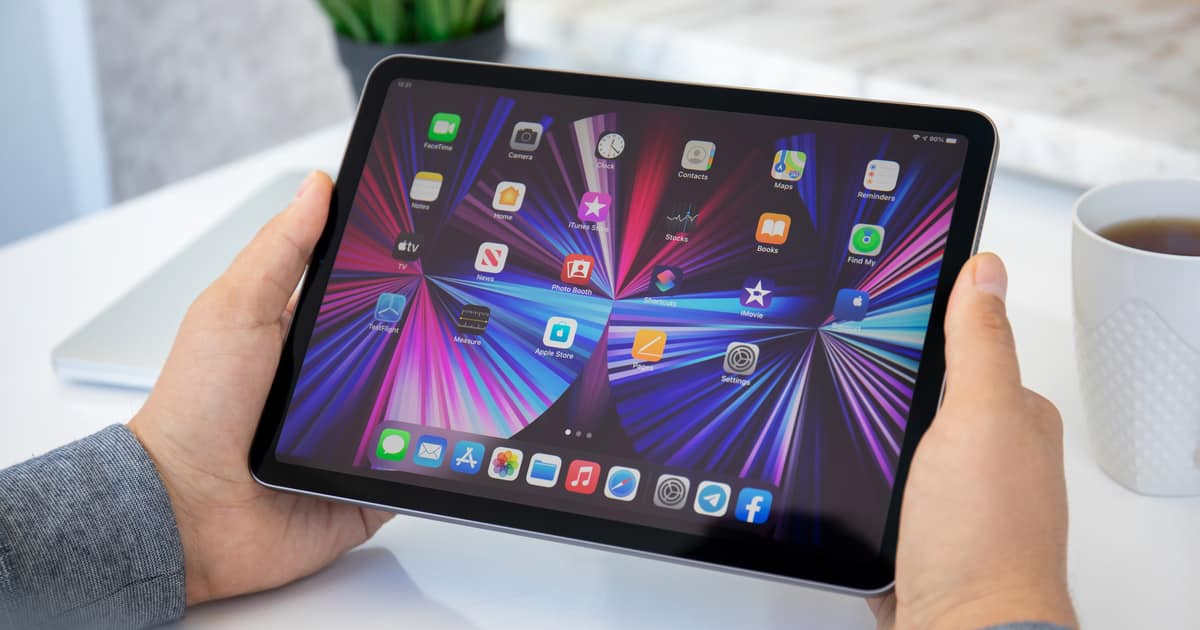
Enjoy Smart Volume Button Orientation on Any iPad
Previously found only on the 6th-generation iPad mini, smart volume buttons are available for all Apple tablets running iPadOS 15.4 or later.
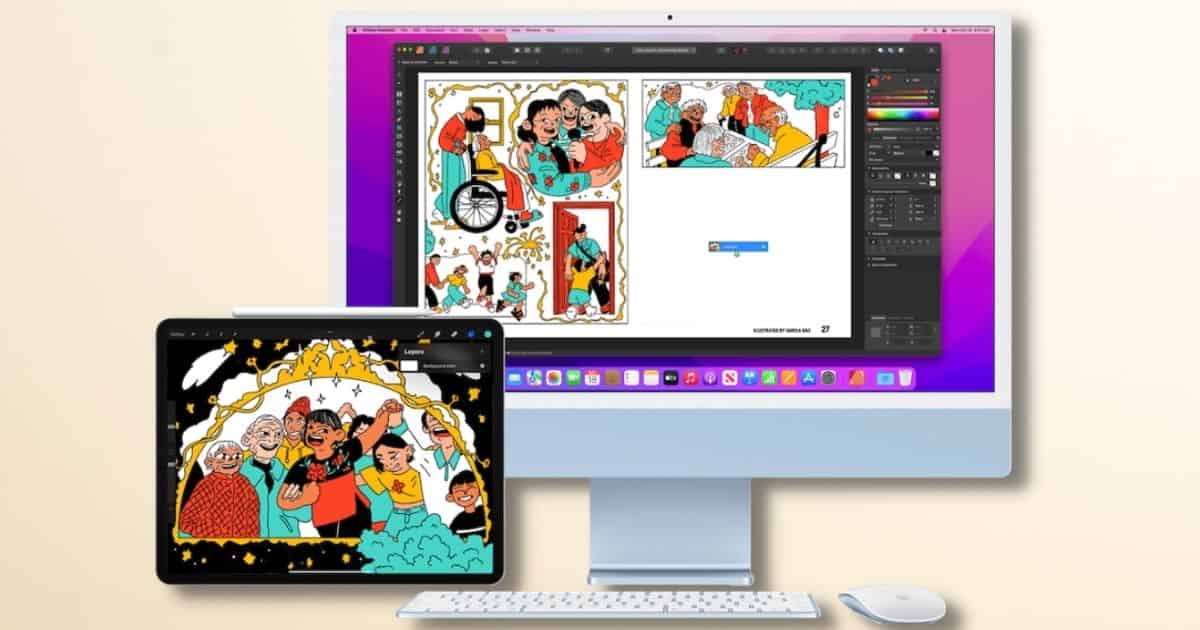
Learn If Your Mac and iPad Support Universal Control
A new feature allows you to use a single mouse and keyboard with your Mac and iPad. Let’s look at which devices support Universal Control.

Use Focus Mode to Make your iPhone a Gaming-Only Device
With Apple’s Focus Mode, iPhone users can create a custom, games-only profile, giving them peace of mind when a child plays with their phone.

How to Put Your Favorite Shortcuts in the Dock
On macOS, the Dock is where to look for the apps you run the most. So why can’t you put shortcuts on the dock? In the latest version, you can.