
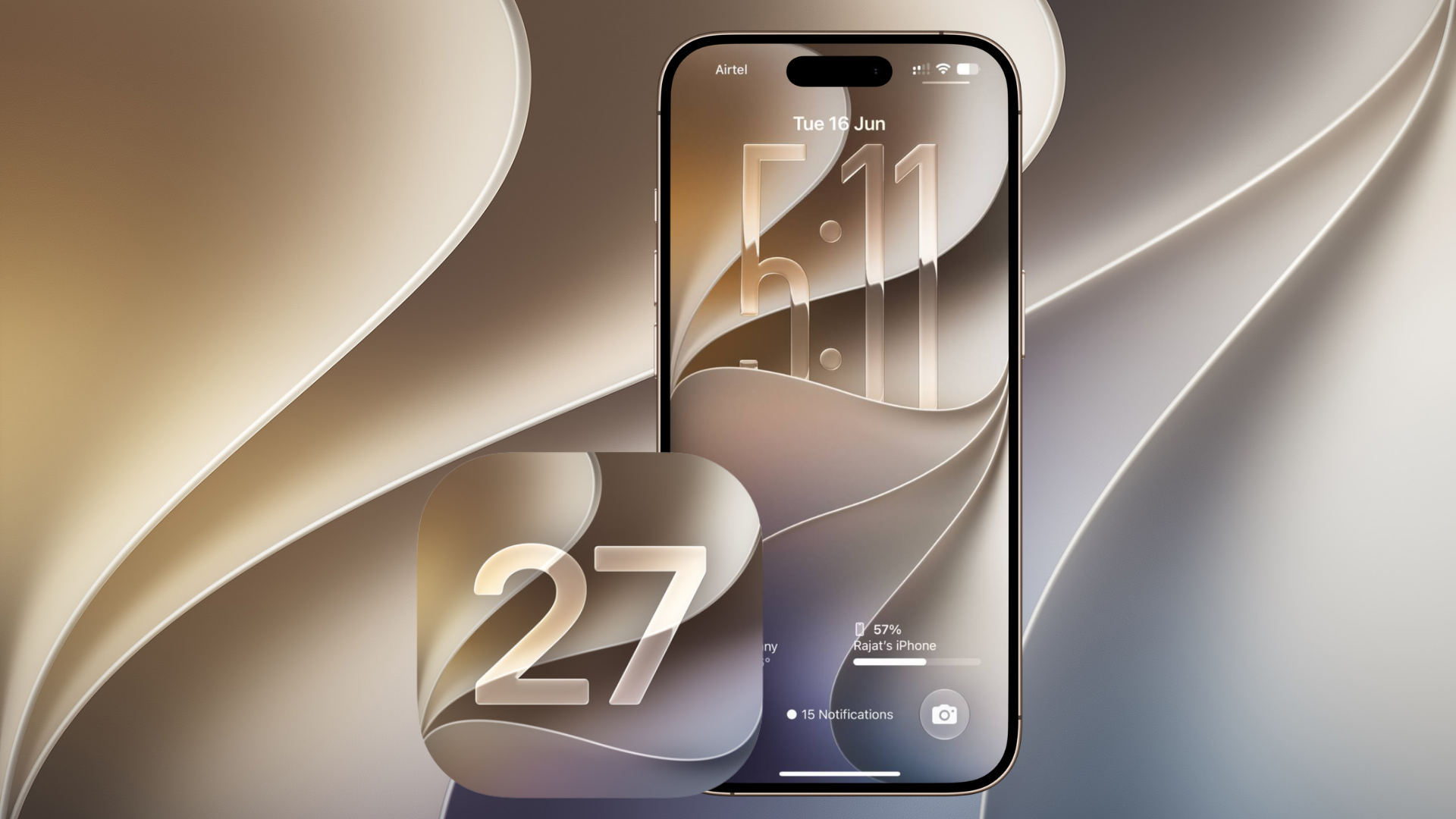
Apple has released iOS 27 for compatible iPhones, bringing Siri AI, major Apple Intelligence upgrades, faster system performance, improved Photos editing, Safari automation, new child safety controls, and several smaller changes across iPhone. The public release follows iOS 27 RC build 24A435, which Apple sent to developers on September 9.
iOS 27 is available as a free update for the iPhone 11 and later, along with the iPhone SE 2nd generation and newer. However, several of its biggest AI features require newer hardware, starting with the iPhone 15 Pro and iPhone 15 Pro Max.
For a broader breakdown of what ships with the update, check our complete iOS 27 release roundup.
Don’t miss the best of The Mac Observer
Set us as a preferred source and our Apple reporting ranks higher in your Google Search results and Discover feed — one tap, no account changes.
Siri AI is the biggest change in iOS 27
Siri AI is Apple’s redesigned assistant powered by the latest generation of Apple Intelligence. It supports more natural conversations and can maintain context across follow-up questions instead of treating every request separately.
Siri can also use information stored across apps to find relevant emails, photos, messages, notes, and other content. For example, you can ask Siri to locate an old vacation photo without knowing exactly when you took it, or find details buried inside an email.
The major Siri AI features include:
- Natural back-and-forth conversations with typed or spoken prompts
- Personal context from Mail, Messages, Photos, Notes, and other apps
- On-screen awareness for answering questions about what you are viewing
- Actions inside apps such as Messages, Music, Reminders, Calendar, and Photos
- Web-based answers using current information
- Write with Siri for drafting and improving text
- Siri mode inside Camera with Visual Intelligence
- A dedicated Siri app with conversation history
The new Siri app also syncs conversation history through iCloud, allowing a conversation started on one supported Apple device to continue on another.
Siri AI launches as a beta and initially supports English. Apple plans to add French, Japanese, Korean, Portuguese, and Spanish in October.
Apple Intelligence gets several new tools
Apple Intelligence now reaches deeper into Photos, Safari, Shortcuts, Image Playground, calls, and other parts of iOS.
| Feature | What it does |
|---|---|
| Spatial Reframing | Changes the framing of a photo after capture |
| Extend | Expands the edges of an existing image |
| Enhanced Clean Up | Removes larger unwanted objects from photos |
| Image Playground | Adds higher-quality images, including photorealistic styles |
| Call Context | Shows useful information from your apps during business calls |
| Safari Notify Me | Watches webpages for changes such as restocks or price drops |
| Smart tab grouping | Automatically organizes Safari tabs by topic |
| Shortcuts creation | Creates automations from a natural-language description |
For example, Safari Notify Me can monitor a product page and alert you after a price change or restock, while Shortcuts can build multi-app automations from a written instruction rather than requiring every action to be added manually.
Some Apple Intelligence functions rely on Apple’s server models and are subject to usage limits.
iOS 27 also makes the iPhone faster
Apple has also focused heavily on performance and system responsiveness this year.
According to Apple’s testing, iOS 27 delivers:
- Up to 30% faster app launches
- Up to 70% faster loading for newly captured photos
- Up to 80% faster AirDrop transfers
- Smoother switching between Wi-Fi and cellular connections
- Improved search ranking inside Mail
- CPU scheduling and other system-level performance improvements
Liquid Glass also receives another round of refinements. Apple has improved contrast and readability, sharpened app icons, and added a new slider that lets users adjust the interface between a clearer appearance and a more heavily tinted look.
More new features in iOS 27
Several other changes are spread across Apple’s apps and services:
- iCloud Shared Albums now make it easier for Android and Windows users to participate, with full-resolution photo support.
- Health adds perimenopause and menopause support to Cycle Tracking.
- Maps improves Flyover using aerial imagery combined with Visual Intelligence models.
- AirPods settings gain Custom EQ controls for adjusting lows, mids, and highs.
- Home gains smarter video search and AI-generated activity summaries for supported cameras.
- GymKit comes directly to iPhone for compatible cardio equipment.
- Communication Safety expands protections against violent and graphic images and videos.
- Parents can set app schedules, time allowances, approved apps, and website permissions.
Apple has also added more accessibility tools, including improved VoiceOver image understanding and automatic captions for video.
Which iPhones support iOS 27?
The update works with the following generations:
| iPhone | iOS 27 |
|---|---|
| iPhone 18 series and iPhone Duo | Yes |
| iPhone 17 series and iPhone Air | Yes |
| iPhone 16 series | Yes |
| iPhone 15 series | Yes |
| iPhone 14 series | Yes |
| iPhone 13 series | Yes |
| iPhone 12 series | Yes |
| iPhone 11 series | Yes |
| iPhone SE 2nd generation or later | Yes |
Keep in mind that receiving iOS 27 does not automatically mean receiving every Apple Intelligence feature. Siri AI and most of the new AI tools require an Apple Intelligence-compatible iPhone, including the iPhone 15 Pro and Pro Max, iPhone 16 models, and newer devices.
You can also read our breakdown of the Apple Intelligence features that are not available on iOS 27 release day.
How to install iOS 27
Before installing, back up your iPhone and make sure you have a stable internet connection. Then:
- Open Settings on your iPhone.
- Tap General.
- Select Software Update.
- Wait for iOS 27 to appear.
- Tap Update Now or Download and Install.
- Enter your passcode if requested and let the iPhone restart to complete installation.
iOS 27 is one of Apple’s largest iPhone software updates in recent years, particularly for users with Apple Intelligence-compatible hardware. Siri AI is the headline addition, while the Photos, Safari, performance, connectivity, Health, Home, and Liquid Glass changes extend the upgrade across the rest of the system.
If you’ve already installed iOS 27, let us know which new feature you are using first in the comments.




Cole of app folders changed. Can u go back to original color?