
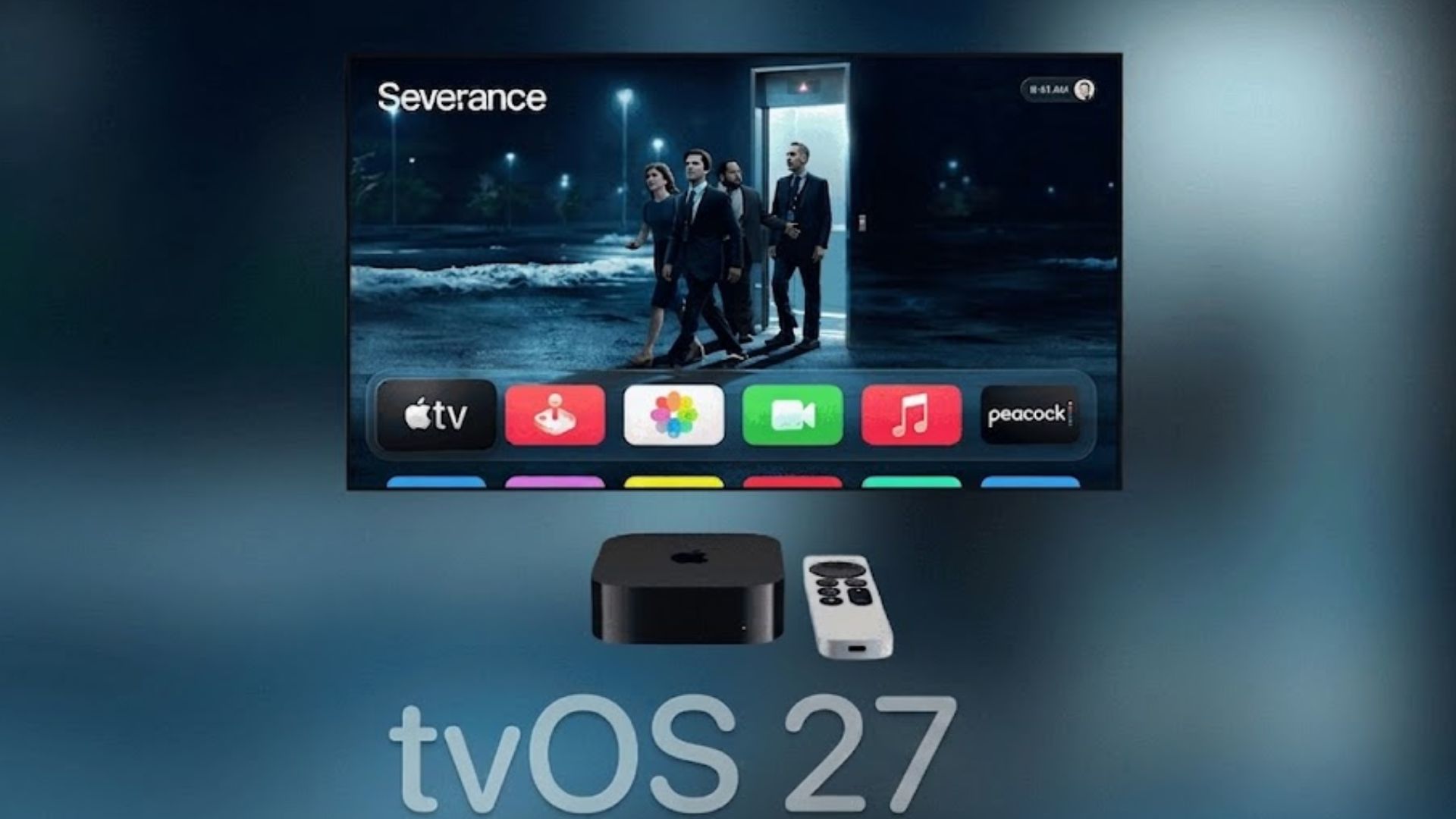
Apple has released tvOS 27 for compatible Apple TV 4K models, bringing a redesigned Podcasts experience, new Apple Music audio features, expanded accessibility options, and several performance improvements. The free software update started rolling out on September 14 alongside Apple’s other major OS 27 releases.
This is a smaller update than iOS 27 or macOS 27, although Apple TV owners still get several useful changes. Apple has confirmed high-resolution lossless audio for Apple Music, a redesigned Apple Podcasts app, and broader text-size controls, while testing of tvOS 27 also revealed faster navigation, improved AirPlay performance, and smoother animations. You can also read our complete tvOS 27 features roundup for a closer look at the update.
tvOS 27 compatibility
tvOS 27 drops support for two older devices, making this a more restrictive upgrade than tvOS 26. The update runs on the Apple TV 4K models released in 2021 and 2022.
Don’t miss the best of The Mac Observer
Set us as a preferred source and our Apple reporting ranks higher in your Google Search results and Discover feed — one tap, no account changes.
| Apple TV model | tvOS 27 support |
|---|---|
| Apple TV HD (2015) | No |
| Apple TV 4K, 1st generation (2017) | No |
| Apple TV 4K, 2nd generation (2021) | Yes |
| Apple TV 4K, 3rd generation (2022) | Yes |
Apple TV HD and the first-generation Apple TV 4K remain on older software after losing support for this year’s major release.
Everything new in tvOS 27
Apple has focused much of tvOS 27 on media playback, accessibility, and overall responsiveness rather than making major changes to the Home Screen.
The main changes include:
- Redesigned Apple Podcasts app: Podcasts gets a new interface designed for television, including video podcast playback, sidebar navigation, and creator-provided episode artwork. Apple is putting more emphasis on watching podcasts directly on the biggest screen in the home.
- Hi-Res Lossless Apple Music: Apple Music can now deliver Hi-Res Lossless audio through compatible external audio equipment connected to Apple TV 4K, expanding beyond the standard Lossless option previously available on tvOS.
- Apple Music AutoMix: AutoMix comes to tvOS with smarter transitions between compatible songs, using timing and audio analysis to create more natural changes between tracks.
- Larger text options: tvOS 27 expands system text-size accessibility controls, which should make menus and other interface elements easier to read from across a room. Apple specifically highlighted broader text-size accessibility as part of today’s release.
- Customizable subtitles: Users get more control over subtitle presentation, helping improve readability depending on screen size, viewing distance, and personal preferences.
- Faster Control Center: Apple has improved the responsiveness of Control Center so commonly used settings and controls appear more quickly.
- Faster AirPlay: Starting an AirPlay session from another Apple device to Apple TV should feel quicker under tvOS 27.
- Smoother performance: Apple has refined app launches, animations, and general system navigation to make supported Apple TV 4K hardware feel more responsive.
Apple’s September release announcement specifically lists Hi-Res Lossless audio, the new Podcasts experience, and text accessibility improvements as the headline Apple TV additions. Apple’s official OS 27 release announcement
Siri AI is not included on Apple TV
One notable omission is Apple’s new Siri AI experience. Apple explicitly lists iOS 27, iPadOS 27, macOS 27, watchOS 27, and visionOS 27 as supported platforms for Siri AI and Apple Intelligence, while tvOS 27 is absent from that list.
Apple TV still retains its existing Siri features, but the more conversational Siri AI with personal context, onscreen awareness, and expanded app actions is not part of this tvOS 27 release. We previously covered the distinction in our tvOS 27 and Siri AI coverage.
How to install tvOS 27
Updating a supported Apple TV takes only a few steps:
- Open Settings on your Apple TV.
- Select System.
- Choose Software Updates.
- Select Update Software.
- Choose Download and Install when tvOS 27 appears.
- Keep your Apple TV connected to power and the internet until installation finishes.
The Apple TV will restart while installing the update and restart again when the process is complete. Apple TV owners with automatic updates enabled can also leave Automatically Update turned on under Settings > System > Software Updates.
If tvOS 27 does not appear immediately, check again later as Apple completes the rollout. If you have already installed tvOS 27 on your Apple TV 4K, let us know how the update is running for you in the comments.




Discussion