
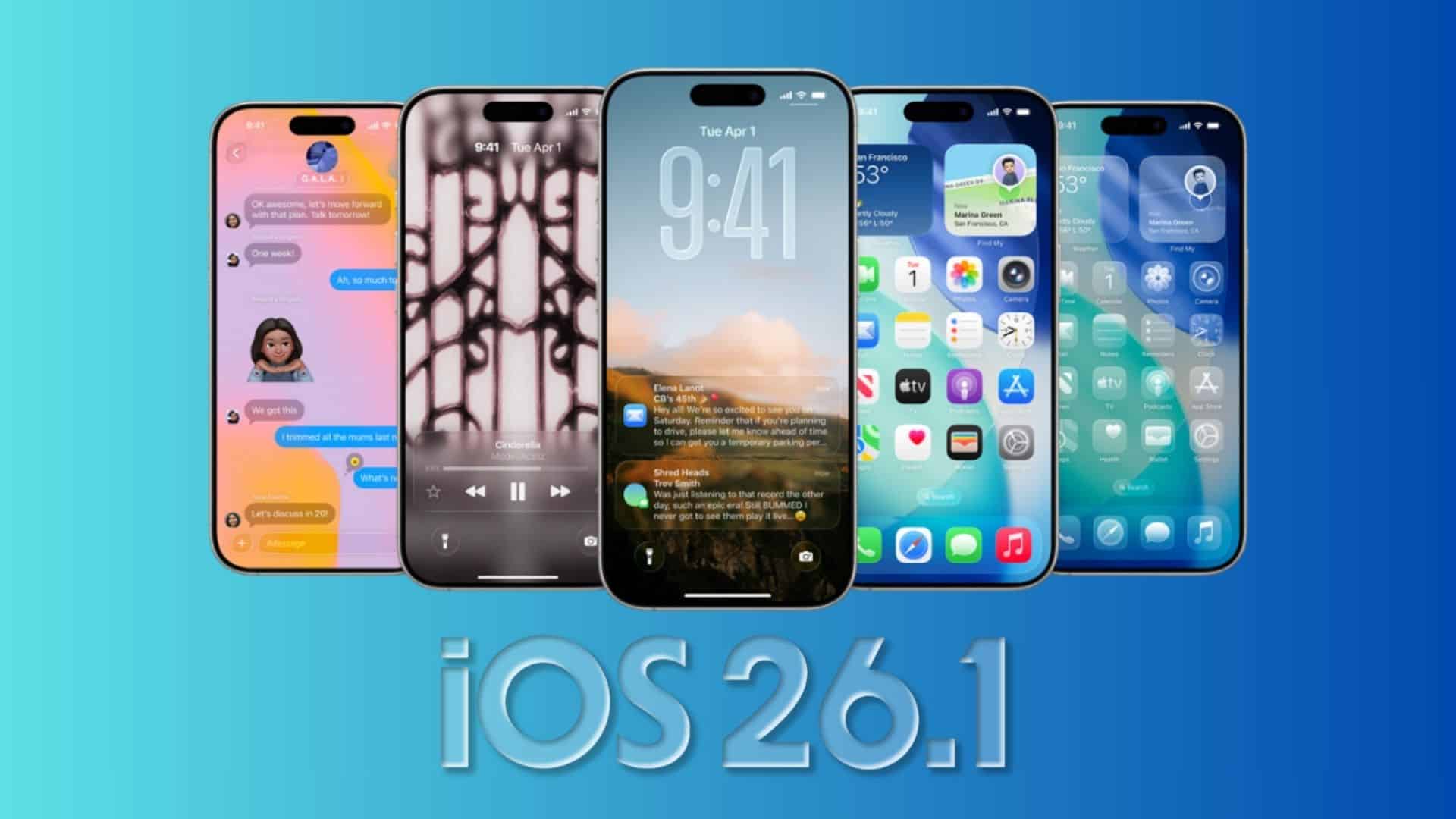
Apple’s second developer build of iOS 26.1 sharpens the basics, restores a missing iPad staple, and tidies several UI choices. You get a safer alarm screen, a revived Slide Over on iPad, new audio controls, and a few reversals from beta 1.
Alarms and timers now require intent
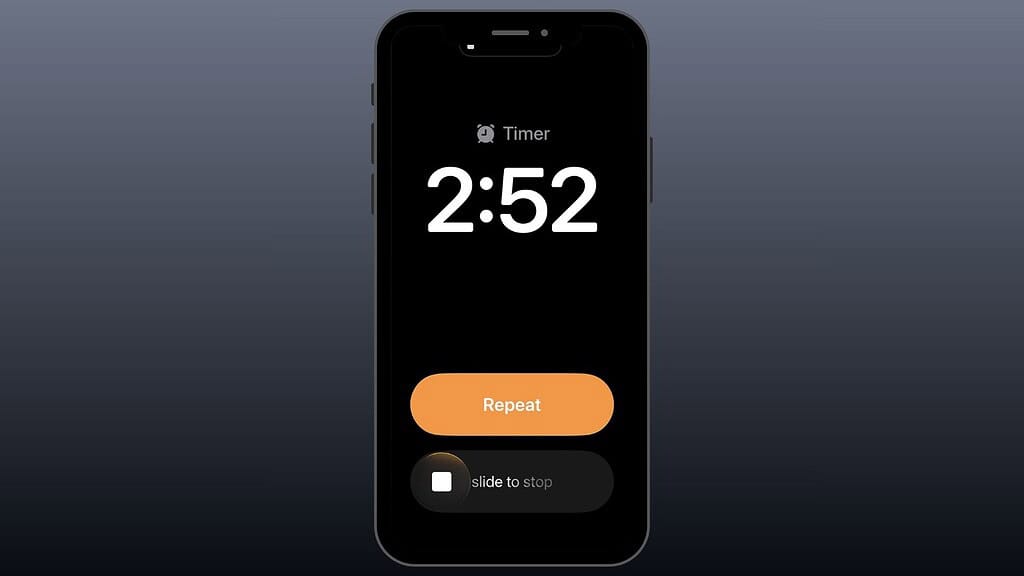
You now stop alarms and timers with a slide, not a tap. That small change prevents half-asleep dismissals and keeps you on schedule. Snooze still works with a tap.
Apple replaced the old Stop button with a Slide to stop control in iOS 26.1 beta 2. The same gesture applies to timers, which reduces accidental stops and makes wakeups more reliable.
Don’t miss the best of The Mac Observer
Set us as a preferred source and our Apple reporting ranks higher in your Google Search results and Discover feed — one tap, no account changes.
Slide Over returns to iPad
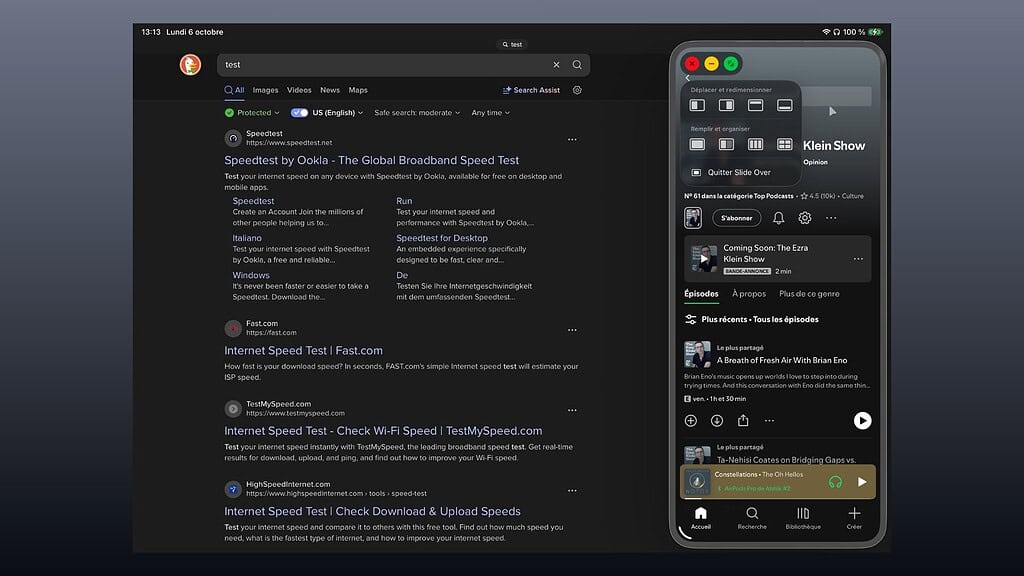
Power users get a familiar tool back. Slide Over lets you pin a single floating app over your workspace so you can glance at notes, messages, or a calculator without rebuilding your window layout.
The current version supports one app at a time. You move it aside with a swipe, bring it back with another, and keep your primary workspace intact. It fits neatly into the new multi-window system introduced in iPadOS 26.
How to put an app in Slide Over on iPadOS 26.1 beta 2
- Open the app window you want.
- Resize it until the three window buttons appear.
- Touch and hold the green button, then choose Add to Slide Over.
New audio controls in Control Center
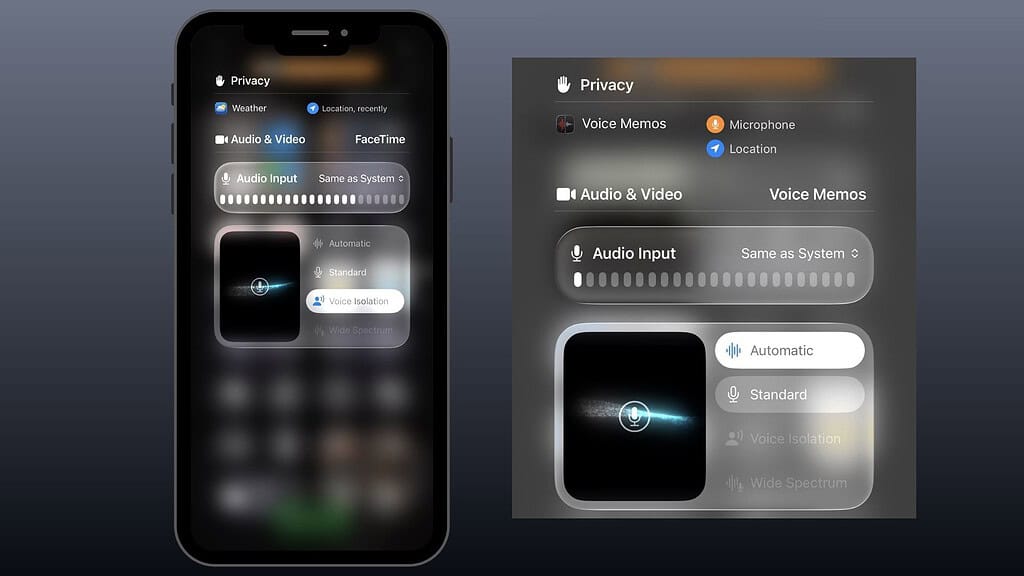
If you record with an external microphone, you can adjust input gain from Control Center’s local capture panel. That solves hot-mic clipping and gives you cleaner voice tracks. You can also choose where local audio recordings save, which helps if you keep a dedicated project folder.
Quick steps to set input and gain
- Open your recording or conferencing app.
- Swipe into Control Center.
- Tap the app tile at the top, then select Input and pick your mic.
- Touch and hold Local Capture and adjust the input gain slider.
- In local capture settings, set your preferred save location.
UI tweaks and small reversals

You will notice cleaner alignment across the system. Folder titles on the Home Screen now align left. Headers in Settings do too. The look reads more like text and less like signage.
The Apple Vision Pro app now shows a 3D model of your headset when detected. The asset hints at readiness for upcoming hardware and gives you a more faithful device preview.
What Apple rolled back from beta 1
- Calendar events drop the full-width color fill and return to the slimmer iOS 26 style.
- Safari on iPad places the Downloads control back in the address bar.
Build, timing, and sizes
Developers received iOS 26.1 beta 2 on October 6 with build 23B5059e. The update landed roughly two weeks after beta 1. Expect a matching public beta shortly after.
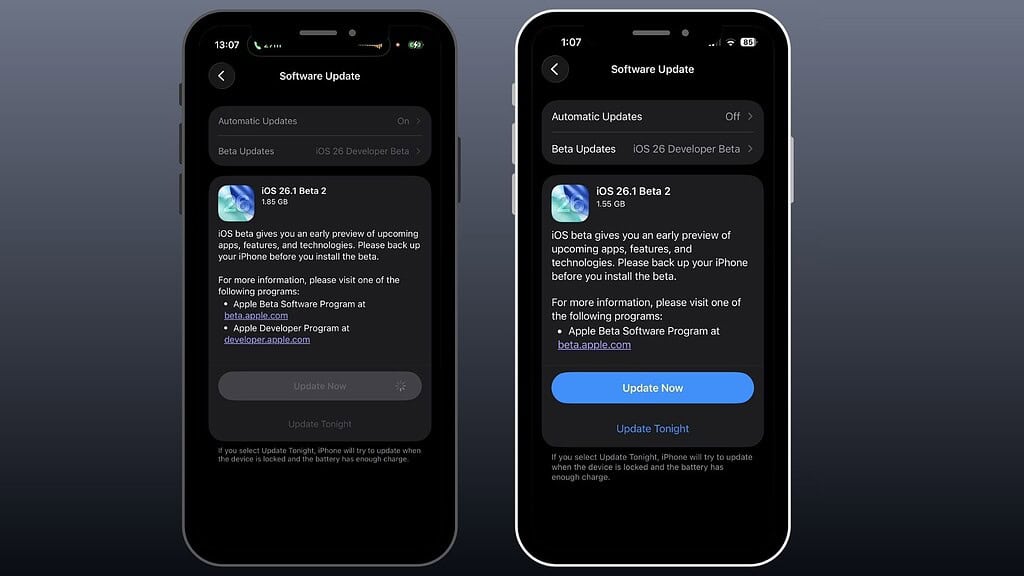
Download sizes vary by device. Reports range from about 1.5 GB on older iPhones to nearly 2 GB on recent Pro models, with larger full images available for restore installs.
Early impressions from testers
Animation smoothness and darker dark-mode accents draw positive feedback. Many users say icon highlights look subtler than before, and several welcome the reduced motion feel when closing apps to the Home Screen.
CarPlay stability remains a watch item. Some users continue to report wireless disconnects on iPhone 17 hardware running iOS 26.x. Others say a fresh pairing and restart improved reliability. If you depend on CarPlay every day, test carefully before updating a primary phone.
The bottom line
You get safer alarms, a practical return of Slide Over on iPad, hands-on audio controls, and incremental UI cleanup. If you test betas, install this build to validate your workflows and send feedback, especially if you rely on Slide Over or external mics. If you need absolute stability, wait for the public 26.1 release.




Discussion