
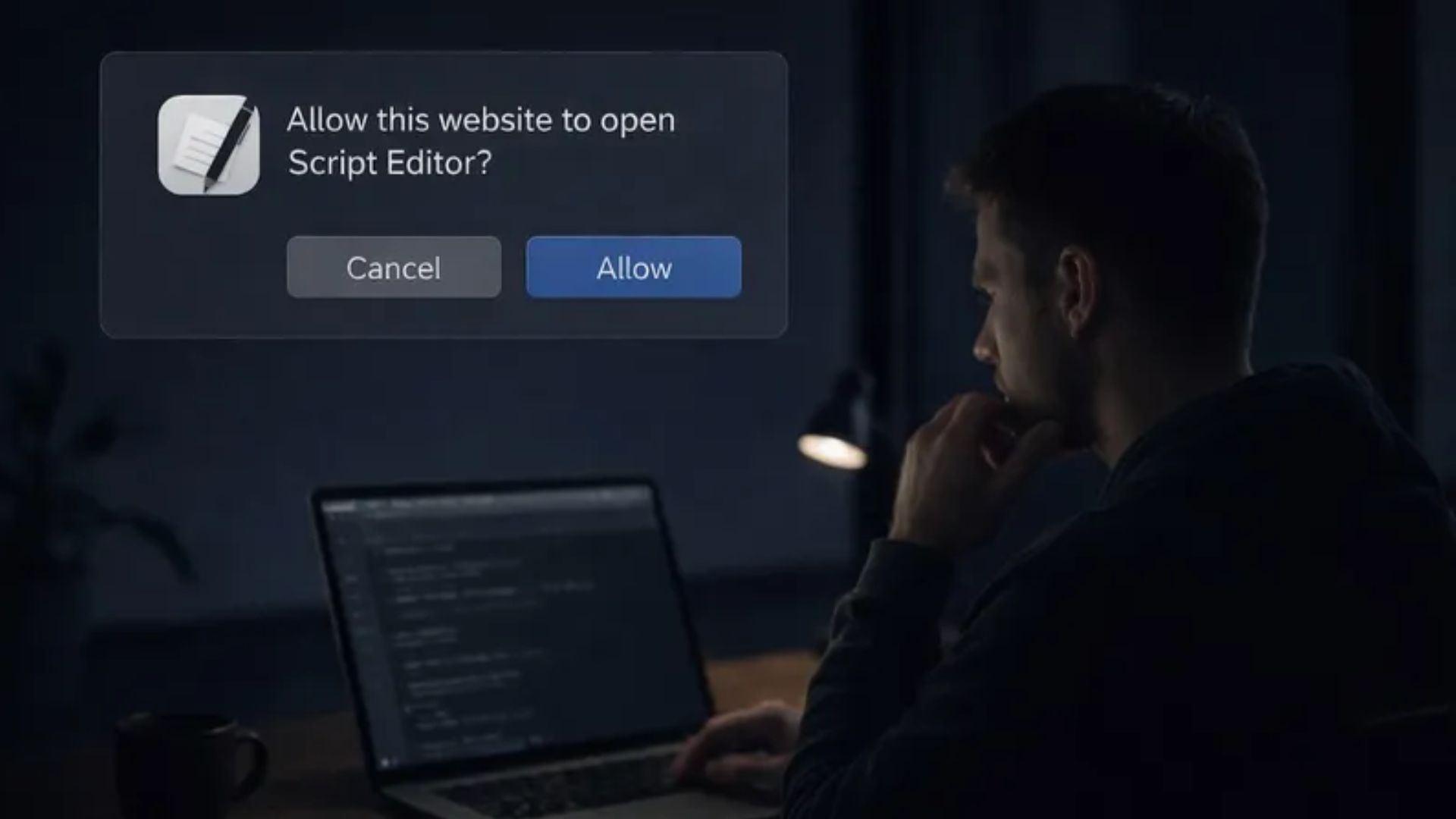
Cybercriminals have found a fresh way to target Mac users by changing how their fake error messages operate. For the past year, scammers tricked people into pasting bad code into the Terminal app to download stealing software. However, Apple updated its security in macOS 26.4 to scan pasted text and block those exact attacks.
To get around this new defense, hackers are now pointing their traps directly at the built-in Script Editor application instead.
How the new attack bypasses the terminal
The older method required victims to manually copy a string of text and paste it into a command line window in macOS on their Macs. The updated attack removes that manual step entirely. When a person lands on a malicious page, a button click triggers a special web link that asks the browser for permission to open Script Editor.
Don’t miss the best of The Mac Observer
Set us as a preferred source and our Apple reporting ranks higher in your Google Search results and Discover feed — one tap, no account changes.
Because this is an official system application, people are more likely to approve the request without thinking twice.
The malware tricks users with fake storage warnings
This specific campaign relies on a webpage designed to look exactly like an official Apple support site. The page displays a warning that the computer is running out of disk space and offers a quick cleanup tool. When the user clicks the execute button, the browser opens the scripting app with the code already filled in.
The on-screen instructions simply tell the person to run the script to clear out their storage, making the whole process feel like a normal computer task.
What the hidden code does
Once the user hits run, the script works silently in the background. It uses a hidden command to download a piece of software known as Atomic Stealer directly into the system memory. This specific malware is designed to grab passwords, cryptocurrency wallet details, and personal files from the machine. The security firm Jamf discovered this shift in tactics, noting that its research shows the attack avoids saving files to the hard drive initially to hide from basic security scans.
As for safety, the best way to avoid this malware is to close any web page that suddenly warns you about low disk space. You should never allow a web browser to open system applications like Script Editor on its own.


Discussion