
Apple just released the macOS Golden Gate 27.2 release candidate to developers. Learn how to download this final test version on your compatible Mac.
macOS

Safari Technology Preview 254 adds live pinch-to-zoom on Mac and calc-size()
Apple’s latest Safari test build keeps pages sharp as you pinch to zoom on a Mac, and lets web designers animate a box to its natural height.

Old Developer ID certificates stop Mac .pkg installs on February 1, 2027
Saved an old Mac installer? Packages signed with old Developer ID certificates stop installing February 1, 2027. Notarized apps are fine.

Why Preview Won't Highlight Some PDFs on Mac and What You Can Do
Preview cannot highlight text in some Mac PDFs when the page is a scan or lacks a usable text layer. Here is how to identify and fix it safely.

Escape: Immersion Surfaces on Mac Through Steam
Escape: Immersion is a new 2.5D horror adventure game that is now available to download and play on Mac computers through the Steam store.
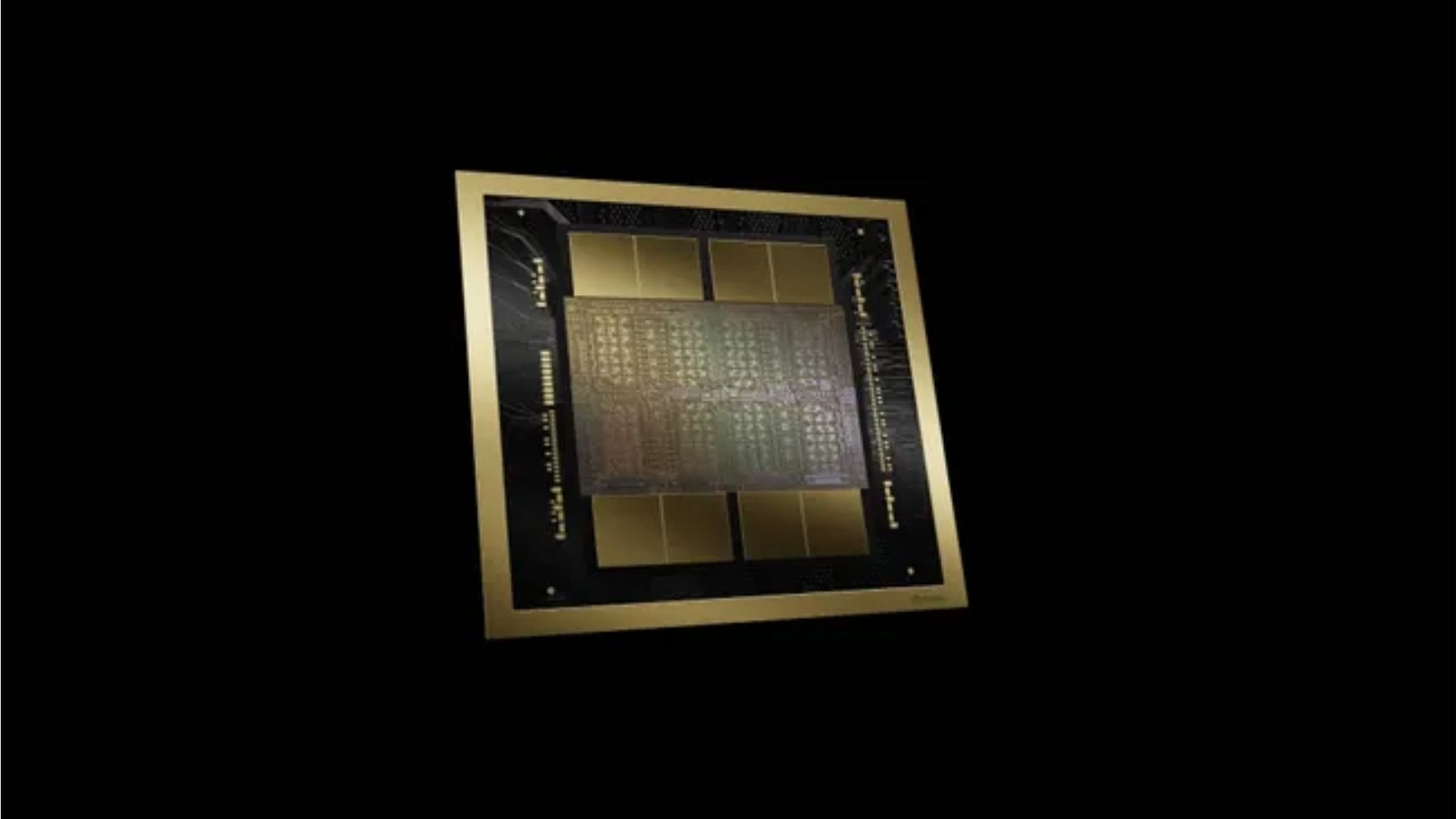
Nvidia GeForce RTX 5060 Can Now Run Metal Apps and Games on Intel Macs Through an Unofficial Driver
An RTX 5060 has run Metal workloads in macOS through an unofficial driver, but broad compatibility, performance and safe installation remain unproven.

macOS 27.2 public beta 3 reaches Mac testers with some important fixes
macOS 27.2 public beta 3 is available with build 26B5101f, an Xcode code-completion fix, and known display and notification issues for testers.

macOS 27.2 beta brings back precise volume and brightness steps
macOS 27.2 beta 2 adds segmented volume and brightness overlays for keyboard adjustments, making every step easier to see while keeping Liquid Glass.

What an Older, Security-Only Software Branch Still Gets From Apple
When a device ages off Apple’s current iOS, iPadOS or macOS branch, it does not necessarily stop receiving updates. Apple’s own security index shows a second kind of update, security-only, that keeps arriving on a fixed list of older devices and versions without ever bringing a new feature. iPadOS shares this pattern with iOS on…

Apple Is Patching Three Different Versions of macOS at the Same Time
Apple’s security releases index shows three separate versions of macOS, Tahoe, Sequoia and Sonoma, all receiving security updates within the same short windows across July and August 2026. That is a pattern visible in Apple’s own table, not a policy Apple has stated about how many macOS versions it supports at once. The Mac mini…

Still Current, Still Patched or Neither: Apple's Three States of Software Support
Apple’s software support is not a single on-or-off switch. Reading Apple’s own security releases index shows three distinct states a device can occupy at any moment: still receiving the current operating system, still receiving security-only patches on an older branch, or appearing in neither list Apple currently publishes. Apple's iOS interface. iOS currently has two…

Safari's Tracking Prevention and Fraud Warning: What Apple Documents Beyond Private Relay
Safari carries at least four documented privacy features that are separate from iCloud Private Relay and do not require an iCloud+ subscription: Intelligent Tracking Prevention, a free tier of IP address hiding from known trackers, a Privacy Report, and Fraudulent Website Warning. Apple describes each one differently, and only one of them needs a paid…
Apple Releases macOS 27 Beta 8 for Developers with Latest Fixes
Apple just released macOS 27 beta 8 for developers. Learn how to install the update and explore the new artificial intelligence features coming this fall.

New Mac Mini And Studio Models Will Launch With macOS Golden Gate
Apple’s new Mac mini and Mac Studio computers will ship with macOS Golden Gate already installed, bringing fresh tools like Siri AI to buyers on day one.

macOS Golden Gate Beta Brings Dynamic Bridge Wallpapers and New Icons
Apple recently added day and night video wallpapers of the Golden Gate Bridge and glossy 3D window control buttons to its sixth macOS 27 developer beta.

Apple Rolls Out Release Candidates For macOS Tahoe And Sequoia
Apple released the release candidates for macOS Tahoe 26.7 and macOS Sequoia 15.8. Find out how to download and install these new updates on your computer.

Apple Releases macOS 27 Golden Gate Developer Beta 6 For Testing
Apple just released the macOS 27 Golden Gate developer beta 6 for software testers. Read what the new desktop update brings and how to install it on a Mac.

Hackers Are Actively Exploiting a Dangerous Mac Screen Sharing Flaw
Hackers are exploiting a critical macOS screen sharing vulnerability to secretly mine cryptocurrency. Update your Mac right now to protect your data today.

Claude Code Now Allows Multiple Sessions To Message Each Other
The latest Claude Code update lets multiple active sessions message each other on macOS. This feature helps developers coordinate tasks across open windows.

MacPaw Partners With Liquid AI To Build Local Assistant Tools
MacPaw and Liquid AI are building a new local AI assistant layer for Mac apps. The shared technology stack aims to boost privacy and process tasks locally.

Mac Running Slow? How to Make it Fast Again
We answer the perennial question: why is my Mac running slowly. Then, we’ll provide troubleshooting tips to speed things back up.

Tapbots Launches Pastebot 3 With New Smart Features
Tapbots released Pastebot 3 for Mac, adding rule-based organization, powerful text filters, and smooth iCloud syncing for clipboard management.

Google Gemini Brings Smart Voice Control And Clean Typing To Mac
Gemini for Mac offers advanced voice control and smart dictation that cleans up your speech. The app can also read your screen to help with daily tasks.

LM Studio Bionic Now Supports The Kimi K3 Model By Moonshot AI
LM Studio Bionic now supports Kimi K3 by Moonshot AI. The massive 2.8 trillion parameter model brings native vision and a huge context window to the app.