
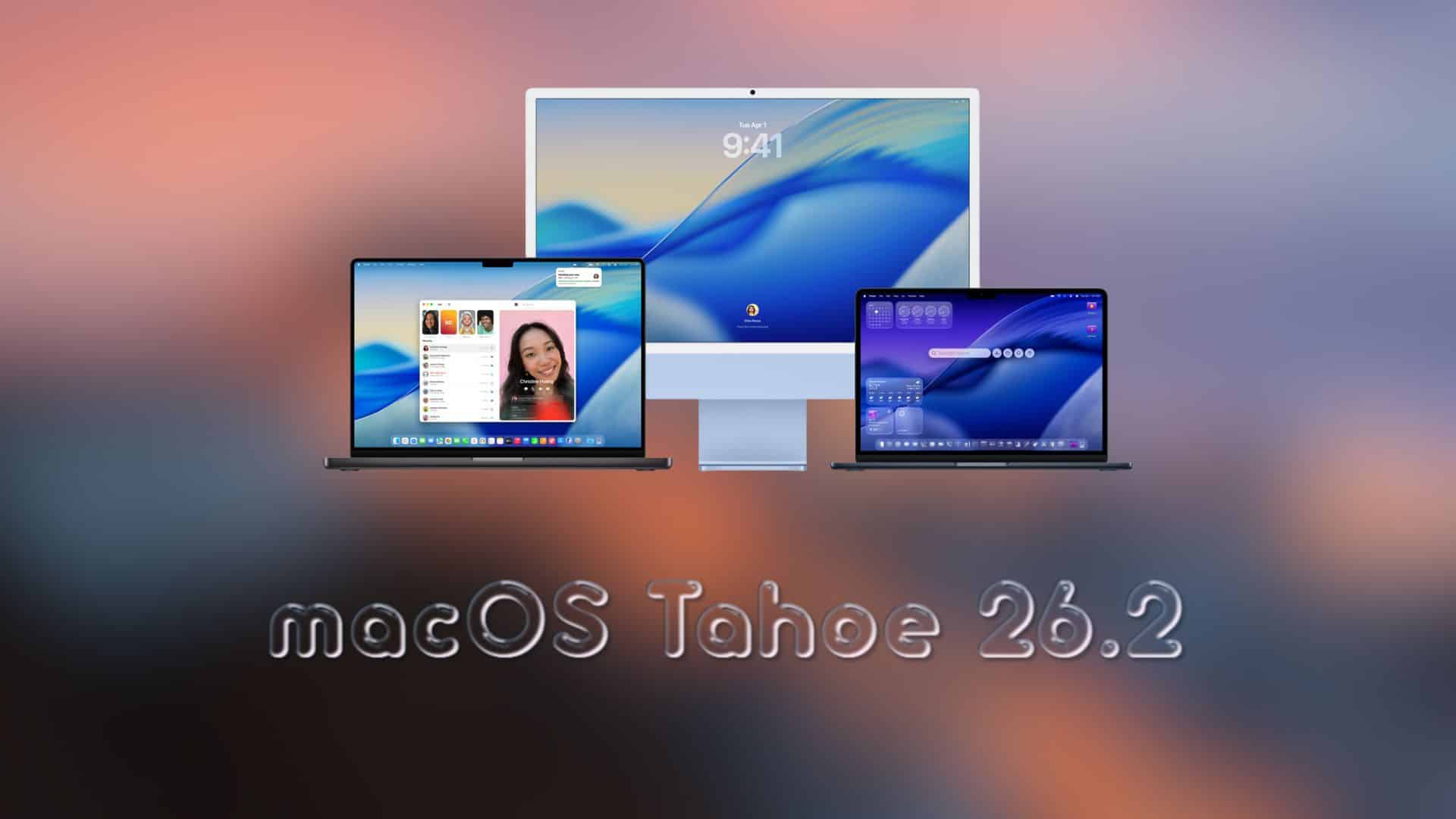
Apple shipped the first 26.2 betas to developers earlier this month. Public beta testers can now grab macOS 26.2 public beta 2 through Software Update.
Early testers report one notable tweak: Edge Light for video calls. It adds a subtle illuminated border around the display to improve face lighting in dim rooms, with controls for warmth and thickness on supported Apple silicon Macs. Expect the usual bug fixes and performance improvements as well.
If you test pre-release software, back up your Mac first. Then install only on a secondary machine if possible. Apple’s public beta program is free to join, and you can leave at any time.
Don’t miss the best of The Mac Observer
Set us as a preferred source and our Apple reporting ranks higher in your Google Search results and Discover feed — one tap, no account changes.
How to update
- Enroll your Apple ID at the Apple Beta Software Program site and sign in.
- On your Mac, open System Settings, then go to General > Software Update.
- Click the info button next to Beta Updates and choose macOS Public Beta. Then check for updates and install 26.2 public beta 2.
If you do not see the beta option, confirm that your enrolled Apple ID is signed in on the Mac, then recheck Software Update.
macOS 26.2 general changes
Edge Light is the headline change in this build, giving video calls a cleaner, ring-light-style look without extra gear. You can adjust the effect’s warmth and thickness, and it works alongside Portrait, backgrounds, and Voice Isolation in supported apps. Under the hood, Apple is also refining stability and app compatibility ahead of the final 26.2 release.
As always with betas, you can file issues in Feedback Assistant to help Apple polish the update before rollout. If needed, you can return to standard releases by turning off Beta Updates in Software Update.
That is the state of macOS 26.2 public beta 2 today. Try it, test your workflows, and tell us how it runs on your Mac in the comments.



NOT WORKING, WHY DOES THE GUI FALL INTO 5 PARTS, IT’S INSANE