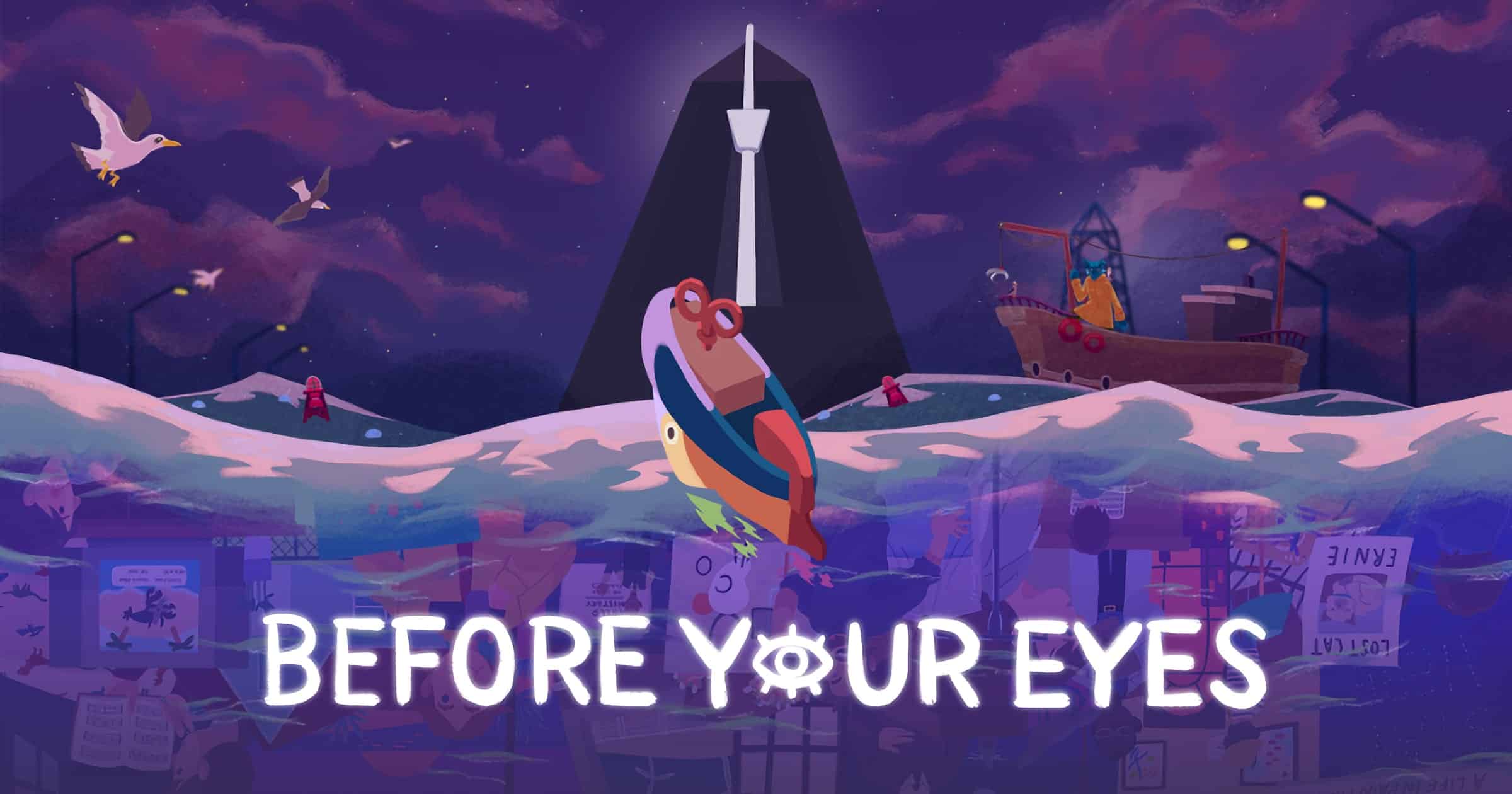
In Before Your Eyes, players embark upon a thought-provoking journey with the Ferryman who is tasked with shepherding souls to the afterlife. They move through time by using real-world blinking to interact and progress through the story. Before Your Eyes’ unique blink interaction mechanic offers a novel way for players to control the story and become more immersed, as their progress is determined through their eyes and detected through the player’s webcam. Purchase Before Your Eyes on Steam as part of a deluxe content bundle including the game, its complete soundtrack in MP3 and lossless formats and an artbook with concept art, character designs and insight from the team for US$13.49. The deluxe content is also available separate from the game for US$7.99.

Long-Time Indie Developer Wil Shipley Joins Apple
OG indie developer Wil Shipley has joined Apple where he will be working as a Senior iOS Home Application Engineer.

Laying the Foundation — Media+
Jeff Butts joins Charlotte Henry to discuss the new Apple TV+ blockbuster ‘Foundation’. Can it win over a sci-fi skeptical host?

New 'Mastercard Installments' Program Helps You Buy Now, Pay Later
A rumor we heard of in July was that Apple would launch “Apple Pay Later” to let people pay for purchases in installments, like Apple Card customers enjoy. This was not announced at the iPhone 13 event, but in the meantime, Mastercard customers can use a similar service.
Mastercard Installments enables consumers to digitally access BNPL offers, either pre-approved through their lender’s mobile banking app or through instant approval during checkout. Pre-approved installments can be used directly on a merchant’s website, and can be stored in digital wallets including Click-to-Pay, to then be used online or in-store wherever Mastercard is accepted. Instant approvals during checkout will be available through Click-to-Pay shortly after launch.
Backblaze Announces Disaster Recovery Solution for Backups
Backblaze has announced “Backblaze Instant Recovery in Any Cloud” on Tuesday. It’s aimed at ransomware attacks so affected companies can recover faster.

Tech21 Unveils Line of Hygienic iPhone 13 Cases
On Tuesday Tech21 announced the availability of its iPhone 13 case lineup. They have drop protection, a built-in hygienic formula, and MagSafe.
1Password Adds Email Aliases Powered by Fastmail Called 'Masked Email'
1Password has teamed up with Fastmail to give users a way to create email aliases when signing up for accounts.

‘The Morning Show’ Season Two Episode Two Review: Guess Who's Back?
Tensions are running high in the second episode of The Morning Show season two as Bradley storms off and Alex is comes storming back.

Coding in the Classroom Made Easy With hyperPad
Some say you can’t use an iPad to teach coding in the classroom. An app is proving that theory wrong one young learner at a time.
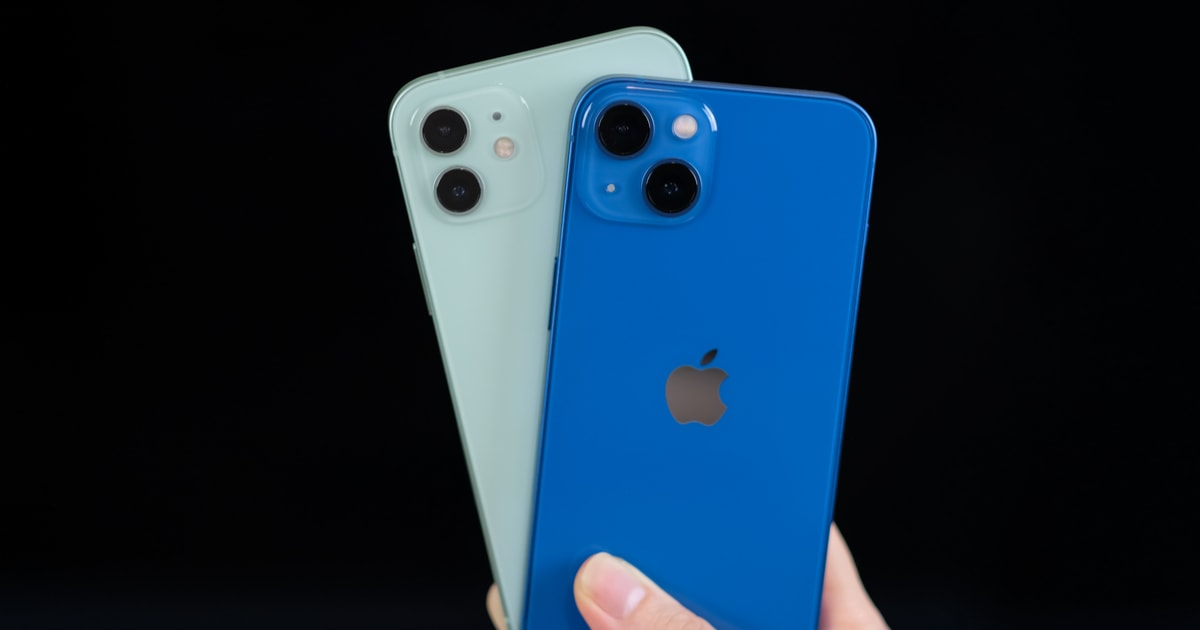
Check Out Your iPhone's User Guide
Whether you’re a seasoned veteran to the iPhone or a complete newbie, it’s nice to have some documentation to check out. This helps you learn all the features on iOS. It’s especially helpful when a major upgrade comes out, and things work differently. I’m looking at you, Safari. As luck would have it, your iPhone’s user guide is just waiting for you in iOS. One need only know where to look. In this case, just open your Bookmarks in Safari, and you’ll find it there. The current version of the iPhone’s user guide covers new features in iOS 15, setting up your iPhone, the basics of iOS, and quite a bit more. Yes, there’s even an entry on customizing Safari’s layout so you can return the tabs and search bar to the top of the screen. Another entry in the iPhone User Guide help you manage your security and privacy. You can also learn about using your iPhone with iPad, iPod Touch, Mac, and PC. There’s a ton more useful information, so be sure to at least give it a glance.