

With USB-C now appearing across Apple’s product lineup, many users assume they can plug an Apple Pencil directly into an iPhone for a quick top-up. It’s a reasonable question, but can Apple Pencil charge on iPhone?
The official answer is no. Apple does not support charging or pairing the Apple Pencil with any iPhone model. Here’s what actually works and why that limitation exists.
Table of contents
Why Apple Pencil Doesn’t Charge on iPhone

Every Apple Pencil model is engineered specifically for iPad hardware. Charging methods rely on power-delivery systems and software frameworks that are available only on supported iPads.
Don’t miss the best of The Mac Observer
Set us as a preferred source and our Apple reporting ranks higher in your Google Search results and Discover feed — one tap, no account changes.
Apple currently supports three charging methods:
- Apple Pencil (1st generation): Charges via a Lightning connector on compatible iPads
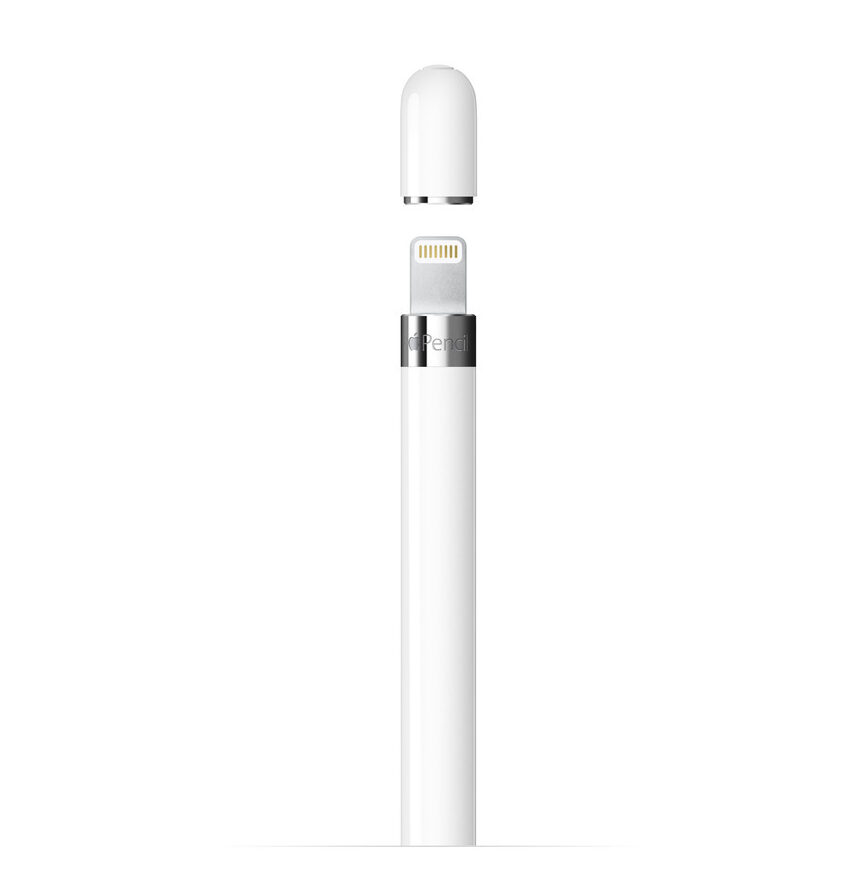
- Apple Pencil (2nd generation): Charges magnetically on supported iPad Pro and iPad Air models
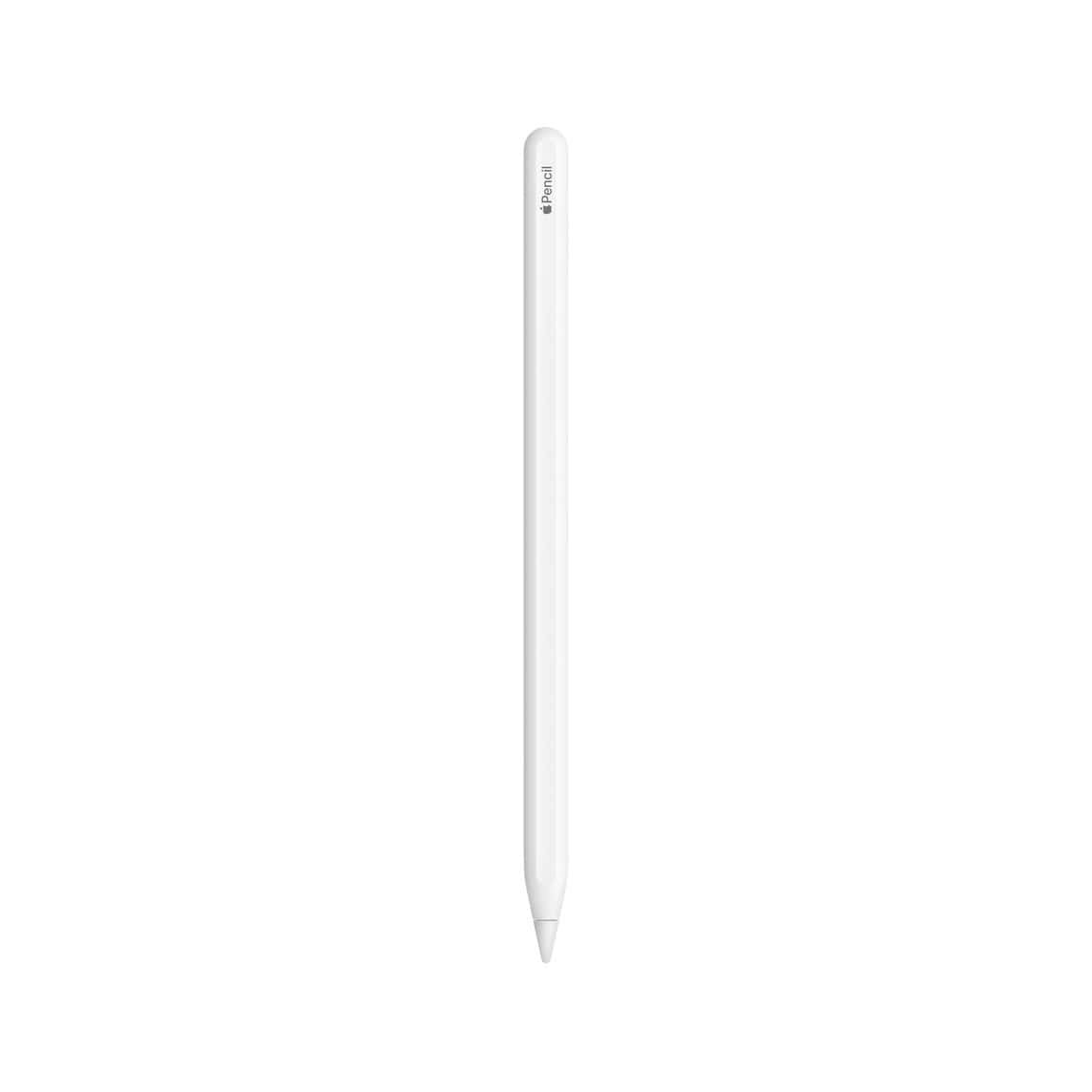
- Apple Pencil (USB-C): Charges using a USB-C cable but still requires a supported iPad for authentication and power management


Although newer iPhones now use USB-C, they lack the required charging and pairing protocols used by Apple Pencil. Even with the same port shape, iOS does not provide the power negotiation needed for Pencil charging.
Apple clearly confirms on its Apple Pencil compatibility page that the accessory is supported only on iPad models and cannot be used with iPhones.
What Happens If You Try to Charge an Apple Pencil With an iPhone?
If you connect an Apple Pencil to an iPhone using a cable or adapter:
- No charging icon appears
- The Pencil does not draw power
- Pairing does not occur
- Battery level remains unchanged
According to Apple’s official instructions on how to pair and charge Apple Pencil, the accessory must be connected to a compatible iPad to initiate charging, and syncing iPhones is not supported at any stage of this process.
Why Apple Restricts Apple Pencil to iPads Only
This restriction exists for fundamental technical reasons:
- Display hardware: Apple Pencil input depends on iPad-specific digitizer technology that iPhones simply do not have.
- Power management: iPhones are not designed to deliver sustained external accessory power for Apple Pencil charging.
- Software limitations: iOS lacks the system frameworks required for Apple Pencil input, pairing, and battery management.
Even if a physical connector fits, the internal power routing and software support are missing.
What to Do Instead If You’re New to Apple Pencil
If you’re setting up your Apple Pencil for the first time, it’s important to follow the correct pairing and charging method based on your Pencil generation. Our detailed walkthrough on how to use Apple Pencil for setup, pairing, and daily features explains exactly how to get started on supported iPads.
If your Pencil isn’t charging even on a compatible iPad, these six proven fixes for Apple Pencil charging issues cover the most common causes and solutions before assuming hardware failure.
The Bottom Line
So, can the Apple Pencil charge on an iPhone?
No! Apple Pencil cannot charge on any iPhone model. Charging and pairing are strictly limited to supported iPads, regardless of whether the connector is Lightning, magnetic, or USB-C.
If you rely on Apple Pencil for work, study, or creative tasks, the only reliable way to keep it powered is through a compatible iPad using the officially supported charging method for your specific Pencil generation.




Discussion