
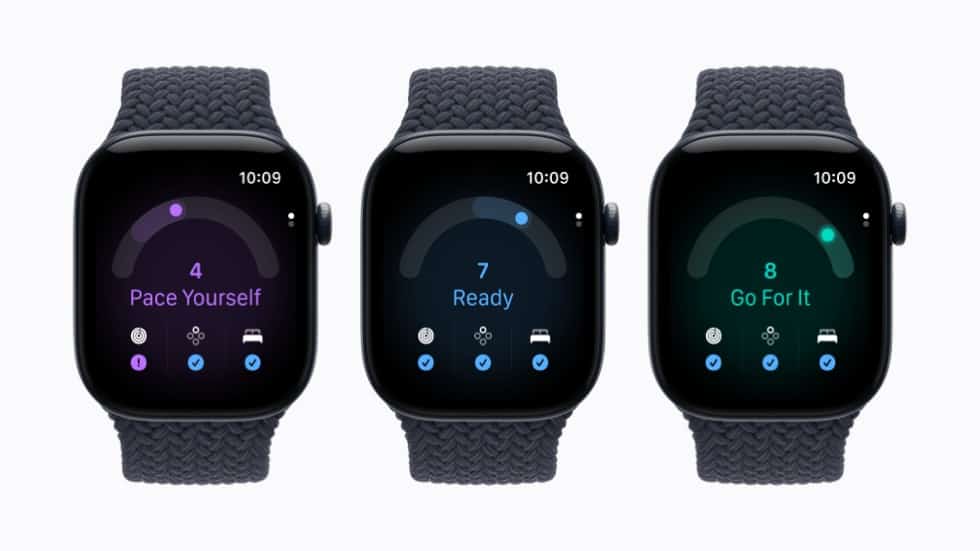
A missing readiness score on Apple Watch Series 12 or Ultra 4 usually means a setup step is incomplete or the watch hasn’t recorded enough sleep. Apple’s support document, published September 14, lists four things to check: your Health Details, Activity, overnight vitals with at least 7 nights of sleep on the watch, and Sleep turned on with the watch worn last night.

In the first week with a new watch, a blank Readiness app is normal. If a score still hasn’t appeared after that, work through the checks below. Once it does, our guide explains which score from 0 to 10 gets each verdict.
Make sure your watch has Readiness
The Readiness app is available only on Apple Watch Series 12 and Apple Watch Ultra 4, and only for people 13 and older, according to Apple’s user guide. An older watch won’t show a score however long you wear it.
Don’t miss the best of The Mac Observer
Set us as a preferred source and our Apple reporting ranks higher in your Google Search results and Discover feed — one tap, no account changes.
Work through Apple’s checklist
- Health Details. On iPhone, open the Fitness app, tap Summary, tap your picture or initials, then tap Health Details. Make sure your height, weight and age are filled in.
- Activity. Open the Activity app on the watch. If it has never been set up, turn the Digital Crown to read the Move, Exercise and Stand descriptions, then tap Get Started.
- Sleep. Apple wants Sleep set up and enabled. If you’ve never used the Sleep app, open it on the watch, tap Continue and set a schedule. If you switched your schedule off, for a vacation say, open Sleep, tap the Wake Up Alarm button, scroll to Full Schedule and turn Sleep Schedule back on.
- Overnight vitals. Apple offers this during Sleep setup: after setting your schedule, tap Next and choose to turn on overnight vitals. Your overnight readings then appear in the Vitals app on the watch.
Count the nights, including last night
Apple asks for at least 7 nights of sleep with the watch before a first score, and its checklist also says you should have “slept with your watch last night.” Charging it overnight means missing that condition for the next day. The Sleep app prompts you to charge before bed when the battery is below 30 percent, which is a good cue to top up in the evening instead.
The vitals part of the score depends on a baseline too. Apple’s user guide says vitals are compared with “your recent baseline, which requires you to sleep with your watch at least 7 of the past 49 nights.” That window covers the last seven weeks, so a long spell without wearing the watch to bed can leave the baseline short.
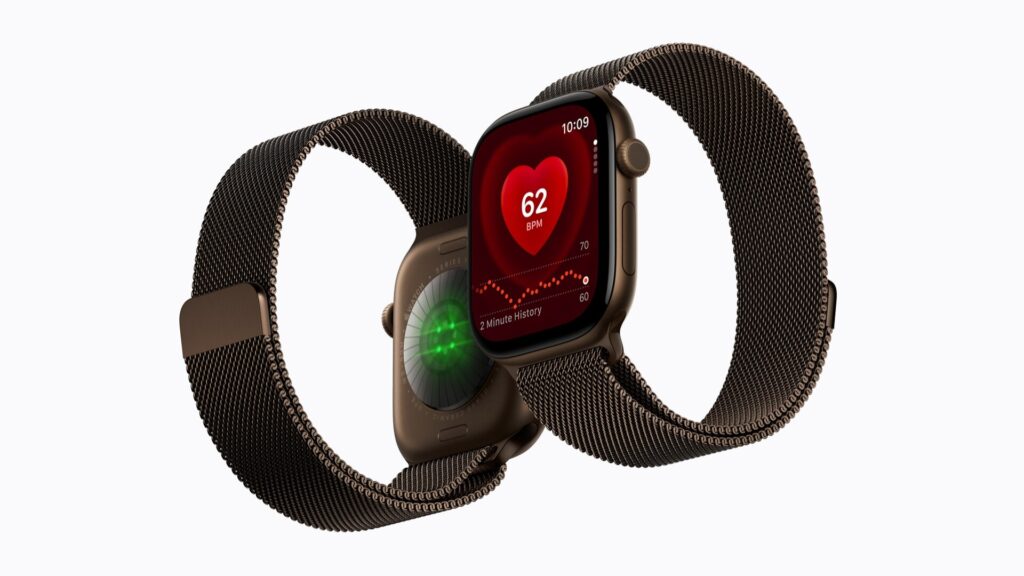
Fit matters as well. Apple says the back of the watch needs skin contact for the heart rate sensor, and recommends a fit that is “not too tight, not too loose.”
Look in the right place
Open the Readiness app on the watch. On iPhone, open the Fitness app and tap Readiness; Apple notes you may need to scroll to the bottom of the screen to find it.
A score that drops during the day isn’t a fault either. Apple says it updates “based on calories burned, naps, and your daytime heart rate,” and can go down after a workout.
Readiness is a general wellness feature. Apple says it “should not be solely relied on to determine whether it is safe to exercise,” and suggests stopping a workout or seeking medical attention if you have concerning symptoms.



