
Comprehensive Guide to Mac Trackpad Gestures and Force Touch

Mac Trackpad Gestures
With Mac trackpad gestures, you can speed up your workflow and become a Mac pro

Page 3 – Navigating Web Pages and Full-Screen Apps

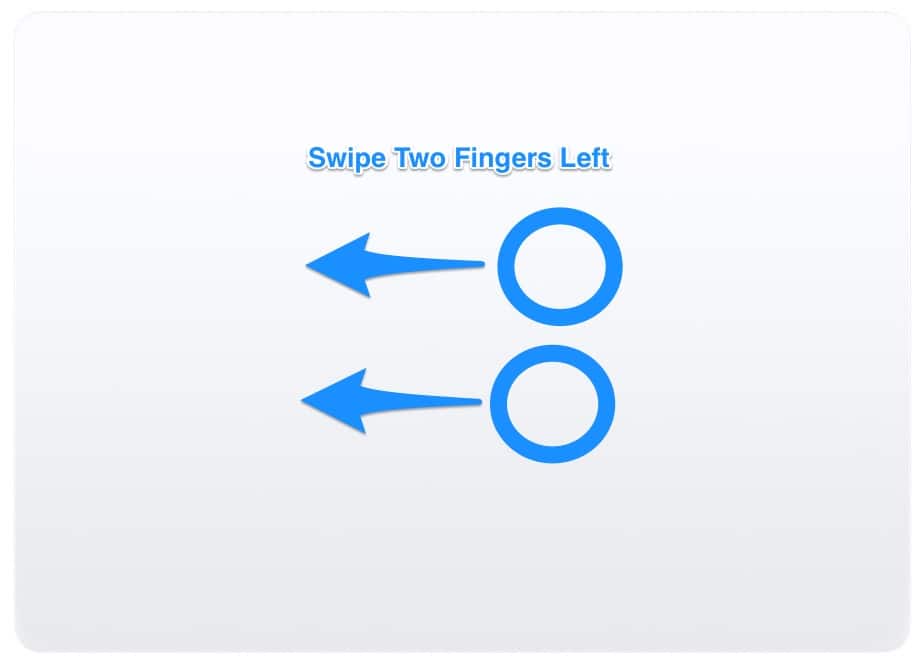
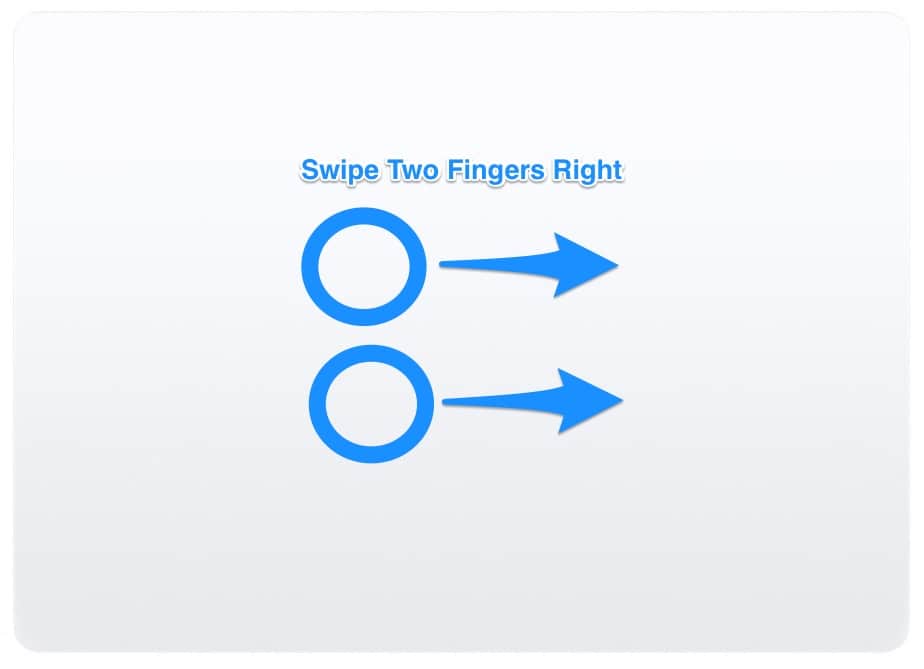
If you want to go forward or backward through your web page history, there’s a gesture for that. Just swipe left or right with two fingers, and you’ll go to the previous or next page.
Mac Trackpad Preferences - Back a Page
Swipe two fingers left to go back a page in your web browser
Mac Trackpad Gestures - Forward a page
Swipe two fingers right to go forward a page in your web history

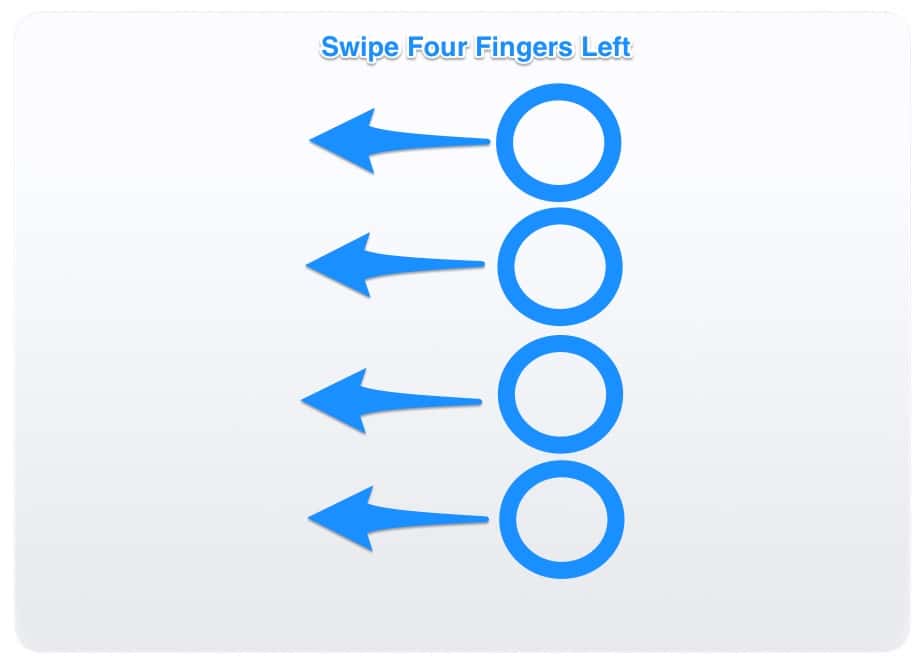
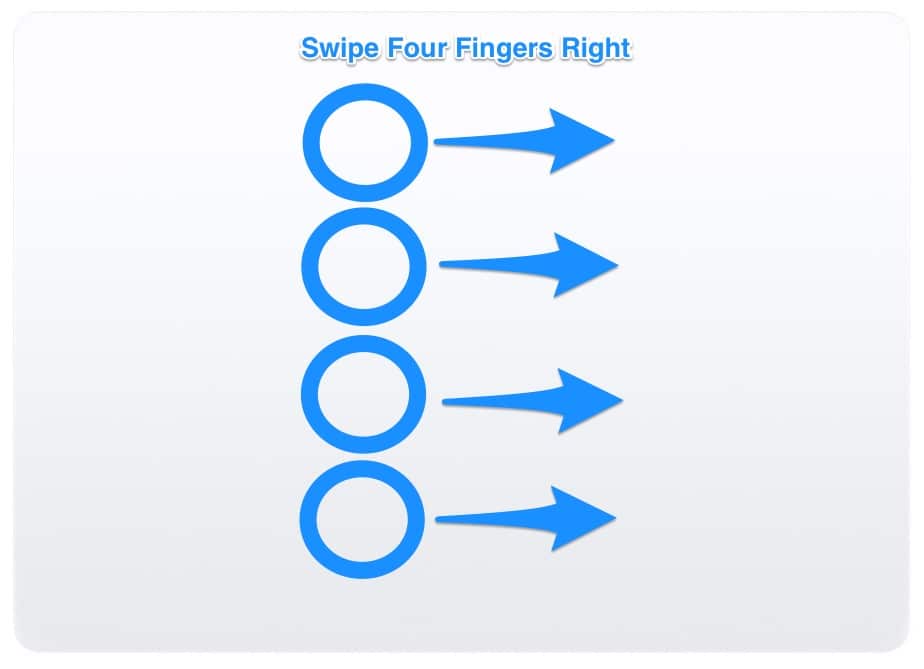
If you like to go full-screen with your apps and want a quick way to switch between them, you can swipe left or right with four fingers. You’ll quickly swap apps, moving from one to the other.
Don’t miss the best of The Mac Observer

Set us as a preferred source and our Apple reporting ranks higher in your Google Search results and Discover feed — one tap, no account changes.

Or get it by email
Mac Trackpad Gestures - Full Screen Apps
Swipe four fingers left to go back through your full-screen apps
Mac Trackpad Gestures - Full Screen Apps
Swipe four fingers right to go forward through your full-screen apps

Next, if you swipe down with four fingers, a feature called app exposé will activate. You’ll see all the windows of the app you’re using. This is very handy if you’re switching back and forth between several documents.
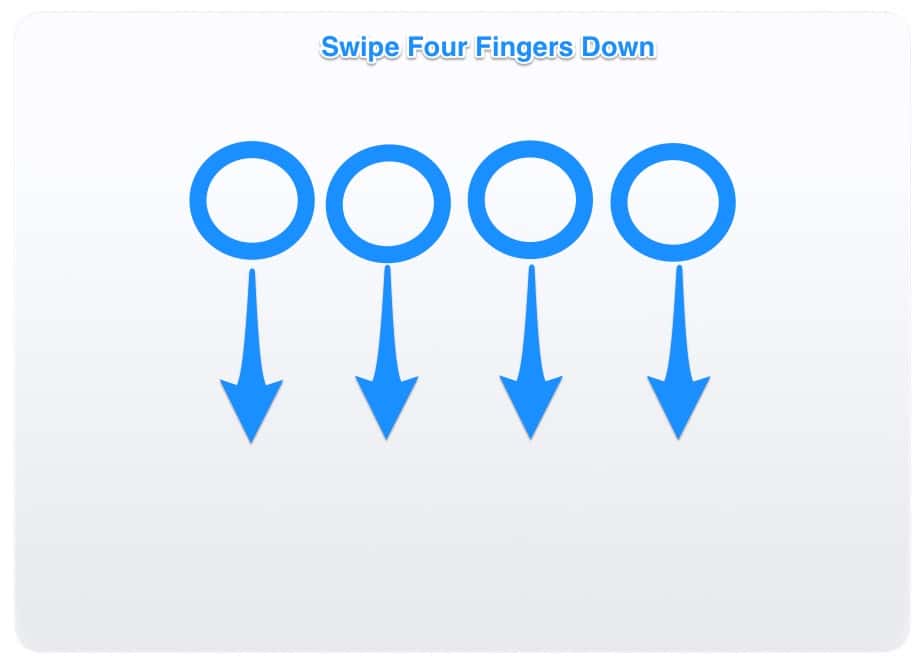
Mac Trackpad Gestures - App Exposé
Swipe down with four fingers to activate App Exposé

Up Next – Gestures for the Desktop and More

Discussion

2 comments
Newest first
Join the discussionCommenting as a guest — your email is never published · Log in

Protected by Akismet — be kind, stay on topic.

This site uses Akismet to reduce spam. Learn how your comment data is processed.

  1. Jeff Butts Author 9 years ago

    Yes, that’s true. Hence this statement:

    Speaking of which, this guide assumes you are running macOS Sierra on a MacBook or MacBook Pro with a Force Touch trackpad, or any Mac with a Magic Trackpad 2.

    Reply
  2. davidneale Subscriber 9 years ago

    The Force Click feature requires a Force Touch Trackpad. It is not available to earlier Trackpad versions.

    Reply



